

High frequency recommended vocabulary

IEC 61000-4-19 covers immunity to conducted differential-mode disturbances and to signalling voltages in the frequency range from 2 kHz to 150 kHz applied at a.c. power ports. The band has become a practical concern as the number of devices that deliberately inject signals or that switch at these frequencies has grown: power line communication systems, ripple control receivers, solar inverters, electric vehicle chargers and lighting drivers all operate there, and their emissions are not strongly limited by the standards that govern the higher frequency ranges. The test therefore has two purposes, to confirm that equipment is not disturbed by the differential-mode voltages generated by other equipment, and to confirm that a device intended to receive power line signalling is not upset by the disturbances present on the mains. The standard defines the disturbance waveform, which is a sinusoidal voltage whose frequency is swept or set at discrete points, the amplitude and the modulation used for the signalling test, and the coupling arrangement applied in series with the power port. The duration and repetition of each disturbance, the measurement of the applied voltage and the assessment criteria complete the document.
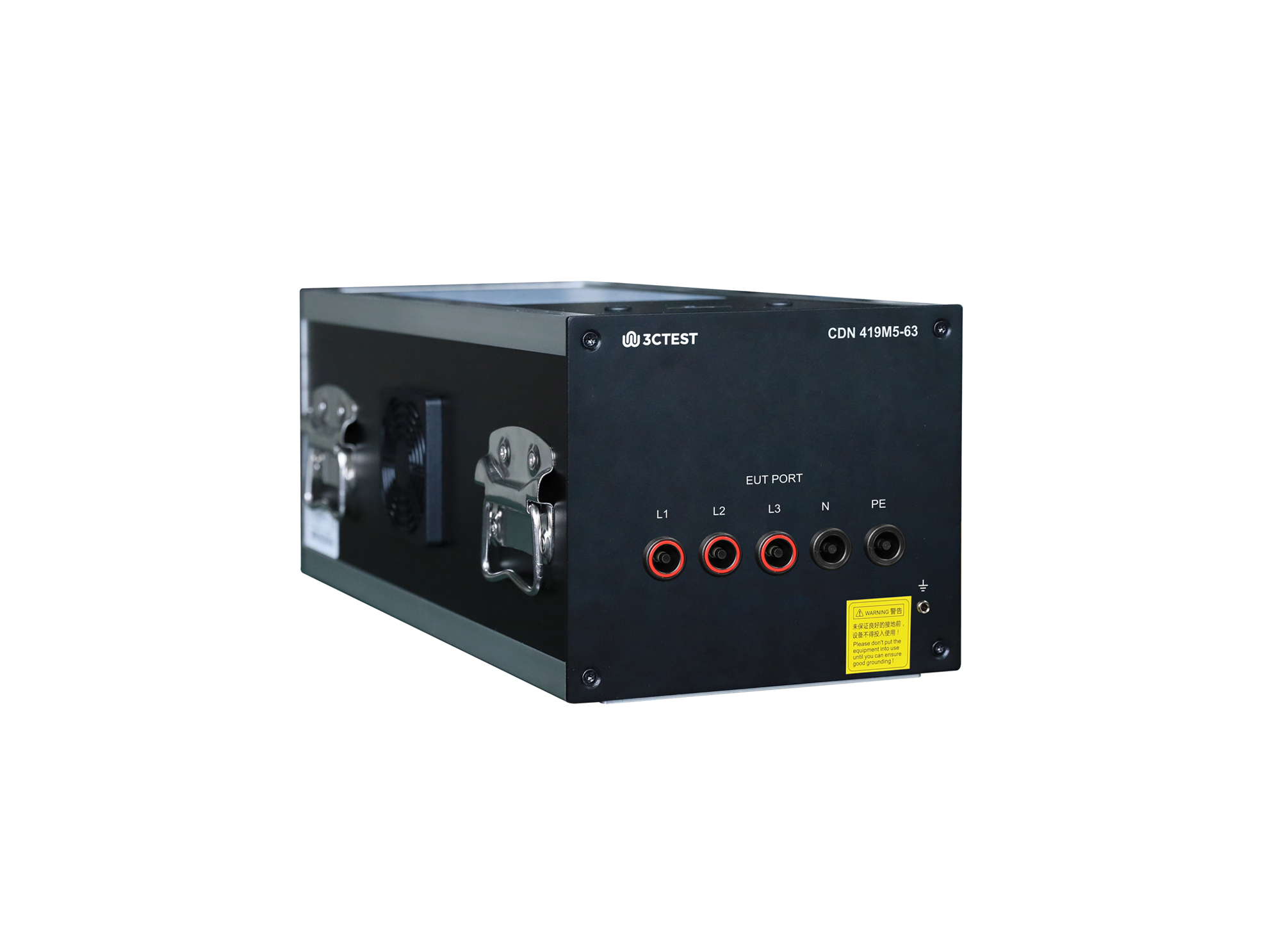
The CDN 419M5-63 is a differential-mode conducted immunity coupling/decoupling network complies with IEC 61000-4-19, GB/T 17626.19 and other domestic and international standards. It fully complies with CDN performance and cabling specifications.
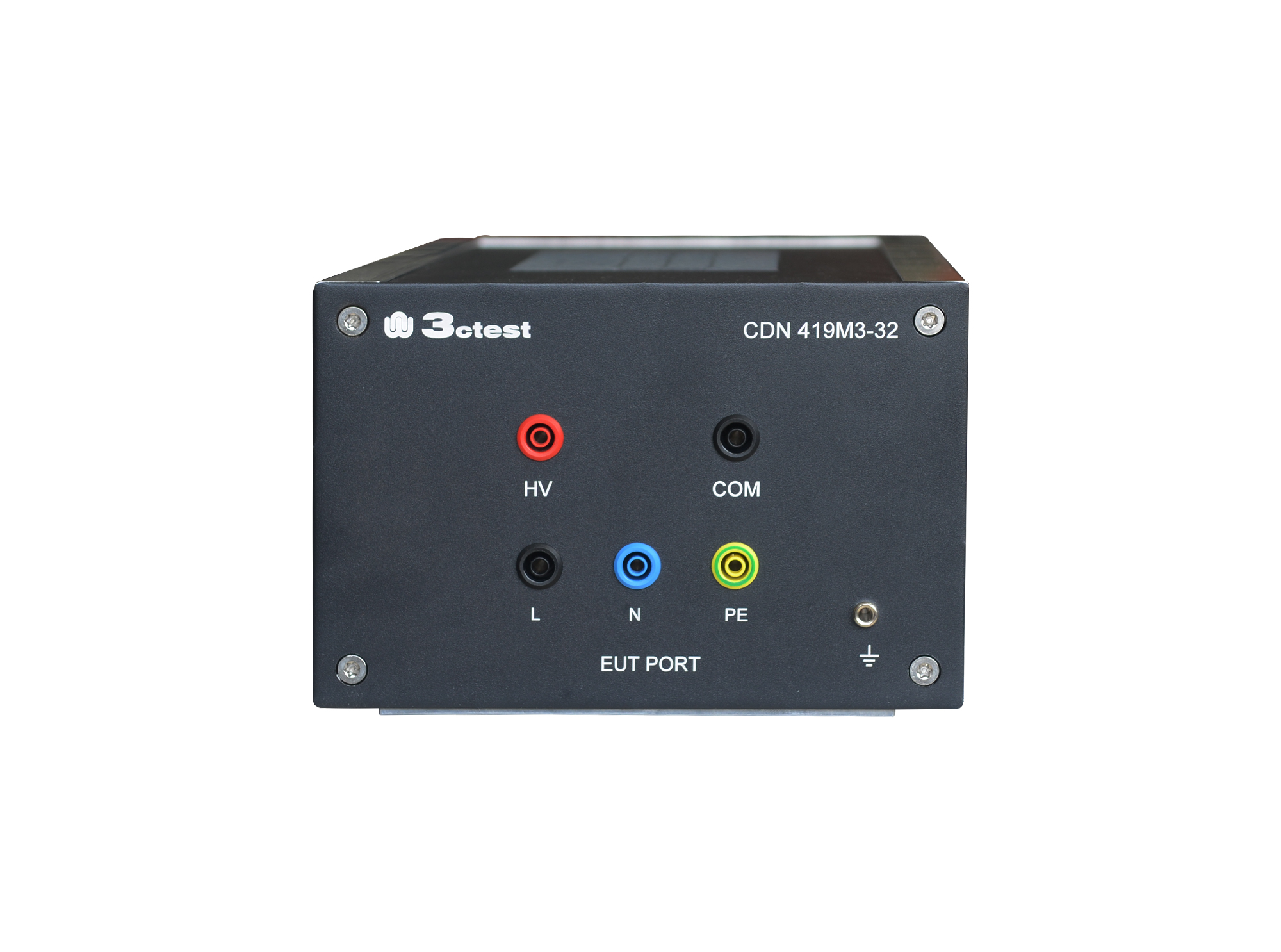
The CDN 419M3-32 is a differential-mode conducted immunity coupling/decoupling network complies with IEC 61000-4-19, GB/T 17626.19 and other domestic and international standards.
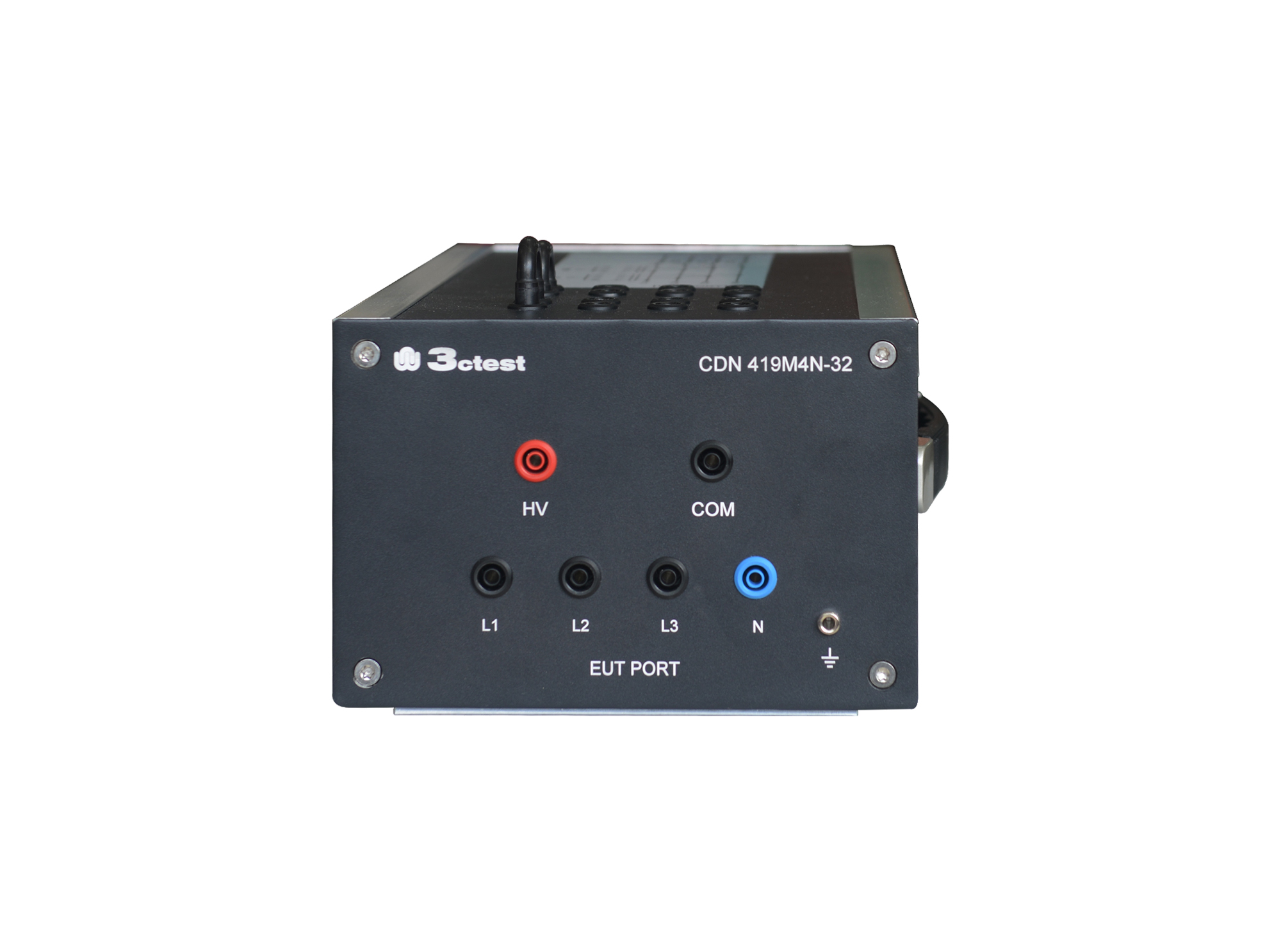
The CDN 419M4N-32 is a differential-mode conducted immunity coupling/decoupling network complies with IEC 61000-4-19, GB/T 17626.19 and other domestic and international standards.
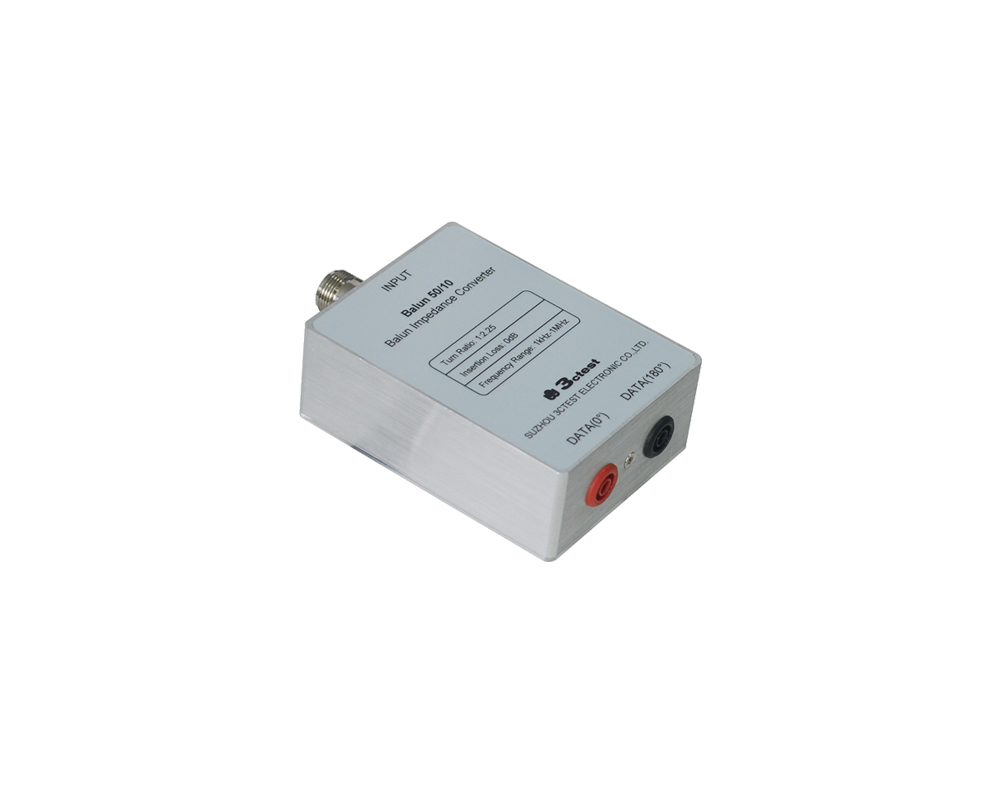
The Balun 50/10 is designed according to IEC 61000-4-19, capable of converting balanced signal to unbalanced signal with impedance transformation from 10 Ω to 50 Ω.
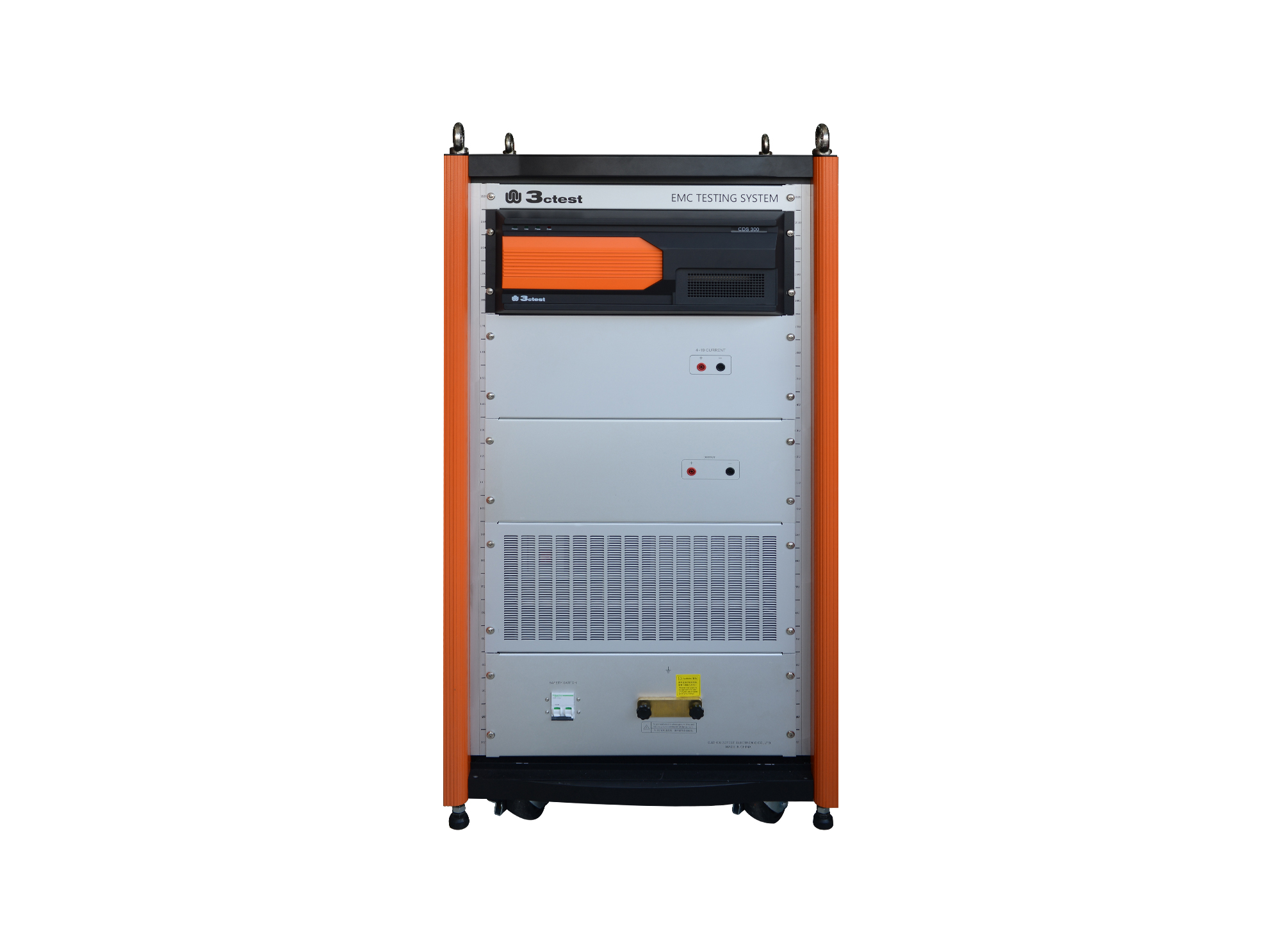
The CDS 300 is a common-mode conducted disturbance simulator with a frequency range of 0 Hz (DC) to 165 kHz and a max. output voltage of 300 V.
• Using the product inquiry function can help you quickly learn about the product's price and other related information.
• You can either inquire about a single product directly, or select multiple products to add to the inquiry bar and inquire about them together.
• How to make an inquiry





1. Using the product comparison function can help you find the target product you need for selection more quickly and easily.
2. You can add up to 5 products for comparison. Product models and parameters may vary across different series. It is recommended to compare products within the same series.
3. How to use the comparison bar.




 Phone: +86-512-68413700
 Email: info@3ctest.cn
 Address:No.99 E'meishan Rd, SND, Suzhou, Jiangsu, 215153, China,Suzhou, Jiangsu, 215153, China



© 2025 Suzhou 3CTEST


 Leave a Message


