

High frequency recommended vocabulary

IEC 61730-2 contains the test requirements that accompany the constructional requirements of Part 1 for the safety qualification of photovoltaic modules. It organises the tests into groups that reflect the sequence in which a module is assessed: the initial tests performed on the module as received, the tests that examine the construction and the general condition, the electrical tests carried out on the module in its normal state, and the tests performed after the module has been subjected to the environmental and mechanical stress sequences that are defined in the performance standards. Among the tests specified are the measurement of the impulse voltage withstand, the dielectric withstand test, the insulation test, the measurement of the wet leakage current, the verification of the mechanical integrity of the junction box and the test of the functionality of the bypass diodes. The standard defines the test conditions, the acceptance criteria, the number of samples required for each test and the way a module is prepared before testing, and it explains how the results of the individual tests combine to give a safety qualification.
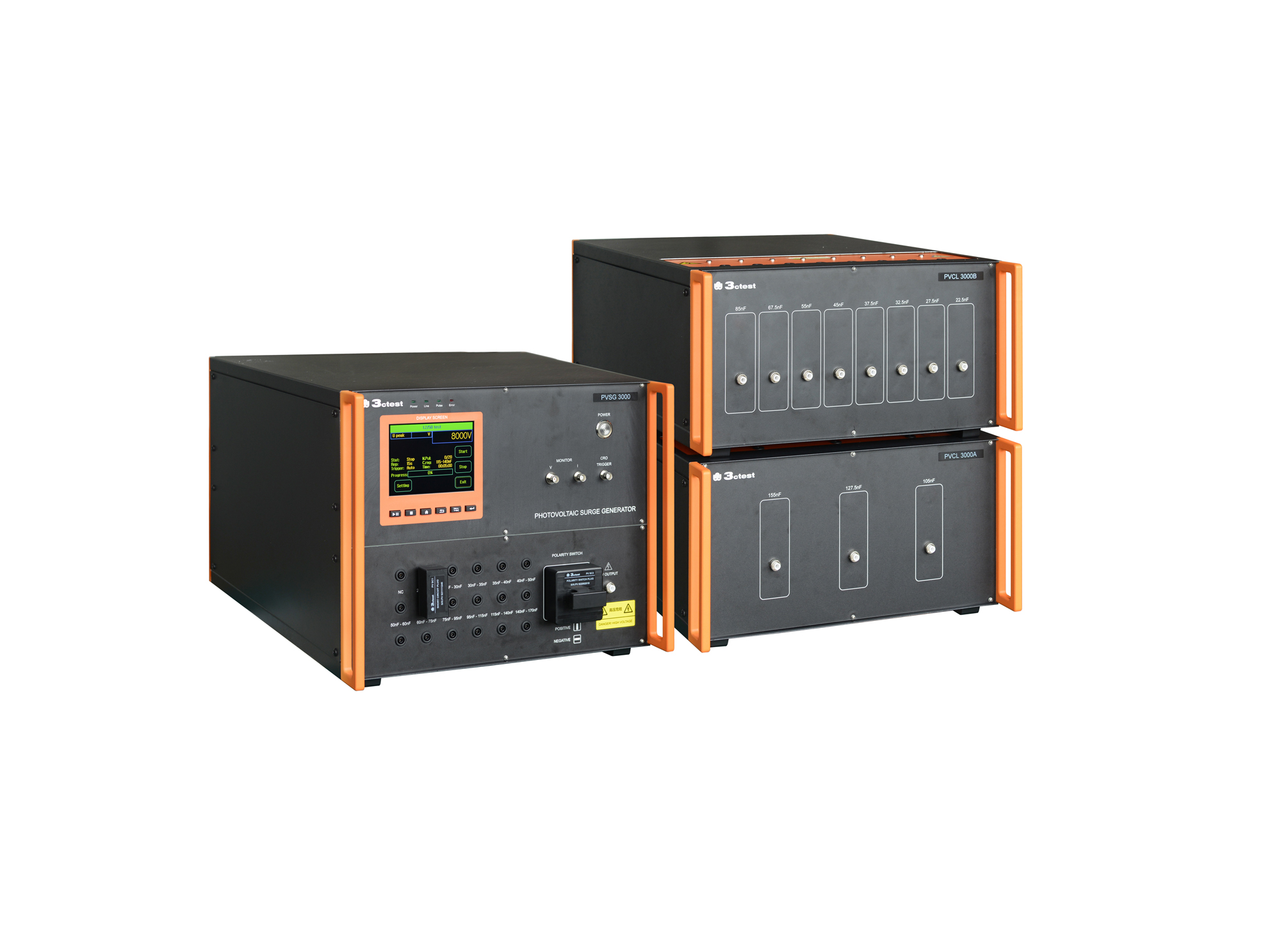
The PVSG 3000 photovoltaic impulse voltage generator is developed in compliance with IEC 61730-2 (MST14), IEC 61730-1 and IEC 60060-1. It delivers a standard 1.2/50 μs impulse waveform for photovoltaic panels testing with equivalent capacitance ranging from 20 nF to 170 nF.
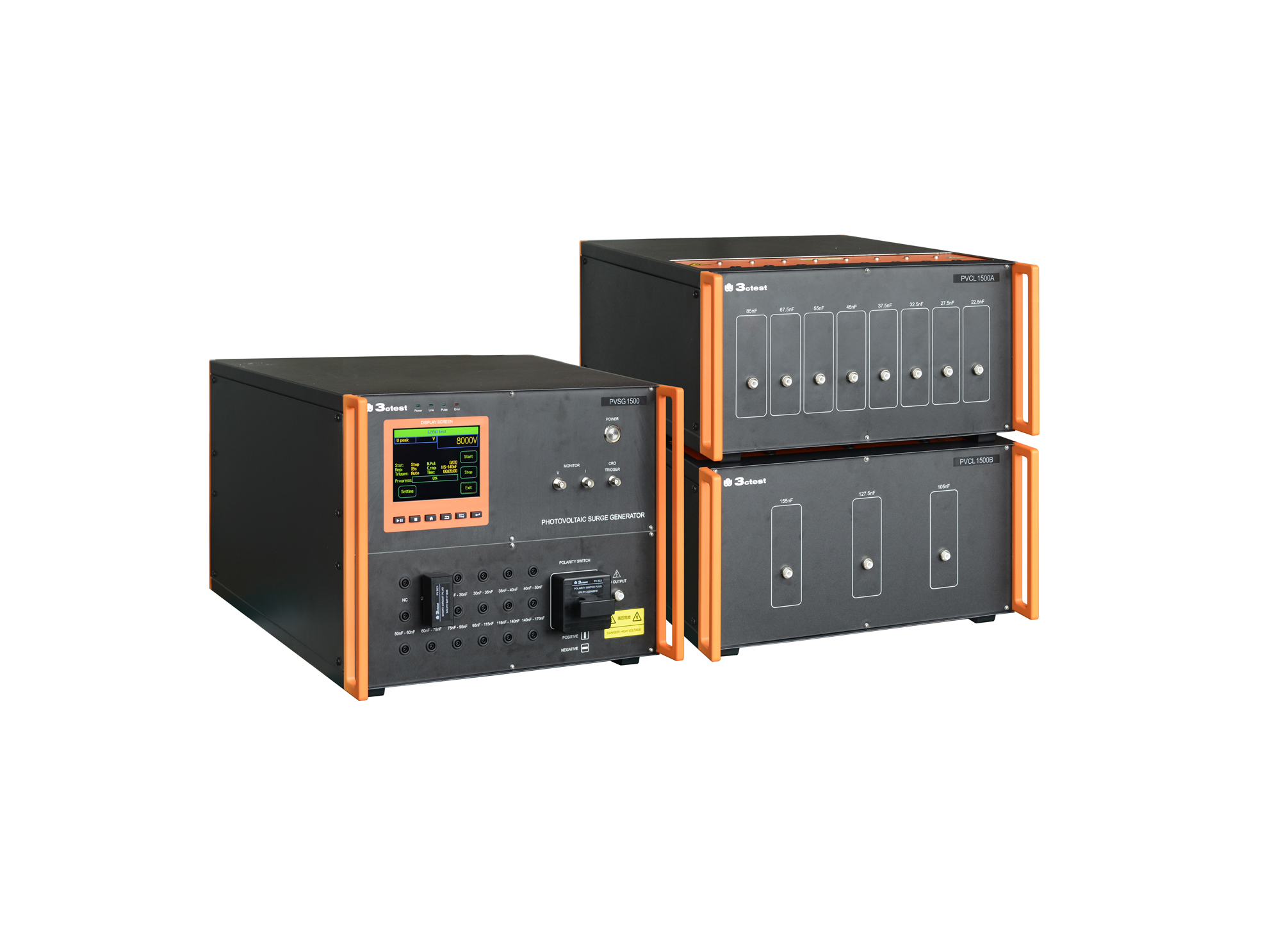
The PVSG 1500 photovoltaic impulse voltage generator is developed in compliance with IEC 61730-2 (MST14), IEC 61730-1 and IEC 60060-1. It delivers a standard 1.2/50 μs impulse waveform for photovoltaic panels testing with equivalent capacitance ranging from 20 nF to 170 nF.
• Using the product inquiry function can help you quickly learn about the product's price and other related information.
• You can either inquire about a single product directly, or select multiple products to add to the inquiry bar and inquire about them together.
• How to make an inquiry





1. Using the product comparison function can help you find the target product you need for selection more quickly and easily.
2. You can add up to 5 products for comparison. Product models and parameters may vary across different series. It is recommended to compare products within the same series.
3. How to use the comparison bar.




 Phone: +86-512-68413700
 Email: info@3ctest.cn
 Address:No.99 E'meishan Rd, SND, Suzhou, Jiangsu, 215153, China,Suzhou, Jiangsu, 215153, China



© 2025 Suzhou 3CTEST


 Leave a Message


