

High frequency recommended vocabulary

IEC 60950-1 contained the general safety requirements for information technology equipment and was for many years the standard against which computers, servers, printers, network equipment and telecom terminals were certified worldwide. It set out the classification of equipment by protection class and by the type of power source, then specified the requirements for protection against electric shock, including insulation levels, touch current limits, protective earthing and the separation of hazardous from accessible circuits. It also covered energy hazards from high-current low-voltage sources, fire containment through material and enclosure requirements, and the thermal, mechanical and radiation hazards associated with the product. A comprehensive series of type tests was defined: dielectric strength, insulation resistance, touch current, temperature rise, limited power source verification, capacitor discharge and a set of abnormal-condition tests. Component and subassembly requirements were included through a long set of annexes. Like IEC 60950 it has been withdrawn and replaced by IEC 62368-1, although a large installed base of certificates remains in force.
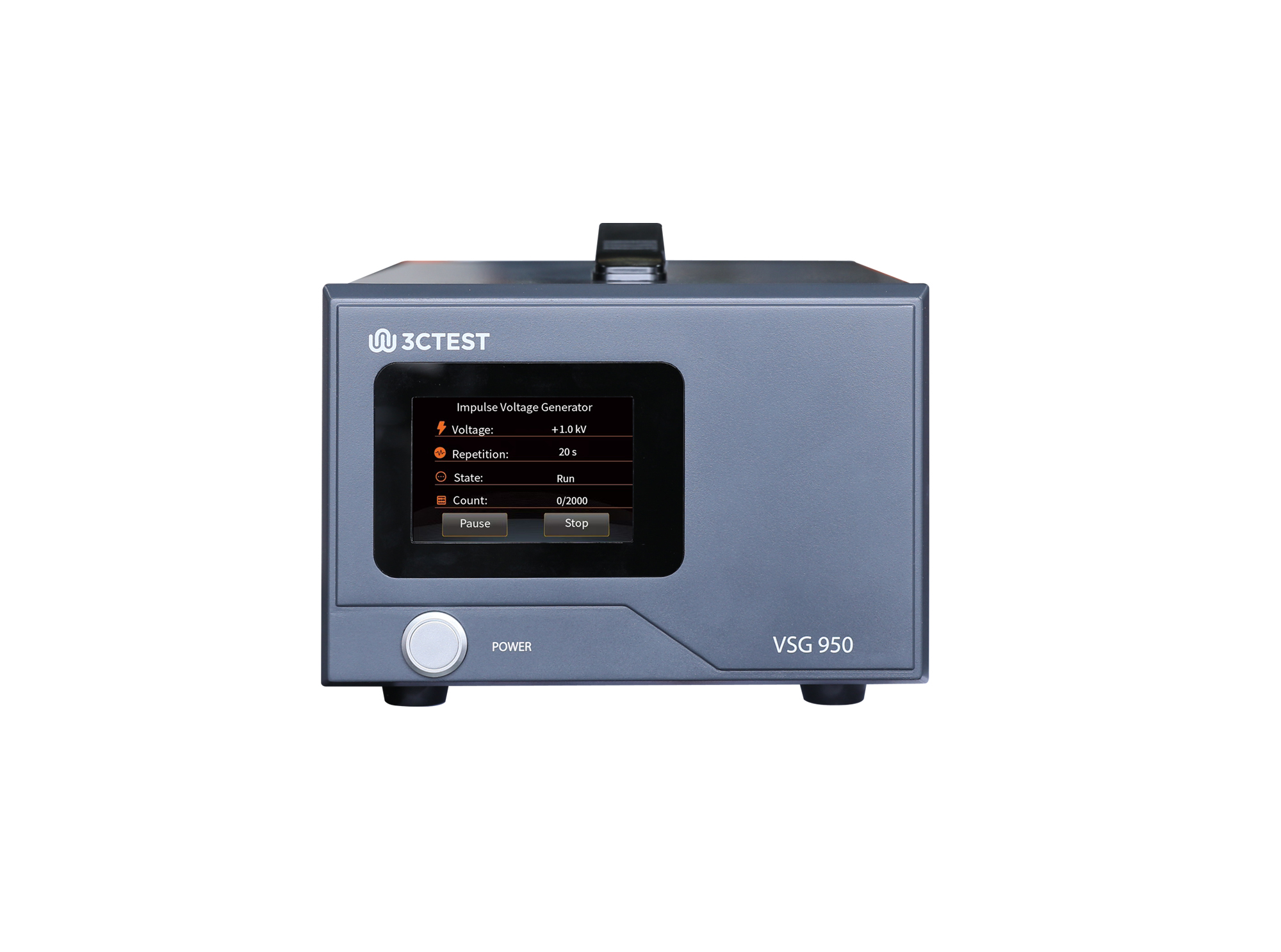
The VSG 950 is an impulse voltage simulator complies with IEC 62368.1, IEC 60950-1 and IEC 60065 standards.
.jpg)
The VSG 950 Handheld Voltage Impulse Simulator complies with IEC 62368-1, IEC 60950-1, and IEC 60065 requirements. Its compact all-in-one handheld design ensures excellent portability.
• Using the product inquiry function can help you quickly learn about the product's price and other related information.
• You can either inquire about a single product directly, or select multiple products to add to the inquiry bar and inquire about them together.
• How to make an inquiry





1. Using the product comparison function can help you find the target product you need for selection more quickly and easily.
2. You can add up to 5 products for comparison. Product models and parameters may vary across different series. It is recommended to compare products within the same series.
3. How to use the comparison bar.




 Phone: +86-512-68413700
 Email: info@3ctest.cn
 Address:No.99 E'meishan Rd, SND, Suzhou, Jiangsu, 215153, China,Suzhou, Jiangsu, 215153, China



© 2025 Suzhou 3CTEST


 Leave a Message


