

High frequency recommended vocabulary

IEC 61000-4-6 defines the test for immunity to conducted disturbances induced by radio-frequency fields. It complements the radiated test of Part 4-3 by addressing the situation in which a cable entering the equipment acts as a receiving antenna and delivers a radio-frequency current directly to the circuits, an efficient coupling path that exists for every conductor that is long compared with the wavelength. The standard covers the frequency range from 150 kHz to 80 MHz, uses a 1 kHz amplitude-modulated test signal, and requires calibration of the test level in terms of the open-circuit voltage developed at the equipment terminals. Four injection methods are described and the appropriate one is selected according to the port: coupling and decoupling networks for power and simple signal lines, a direct injection network for screened cables where the screen can be used as the injection path, the electromagnetic clamp, which couples without galvanic contact, and the current injection probe, which introduces a defined current into the cable. Test levels of 1 V, 3 V and 10 V are typical.
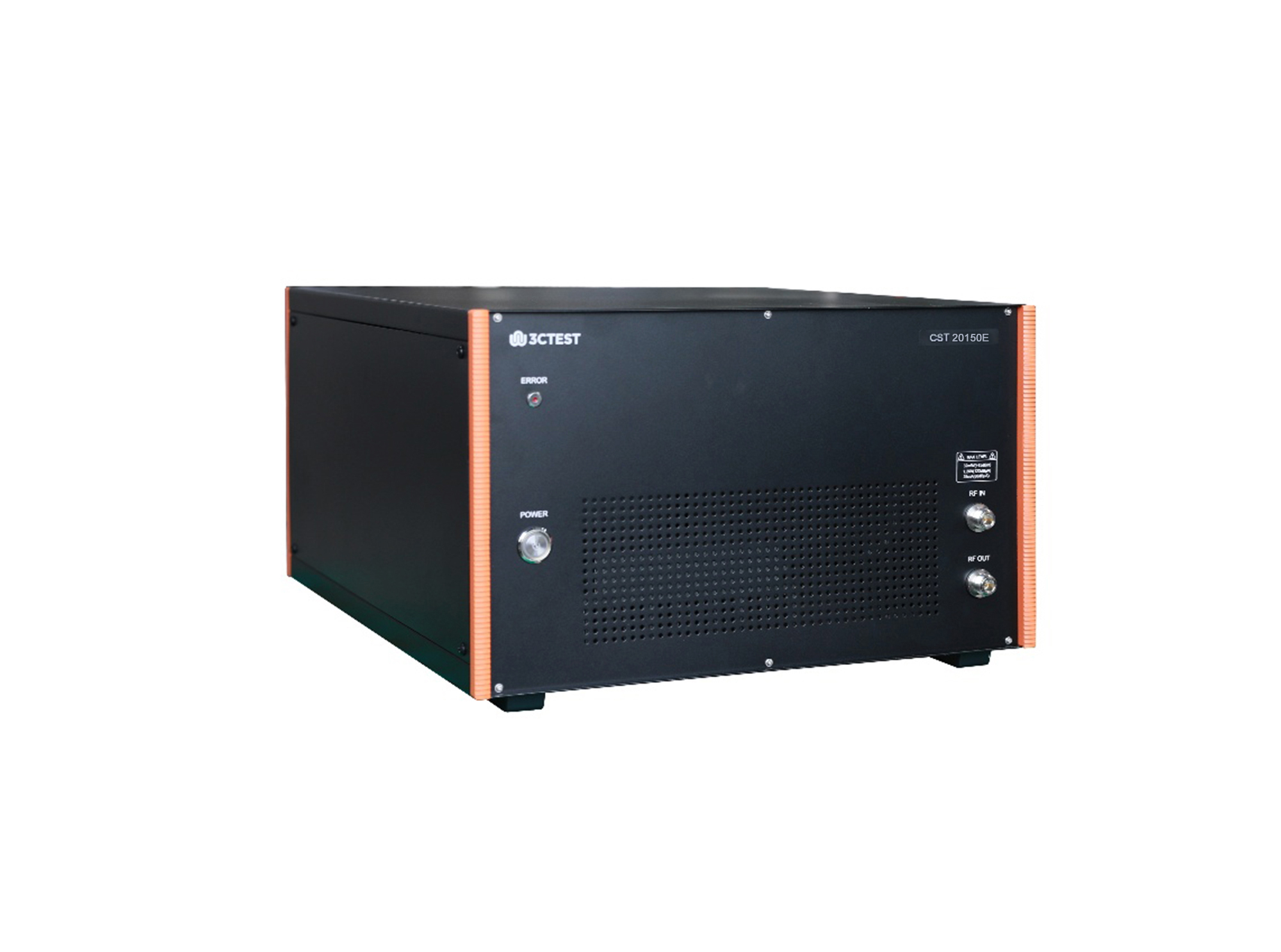
The CST 20150E conducted immunity test system is an integrated automatic test system in accordance with IEC 61000-4-39, IEC 61000-4-6, YY 9706.102, designed for radiated fields in close proximity - immunity test, conducted immunity test, and supporting pulse and sinusoidal injection tests for power supply lines of electric vehicles.
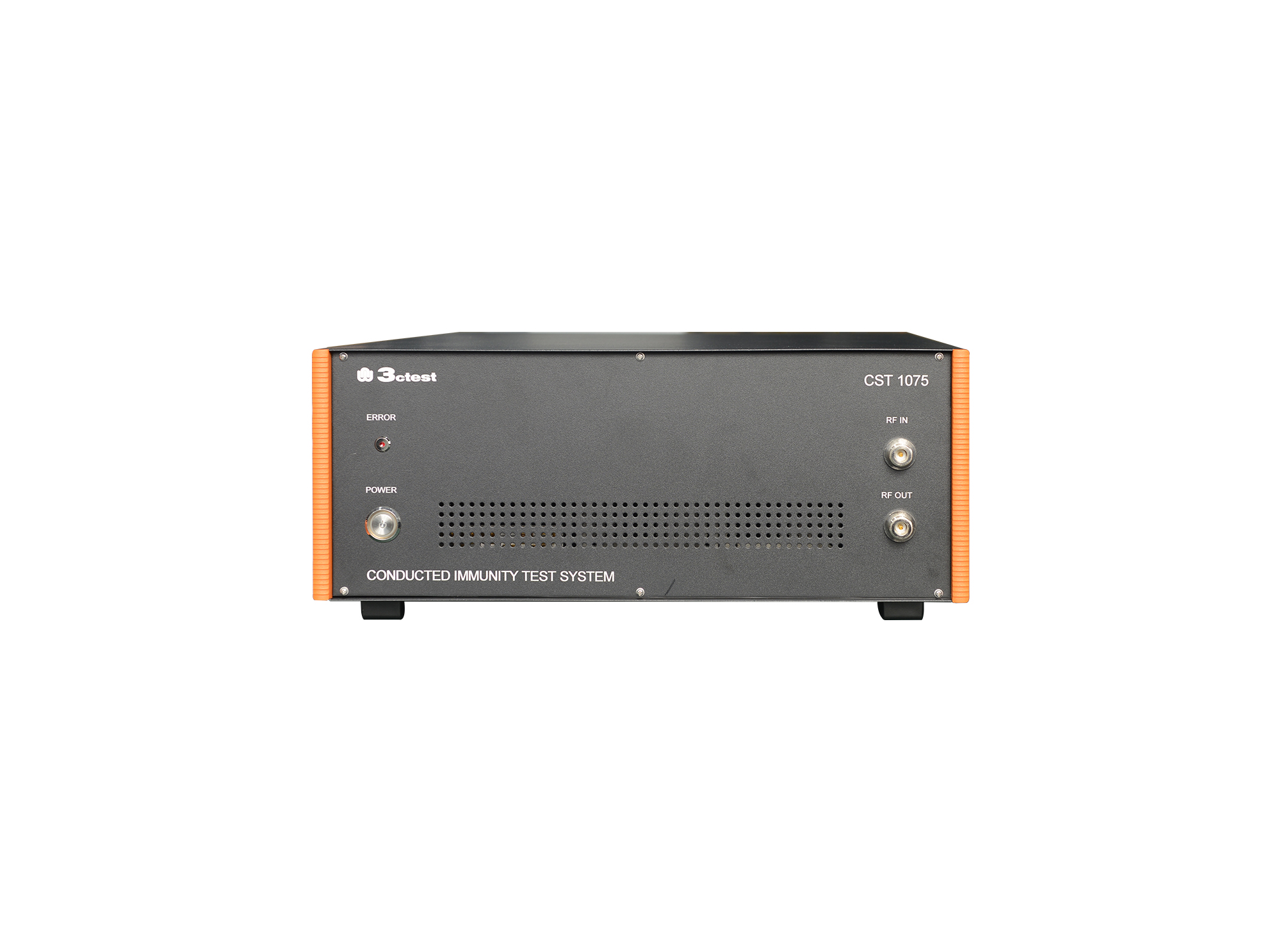
The CST 1075 conducted immunity test system is an integrated automatic test system designed in accordance with IEC/EN 61000-4-6.
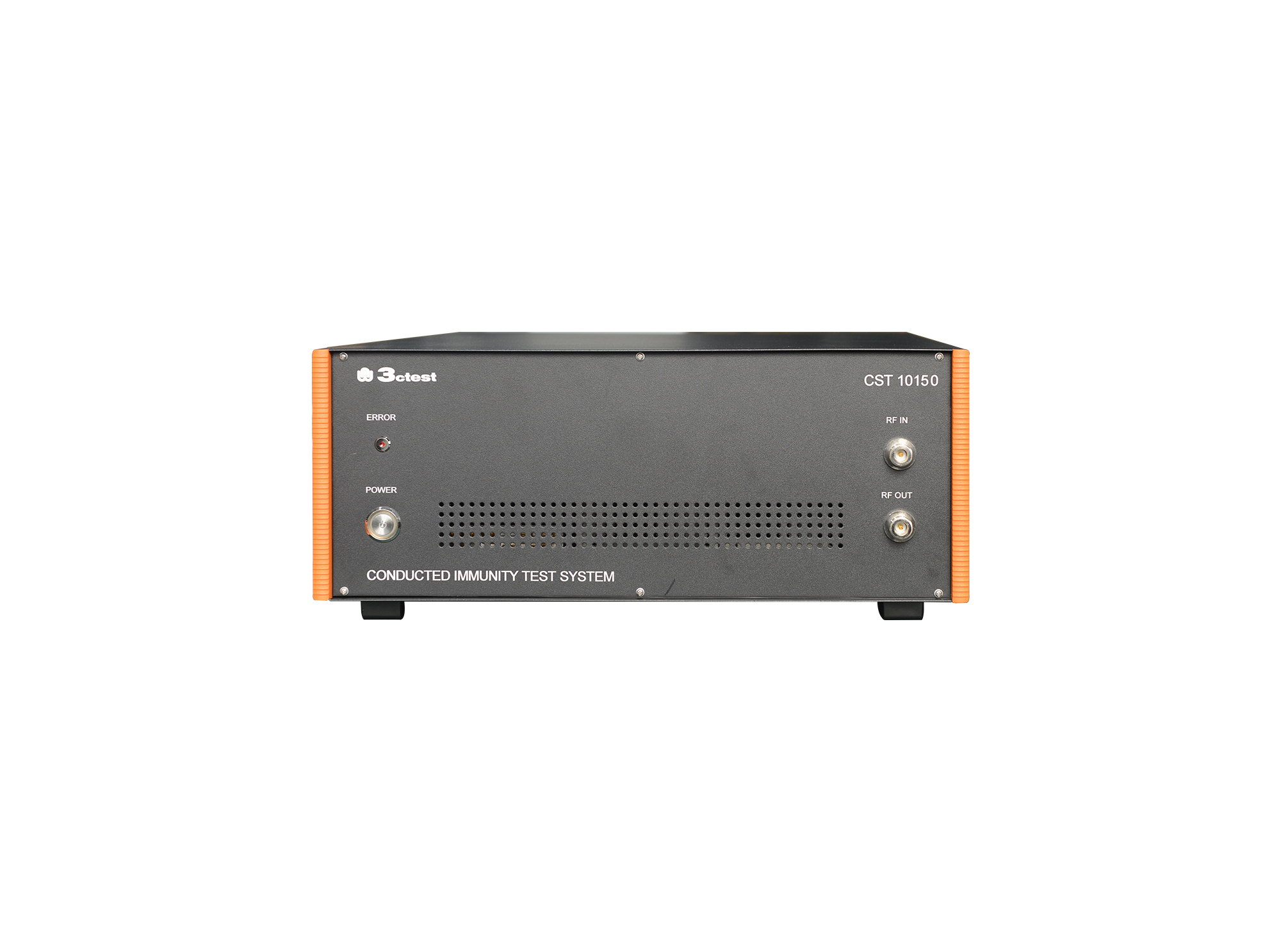
The CST 10150 conducted immunity test system is an integrated automatic test system designed in accordance with IEC/EN 61000-4-6.
The CST 1075E conducted immunity test system is an integrated automatic test system designed in accordance with IEC/EN 61000-4-6 and medical industry standard YY 9706.102.
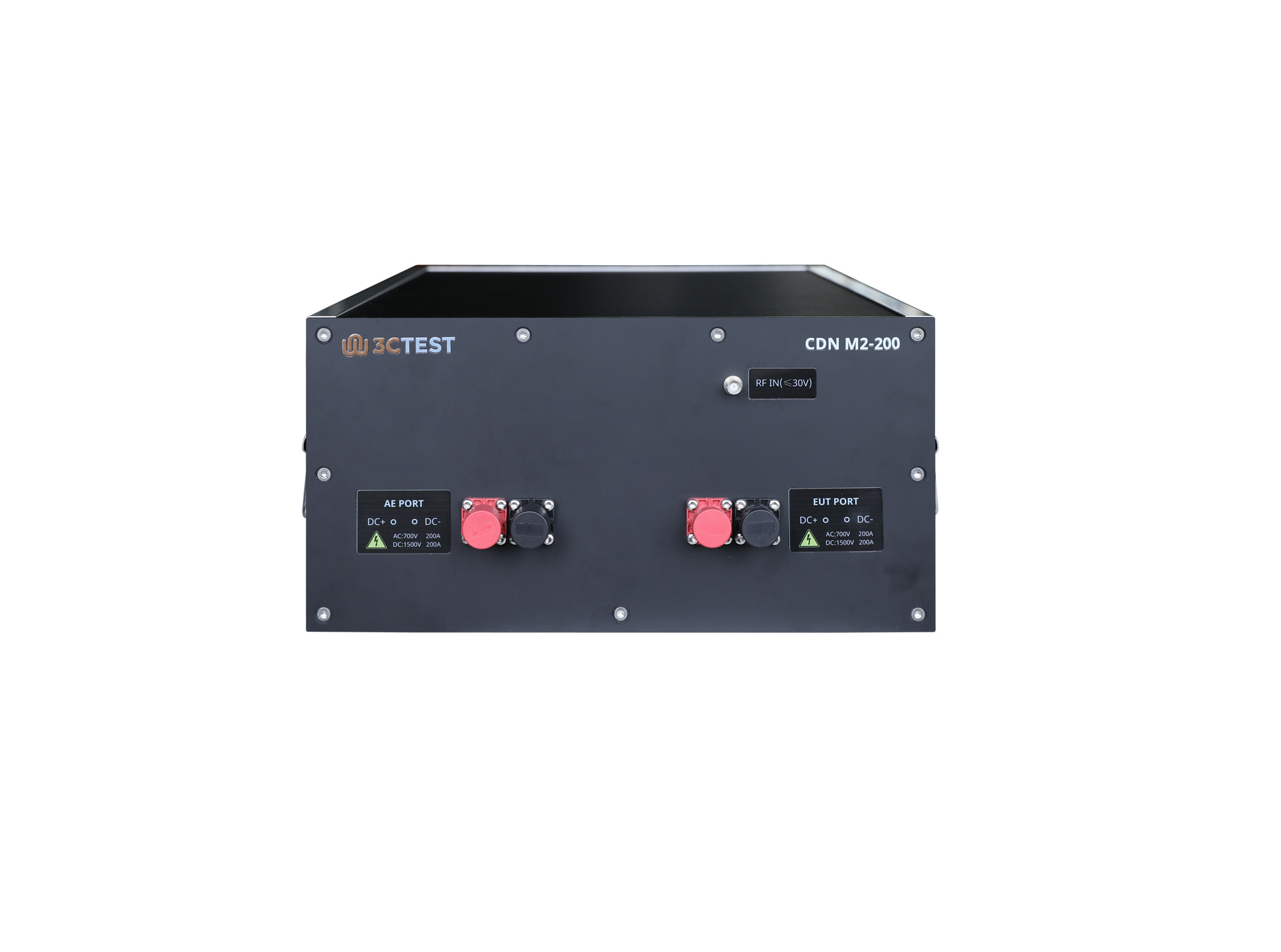
The CDN M2-200 Coupling/Decoupling Network is designed for high-power electrical equipment with a three-phase five-wire design.
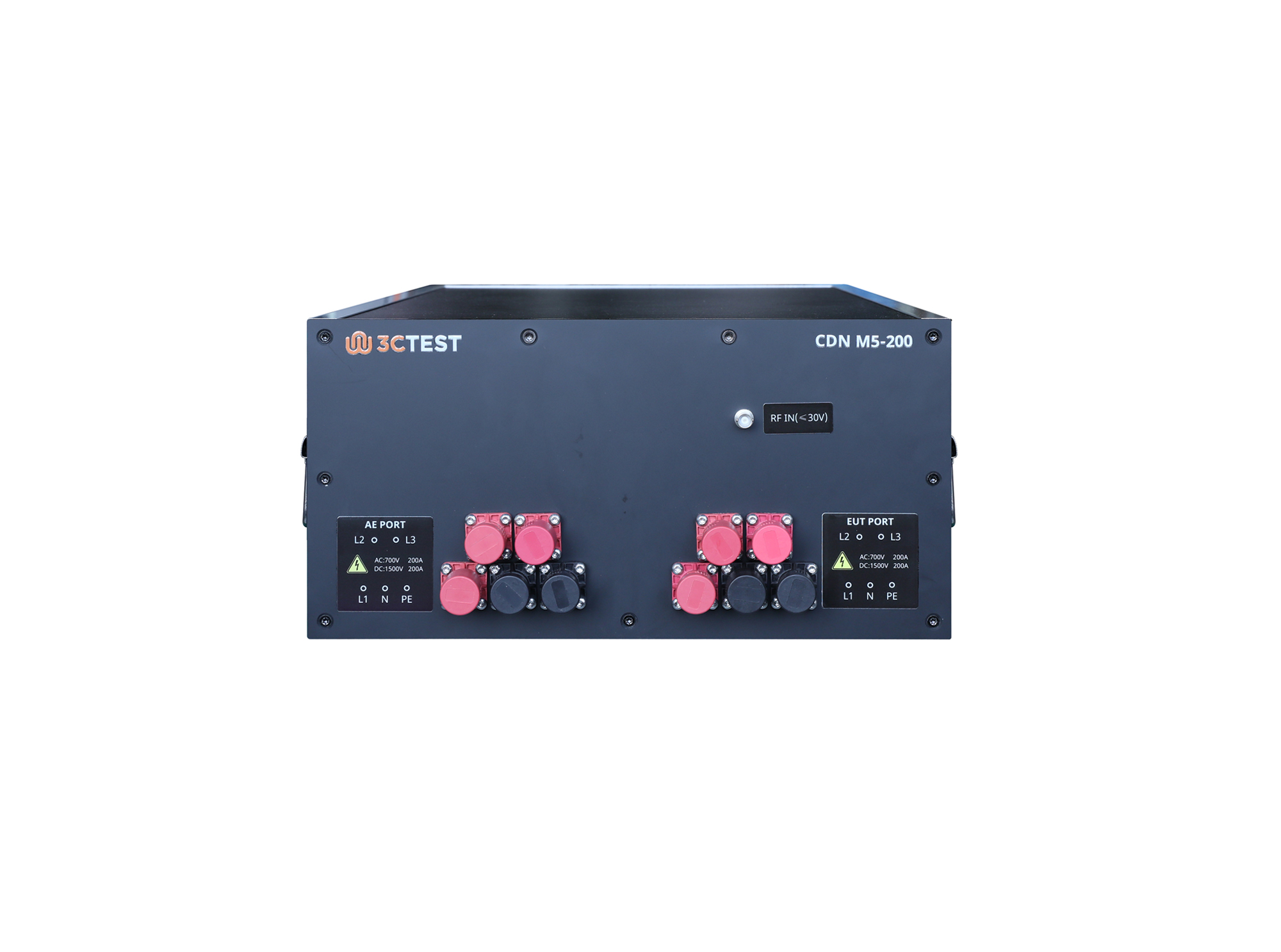
The CDN M5-200, complies with IEC/EN 61000-4-6 and is designed for high-power electrical equipment, featuring a three-phase five-wire configuration for reliable RF common-mode disturbance coupling to power lines and effective RF decoupling between the EUT and AE during conducted immunity testing, with a maximum load capacity of 200 A.
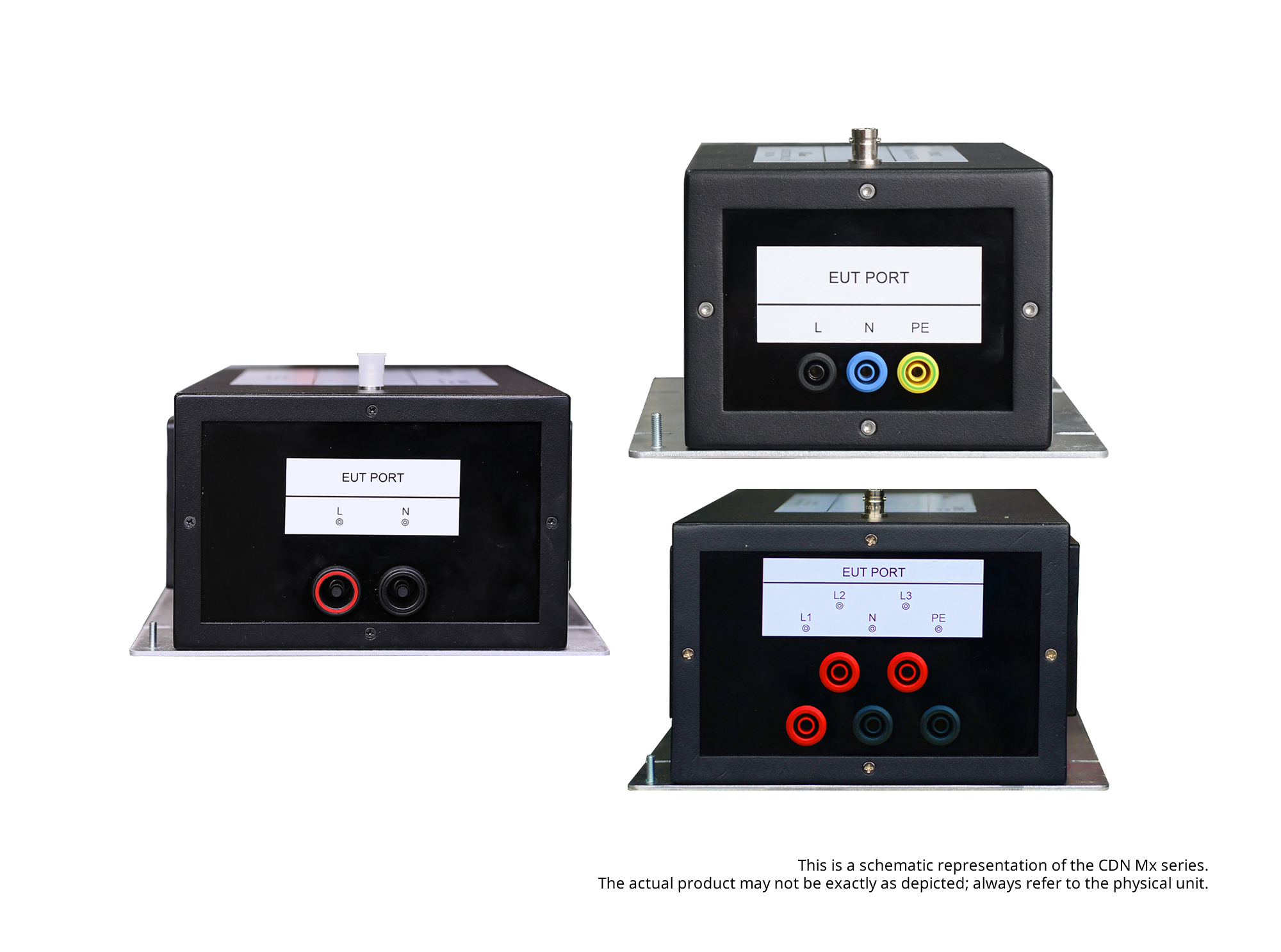
The CDN Mx coupling/decoupling network complies with IEC/EN 61000-4-6 and is suitable for surge immunity testing of single-phase 1-wire/2-wire/3-wire and three-phase 4-wire/5-wire power lines.
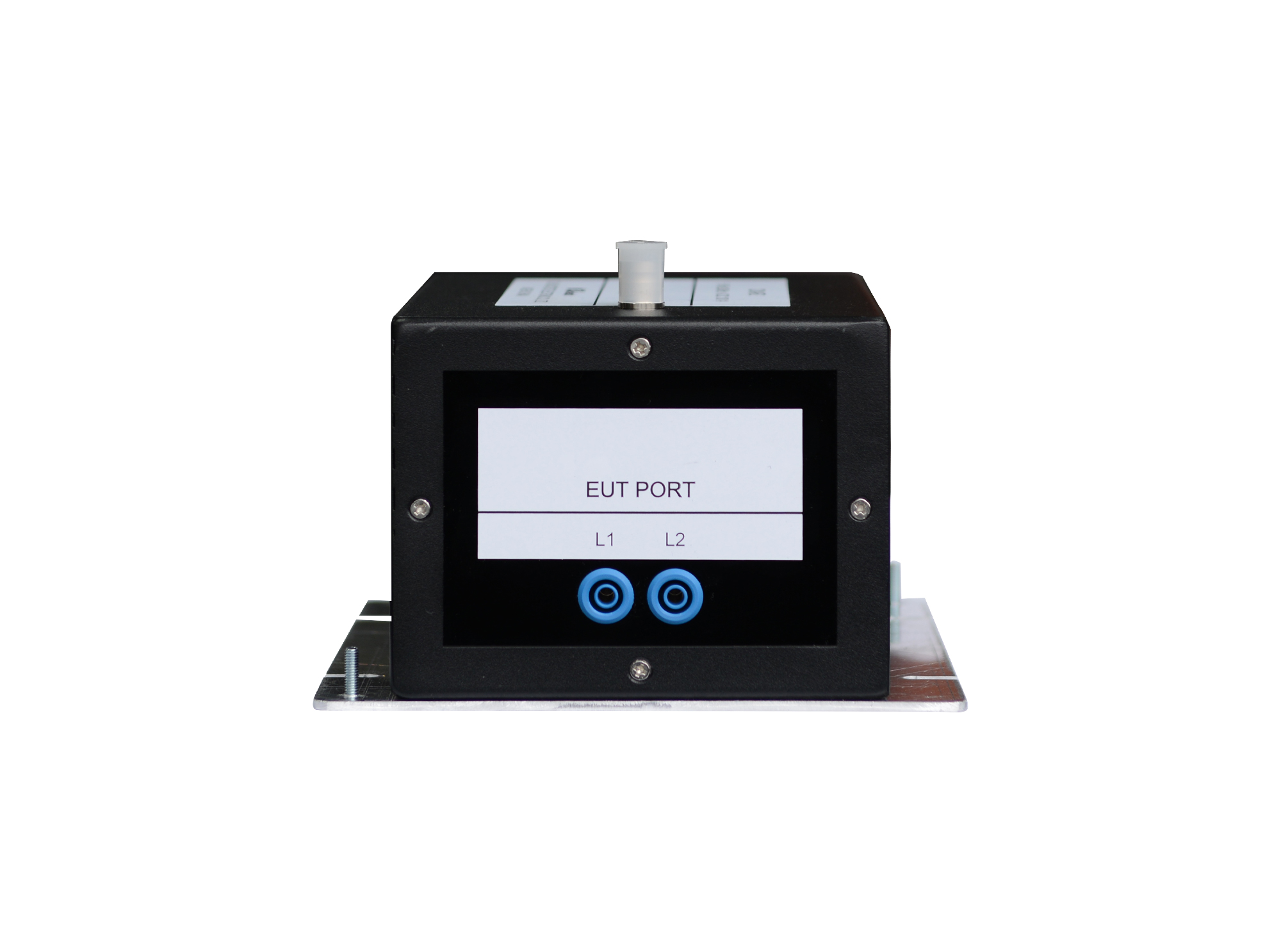
The CDN AF2 is a coupling/decoupling network for unscreened unbalanced lines, intended for conducted immunity tests on various unscreened unbalanced cables.
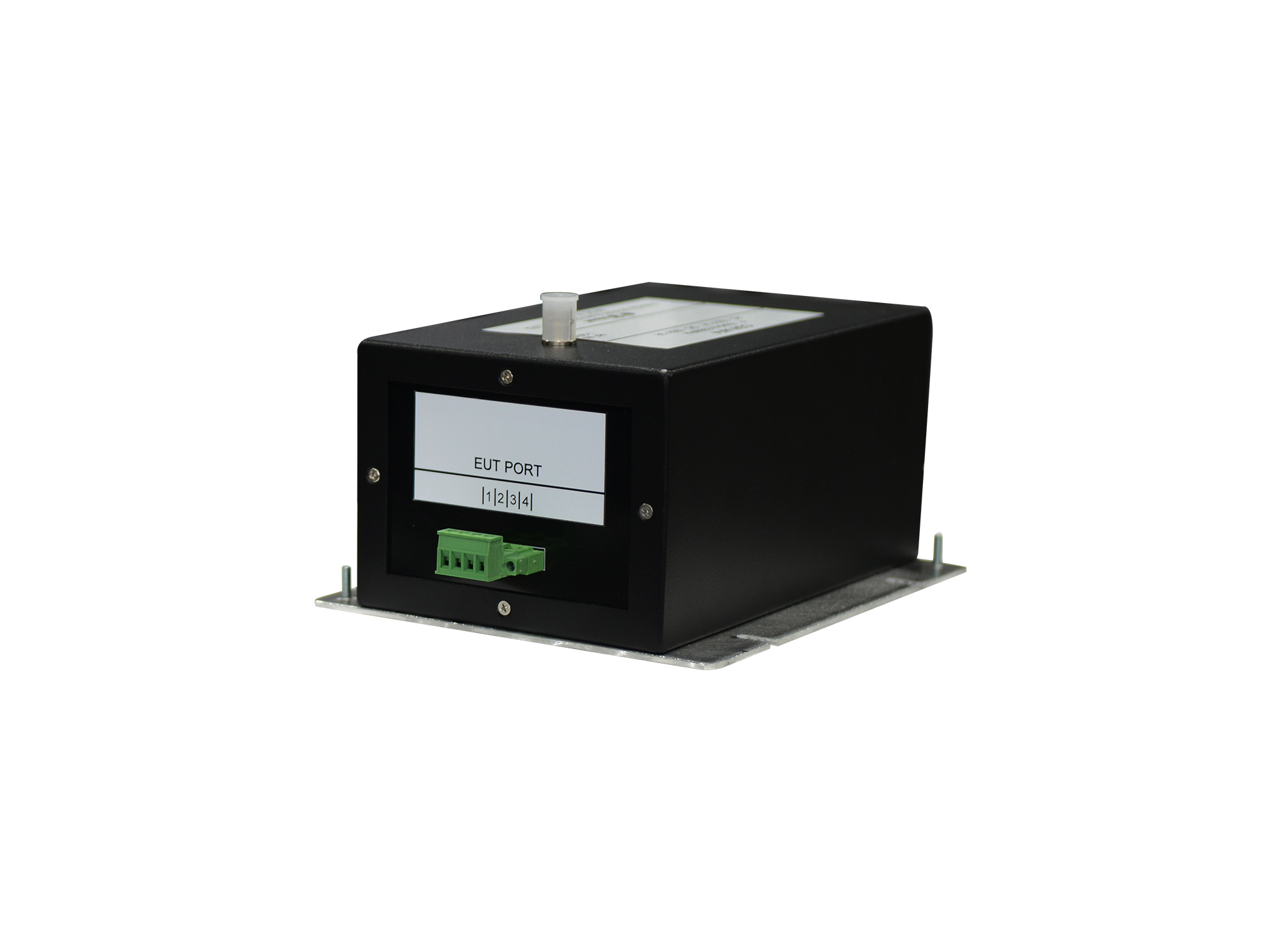
CDN AF4 is a coupling/decoupling network for unscreened unbalanced lines, intended for conducted immunity tests on various unscreened unbalanced cables.
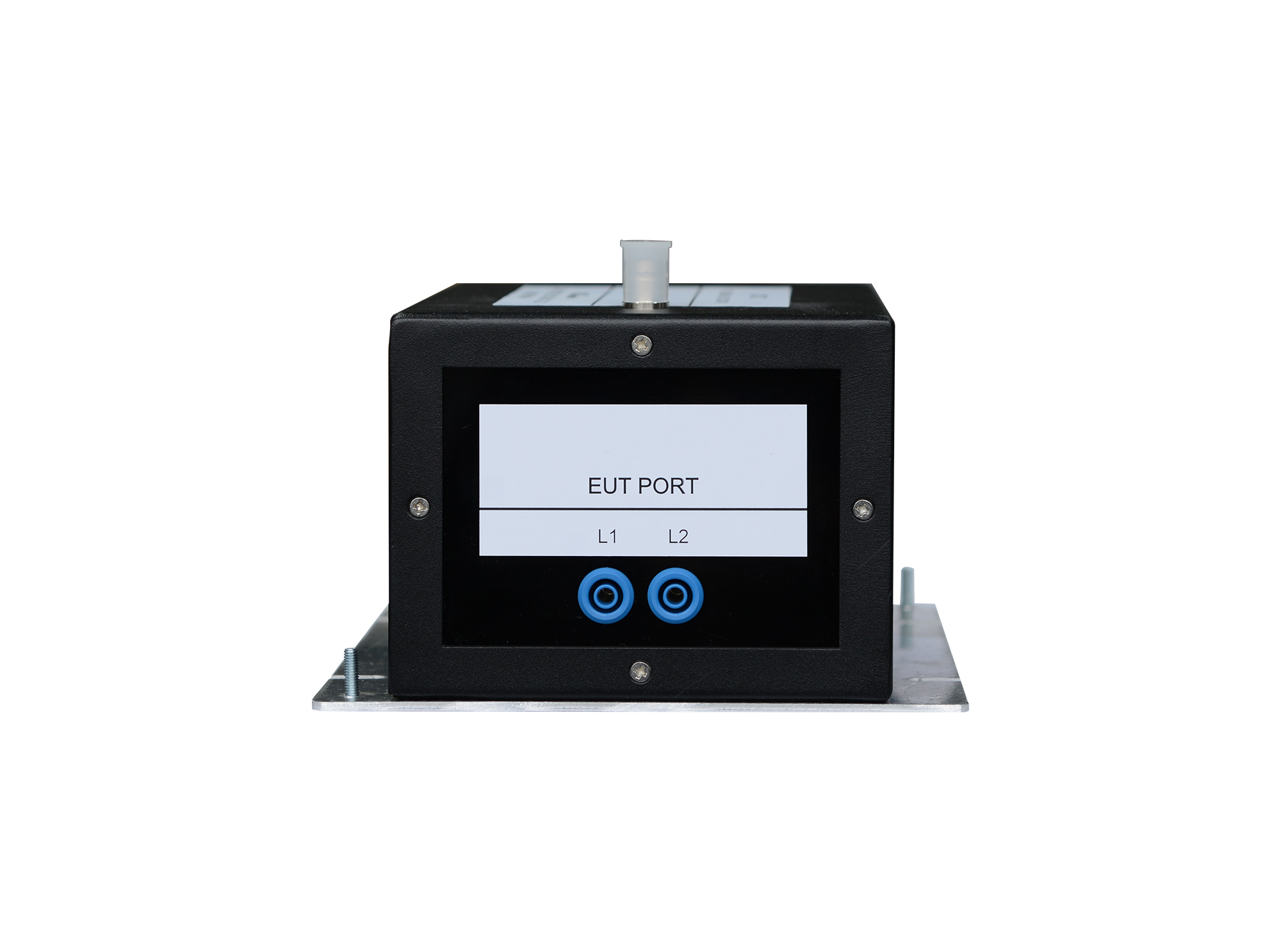
The CDN T2 Coupling/Decoupling Network for Unscreened Symmetrical Lines is designed in compliance with IEC 61000-4-6
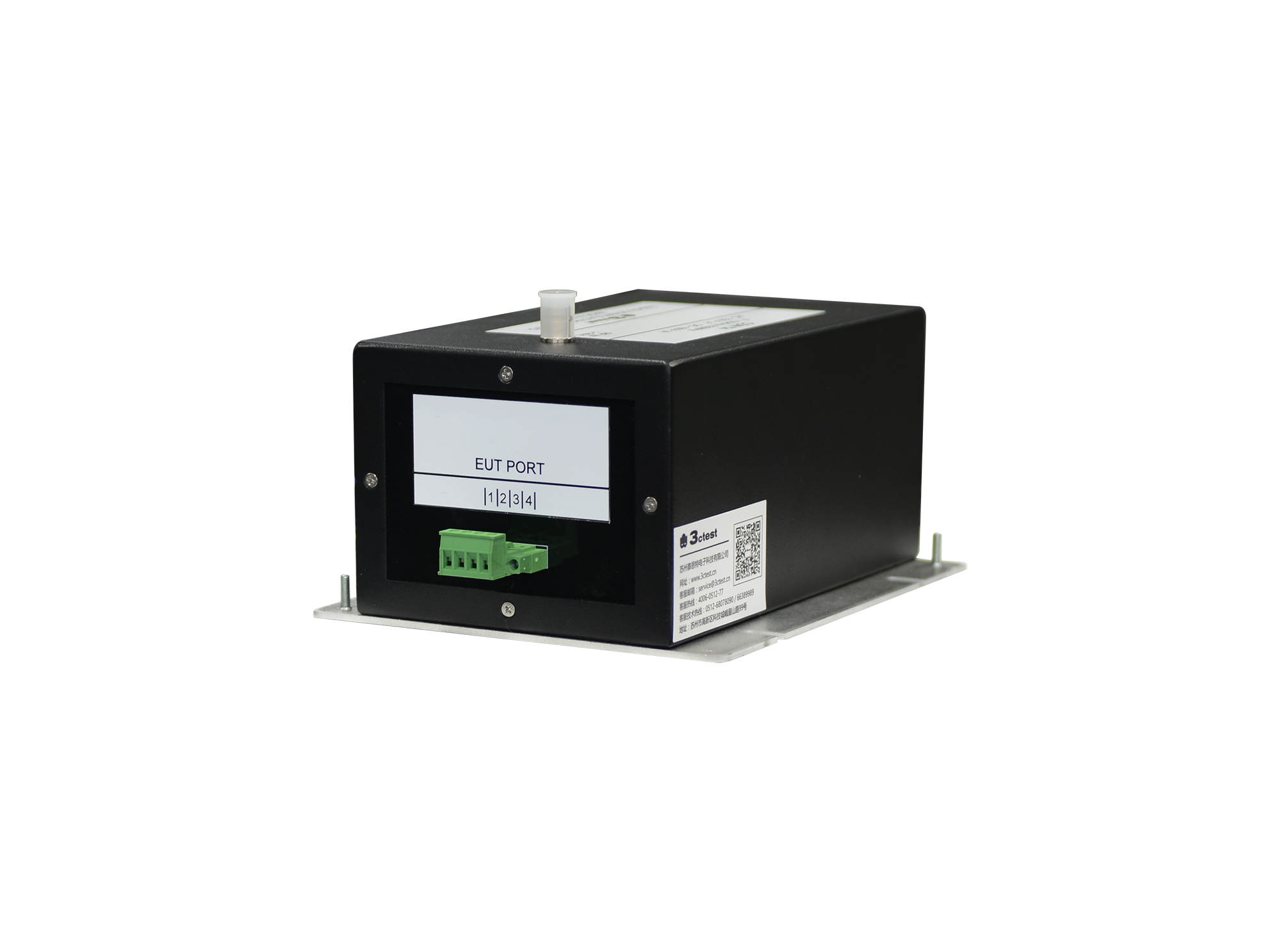
The CDN T4 Coupling/Decoupling Network for Unscreened Symmetrical Lines is designed in compliance with IEC 61000-4-6,
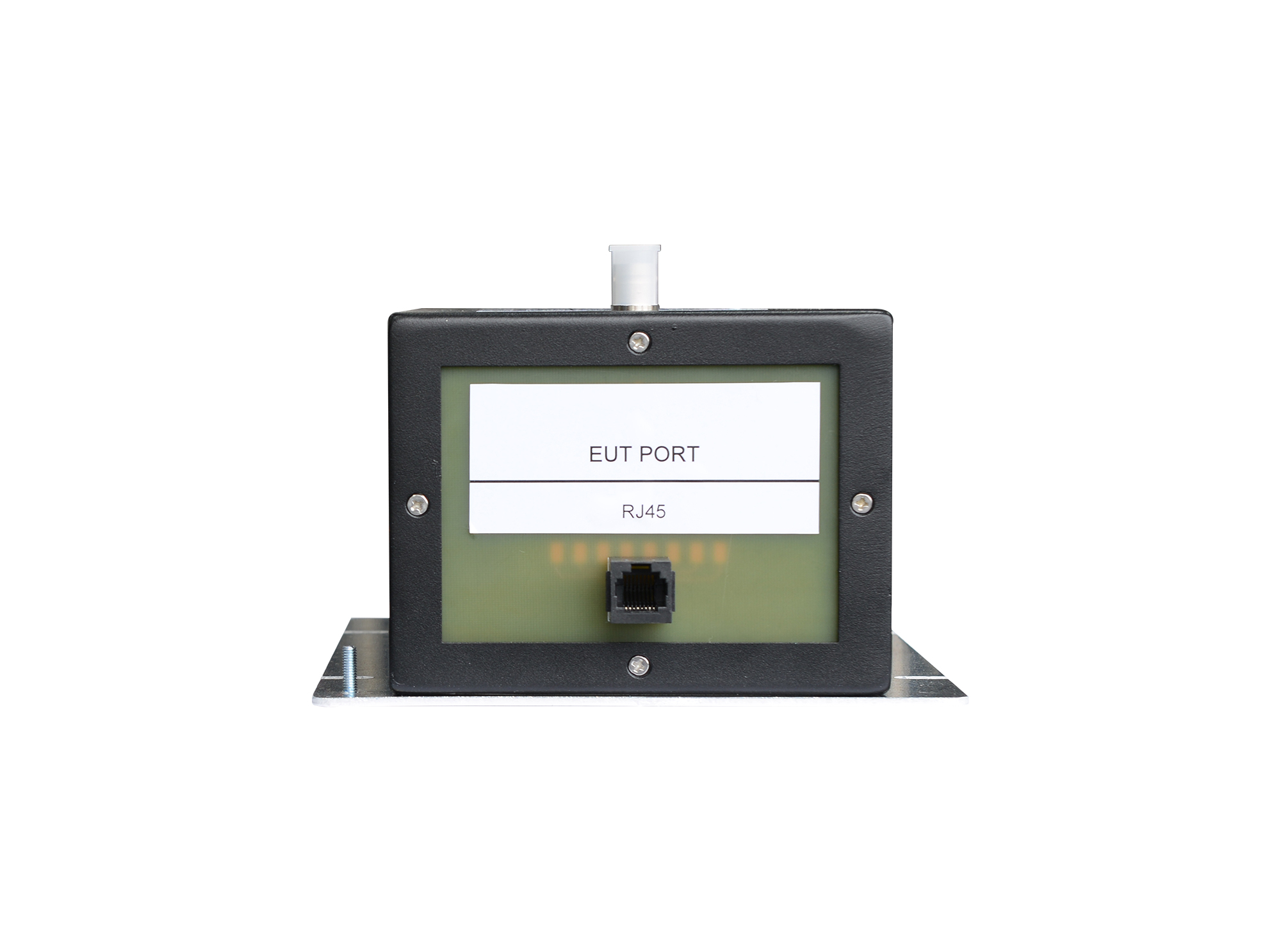
CDN RJ45 is a coupling/decoupling network for unscreened balanced lines, intended for conducted immunity tests on various unscreened balanced cables.
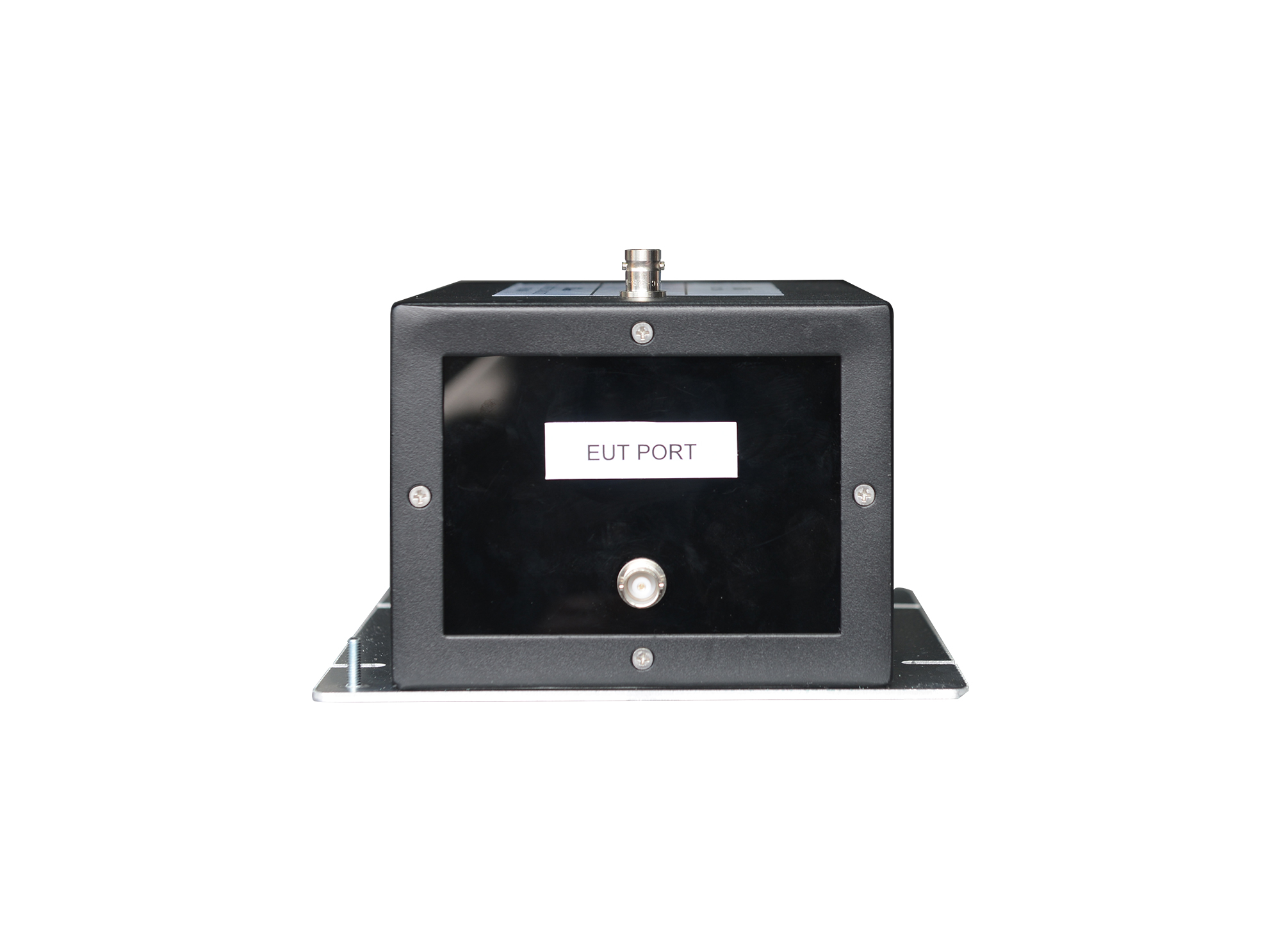
The CDN S1 shielded coupling/decoupling network strictly complies with IEC 61000-4-6, and is intended for conducted immunity tests on single-core shielded coaxial cable.
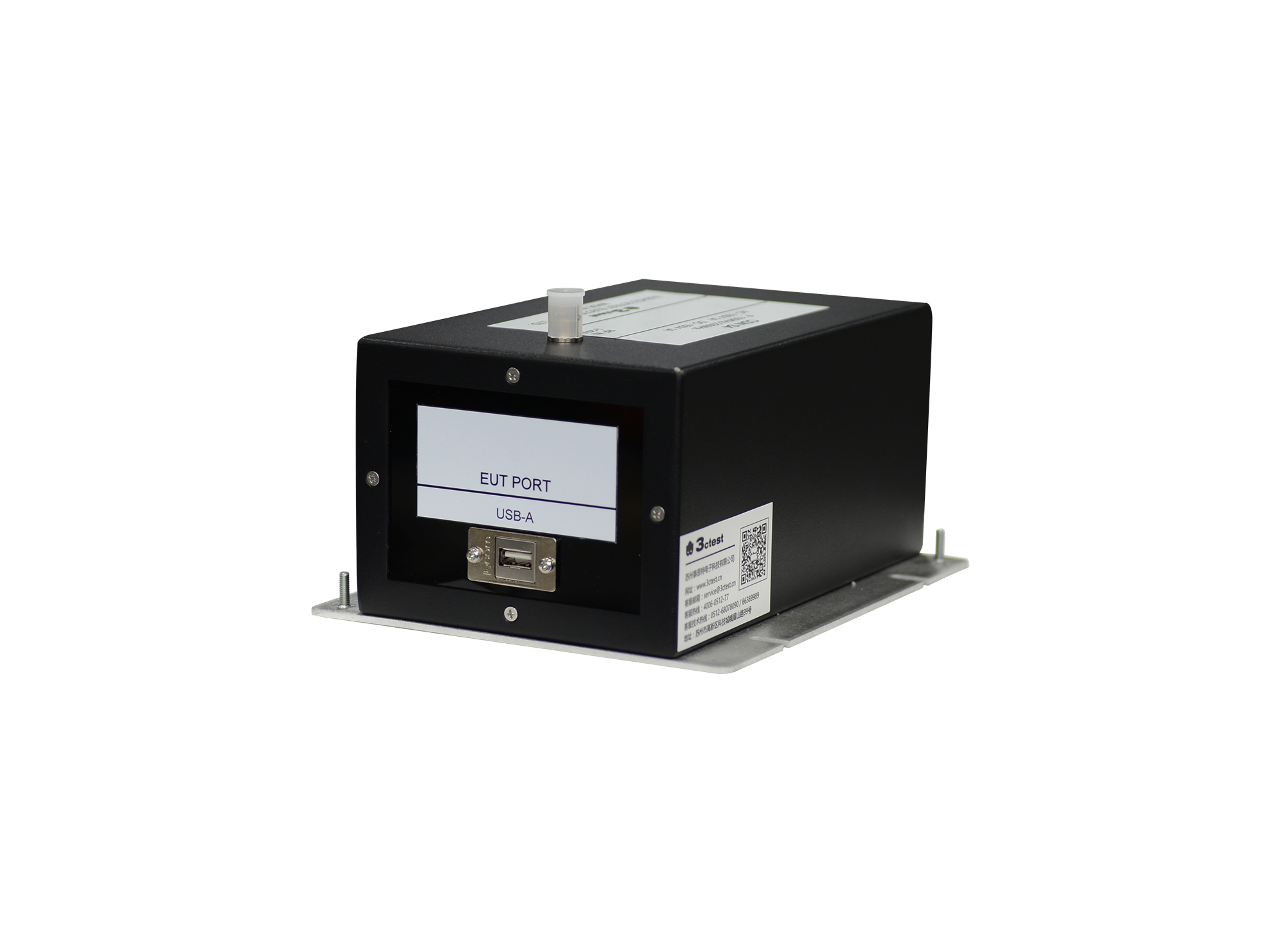
The CDN S4 shielded coupling/decoupling network complies with IEC/EN 61000-4-6, is designed for conducted immunity testing of USB transmission lines.
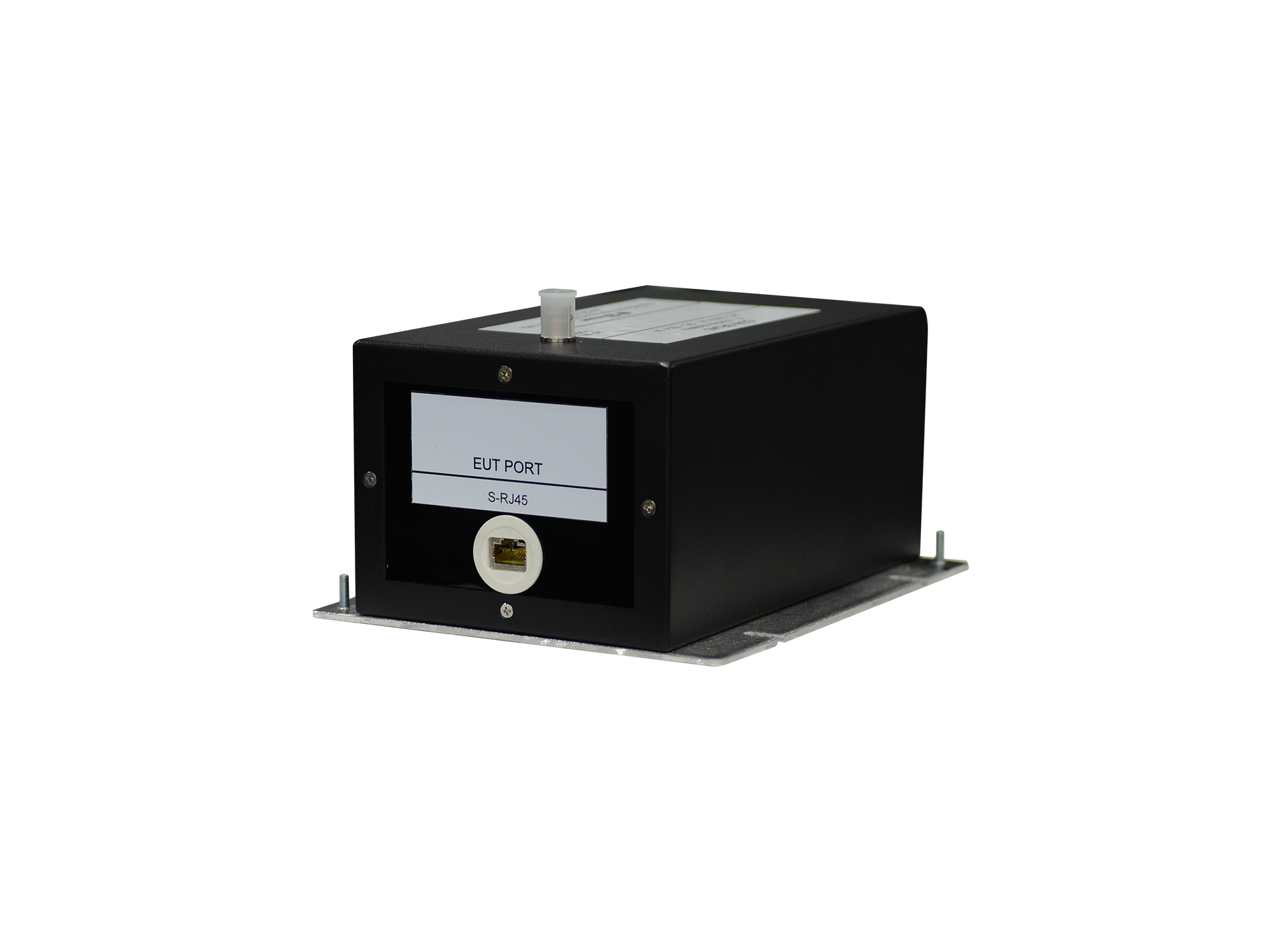
The CDN SRJ45 Coupling/Decoupling Network for Screened Symmetrical Lines is designed in compliance with IEC 61000-4-6, GB/T 17626.6 and other domestic and international standards, and fully complies with the performance and cabling specifications for CDNs.
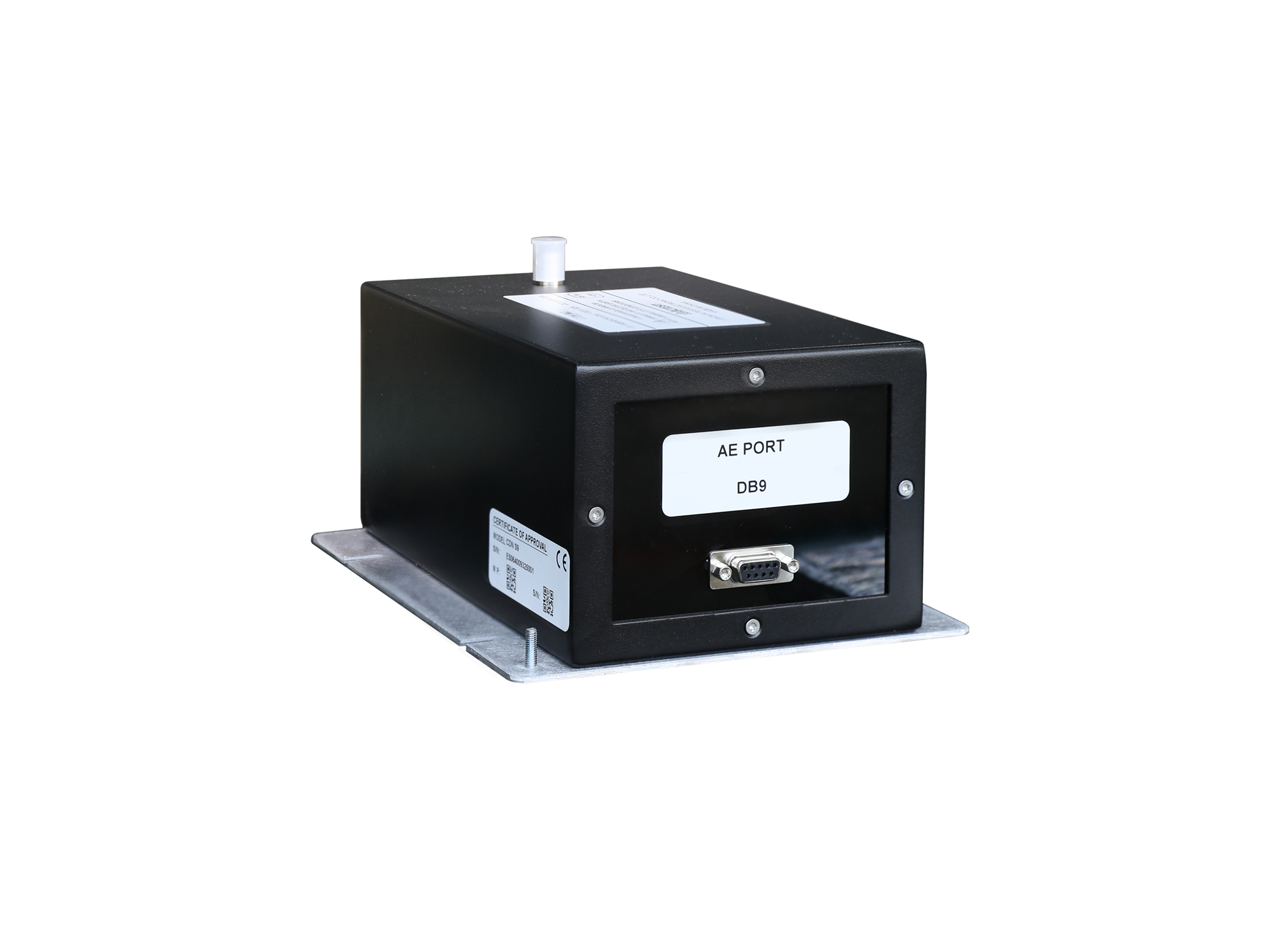
CDN S9 is a coupling/decoupling network for screened lines, intended for conducted immunity tests on various screened cables.
• Using the product inquiry function can help you quickly learn about the product's price and other related information.
• You can either inquire about a single product directly, or select multiple products to add to the inquiry bar and inquire about them together.
• How to make an inquiry





1. Using the product comparison function can help you find the target product you need for selection more quickly and easily.
2. You can add up to 5 products for comparison. Product models and parameters may vary across different series. It is recommended to compare products within the same series.
3. How to use the comparison bar.




 Phone: +86-512-68413700
 Email: info@3ctest.cn
 Address:No.99 E'meishan Rd, SND, Suzhou, Jiangsu, 215153, China,Suzhou, Jiangsu, 215153, China



© 2025 Suzhou 3CTEST


 Leave a Message


