

High frequency recommended vocabulary

IEC 60255-27 establishes the product safety requirements that apply to measuring relays and protection equipment. Because such devices are permanently connected both to the power system and to the low-voltage auxiliary supply and communication network, they sit at the boundary between high and low voltage and must protect operators from electric shock while remaining reliable themselves. The standard therefore sets out the insulation coordination principles that govern the choice of clearances and creepage distances as a function of the rated impulse voltage, the pollution degree and the material group of the insulating parts. It specifies dielectric tests, impulse voltage tests and insulation resistance measurements, together with the rules for measuring these distances. Thermal safety is addressed through temperature rise limits for windings and terminals, and mechanical safety through enclosure strength and impact requirements. Requirements are also given for marking, for the documentation that must accompany the product and for the tests that must be repeated on every unit as routine checks. Devices complying with Part 27 are accepted across protection schemes built to the IEC 60255 family.
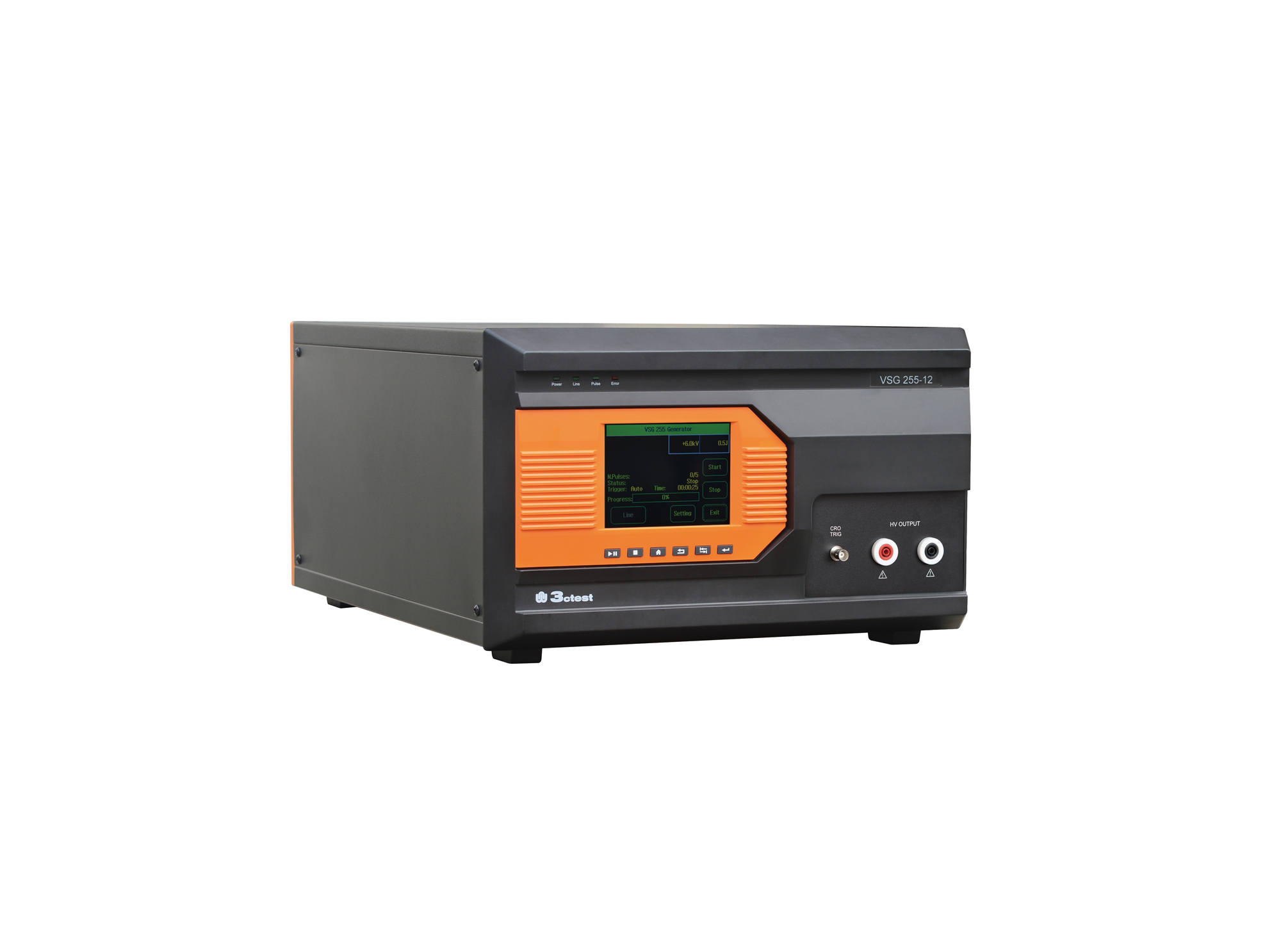
The VSG 255 series impulse voltage simulators comply with the requirements of standards such as IEC 60255 and IEC 61036.
• Using the product inquiry function can help you quickly learn about the product's price and other related information.
• You can either inquire about a single product directly, or select multiple products to add to the inquiry bar and inquire about them together.
• How to make an inquiry





1. Using the product comparison function can help you find the target product you need for selection more quickly and easily.
2. You can add up to 5 products for comparison. Product models and parameters may vary across different series. It is recommended to compare products within the same series.
3. How to use the comparison bar.




 Phone: +86-512-68413700
 Email: info@3ctest.cn
 Address:No.99 E'meishan Rd, SND, Suzhou, Jiangsu, 215153, China,Suzhou, Jiangsu, 215153, China



© 2025 Suzhou 3CTEST


 Leave a Message


