

High frequency recommended vocabulary

IEC 61400-24 is the part of the wind energy generation system series that deals with lightning protection. Wind turbines present a particularly severe lightning exposure: they are tall, sited in open terrain and often in coastal or mountainous locations with high lightning density, and their blades rotate, so the protective measures used on static structures cannot be applied unchanged. The standard quantifies the risk by defining lightning protection levels and the corresponding threat parameters, that is the peak current, charge, specific energy and rate of rise that the protection system must tolerate, and it applies these to each part of the turbine. It sets out the requirements for the blades themselves, where the receptors and the internal down conductor must carry the full current without damage to the composite structure; for the nacelle, tower and foundation, which must provide the main conducting path; and for the electrical and electronic systems inside, which are protected by coordinated surge protective devices on the power and control circuits. Testing methods for the verification of blade protection and of the electrical installation are included.
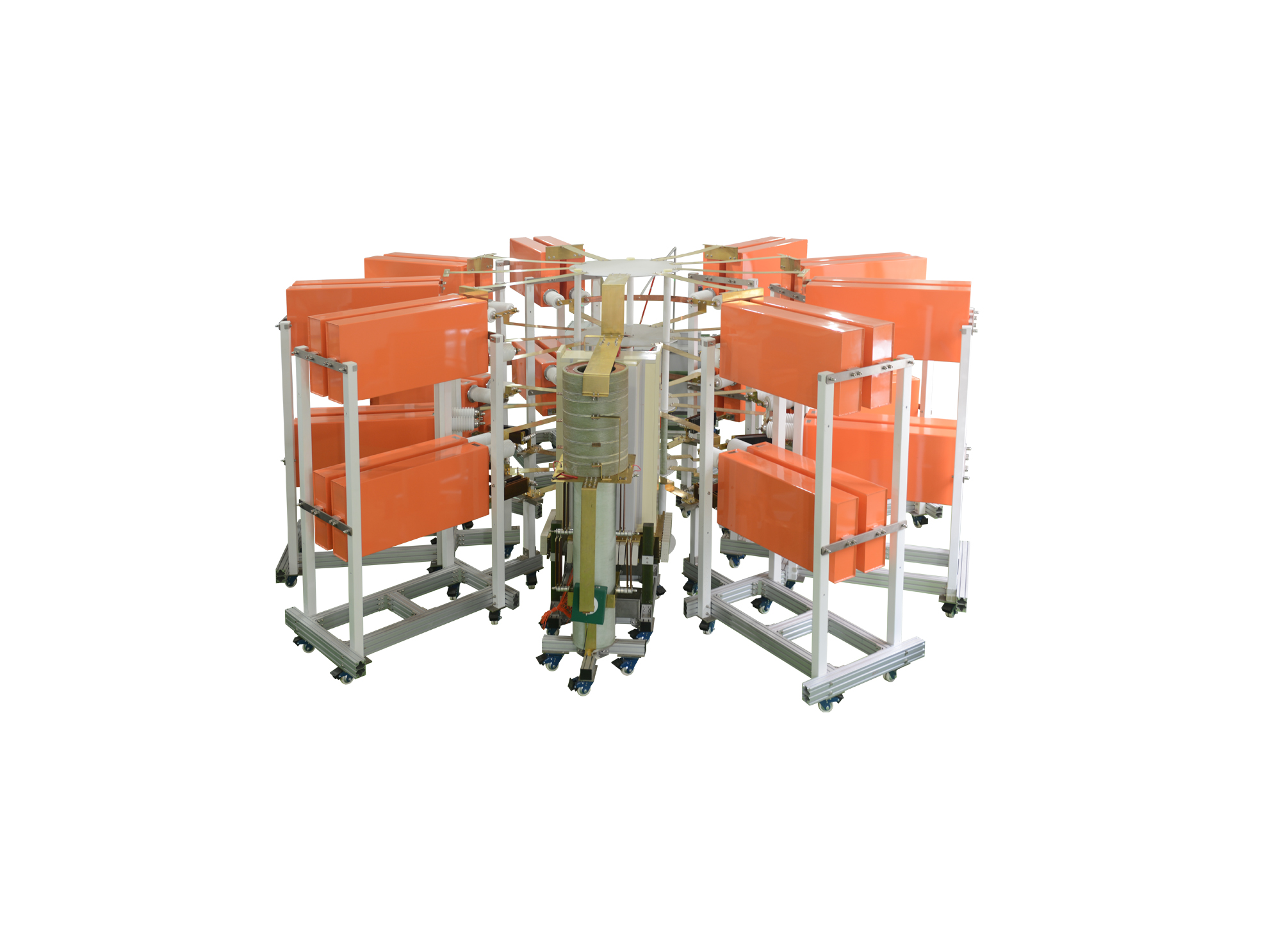
I类雷电电流试验系统可产生200kA的I类10/350us直接雷电波形和300kA的II类8/20us间接雷电波形,同时本套系统可通过不同的调波模块可以调试出满足航空标准及军用标准的直接雷电电流波形中的A分量和D分量,同时可扩展更多的其他波形
• Using the product inquiry function can help you quickly learn about the product's price and other related information.
• You can either inquire about a single product directly, or select multiple products to add to the inquiry bar and inquire about them together.
• How to make an inquiry





1. Using the product comparison function can help you find the target product you need for selection more quickly and easily.
2. You can add up to 5 products for comparison. Product models and parameters may vary across different series. It is recommended to compare products within the same series.
3. How to use the comparison bar.




 Phone: +86-512-68413700
 Email: info@3ctest.cn
 Address:No.99 E'meishan Rd, SND, Suzhou, Jiangsu, 215153, China,Suzhou, Jiangsu, 215153, China



© 2025 Suzhou 3CTEST


 Leave a Message


