

High frequency recommended vocabulary

IEC 61000-4-4 defines the electrical fast transient, or burst, immunity test. The disturbance it reproduces is the shower of short pulses produced when an inductive load is interrupted or when a contactor or relay contact bounces; each individual pulse has a rise time of 5 nanoseconds and a duration of 50 nanoseconds, and they are delivered in bursts that repeat several thousand times per second, in the current edition at 5 kHz and 100 kHz. The test is therefore often the most difficult of the standard immunity programme for control electronics, because the energy is concentrated at frequencies where small parasitic capacitances provide an easy coupling path into circuit boards. The standard specifies the generator output into 50 ohms, the coupling and decoupling networks used for a.c. and d.c. power ports, and the capacitive coupling clamp used for signal and communication ports where the normal network cannot be applied. Test levels run from 0.5 kV to 4 kV on power ports and are selected according to the installation environment. Criteria for performance are those of the applicable product standard.
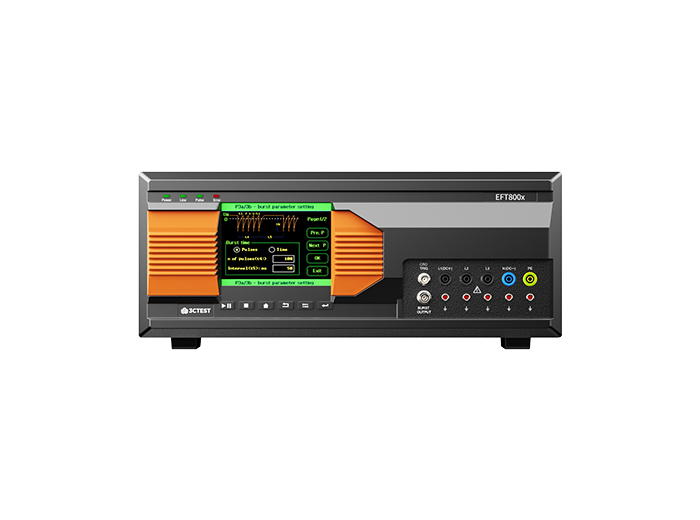
The EFT 800 Series Electrical Fast Transient Burst Generators are designed according to IEC 61000-4-4 to simulates repetitive, high-speed and low-energy spikes generated by the switching of inductive loads in industrial and commercial environment.
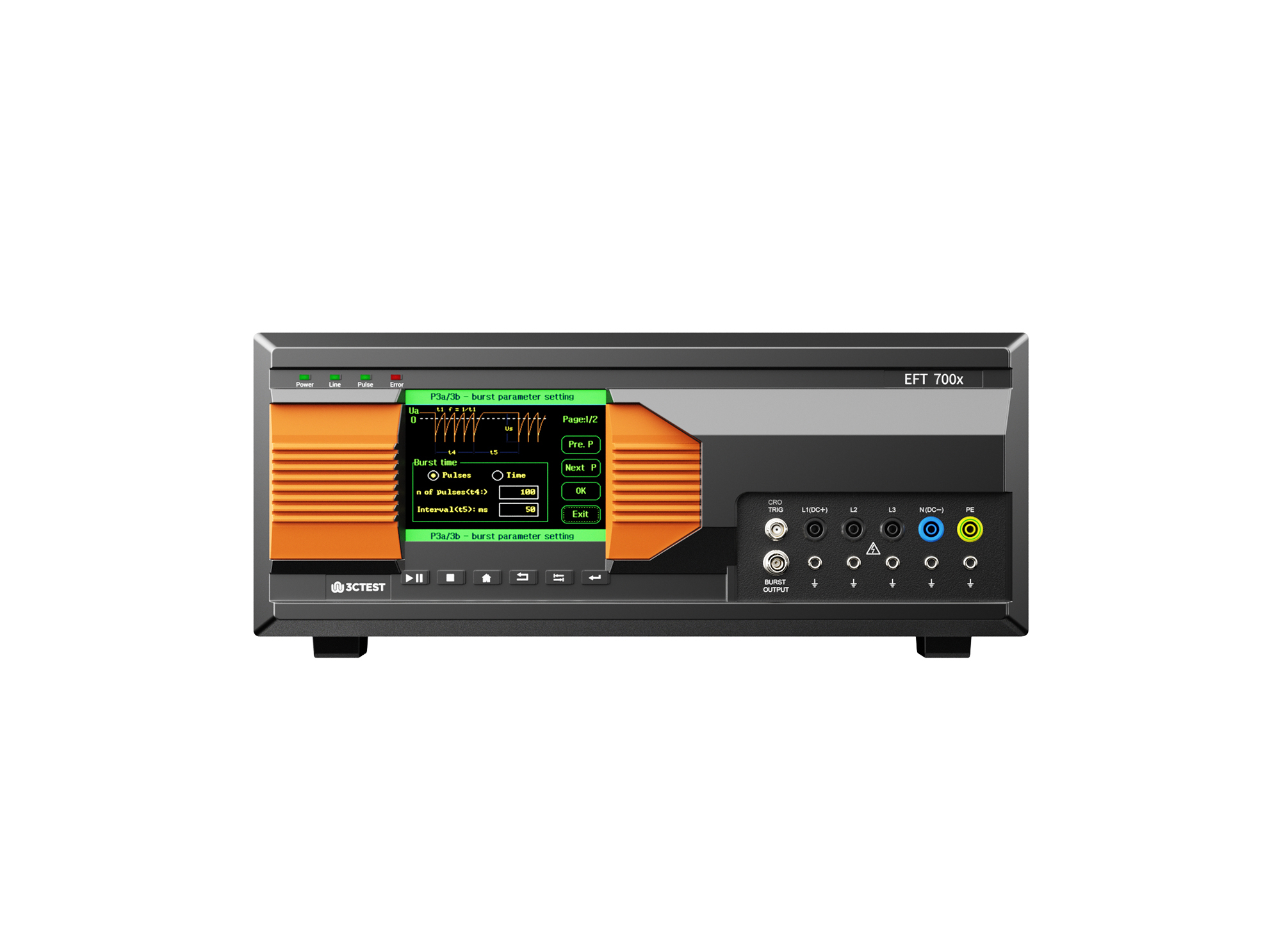
The EFT 700 Series Electrical Fast Transient Burst Generators are designed according to IEC 61000-4-4 to simulates repetitive, high-speed and low-energy spikes generated by the switching of inductive loads in industrial and commercial environment.
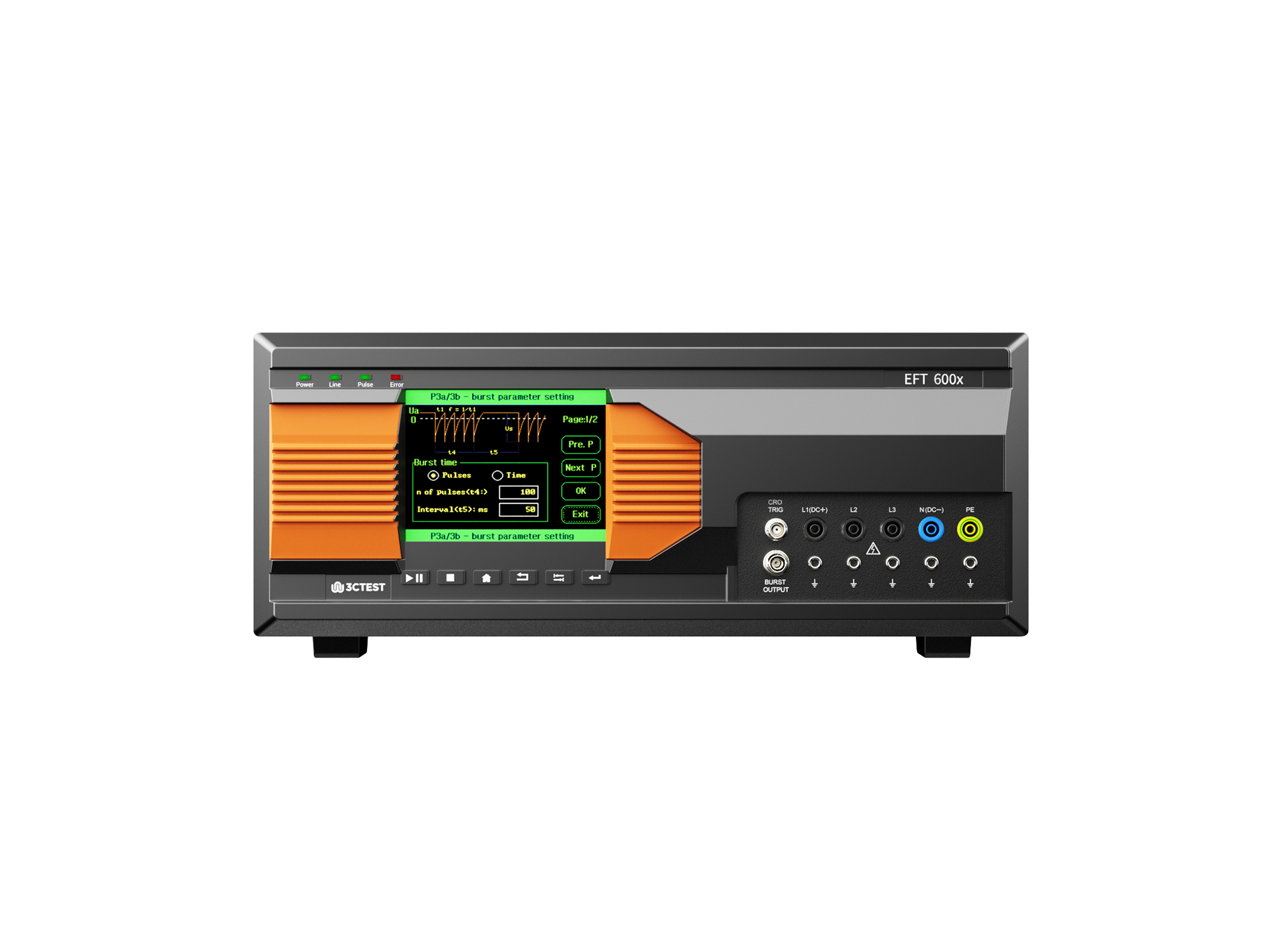
The EFT 600 Series Electrical Fast Transient Burst Generators are designed according to IEC 61000-4-4 to simulates repetitive, high-speed and low-energy spikes generated by the switching of inductive loads in industrial and commercial environment.
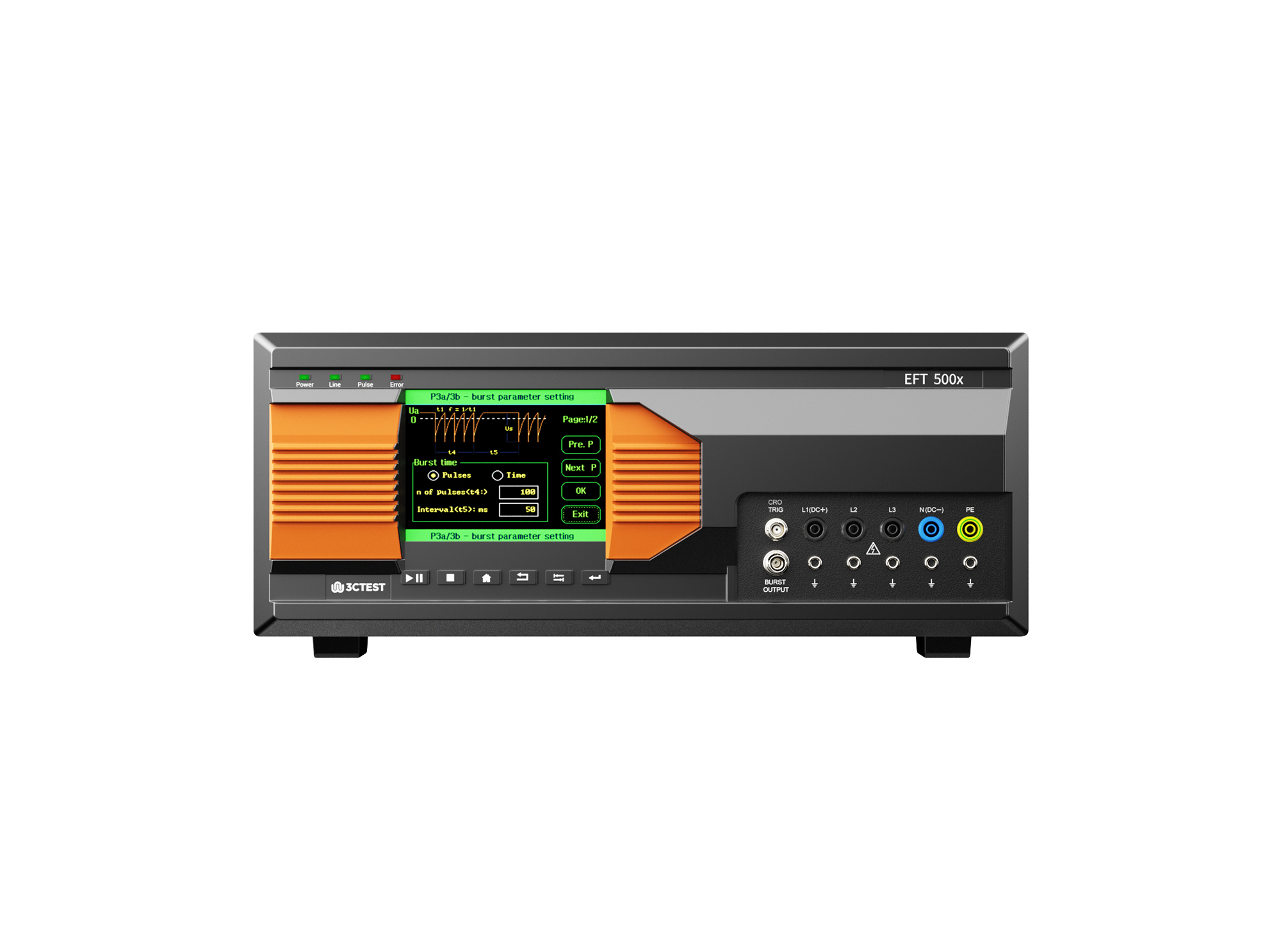
The EFT 500 Series Electrical Fast Transient Burst Generators are designed according to IEC 61000-4-4 to simulates repetitive, high-speed and low-energy spikes generated by the switching of inductive loads in industrial and commercial environment.
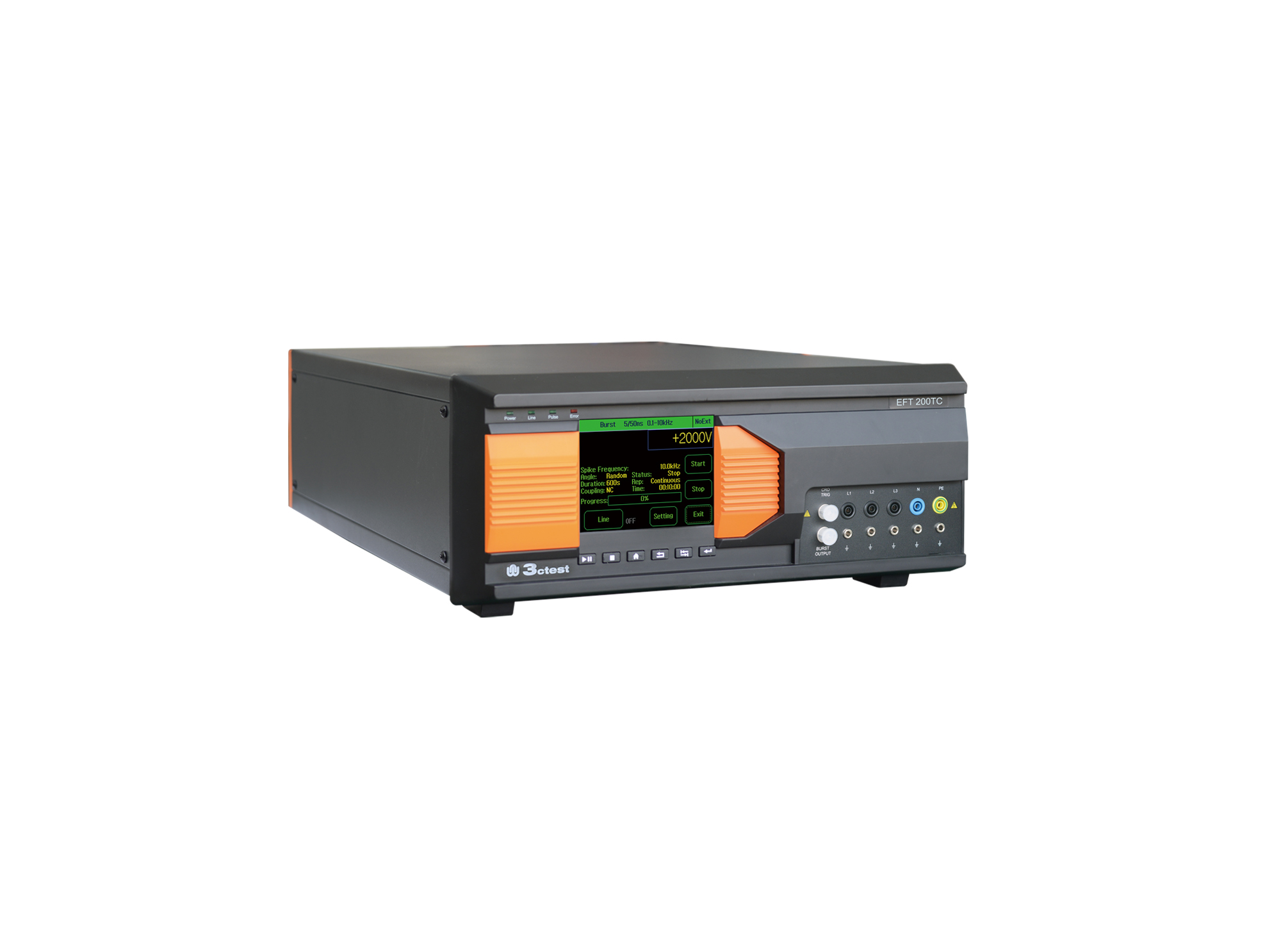
EFT 200TC three-phase EFT/Burst Simulator is developed for EMC testing of automotive components.
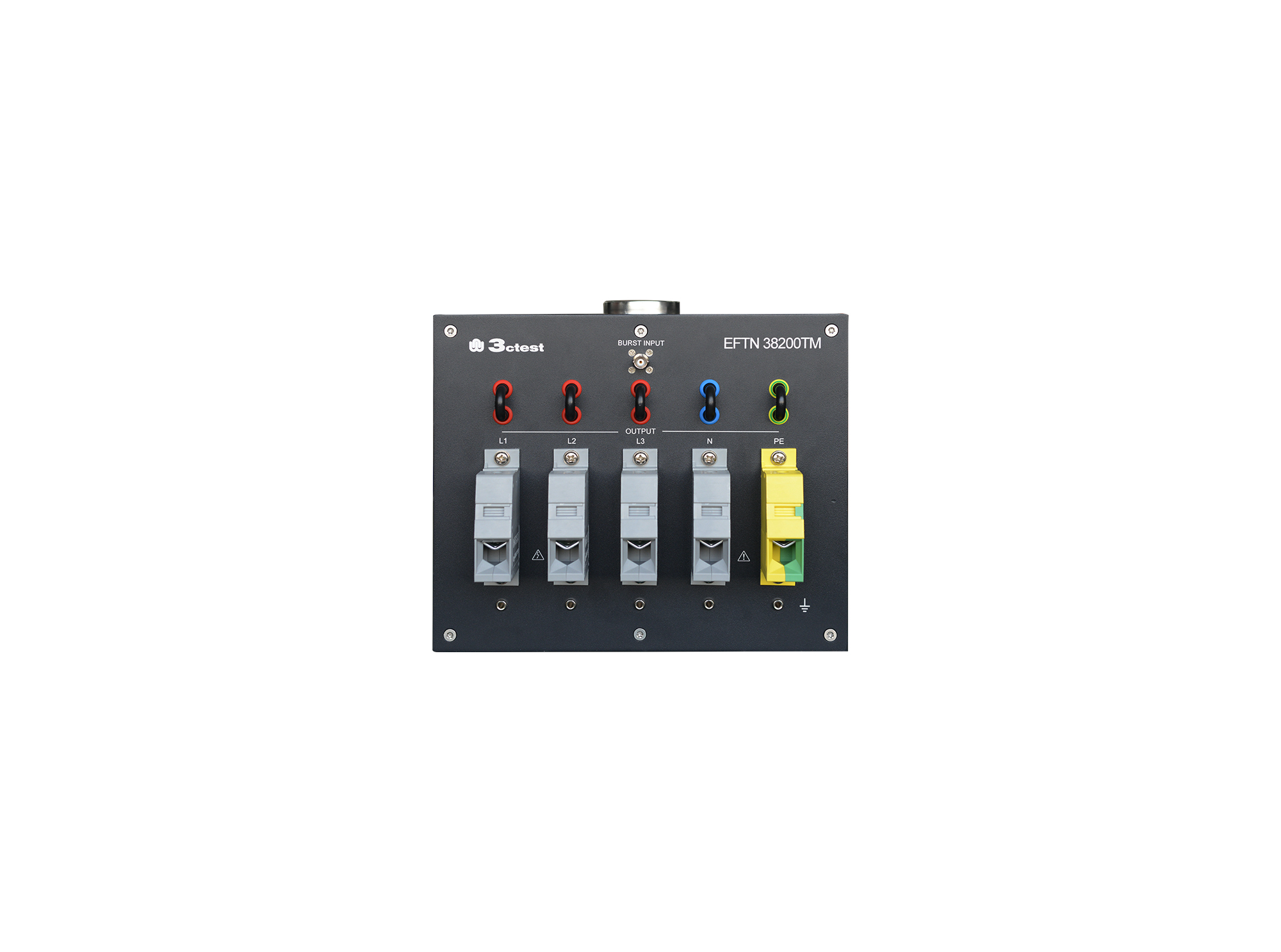
The EFTN 38200TM HV High Power EFT/Burst Coupling/Decoupling Network is a manual three-phase coupling/decoupling network compliant with IEC 61000-4-4.
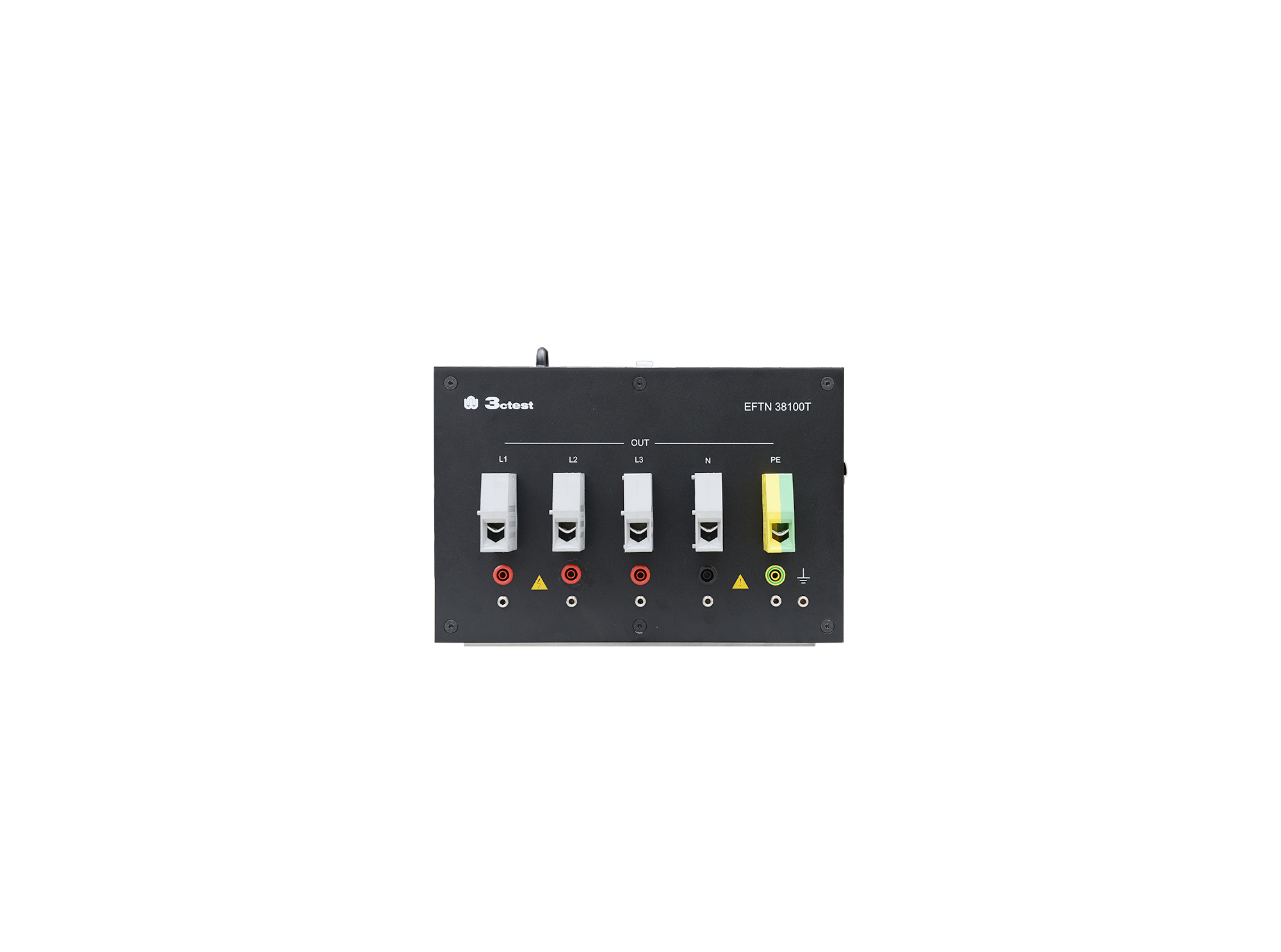
The EFTN 69100TM HV High Power EFT/Burst Coupling/Decoupling Network is a manual three-phase CDN compliant with IEC 61000-4-4.
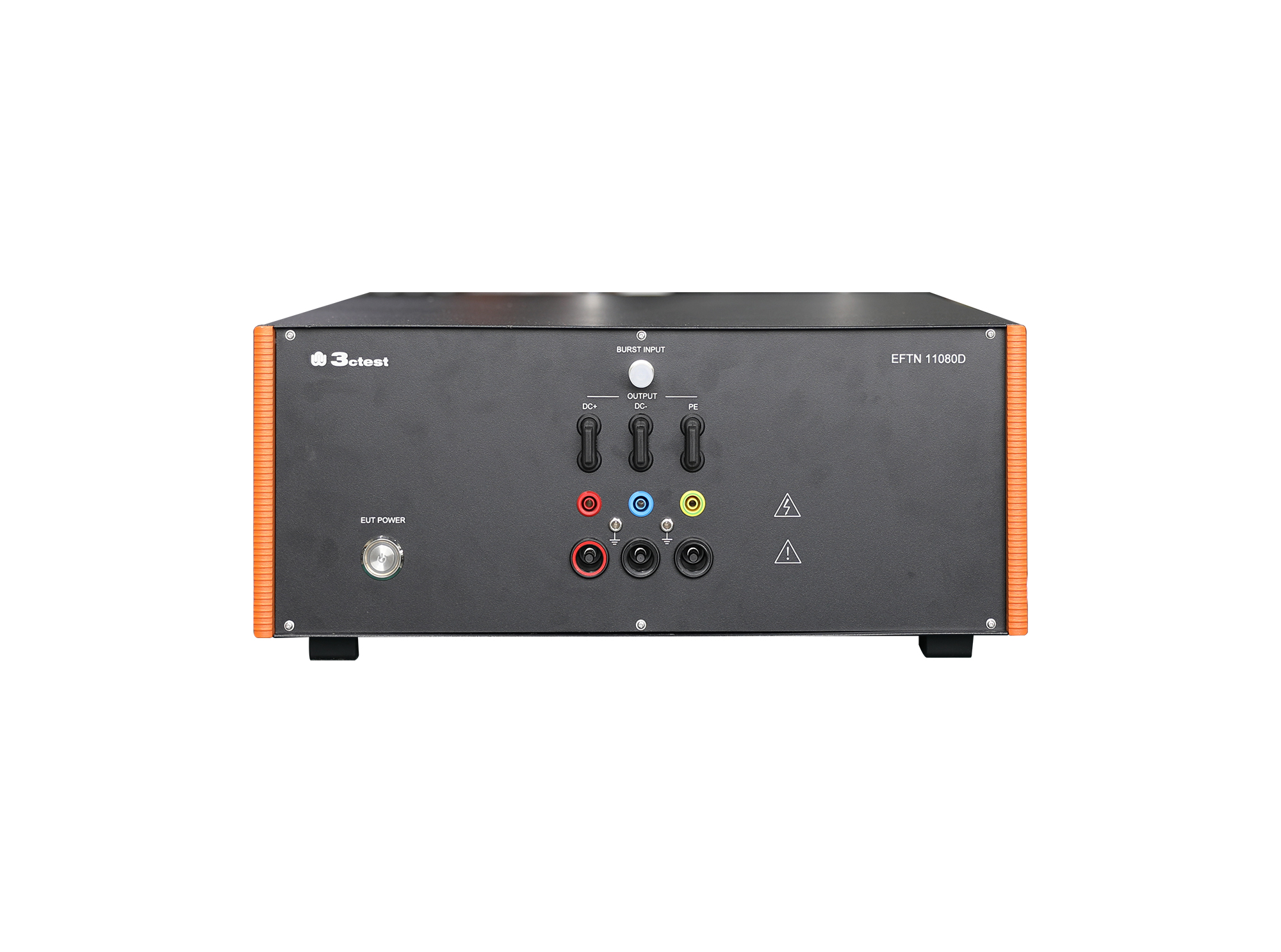
The EFTN 11080D EFT/Burst Coupling/Decoupling Network is a manual CDN compliant with IEC 61000-4-4 requirements.
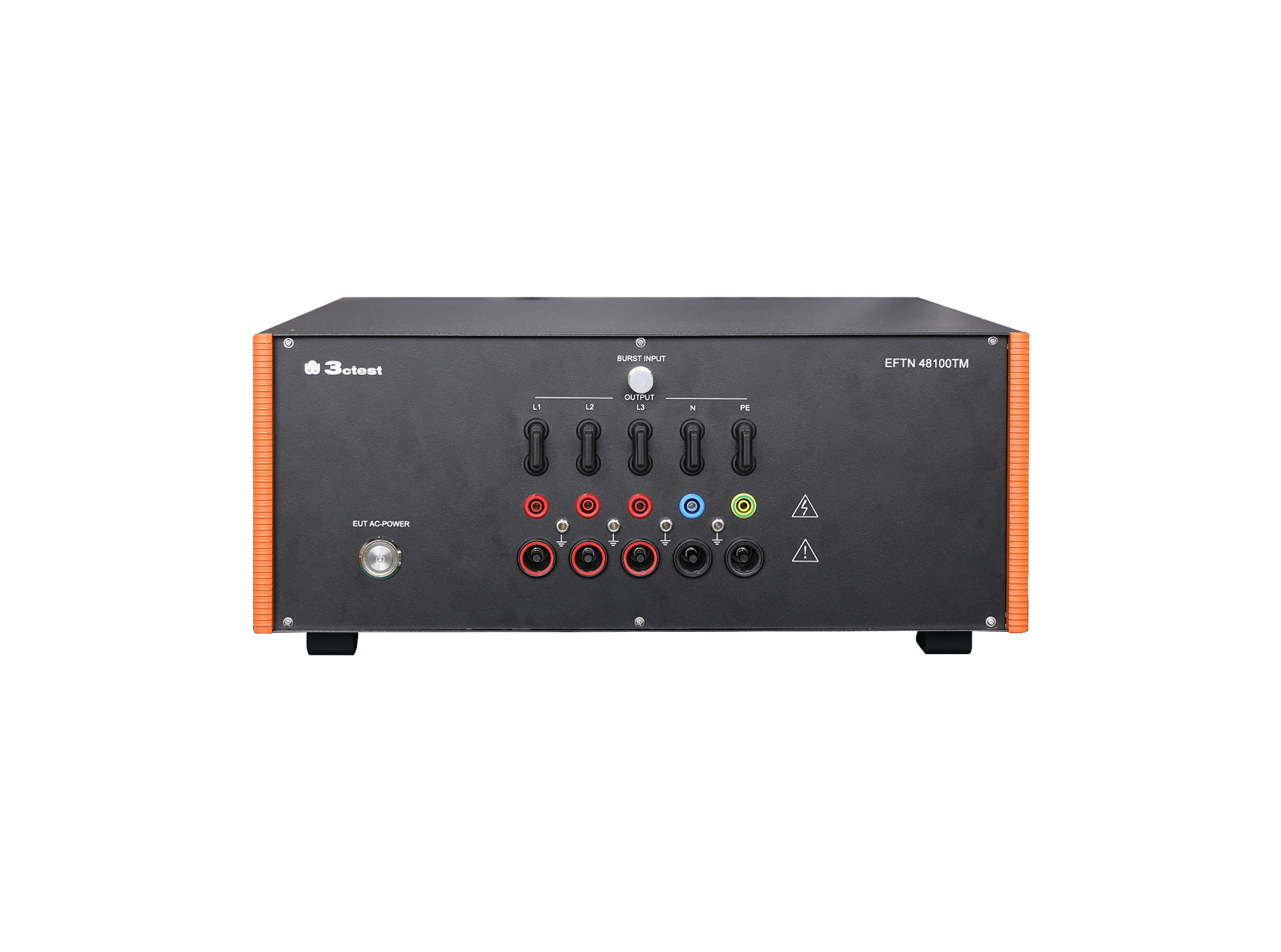
The EFTN 48100TM EFT/Burst Coupling/Decoupling Network is a manual CDN compliant with IEC 61000-4-4 requirements. It offers high reliability, stable performance, and easy operation, with a maximum load capacity of 480 V DC and 100 A.
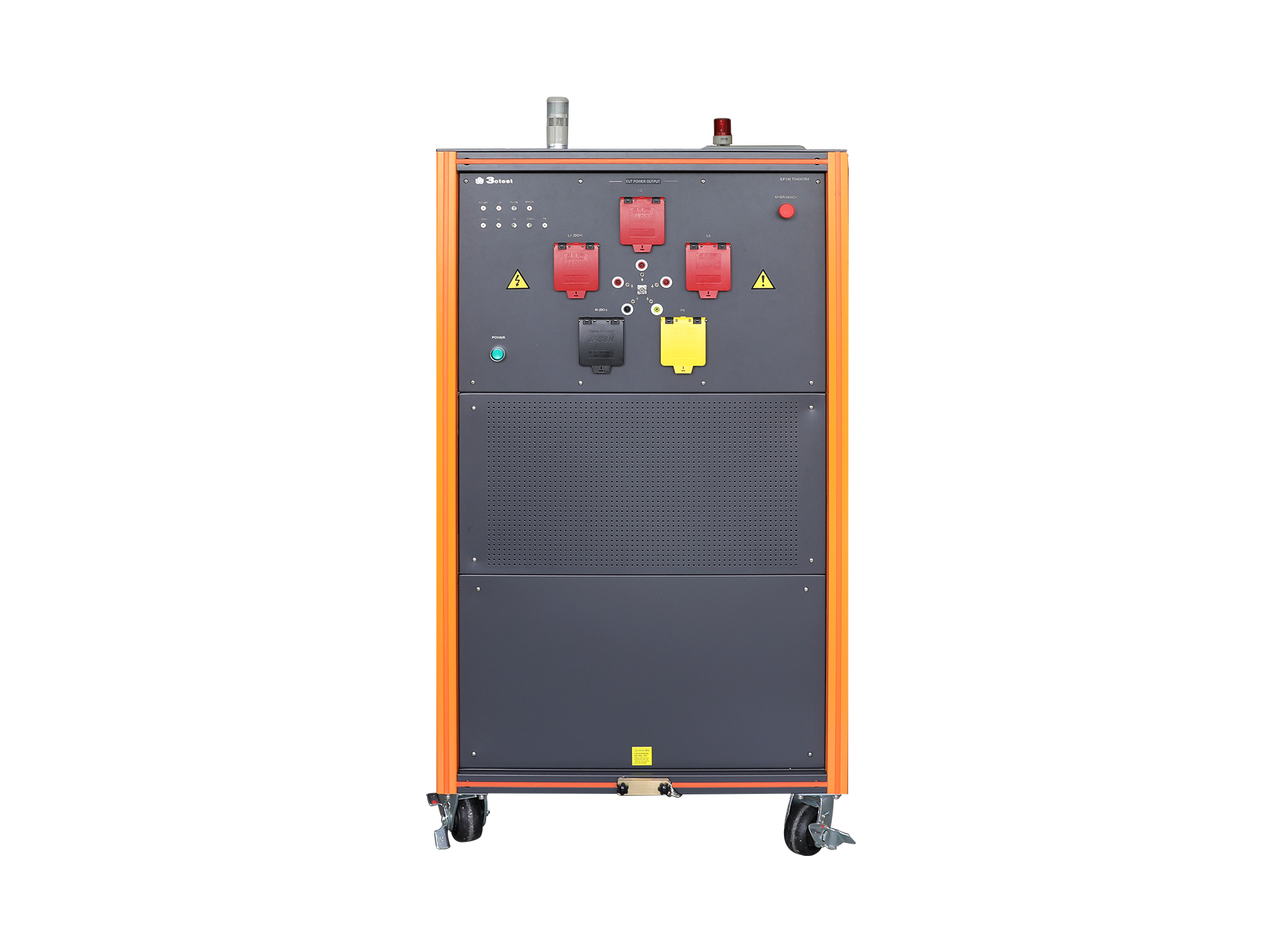
The EFTN 70400T HV High-Power EFT/Burst Coupling/Decoupling Network is a automatic CDN compliant with IEC 61000-4-4 requirements.
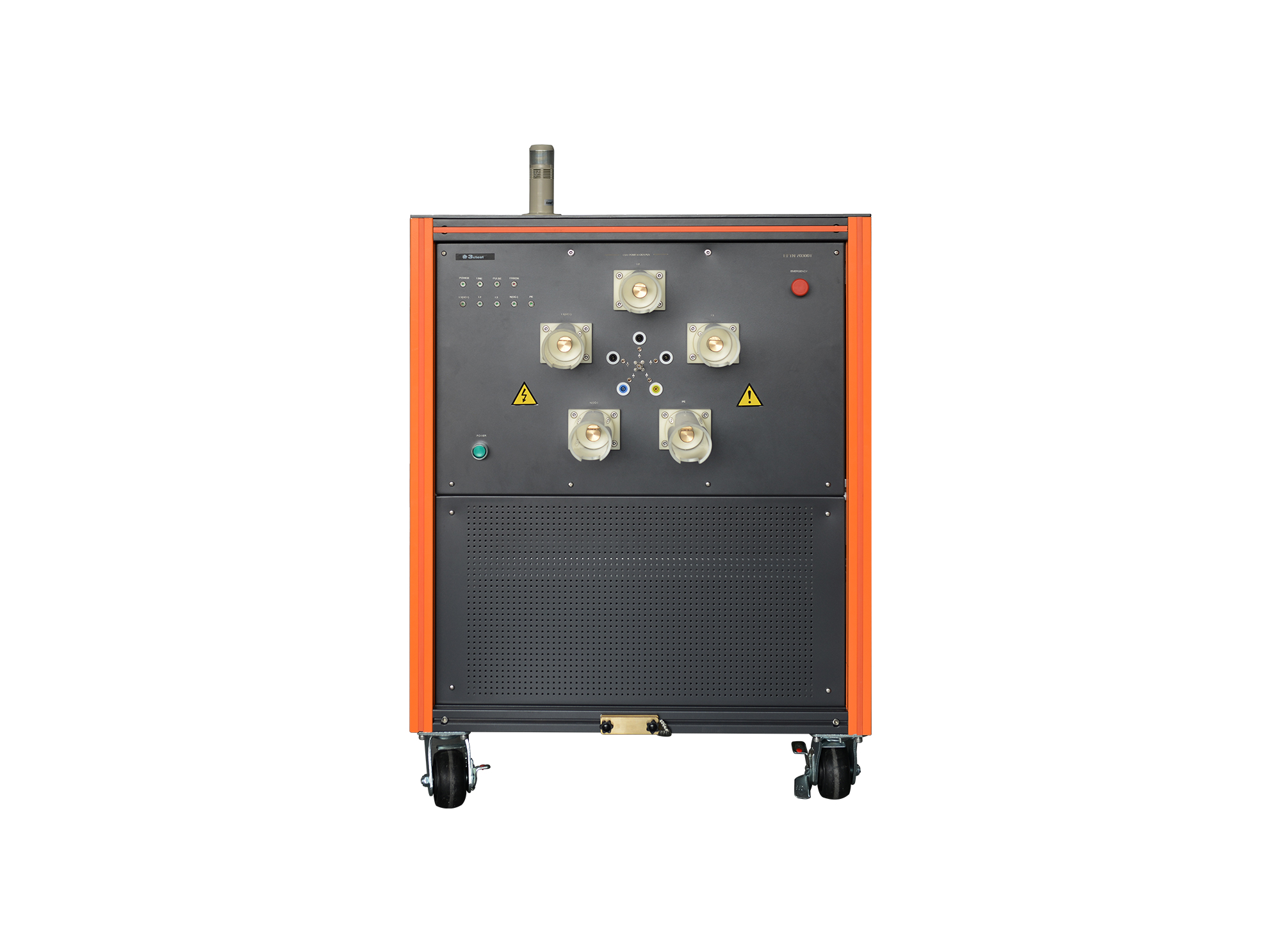
The EFTN 70300T HV High-Power EFT/Burst Coupling/Decoupling Network complies with IEC/EN 61000-4-4 and supports CE and CCC certification requirements.
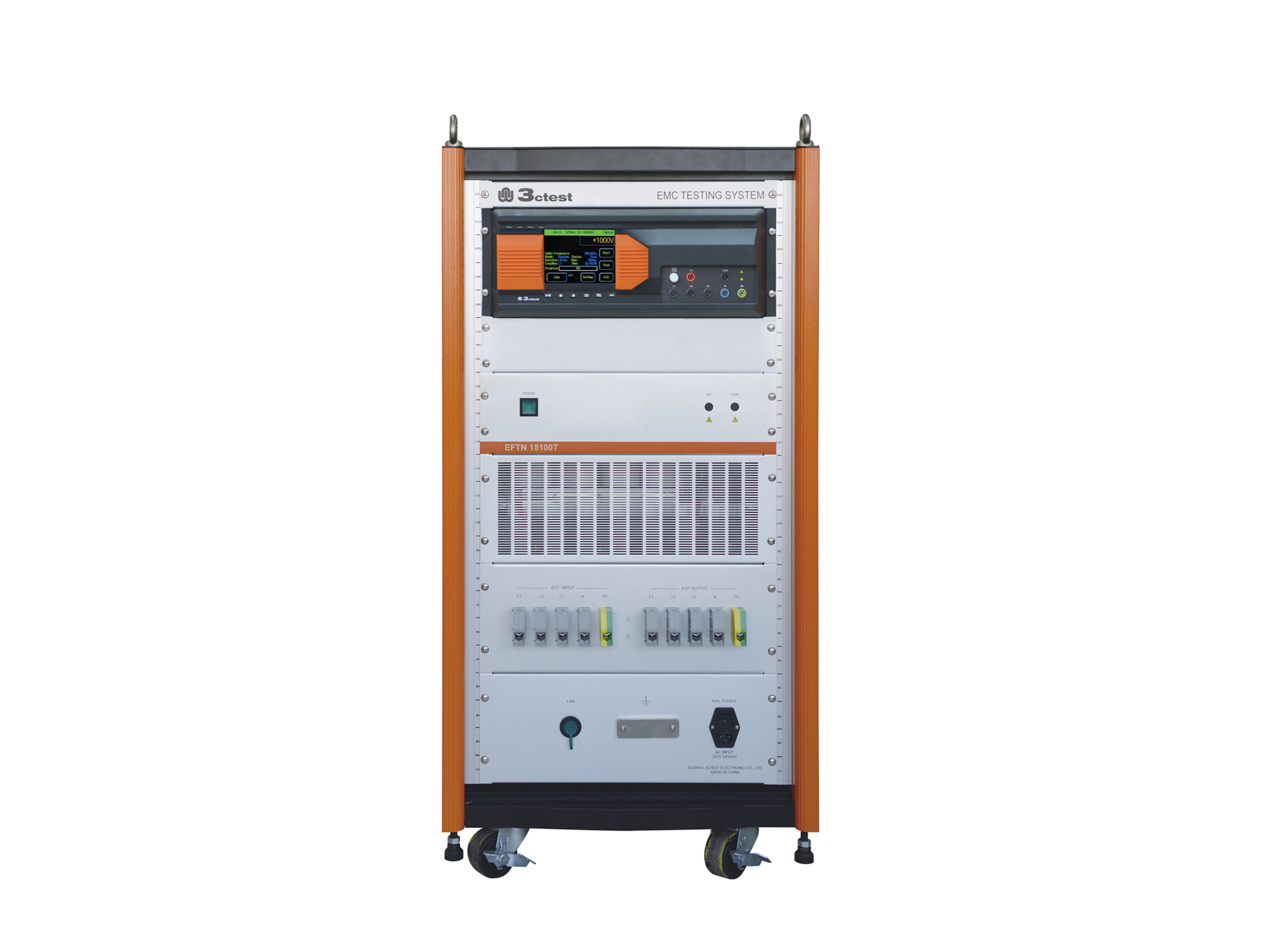
The EFTN 15100T HV High-Power EFT/Burst Coupling/Decoupling Network complies with IEC/EN 61000-4-4 and supports CE and CCC certification requirements.
.jpg)
The TFB 500/1000 is an EFT/B calibration kit developed in compliance with IEC/EN 61000-4-4, ISO 7637.2 and GB/T 17626.4. TFB500 / TFB1000 feature 50 Ω and 1 kΩ terminations.
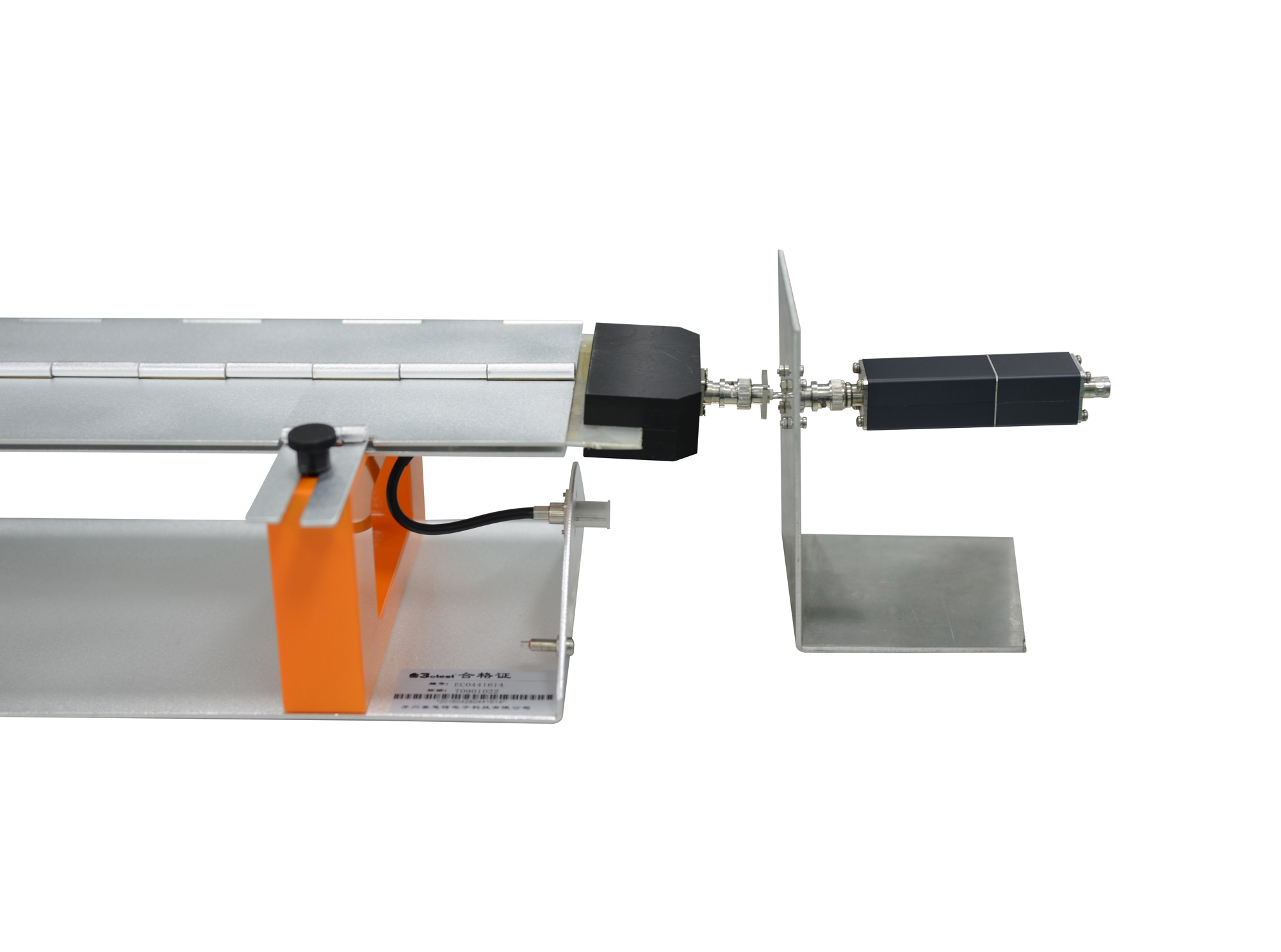
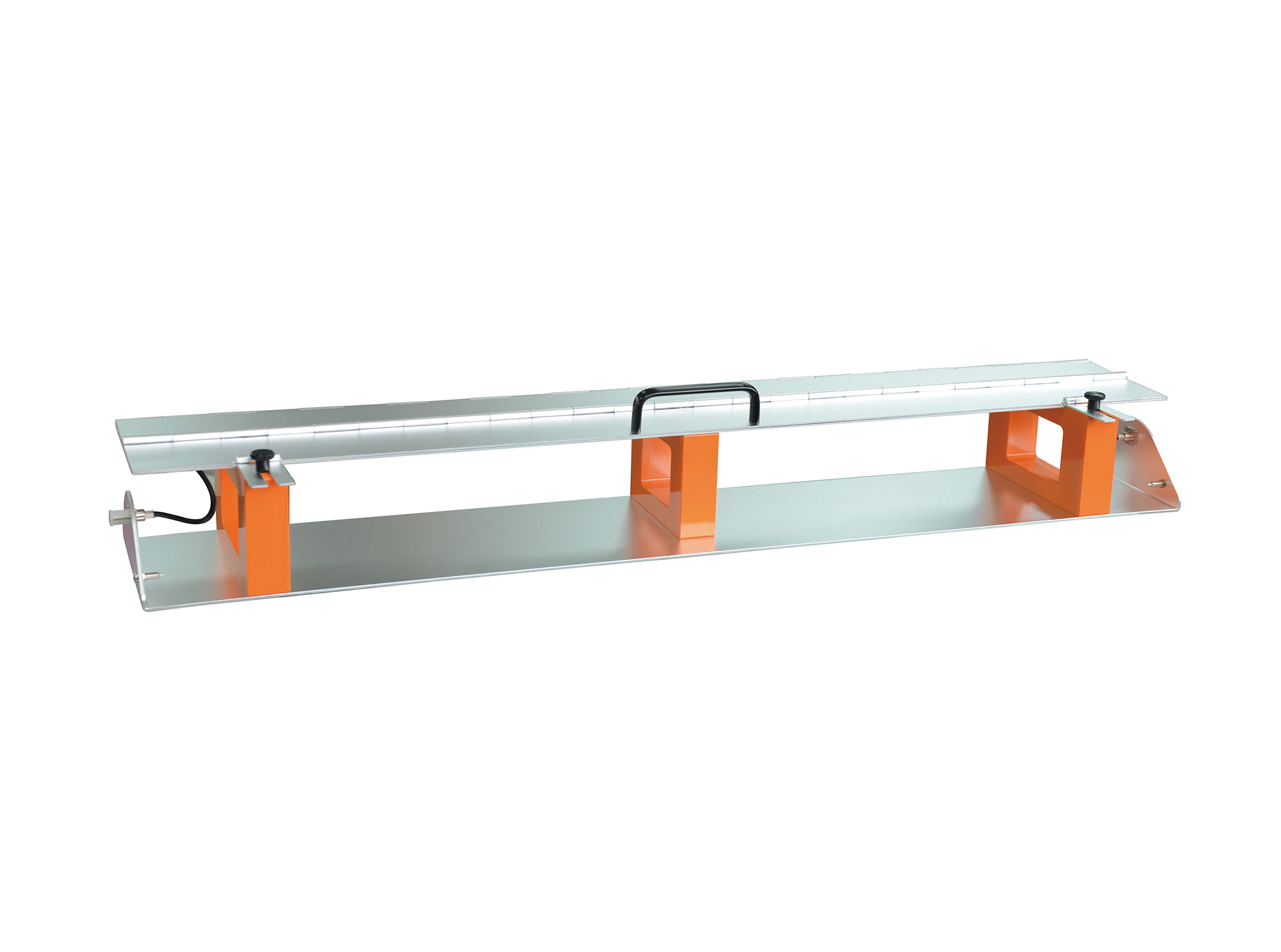
The CA-CCC transducer plate is applied for the calibration of capacitive coupling clamp. It is designed in accordance with domestic and international standards including IEC 61000-4-4 and GB/T 17626.4.
• Using the product inquiry function can help you quickly learn about the product's price and other related information.
• You can either inquire about a single product directly, or select multiple products to add to the inquiry bar and inquire about them together.
• How to make an inquiry





1. Using the product comparison function can help you find the target product you need for selection more quickly and easily.
2. You can add up to 5 products for comparison. Product models and parameters may vary across different series. It is recommended to compare products within the same series.
3. How to use the comparison bar.




 Phone: +86-512-68413700
 Email: info@3ctest.cn
 Address:No.99 E'meishan Rd, SND, Suzhou, Jiangsu, 215153, China,Suzhou, Jiangsu, 215153, China



© 2025 Suzhou 3CTEST


 Leave a Message


