

High frequency recommended vocabulary

IEC 60255-22-7 specifies the test method used to verify the immunity of measuring relays and protection equipment to power frequency disturbances. Such disturbances arise in service when a relay is installed close to a busbar carrying heavy current, or when the auxiliary circuit runs parallel to a power conductor over a long distance; capacitive and inductive coupling then imparts a 50 Hz or 60 Hz voltage onto the signal and auxiliary wiring. The standard defines the test source, the series injection arrangement and the values of induced voltage that constitute the severity levels, distinguishing between common-mode and differential-mode application. It describes the test layout, the terminal connections for each protected port and the duration of each applied level, and it requires that the relay function be monitored continuously so that any spurious operation is detected. Acceptance is expressed through the performance criteria declared by the manufacturer. The test is normally performed together with the 1 MHz burst, fast transient, surge and high-frequency conducted tests that make up the complete disturbance programme for protection equipment.
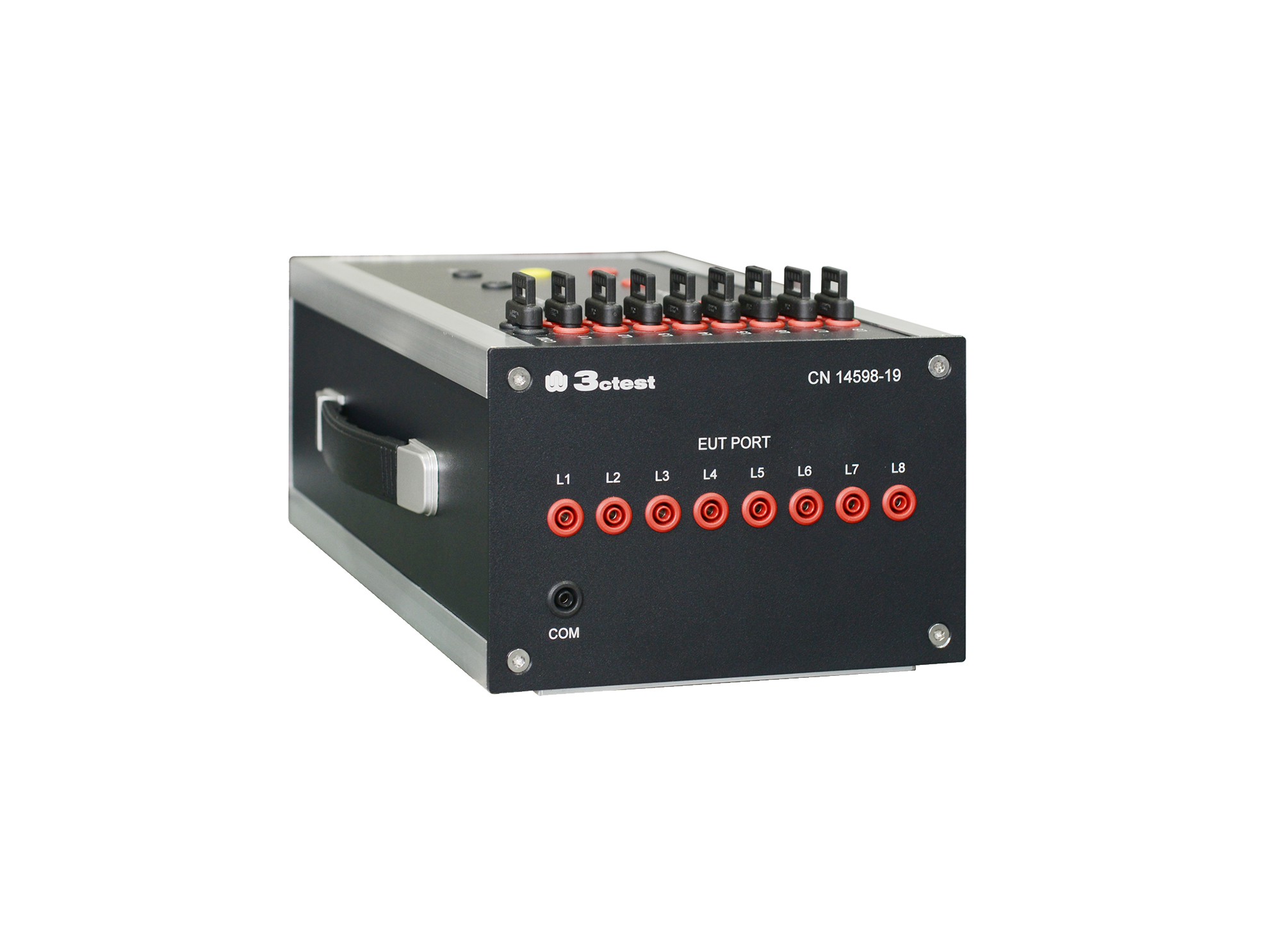
The CN14598-19 coupling network complies with IEC 60255-22-7, used to evaluate whether the equipment under test (EUT) operates correctly when energized at its rated frequency and subjected to short-duration
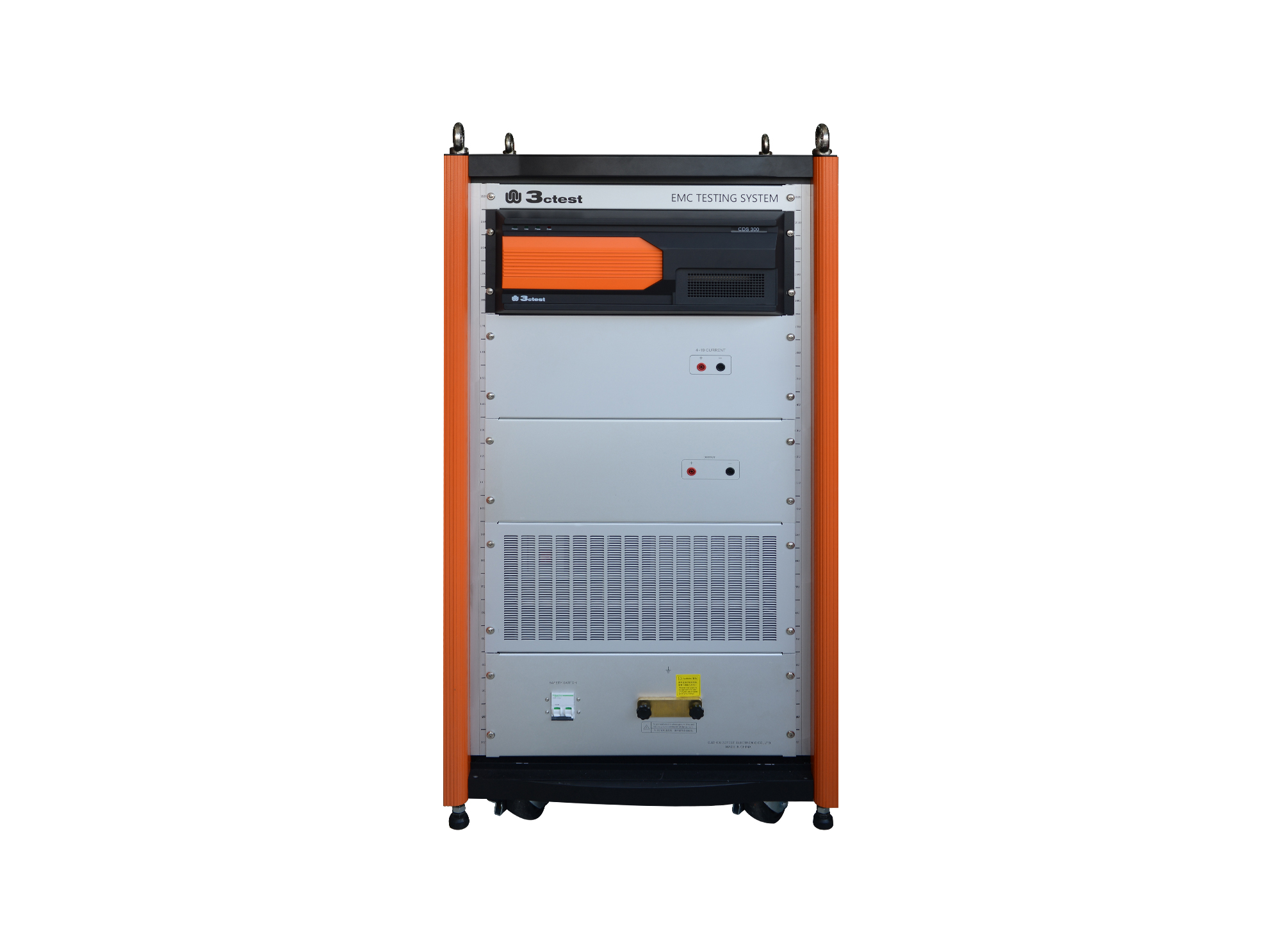
The CDS 300 is a common-mode conducted disturbance simulator with a frequency range of 0 Hz (DC) to 165 kHz and a max. output voltage of 300 V.
• Using the product inquiry function can help you quickly learn about the product's price and other related information.
• You can either inquire about a single product directly, or select multiple products to add to the inquiry bar and inquire about them together.
• How to make an inquiry





1. Using the product comparison function can help you find the target product you need for selection more quickly and easily.
2. You can add up to 5 products for comparison. Product models and parameters may vary across different series. It is recommended to compare products within the same series.
3. How to use the comparison bar.




 Phone: +86-512-68413700
 Email: info@3ctest.cn
 Address:No.99 E'meishan Rd, SND, Suzhou, Jiangsu, 215153, China,Suzhou, Jiangsu, 215153, China



© 2025 Suzhou 3CTEST


 Leave a Message


