

High frequency recommended vocabulary

IEC 61000-6-1 is a generic immunity standard, which means that it applies to any product for which no dedicated product or product-family immunity standard exists, provided the product is intended for use in a residential, commercial or light-industrial environment. Typical users include equipment installed in dwellings, shops, offices, workshops and small businesses, and products such as lighting, home appliances, information technology equipment and general electrical apparatus fall under its scope. Rather than defining new test methods, the standard selects the port-by-port tests from the basic immunity publication series and fixes the level that must be applied to each. It therefore states the applicable levels for electrostatic discharge, radiated radio-frequency fields, electrical fast transients, surges, conducted radio-frequency disturbances, power frequency magnetic fields, voltage dips and short interruptions, and it specifies the performance criteria that correspond to each. It also requires the manufacturer to define the ports of the product, to decide which tests are applicable on the basis of those ports, and to document the selection. It is used in the European Union as a harmonised standard under the EMC Directive.
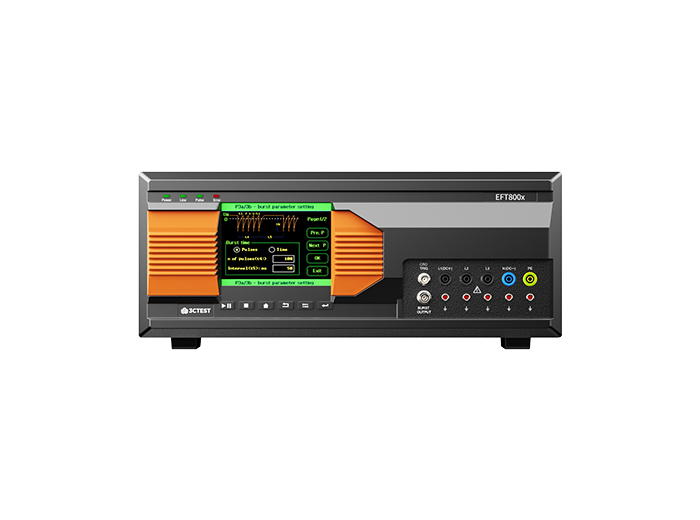
The EFT 800 Series Electrical Fast Transient Burst Generators are designed according to IEC 61000-4-4 to simulates repetitive, high-speed and low-energy spikes generated by the switching of inductive loads in industrial and commercial environment.
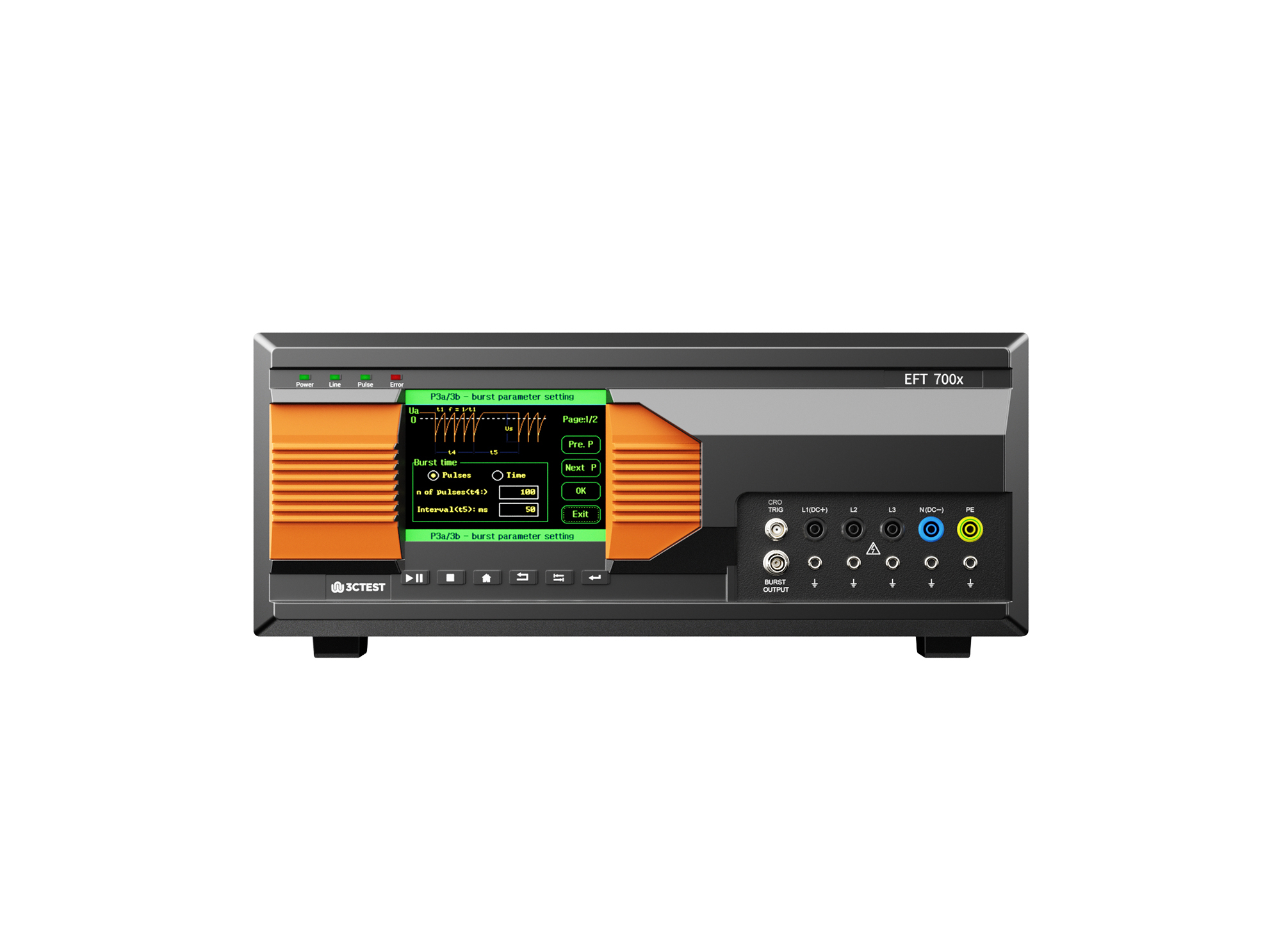
The EFT 700 Series Electrical Fast Transient Burst Generators are designed according to IEC 61000-4-4 to simulates repetitive, high-speed and low-energy spikes generated by the switching of inductive loads in industrial and commercial environment.
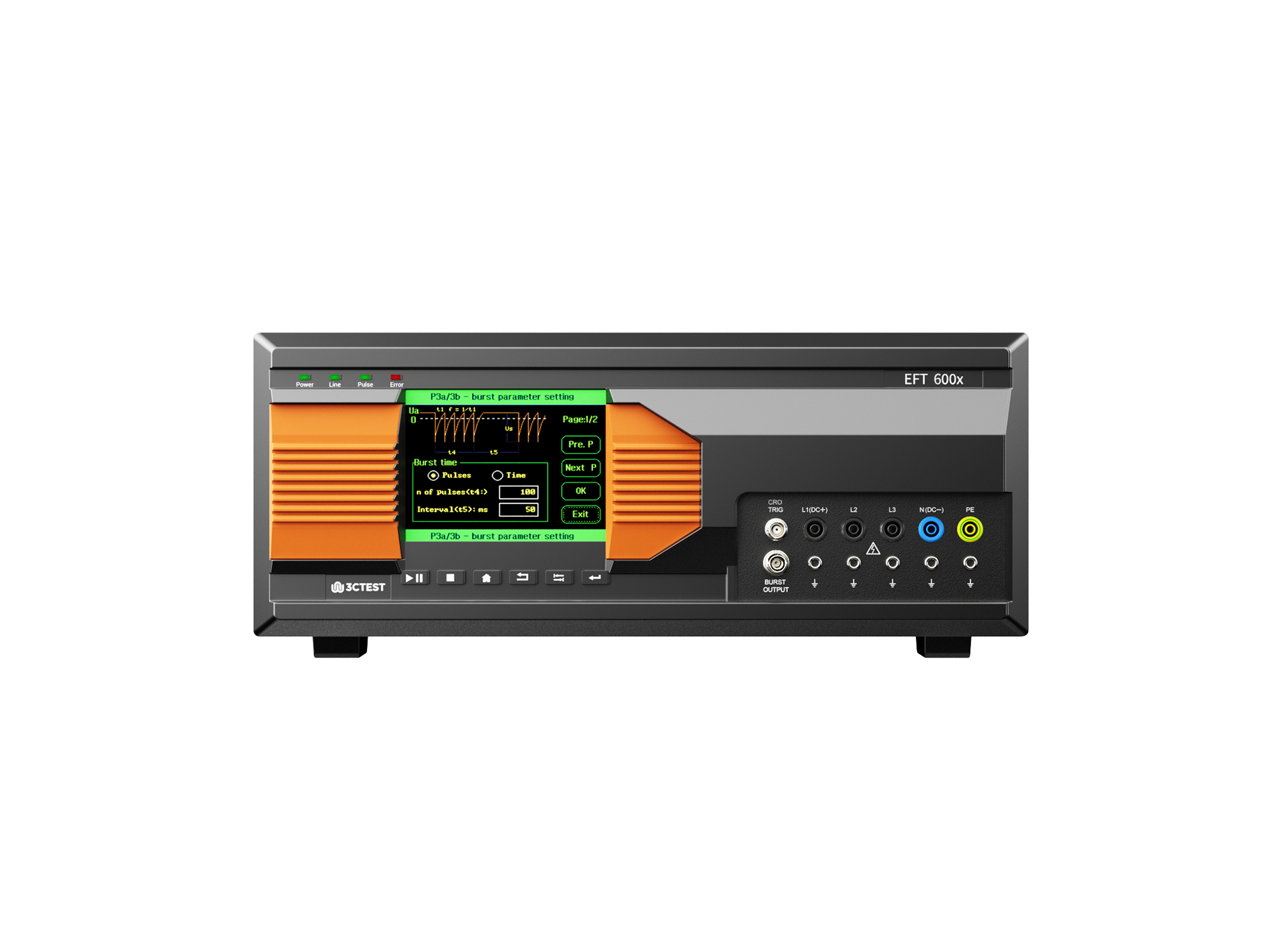
The EFT 600 Series Electrical Fast Transient Burst Generators are designed according to IEC 61000-4-4 to simulates repetitive, high-speed and low-energy spikes generated by the switching of inductive loads in industrial and commercial environment.
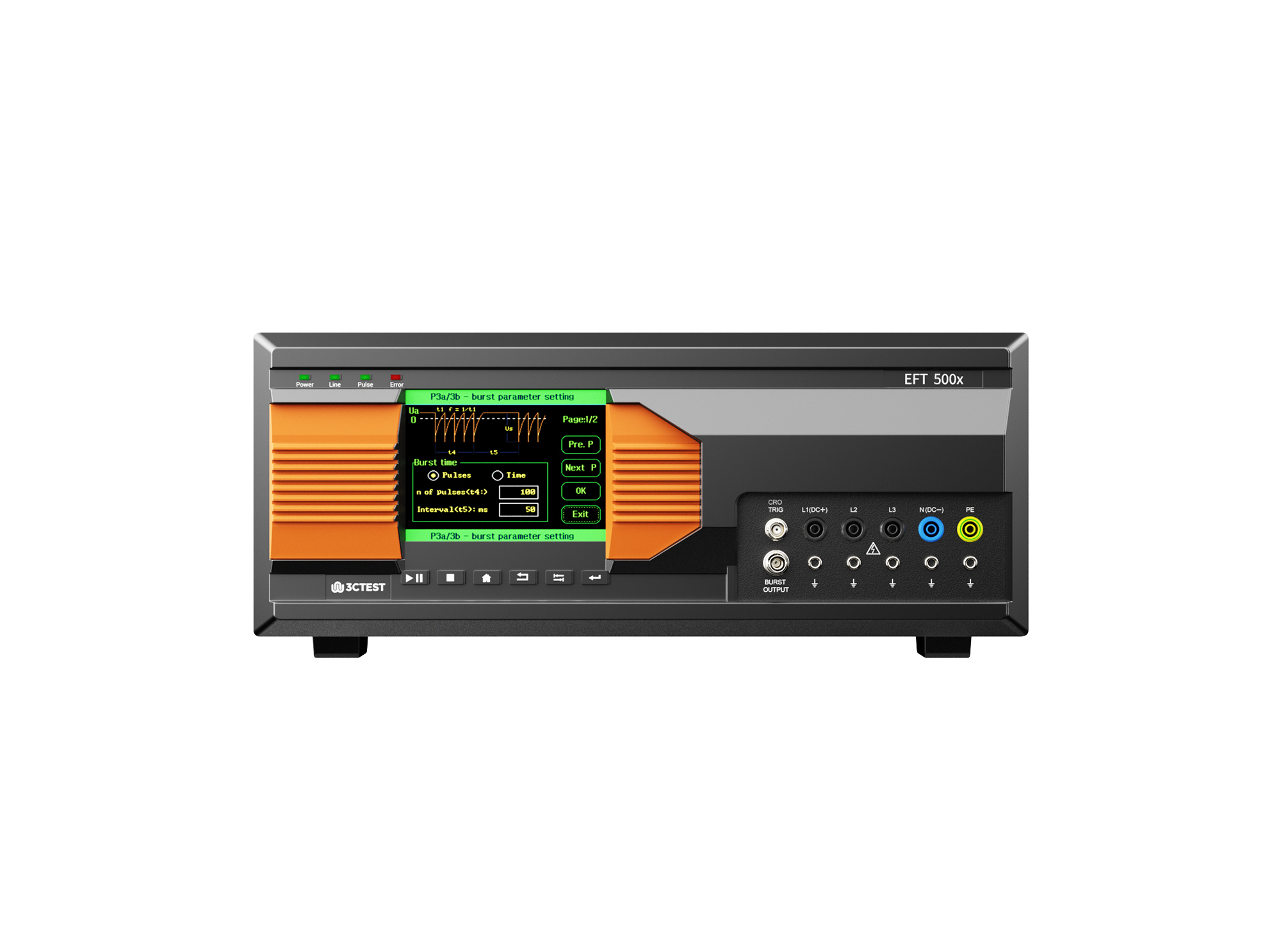
The EFT 500 Series Electrical Fast Transient Burst Generators are designed according to IEC 61000-4-4 to simulates repetitive, high-speed and low-energy spikes generated by the switching of inductive loads in industrial and commercial environment.
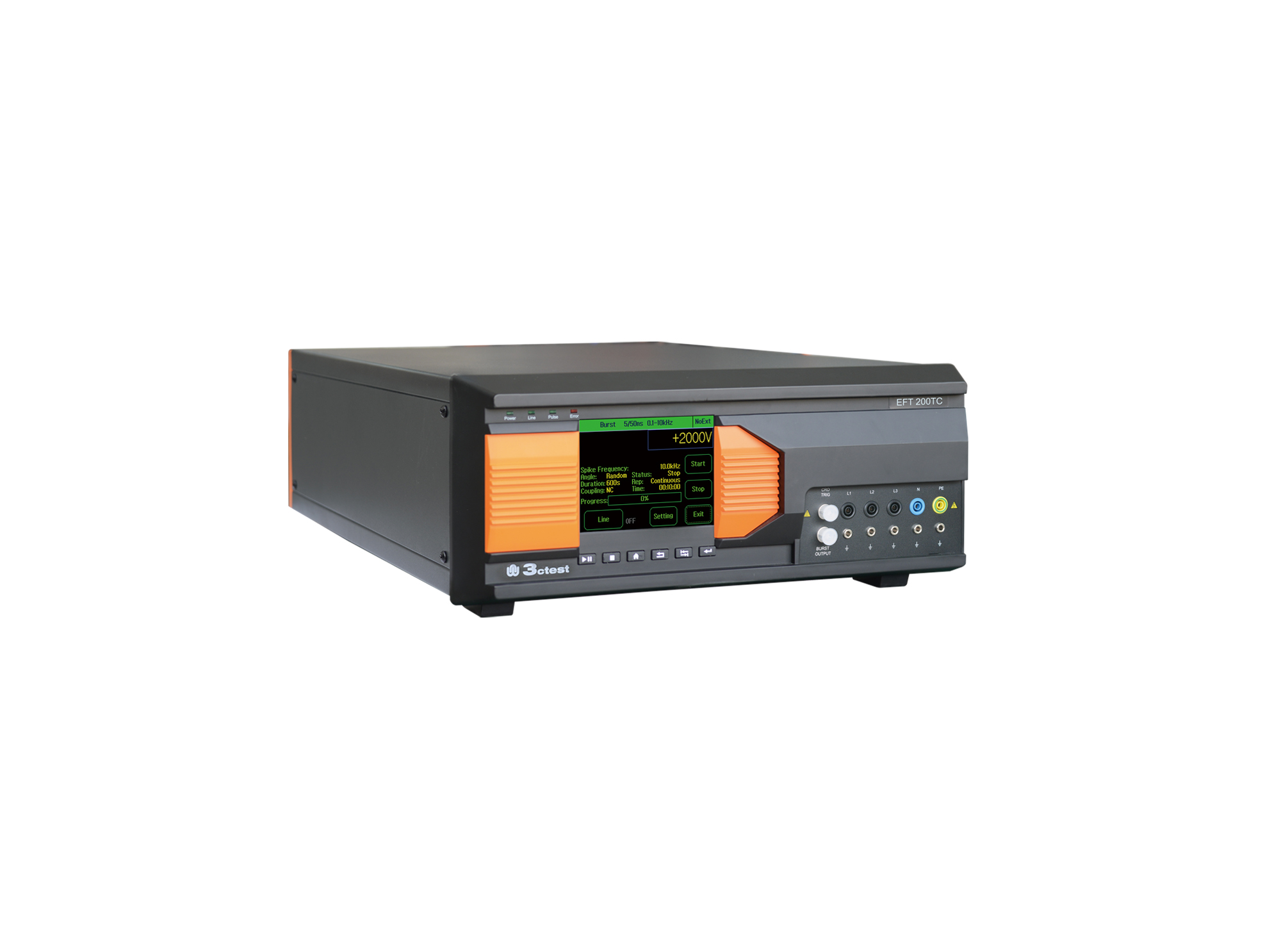
EFT 200TC three-phase EFT/Burst Simulator is developed for EMC testing of automotive components.
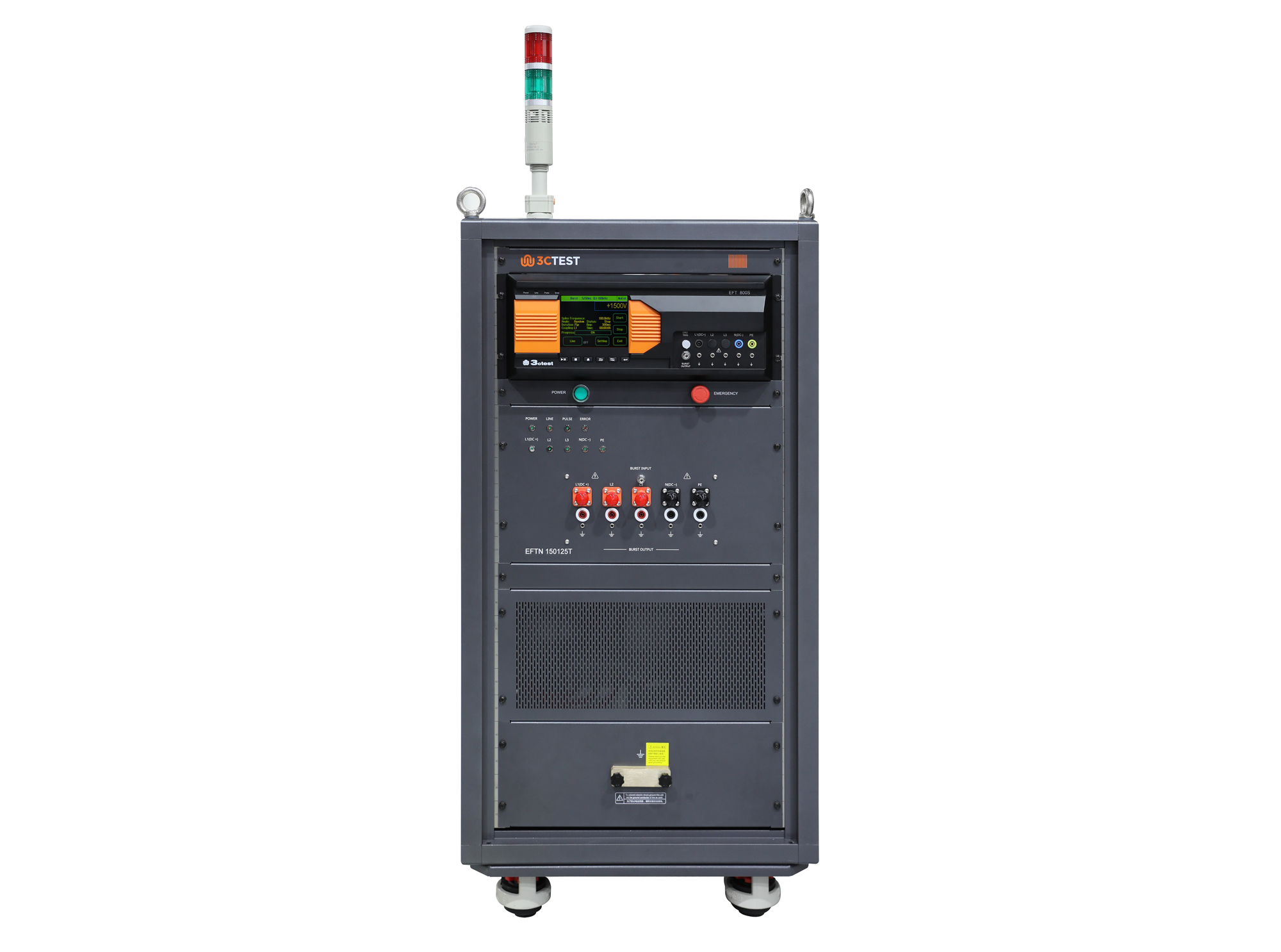
The EFTN 150125T HV High Power EFT/Burst Coupling/Decoupling Network is designed in compliance with IEC 61000-4-4.
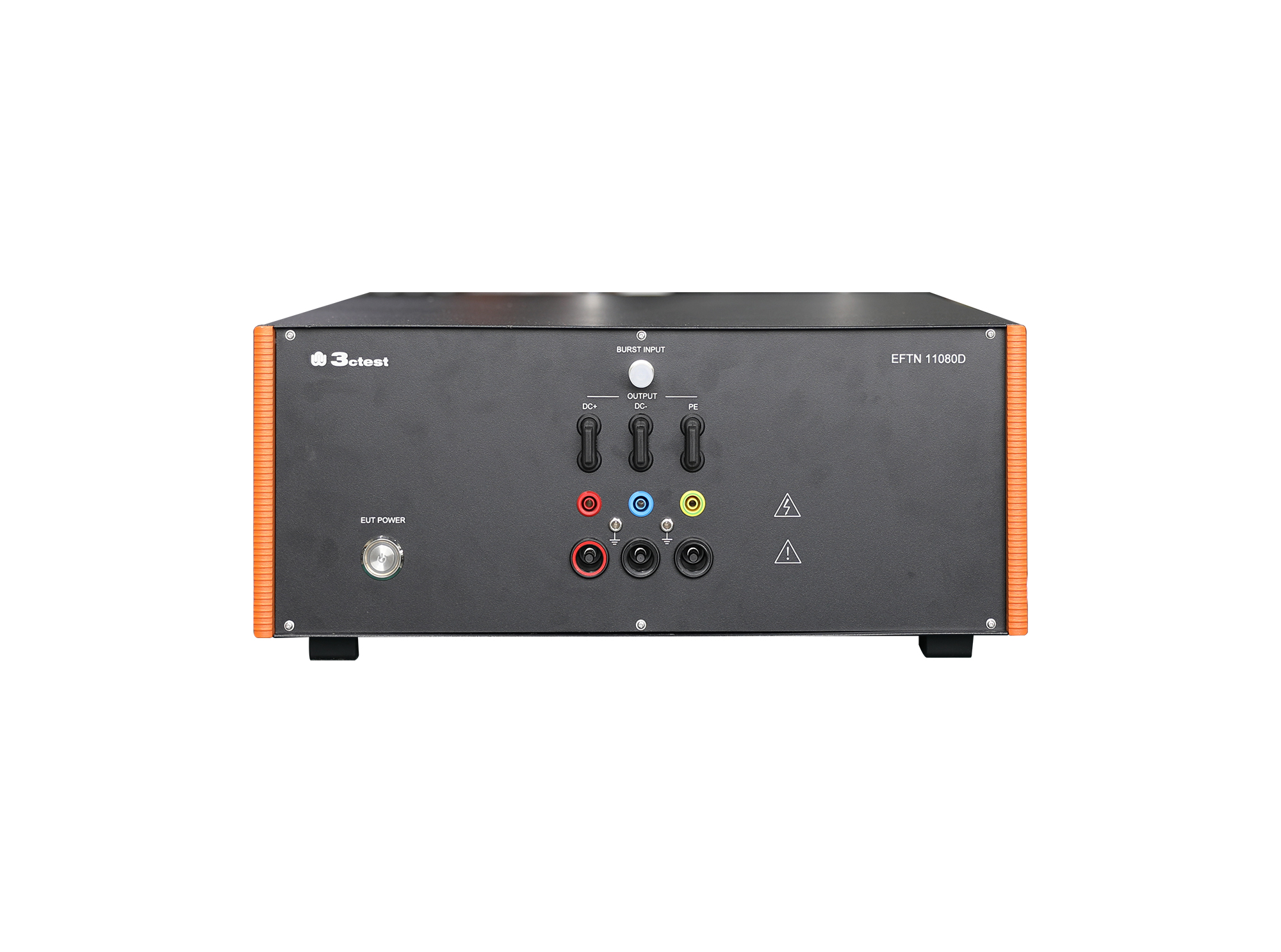
The EFTN 11080D EFT/Burst Coupling/Decoupling Network is a manual CDN compliant with IEC 61000-4-4 requirements.
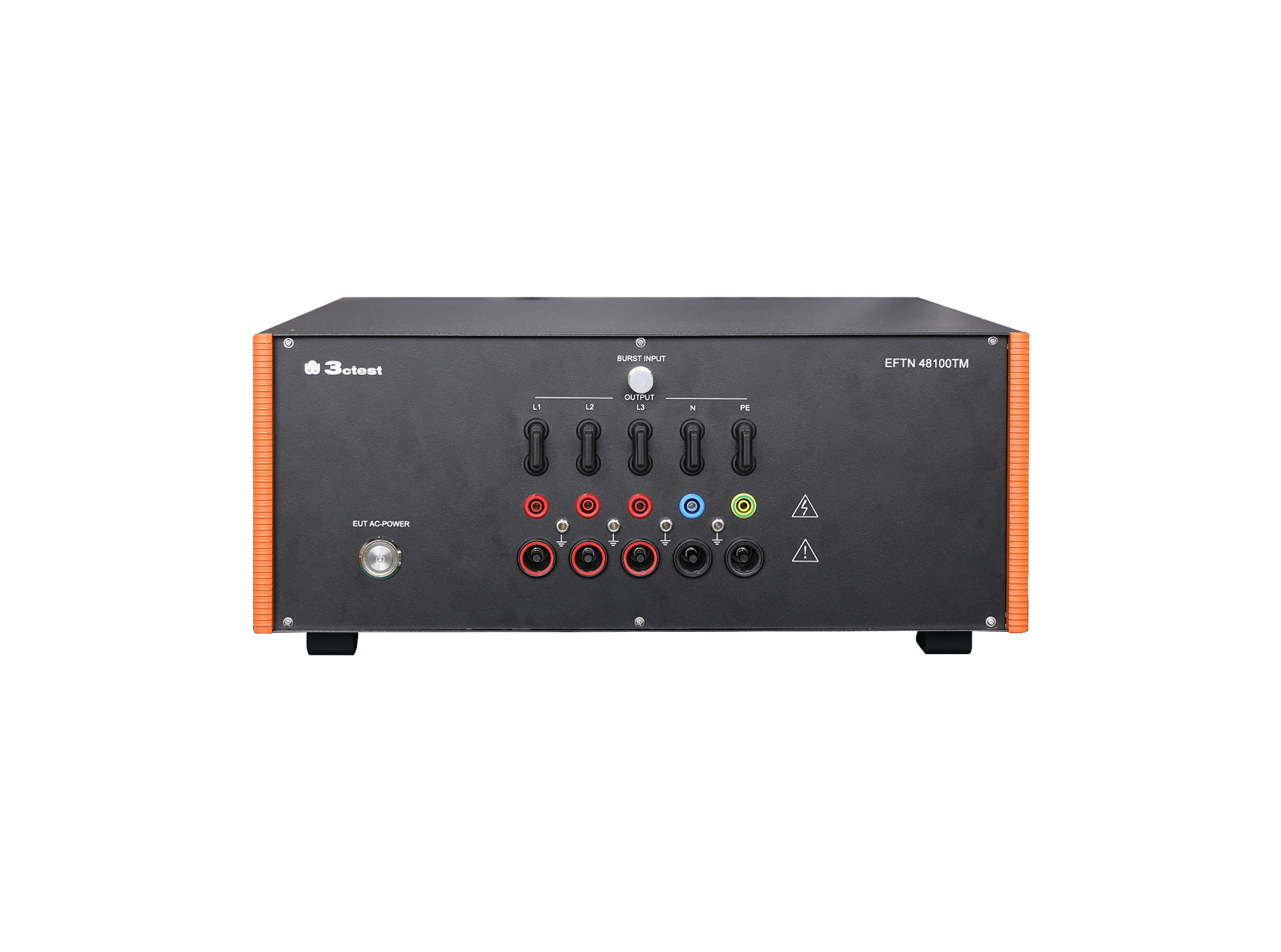
The EFTN 48100TM EFT/Burst Coupling/Decoupling Network is a manual CDN compliant with IEC 61000-4-4 requirements. It offers high reliability, stable performance, and easy operation, with a maximum load capacity of 480 V DC and 100 A.
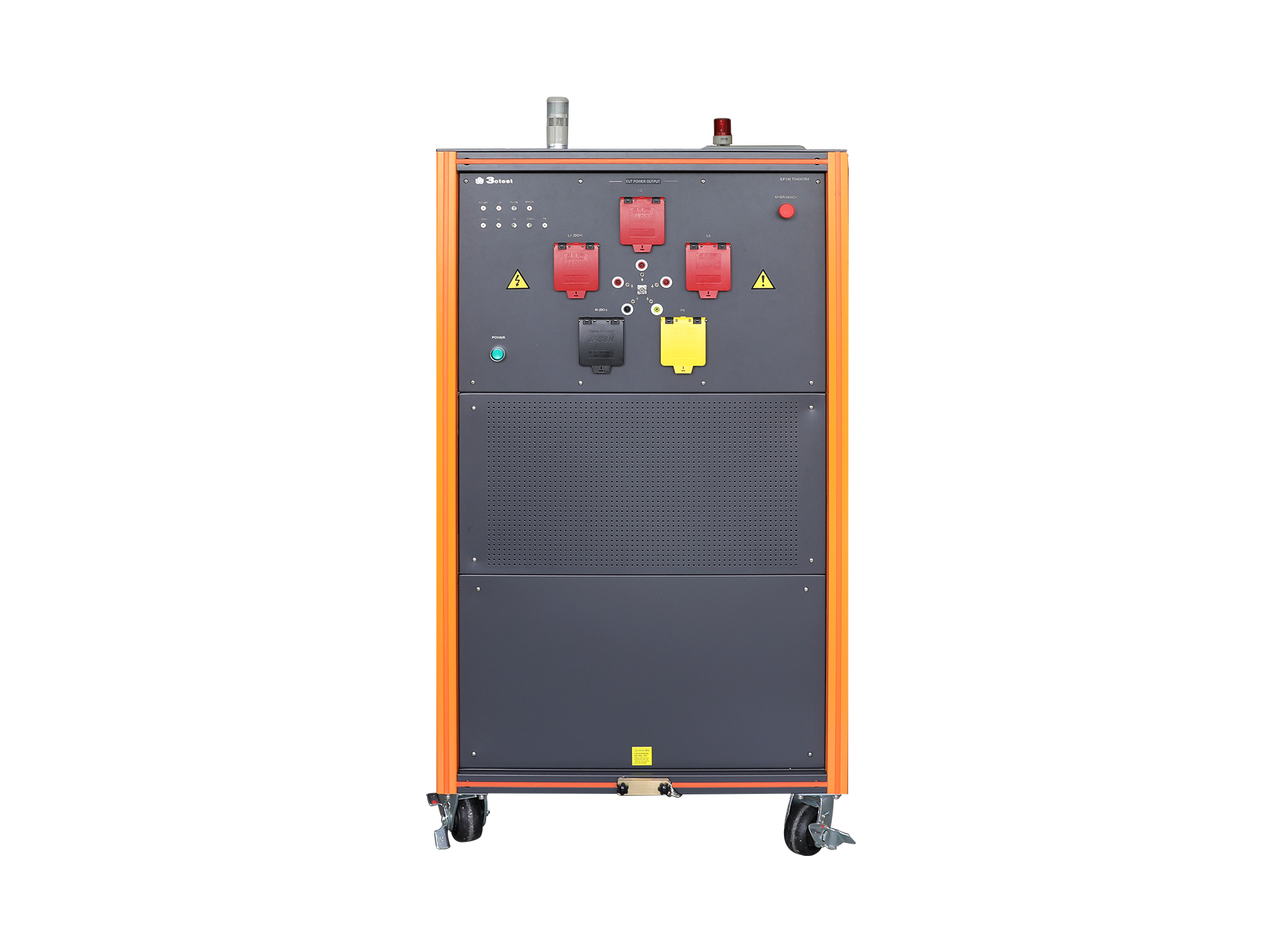
The EFTN 70400T HV High-Power EFT/Burst Coupling/Decoupling Network is a automatic CDN compliant with IEC 61000-4-4 requirements.
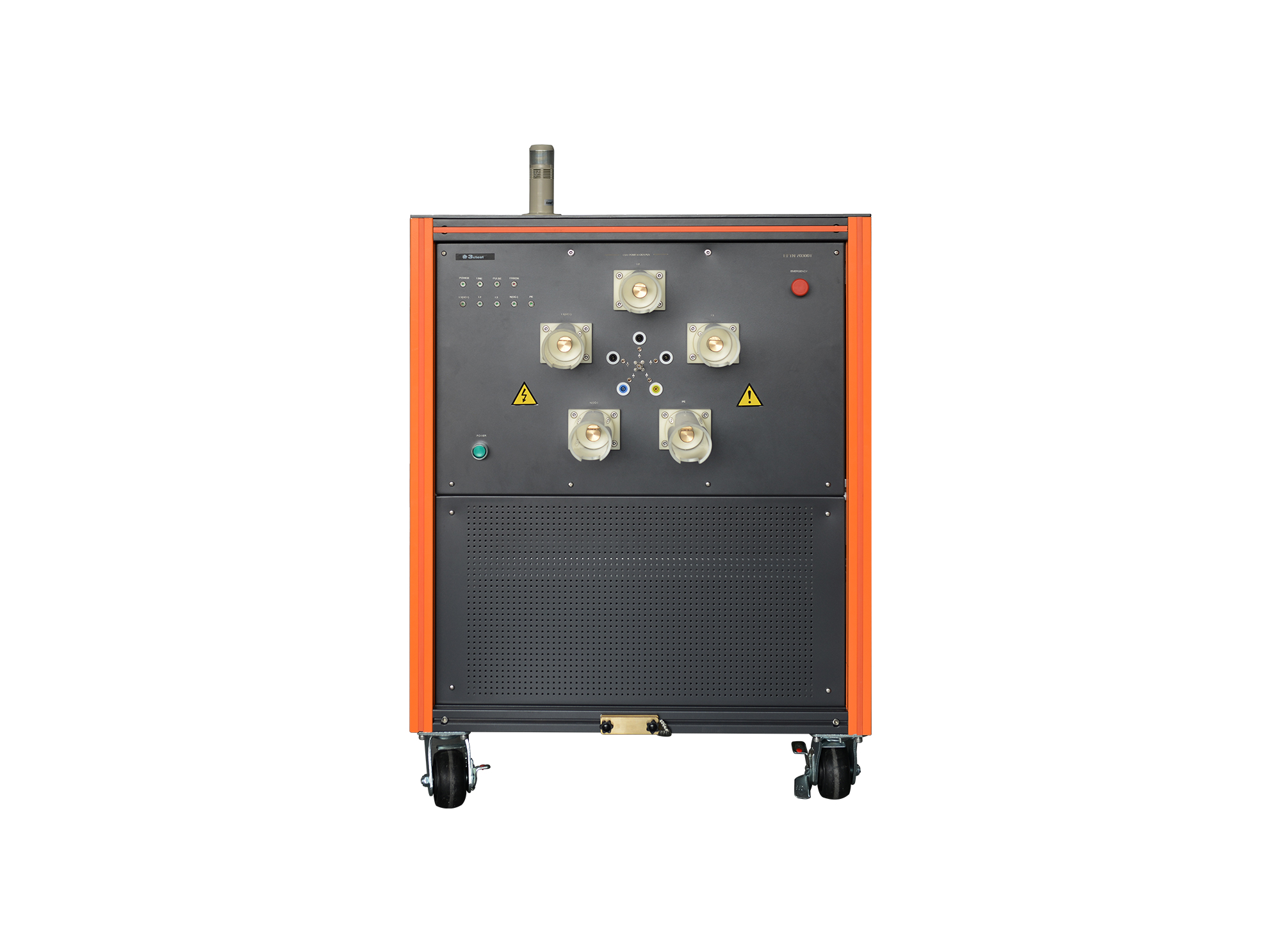
The EFTN 70300T HV High-Power EFT/Burst Coupling/Decoupling Network complies with IEC/EN 61000-4-4 and supports CE and CCC certification requirements.
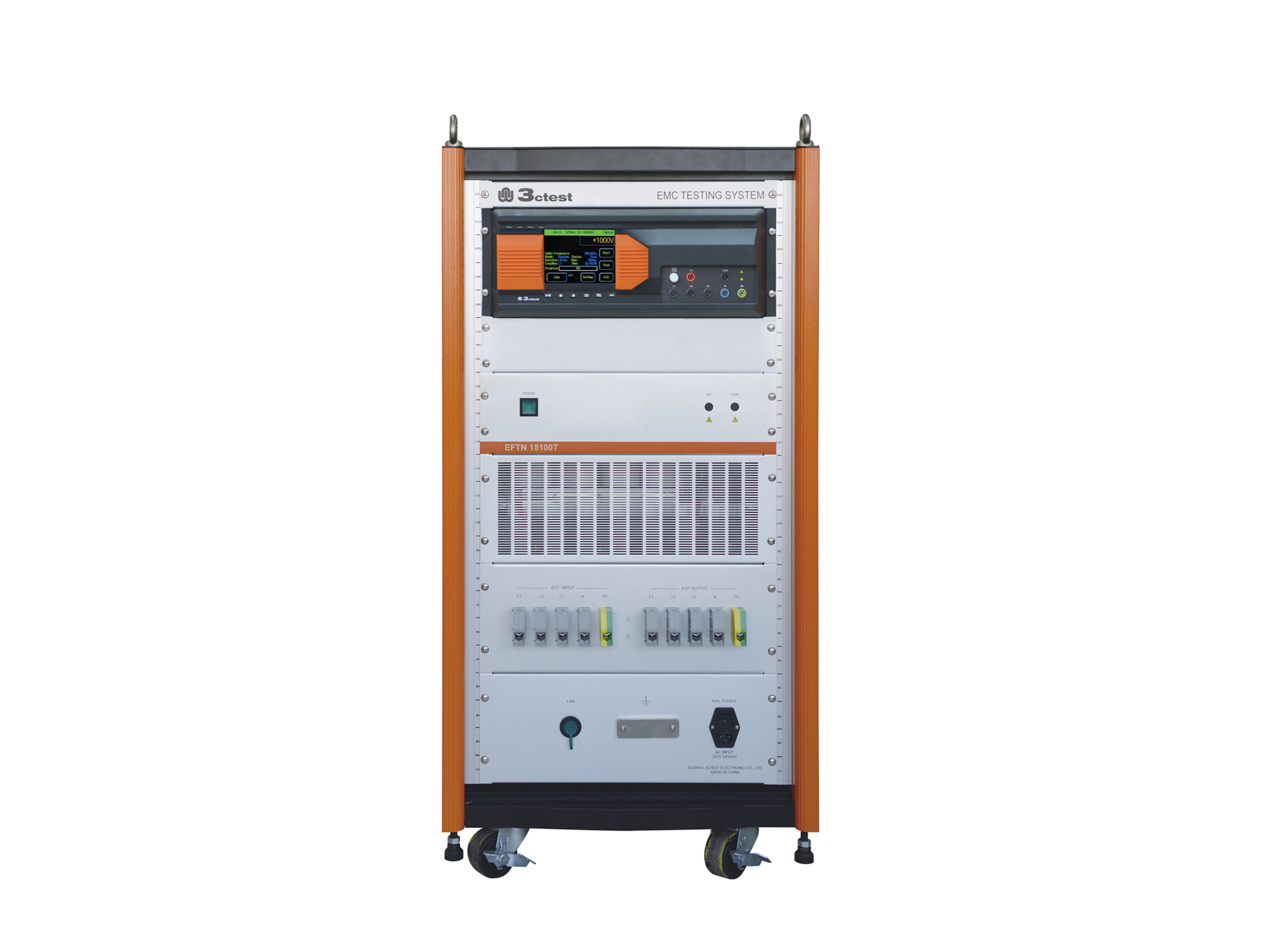
The EFTN 15100T HV High-Power EFT/Burst Coupling/Decoupling Network complies with IEC/EN 61000-4-4 and supports CE and CCC certification requirements.
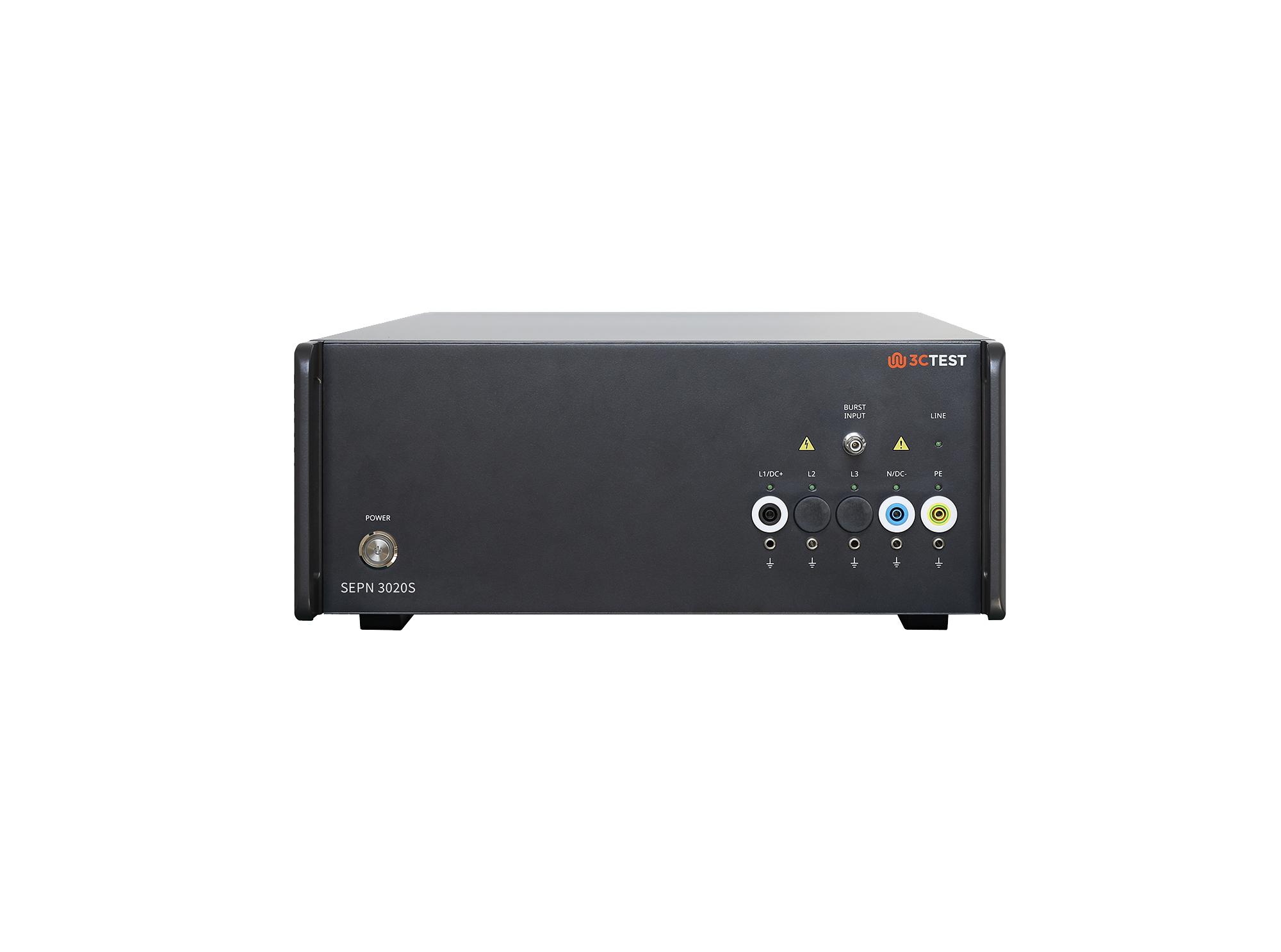
The SEPN 3020S is an automatic coupling/decoupling network (CDN) designed for EFT/burst, surge, and ring wave immunity testing in accordance with IEC 61000-4-4, IEC 61000-4-5, and IEC 61000-4-12.
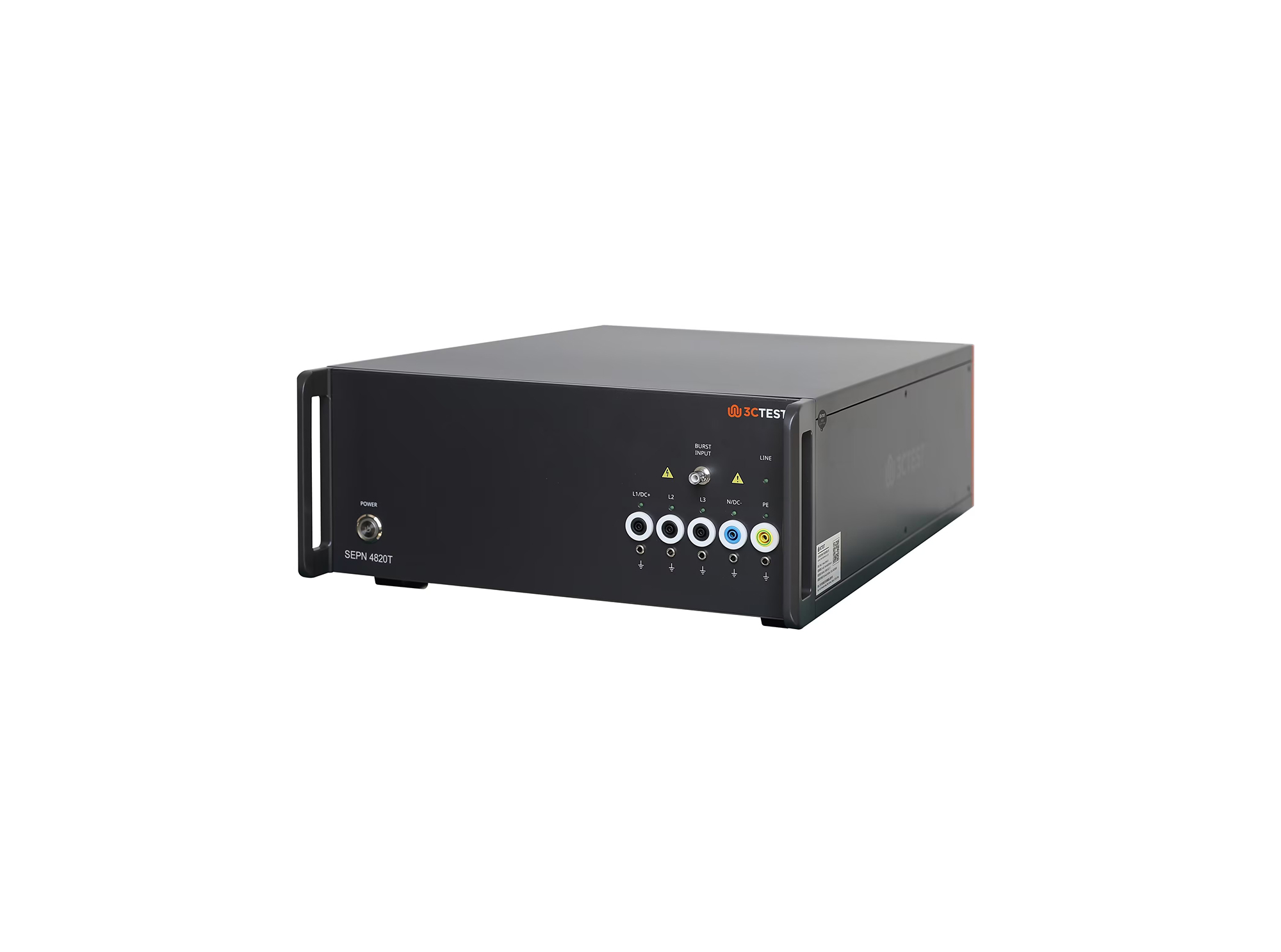
The SEPN 4820T is an automatic coupling/decoupling network (CDN) designed for EFT/burst, surge, and ring wave immunity testing in accordance with IEC 61000-4-4, IEC 61000-4-5, and IEC 61000-4-12.
.jpg)
The SEPN 4832T8 is an automatic coupling/decoupling network (CDN) designed for EFT/burst, surge, and ring wave immunity testing in accordance with IEC 61000-4-4, IEC 61000-4-5, and IEC 61000-4-12.
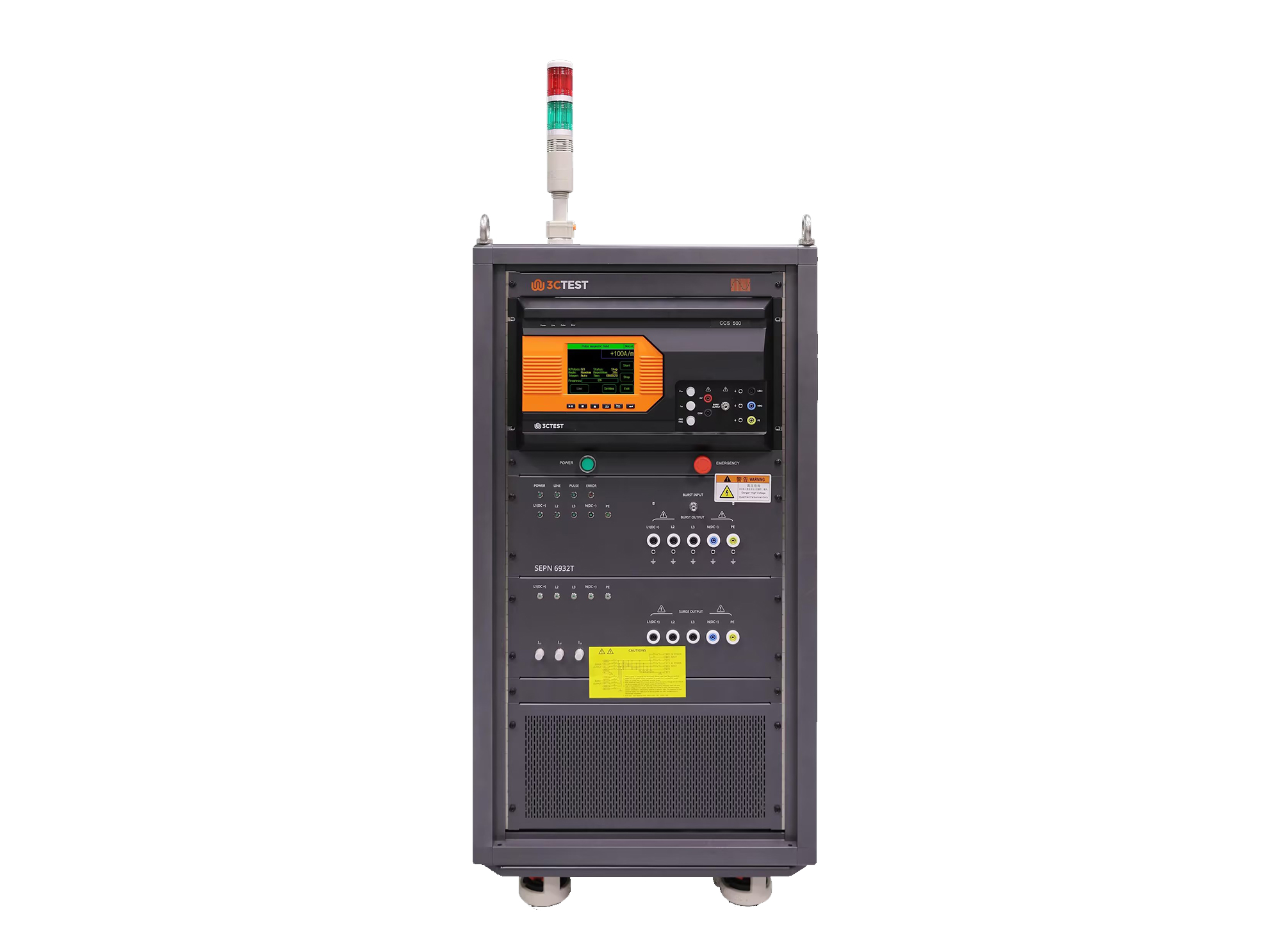
The SEPN 6932T is an automatic coupling/decoupling network (CDN) designed for EFT/burst, surge, and ring wave immunity testing in accordance with IEC 61000-4-4, IEC 61000-4-5, and IEC 61000-4-12.
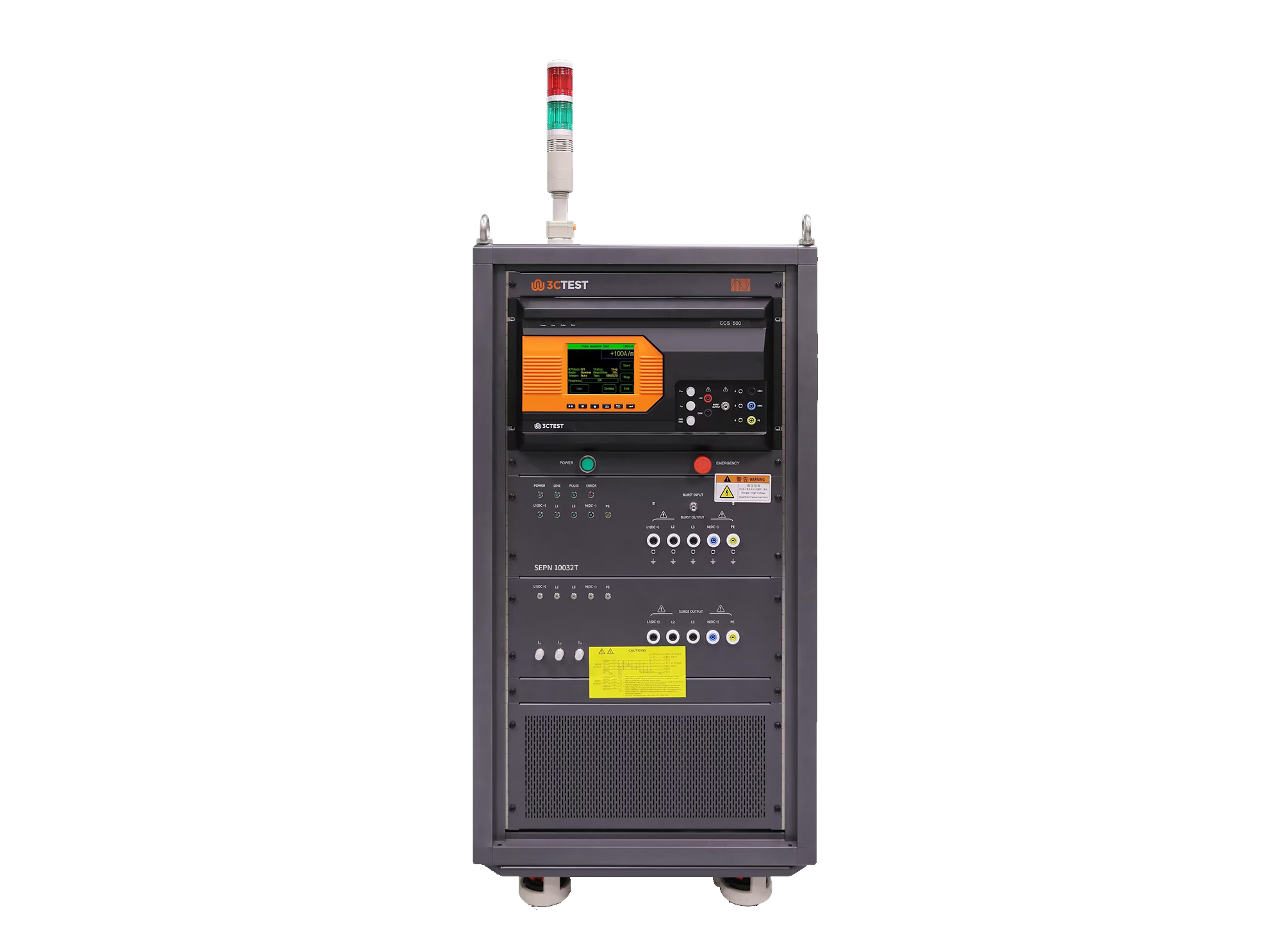
The SEPN 10032T is an automatic coupling/decoupling network (CDN) designed for EFT/burst, surge, and ring wave immunity testing in accordance with IEC 61000-4-4, IEC 61000-4-5, and IEC 61000-4-12.
• Using the product inquiry function can help you quickly learn about the product's price and other related information.
• You can either inquire about a single product directly, or select multiple products to add to the inquiry bar and inquire about them together.
• How to make an inquiry





1. Using the product comparison function can help you find the target product you need for selection more quickly and easily.
2. You can add up to 5 products for comparison. Product models and parameters may vary across different series. It is recommended to compare products within the same series.
3. How to use the comparison bar.




 Phone: +86-512-68413700
 Email: info@3ctest.cn
 Address:No.99 E'meishan Rd, SND, Suzhou, Jiangsu, 215153, China,Suzhou, Jiangsu, 215153, China



© 2025 Suzhou 3CTEST


 Leave a Message


