

High frequency recommended vocabulary

IEC 60065 laid down the safety requirements for audio, video and similar electronic apparatus intended for household and similar general use. Its scope covered equipment such as television receivers, amplifiers, recorders and their accessories, and it addressed the hazards that arise from mains connection, from energy stored in circuits, from high temperatures and from the materials used in enclosures. The standard specified test conditions and the arrangement of the equipment under test, then defined the temperature rise limits for windings and components, insulation resistance and dielectric strength values, and the limits for leakage current measured at accessible parts. It further contained requirements for construction, mechanical strength, resistance to fire and resistance to moisture, together with a series of fault-condition tests in which components are short-circuited or opened to confirm that no hazard develops. Marks and instructions were also regulated. IEC 60065 has been withdrawn and replaced by IEC 62368-1, which adopts an entirely different hazard-based engineering approach; pages for older products remain useful where type approvals were granted under the earlier edition.
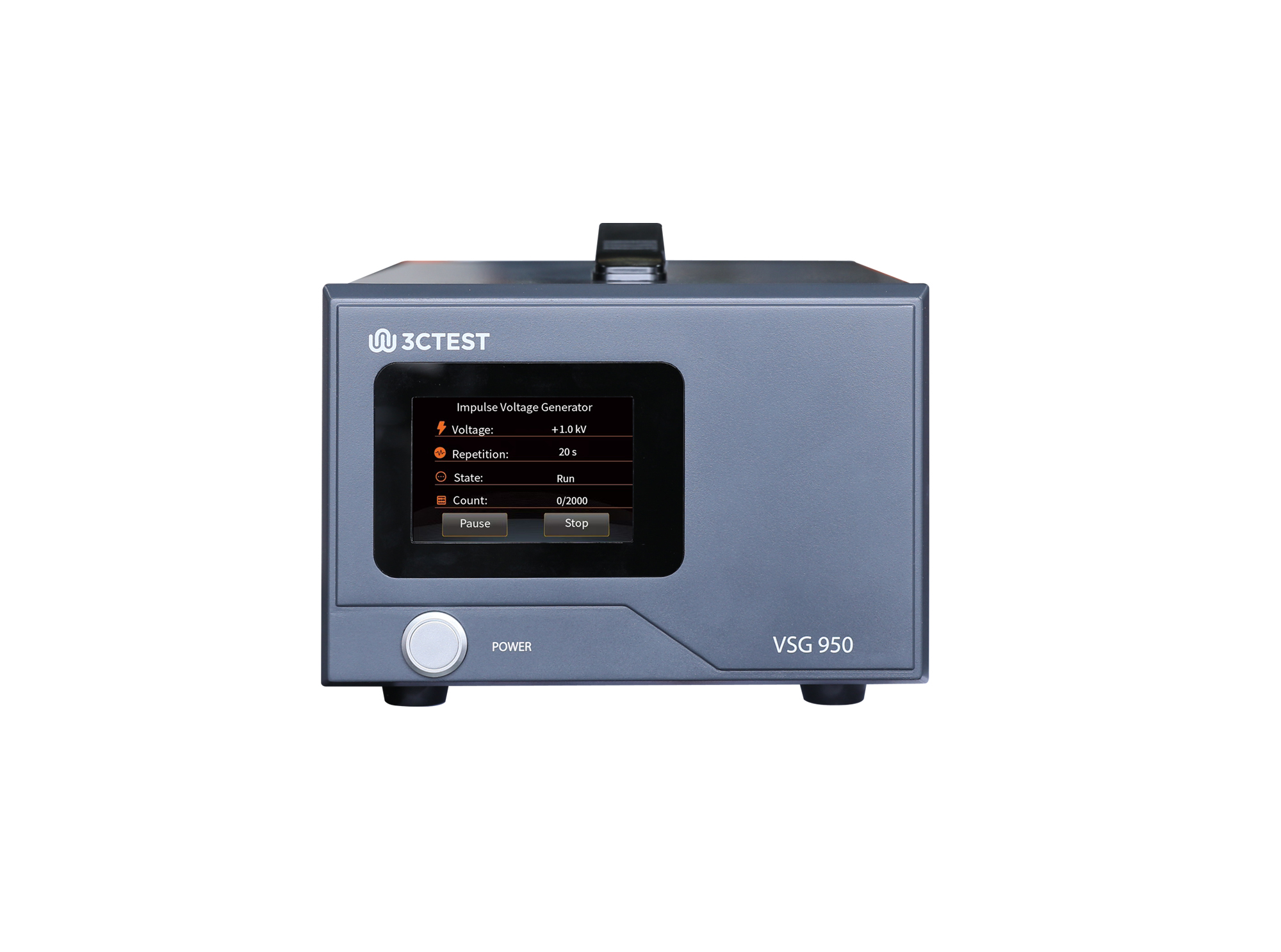
The VSG 950 is an impulse voltage simulator complies with IEC 62368.1, IEC 60950-1 and IEC 60065 standards.
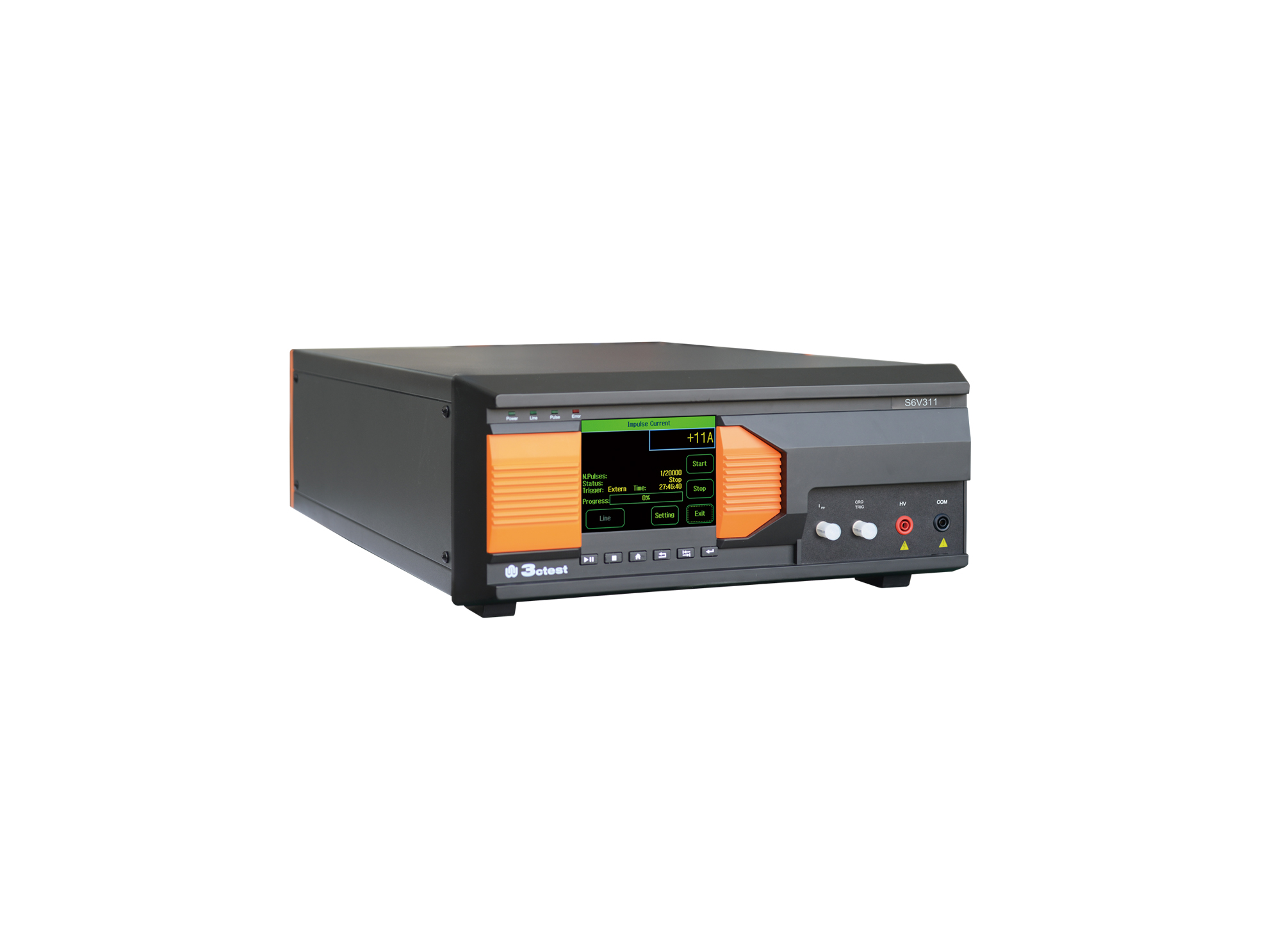
The S6V311 is an intelligent impulse voltage test equipment developed in compliance with IEC 60065, IEC/EN 61643-311 and IEC 61643-1.
.jpg)
The VSG 950 Handheld Voltage Impulse Simulator complies with IEC 62368-1, IEC 60950-1, and IEC 60065 requirements. Its compact all-in-one handheld design ensures excellent portability.
• Using the product inquiry function can help you quickly learn about the product's price and other related information.
• You can either inquire about a single product directly, or select multiple products to add to the inquiry bar and inquire about them together.
• How to make an inquiry





1. Using the product comparison function can help you find the target product you need for selection more quickly and easily.
2. You can add up to 5 products for comparison. Product models and parameters may vary across different series. It is recommended to compare products within the same series.
3. How to use the comparison bar.




 Phone: +86-512-68413700
 Email: info@3ctest.cn
 Address:No.99 E'meishan Rd, SND, Suzhou, Jiangsu, 215153, China,Suzhou, Jiangsu, 215153, China



© 2025 Suzhou 3CTEST


 Leave a Message


