

High frequency recommended vocabulary

IEC 62196-1 gives the general requirements for the plugs, socket-outlets, vehicle connectors and vehicle inlets used for the conductive charging of electric vehicles. It establishes the common requirements that apply to all the configurations defined in the subsequent parts, which deal with the dimensional compatibility of the a.c. accessories and of the d.c. and combined couplers respectively. The standard covers the electrical ratings of the accessories, the marking they must carry, the protection against electric shock that must be maintained throughout the mating and unmating operation, and the requirements for the insulating materials, the contacts and the enclosure. Because these devices are repeatedly handled by users and are frequently used outdoors, a large part of the document is concerned with mechanical endurance, the forces required to insert and withdraw the connector, the resistance to impact and to the ingress of dust and water, and the temperature rise of the contacts at rated current. The type tests and the tests that must be performed on every production batch are listed, and the relationship between this part and the dimensional parts is clearly defined.
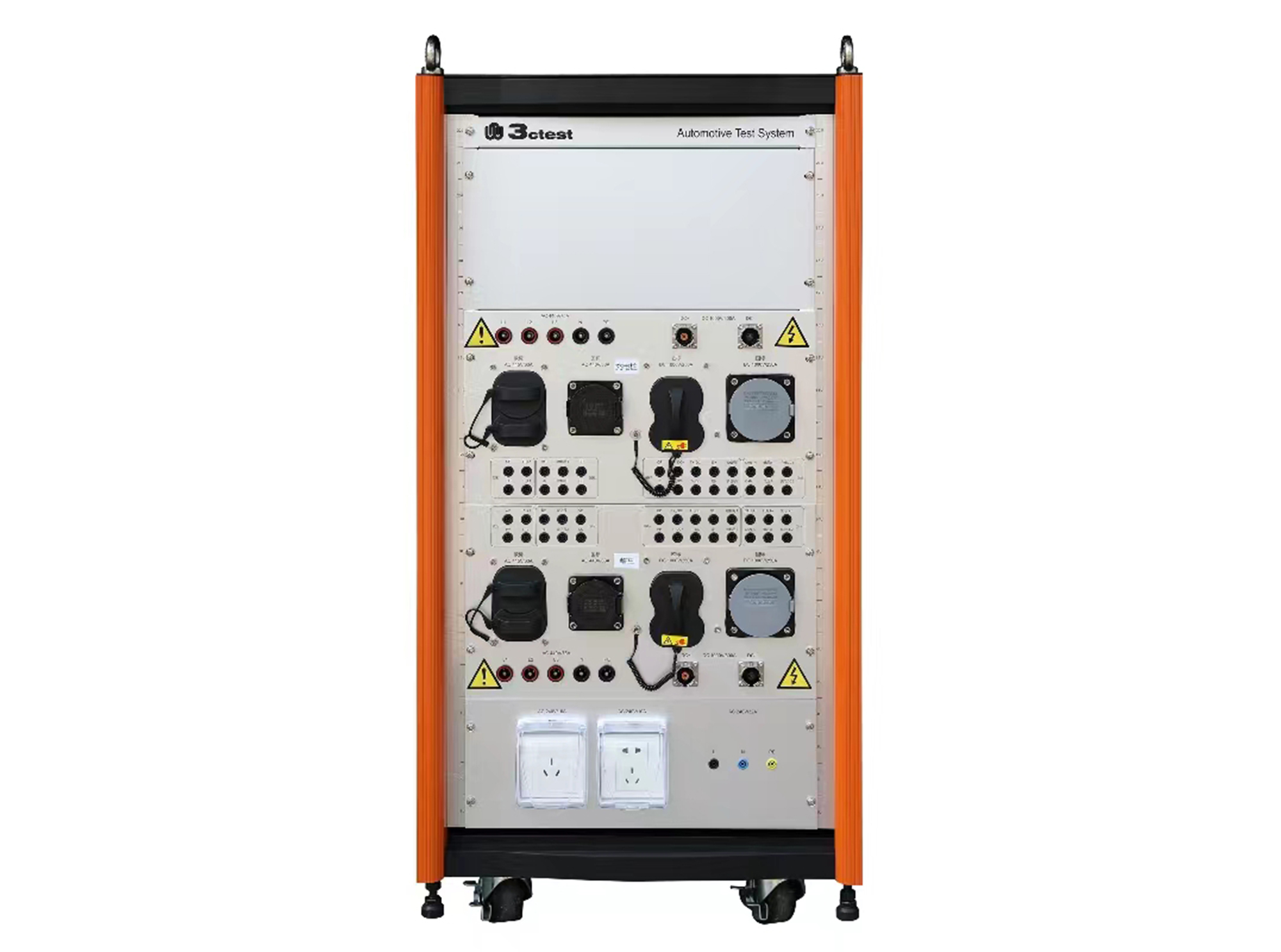
The SWT-1 charging station adapter box complies with IEC 62196-1/-2/-3 and IEC 61851-1/-21/-22 and is an interface conversion device specially developed for EMC immunity testing.
• Using the product inquiry function can help you quickly learn about the product's price and other related information.
• You can either inquire about a single product directly, or select multiple products to add to the inquiry bar and inquire about them together.
• How to make an inquiry





1. Using the product comparison function can help you find the target product you need for selection more quickly and easily.
2. You can add up to 5 products for comparison. Product models and parameters may vary across different series. It is recommended to compare products within the same series.
3. How to use the comparison bar.




 Phone: +86-512-68413700
 Email: info@3ctest.cn
 Address:No.99 E'meishan Rd, SND, Suzhou, Jiangsu, 215153, China,Suzhou, Jiangsu, 215153, China



© 2025 Suzhou 3CTEST


 Leave a Message


