

High frequency recommended vocabulary

IEC 61000-4-12 defines the ring wave immunity test. The waveform it uses is a 100 kHz damped oscillation in which the main impulse has a rise time in the order of 0.5 microseconds and the amplitude decays over several cycles, a shape that occurs when a fast transient excites the natural resonance of the wiring and the distribution network. It is typical of the disturbances caused by the switching of reactive loads, by the operation of thermostats and by the discharge of static electricity into a cable rather than into the equipment itself. The standard specifies the generator, its source impedance and the coupling and decoupling networks used to apply the disturbance to power ports and to input and output signal and control ports in common mode. Severity levels are given as combinations of the open-circuit voltage and the source impedance, and the test procedure states how the ports are selected, how the equipment is configured and monitored and how the results are recorded. Performance is judged against the functional criteria declared for the equipment.
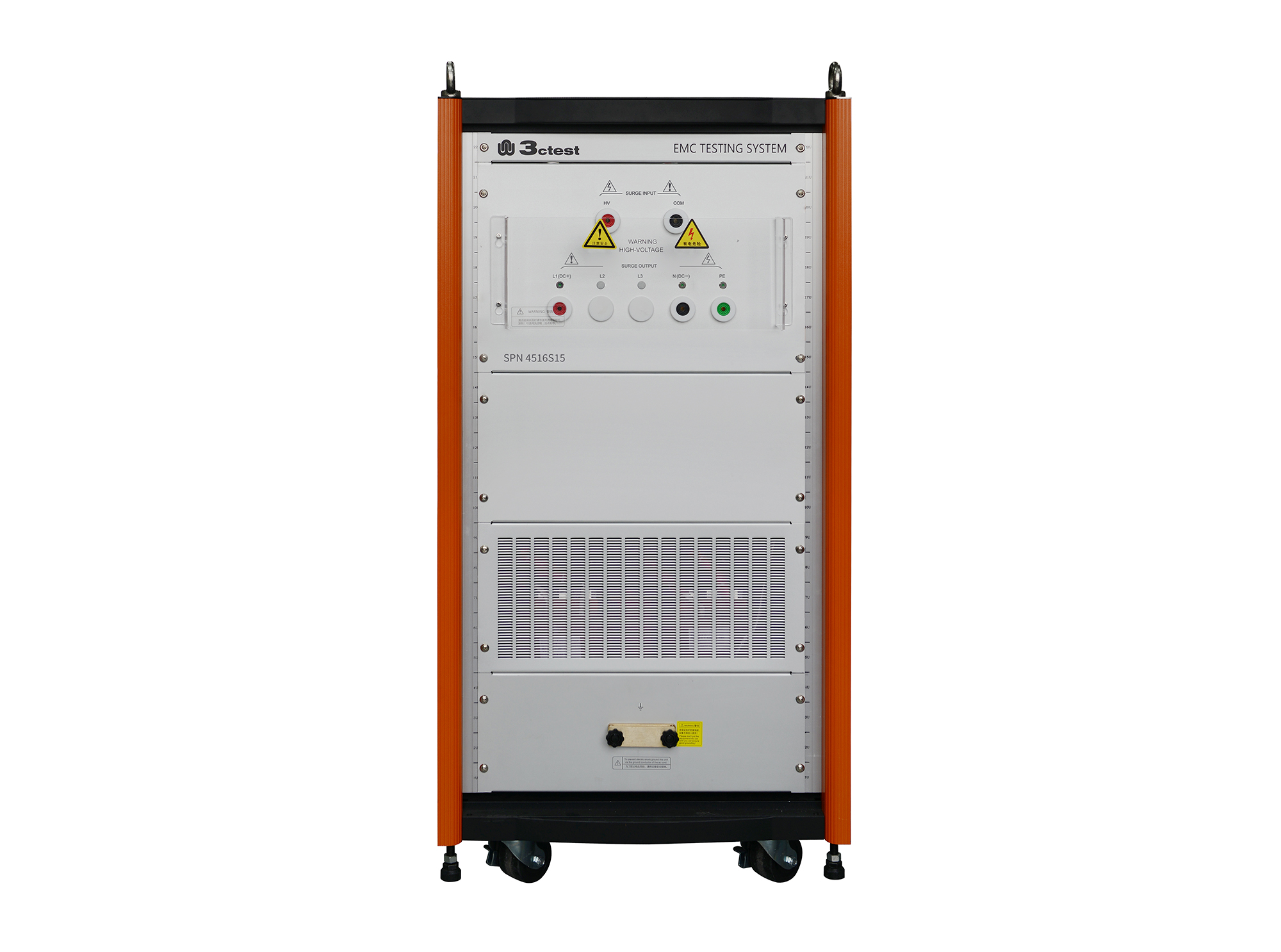
The SPN 4516S15 HV Lightning Surge Coupling/Decoupling Network complies with IEC 61000-4-5 and IEC 61000-4-12 standards. It provides fully automatic single-phase coupling/decoupling functions, supports both AC and DC power supply applications, and can be used with the CWS series.
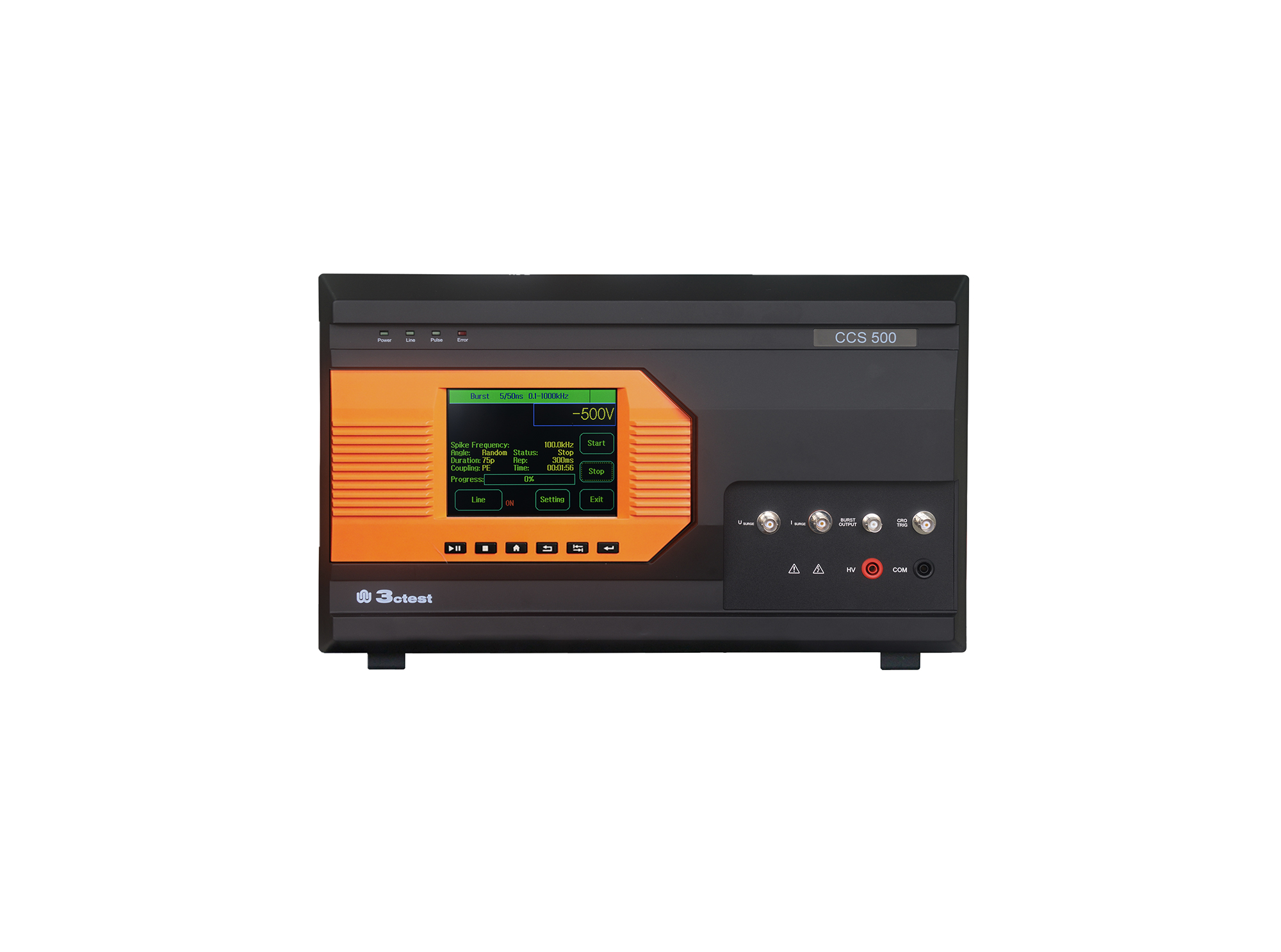
The CCS 500 is an intelligent multi-functional conducted electromagnetic compatibility (EMC) test equipment designed to meet a wide range of IEC/EN standards, including IEC 61000-4-4, -4-5, -4-8, -4-9, -4-11, -4-12, -4-29.
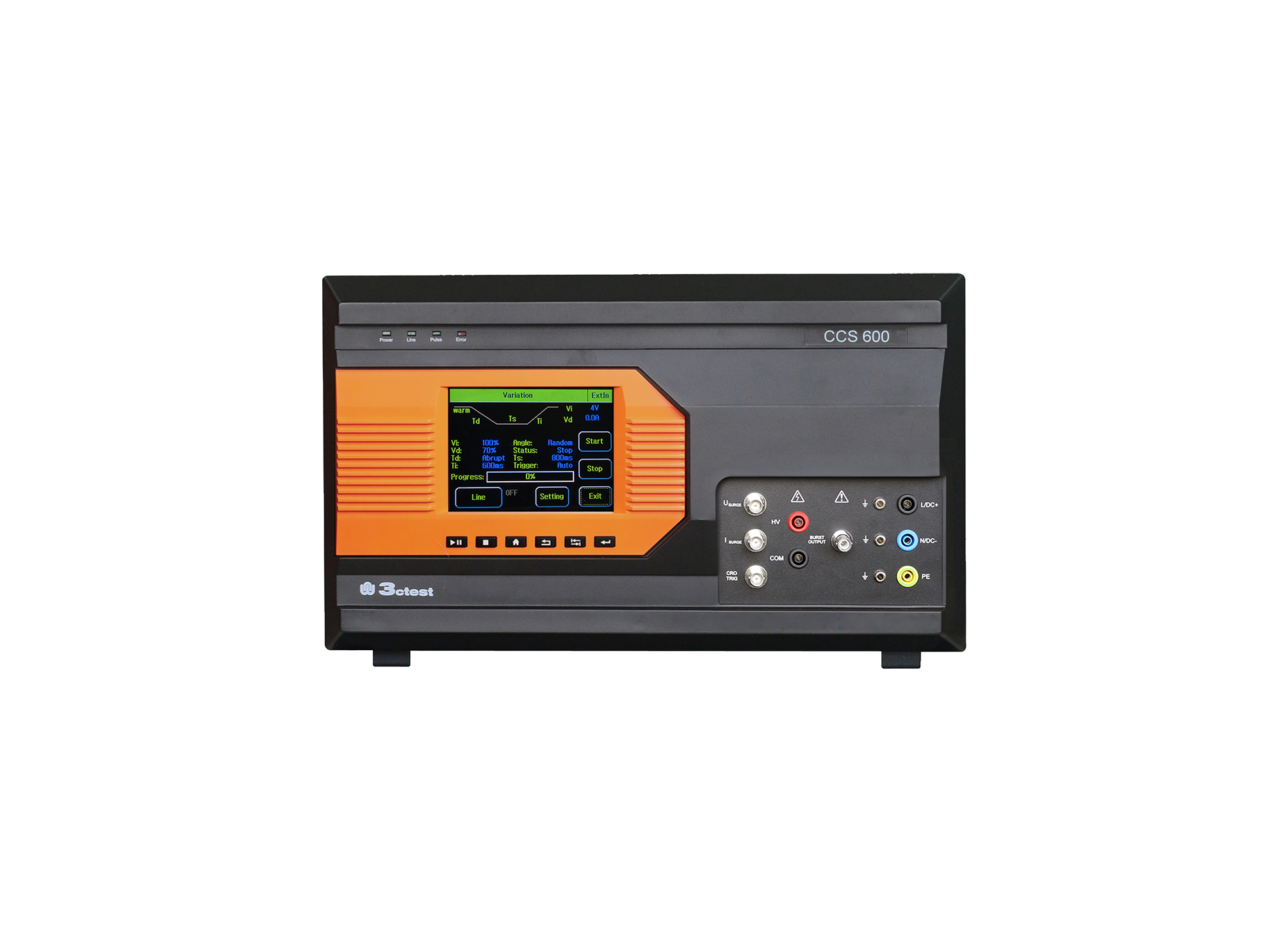
The CCS 600 is an intelligent multi-functional conducted electromagnetic compatibility (EMC) test equipment designed to meet a wide range of IEC/EN standards, including IEC 61000-4-4, -4-5, -4-8, -4-9, -4-11, -4-12, -4-29.
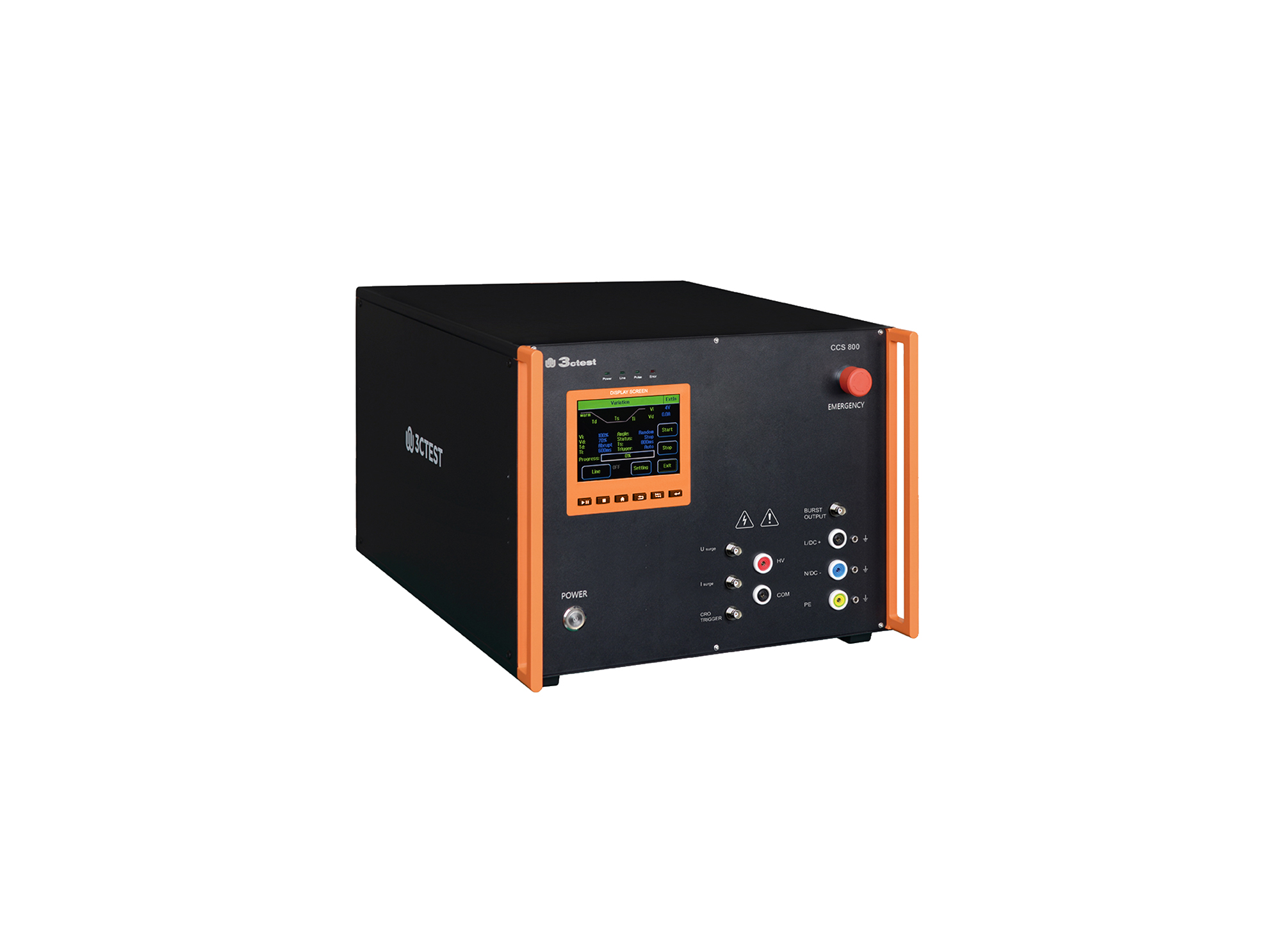
The CCS 800 is an intelligent multi-functional conducted electromagnetic compatibility (EMC) test equipment designed to meet a wide range of IEC/EN standards, including IEC 61000-4-4, -4-5, -4-8, -4-9, -4-11, -4-12, -4-29.
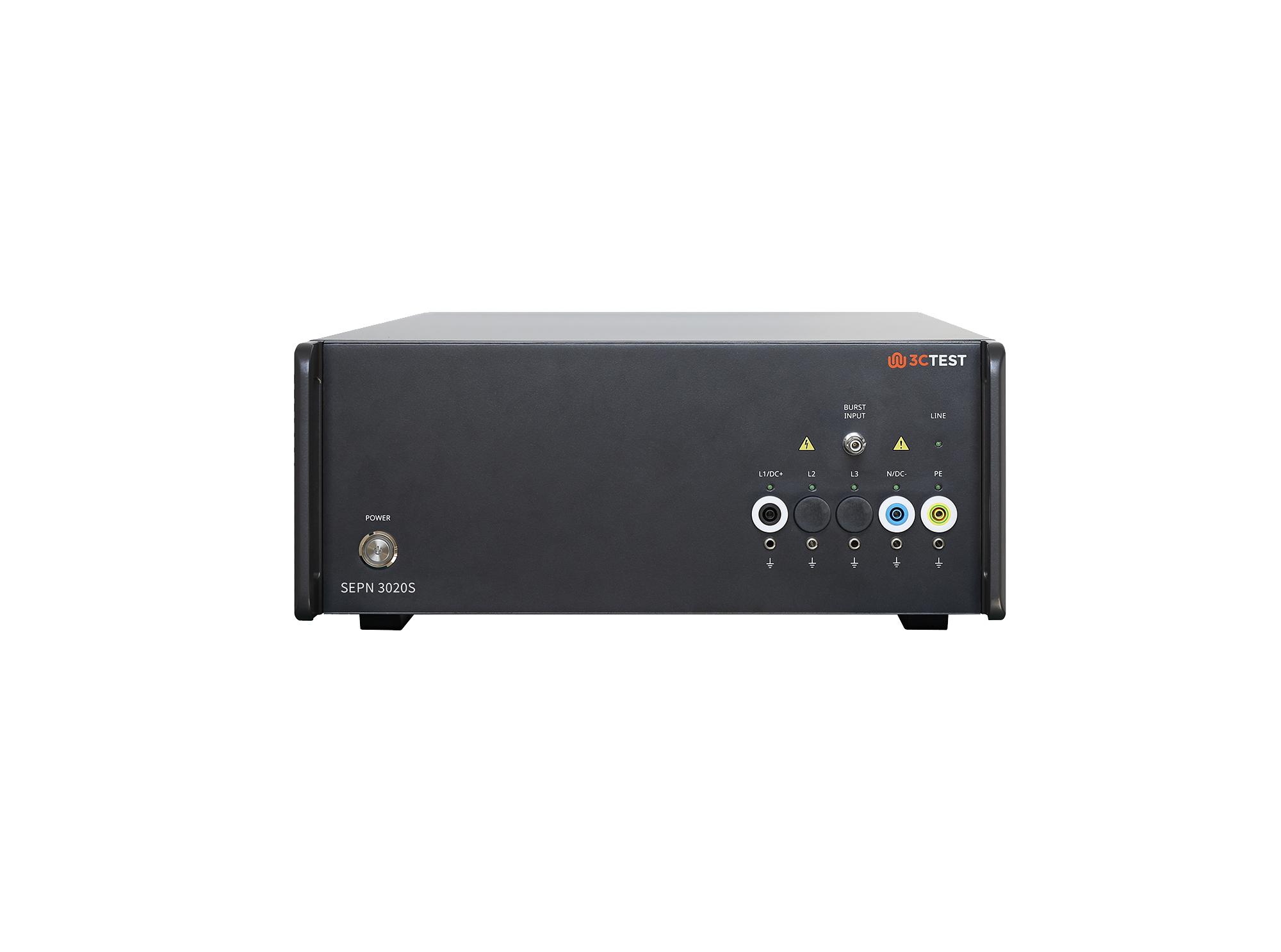
The SEPN 3020S is an automatic coupling/decoupling network (CDN) designed for EFT/burst, surge, and ring wave immunity testing in accordance with IEC 61000-4-4, IEC 61000-4-5, and IEC 61000-4-12.
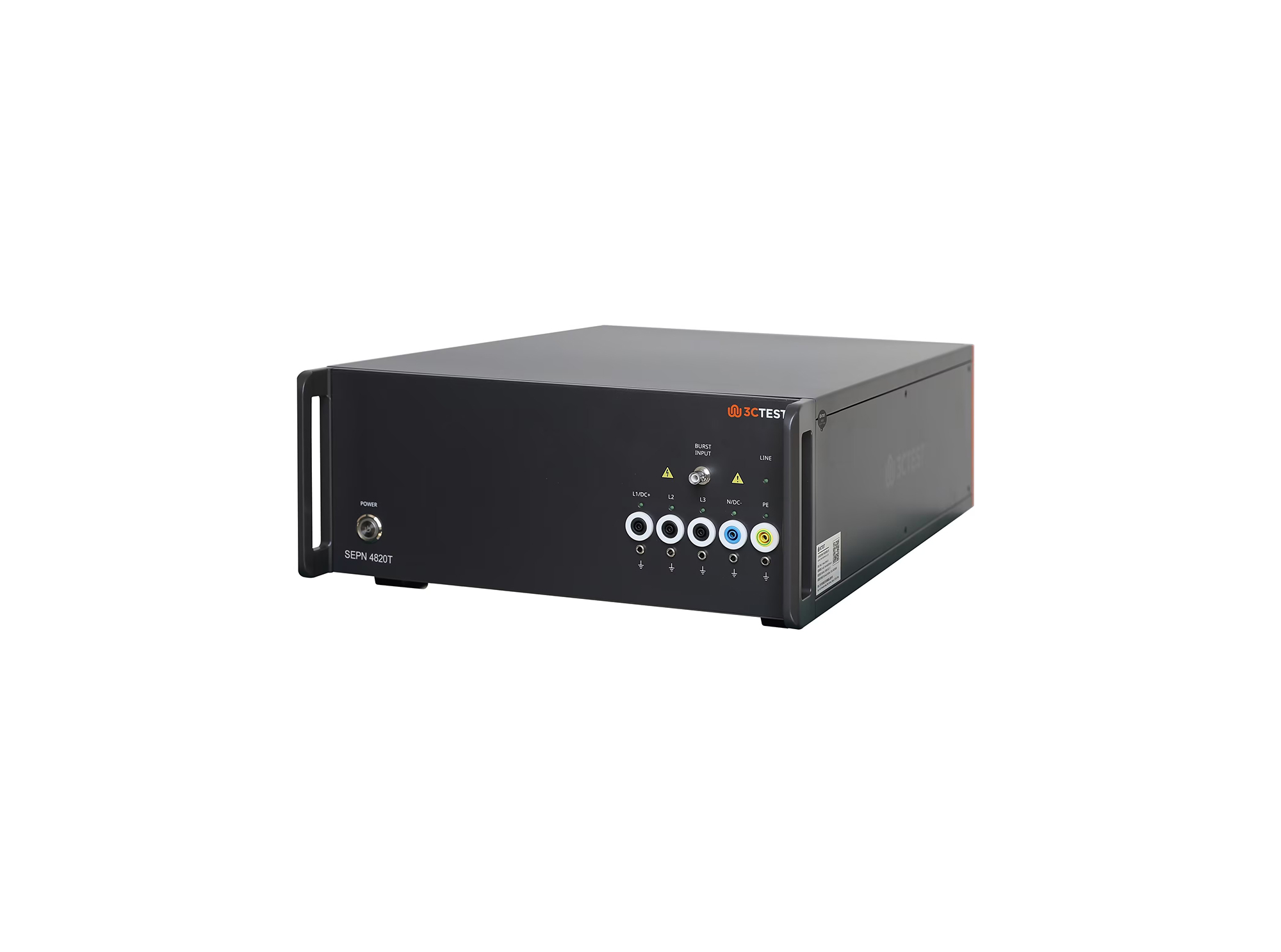
The SEPN 4820T is an automatic coupling/decoupling network (CDN) designed for EFT/burst, surge, and ring wave immunity testing in accordance with IEC 61000-4-4, IEC 61000-4-5, and IEC 61000-4-12.
.jpg)
The SEPN 4832T8 is an automatic coupling/decoupling network (CDN) designed for EFT/burst, surge, and ring wave immunity testing in accordance with IEC 61000-4-4, IEC 61000-4-5, and IEC 61000-4-12.
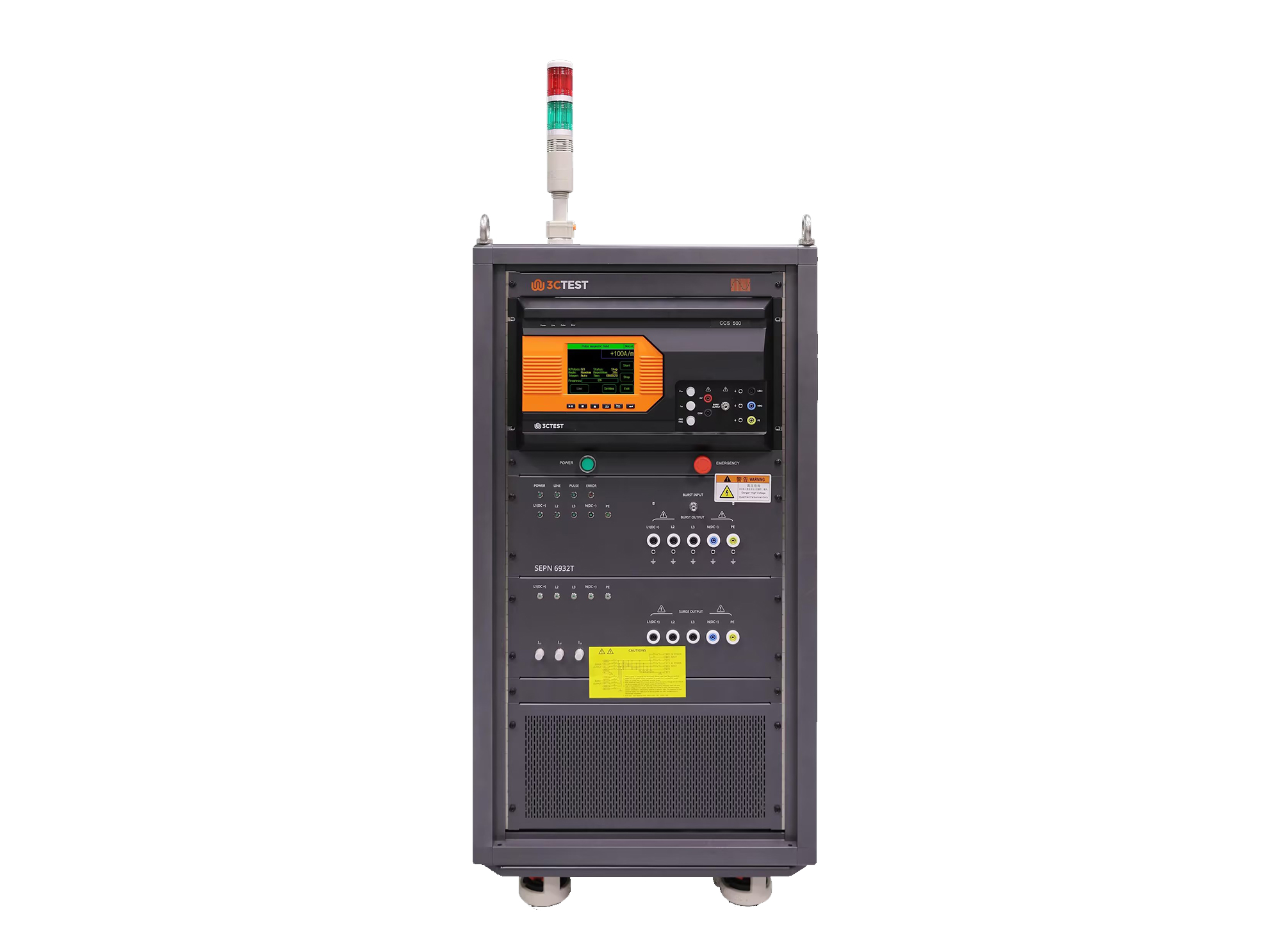
The SEPN 6932T is an automatic coupling/decoupling network (CDN) designed for EFT/burst, surge, and ring wave immunity testing in accordance with IEC 61000-4-4, IEC 61000-4-5, and IEC 61000-4-12.
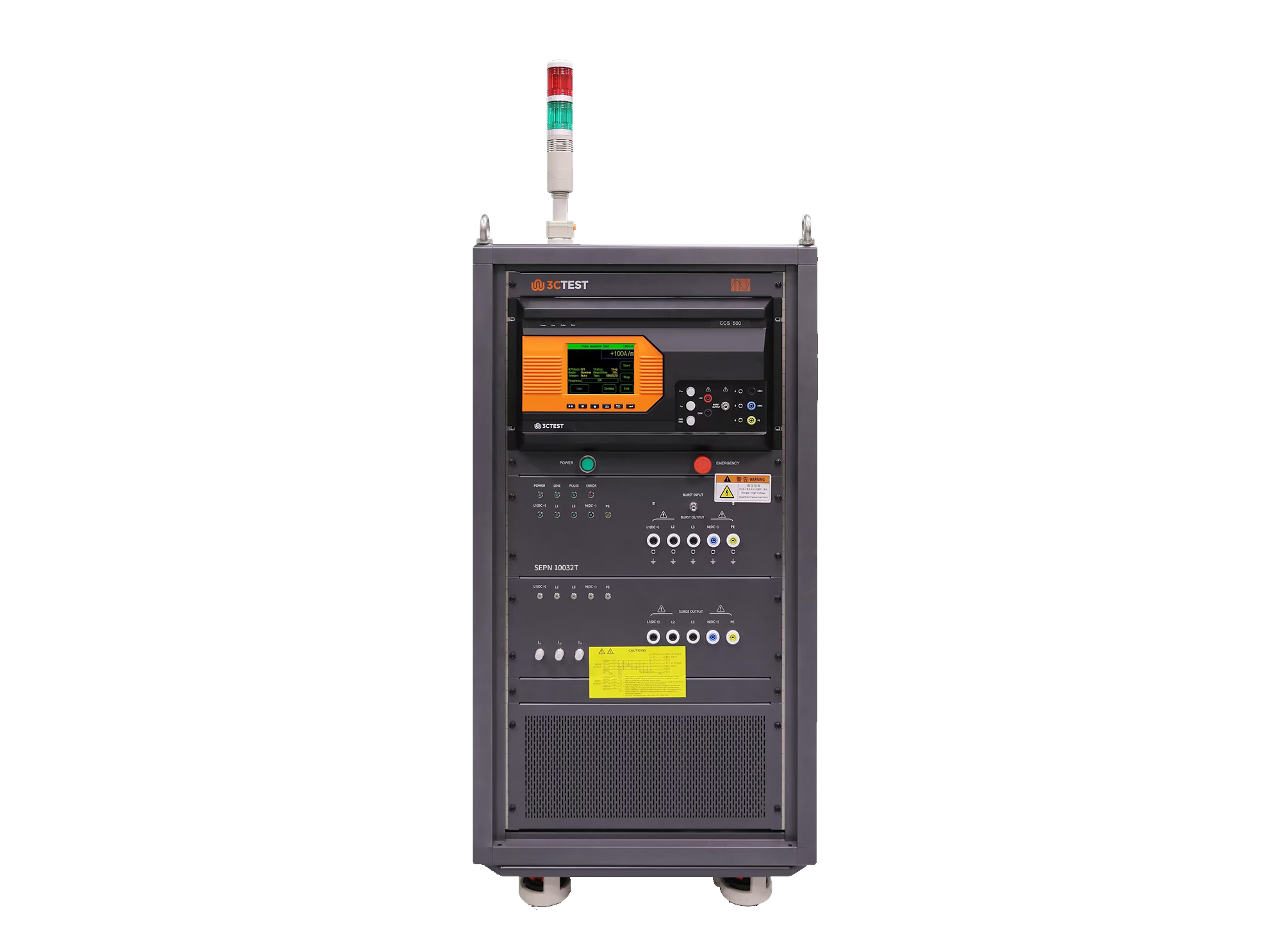
The SEPN 10032T is an automatic coupling/decoupling network (CDN) designed for EFT/burst, surge, and ring wave immunity testing in accordance with IEC 61000-4-4, IEC 61000-4-5, and IEC 61000-4-12.
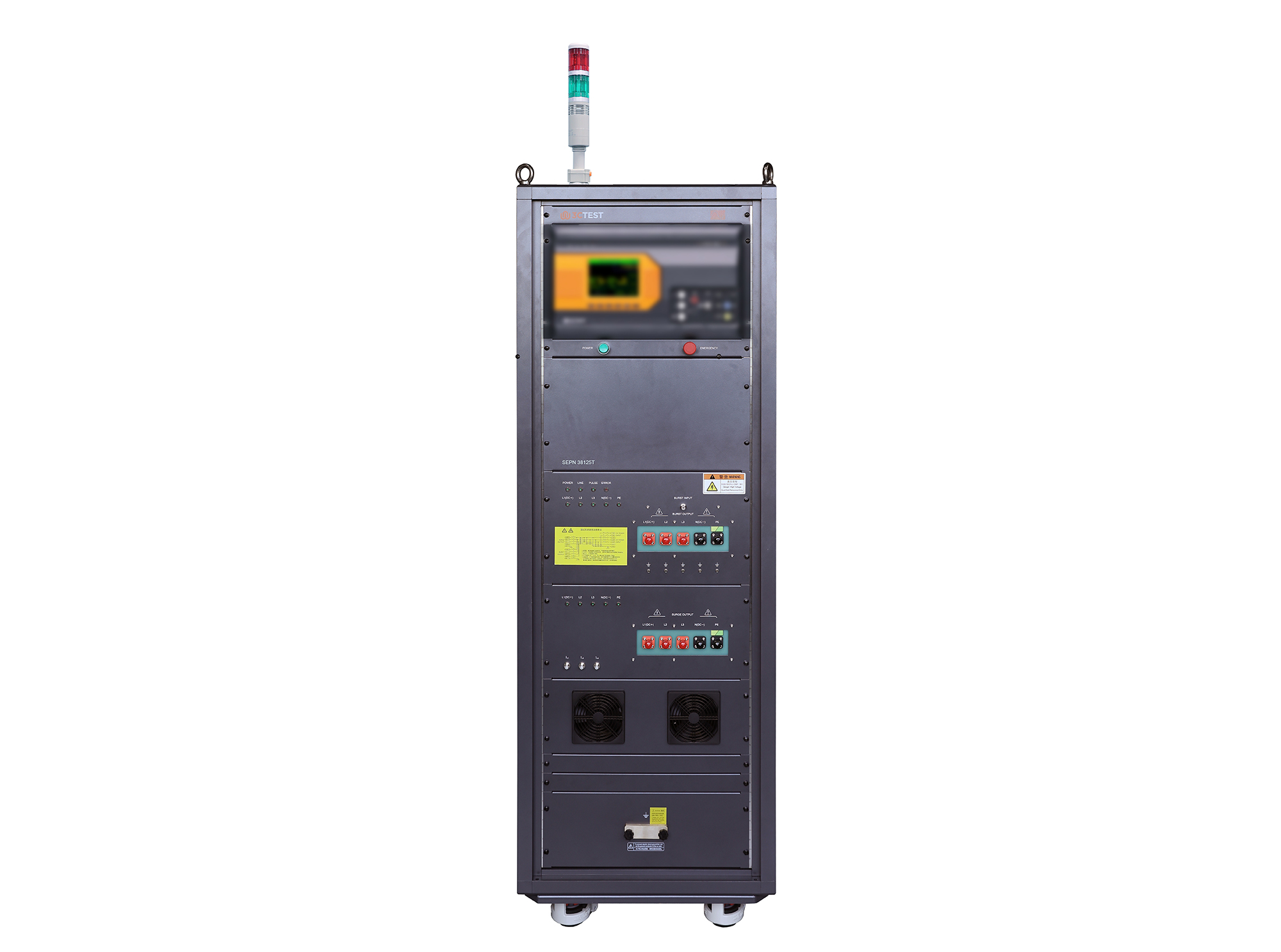
The SEPN 38125T is an automatic coupling/decoupling network (CDN) designed for EFT/burst, surge, and ring wave immunity testing in accordance with IEC 61000-4-4, IEC 61000-4-5, and IEC 61000-4-12.
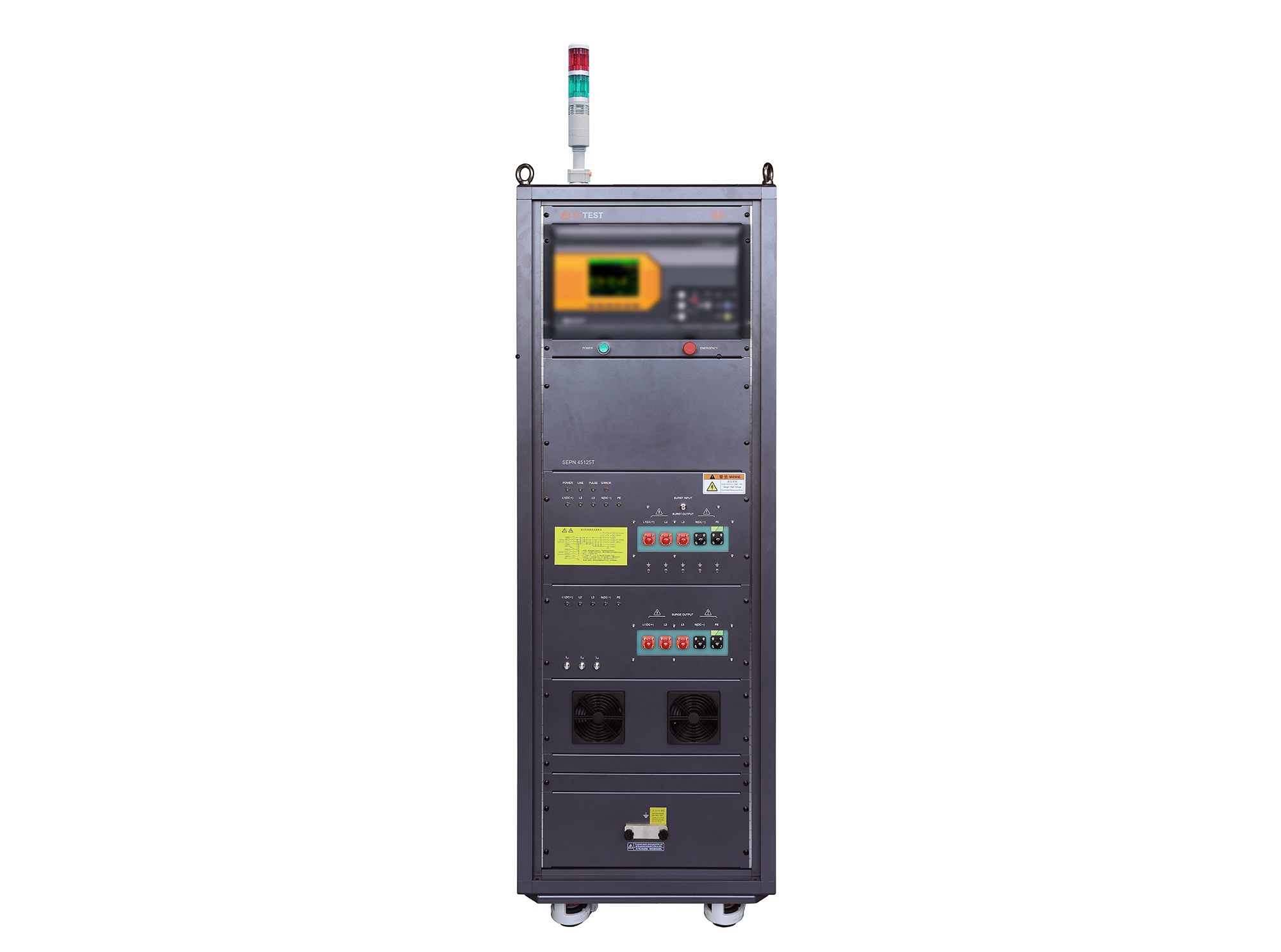
The SEPN 45125T is an automatic coupling/decoupling network (CDN) designed for EFT/burst, surge, and ring wave immunity testing in accordance with IEC 61000-4-4, IEC 61000-4-5, and IEC 61000-4-12.
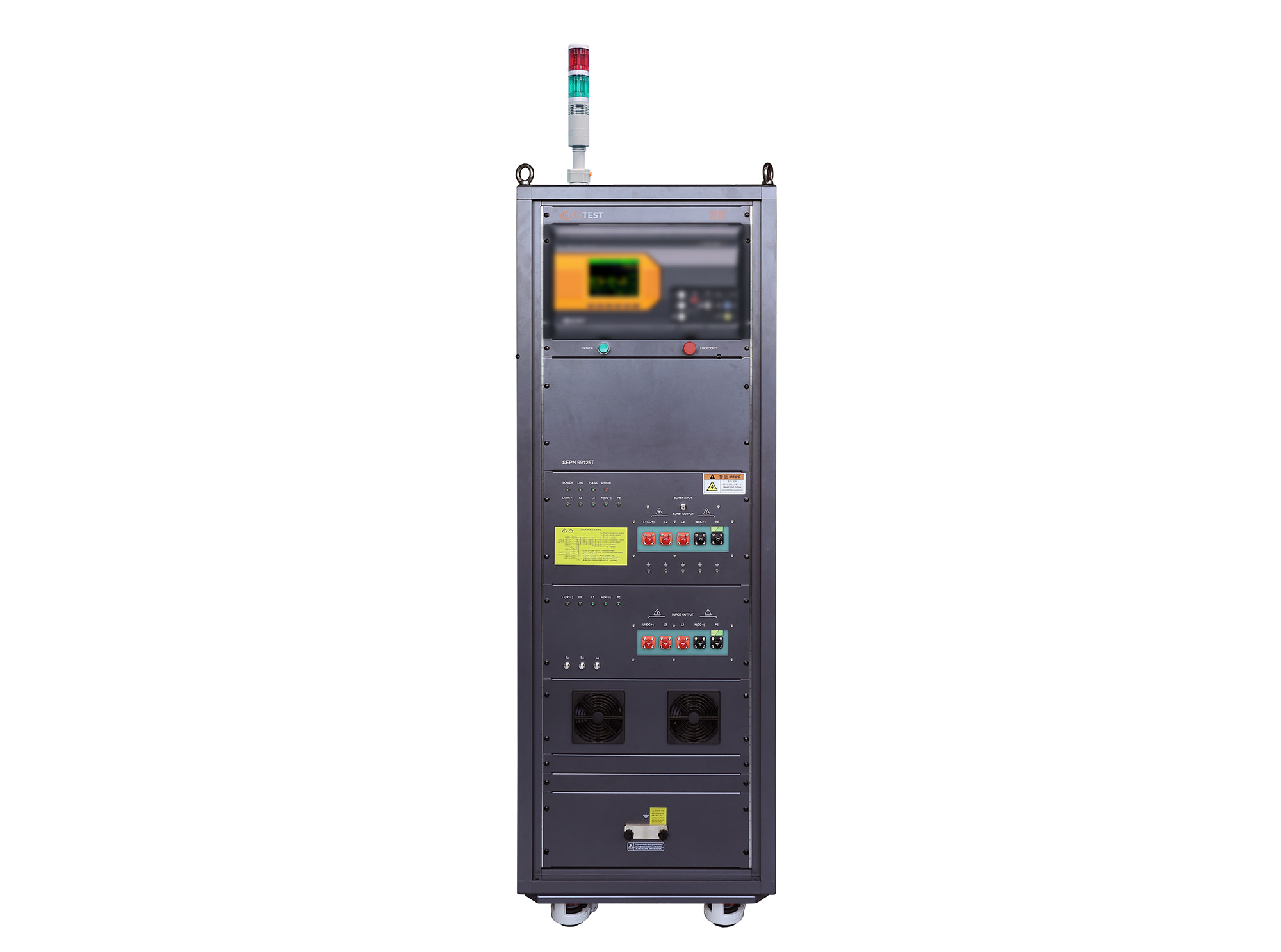
The SEPN 69125T is an automatic coupling/decoupling network (CDN) designed for EFT/burst, surge, and ring wave immunity testing in accordance with IEC 61000-4-4, IEC 61000-4-5, and IEC 61000-4-12.
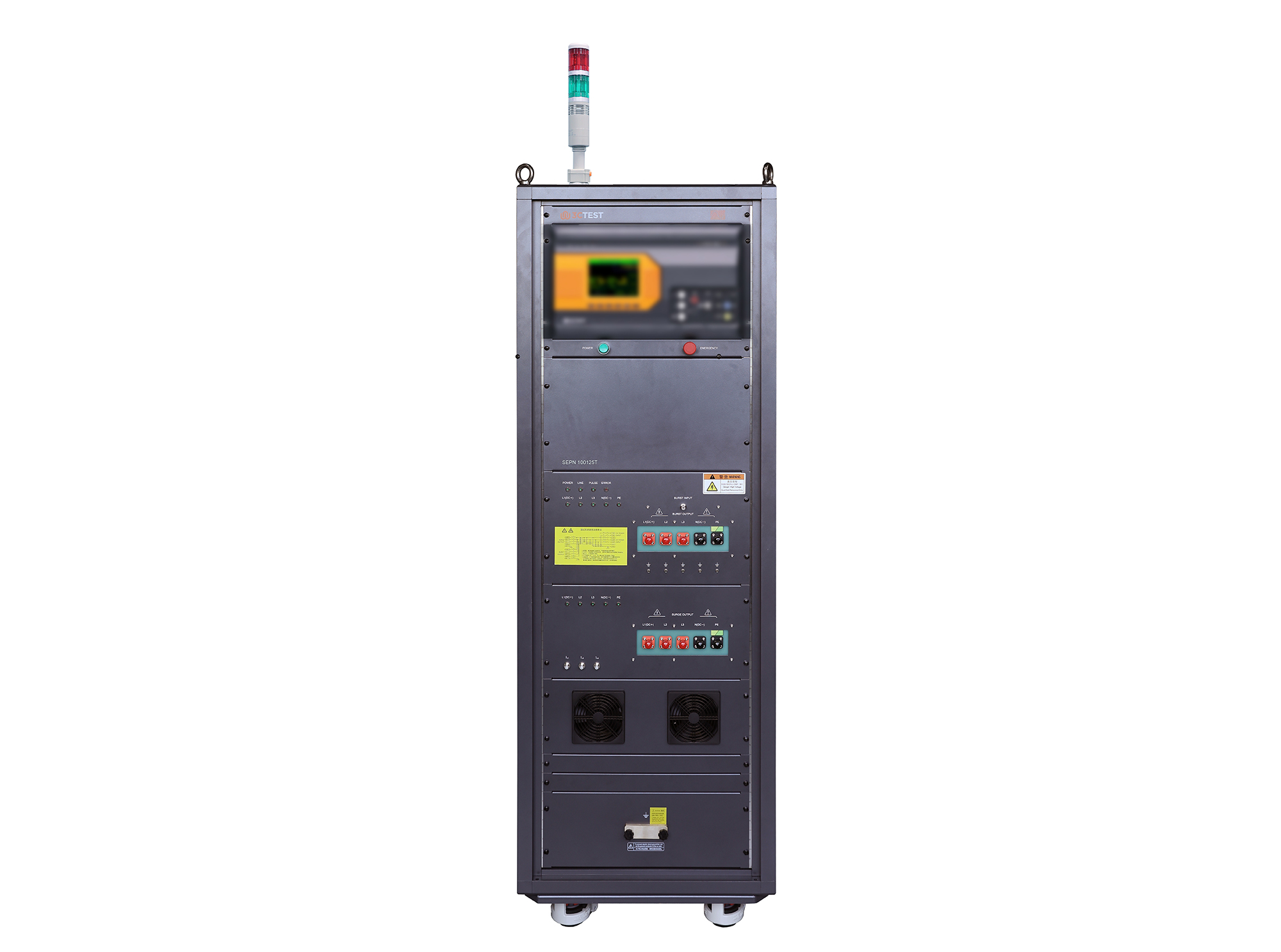
The SEPN 100125T is an automatic coupling/decoupling network (CDN) designed for EFT/burst, surge, and ring wave immunity testing in accordance with IEC 61000-4-4, IEC 61000-4-5, and IEC 61000-4-12.
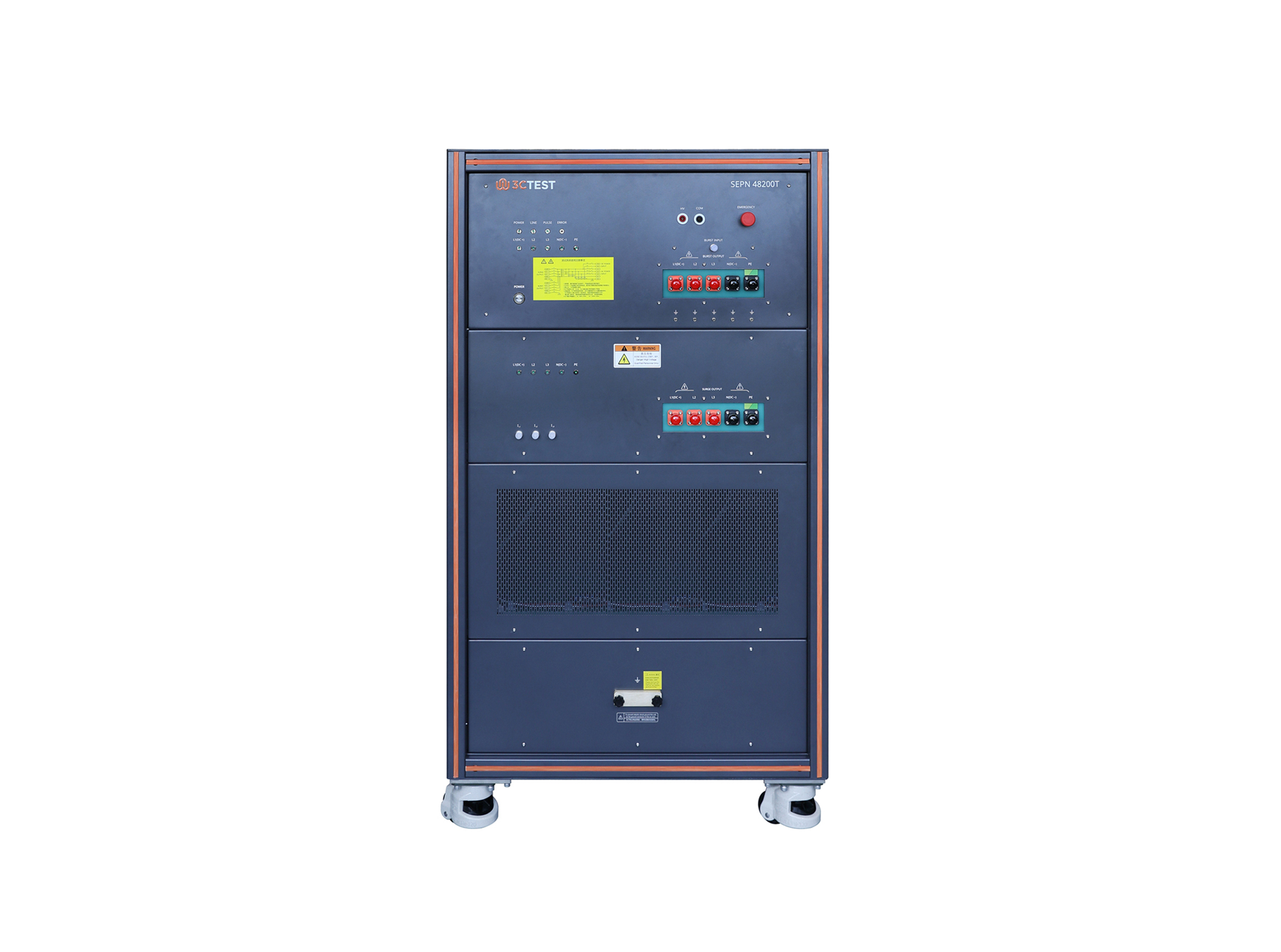
The SEPN 48200T is an automatic coupling/decoupling network (CDN) designed for EFT/burst, surge, and ring wave immunity testing in accordance with IEC 61000-4-4, IEC 61000-4-5, and IEC 61000-4-12.
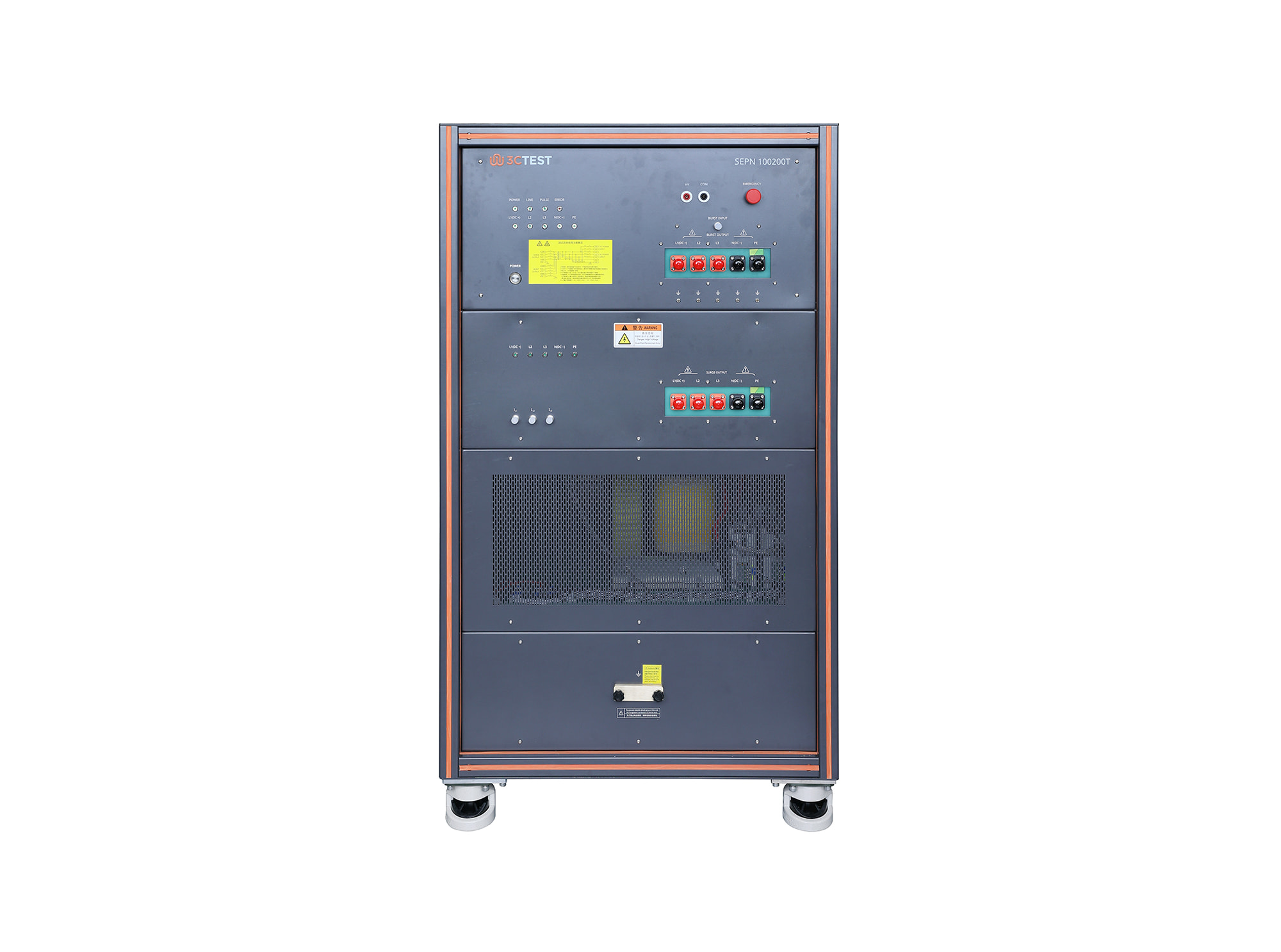
The SEPN 100200T is an automatic coupling/decoupling network (CDN) designed for EFT/burst, surge, and ring wave immunity testing in accordance with IEC 61000-4-4, IEC 61000-4-5, and IEC 61000-4-12.
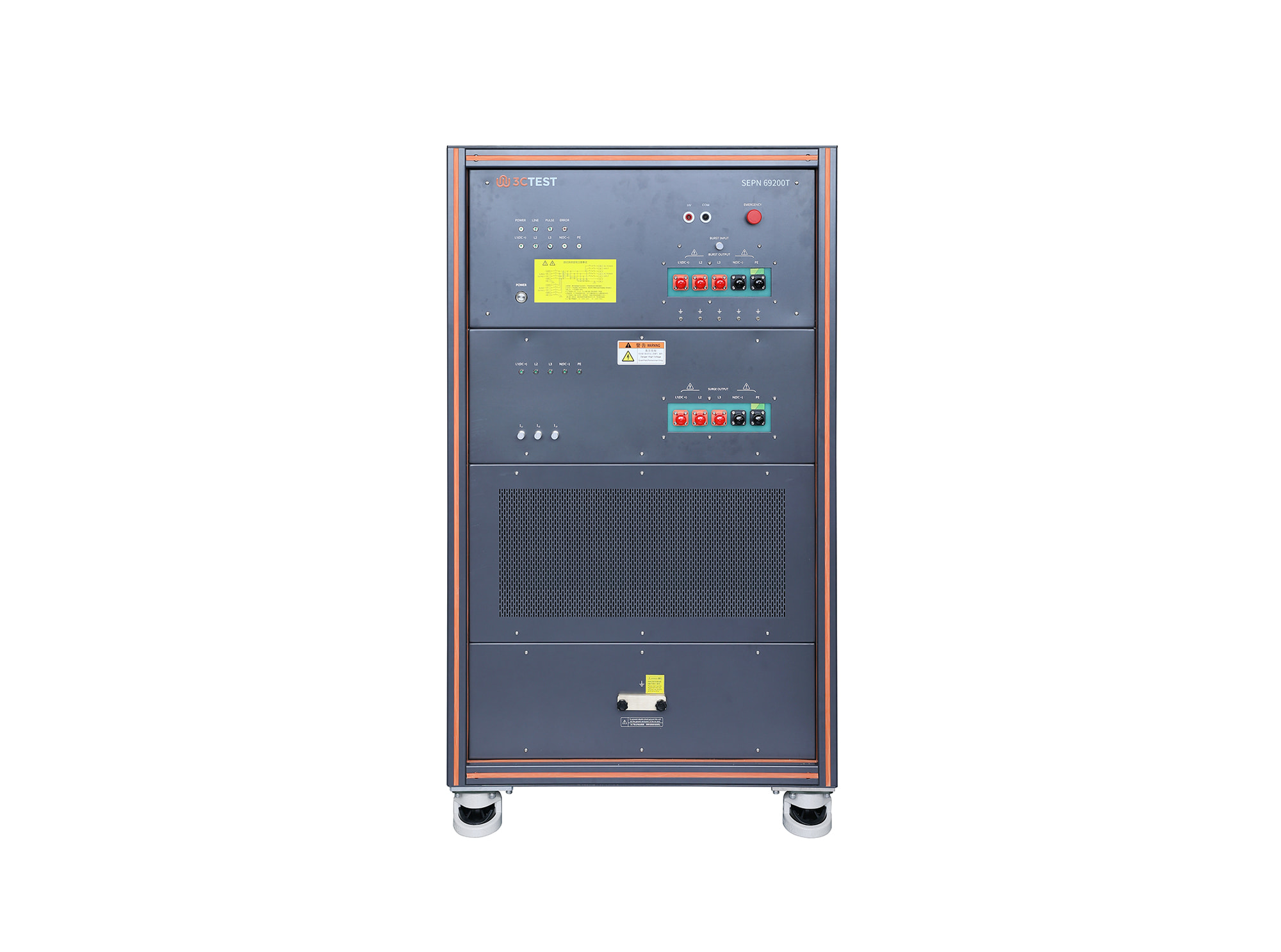
The SEPN 69200T is an automatic coupling/decoupling network (CDN) designed for EFT/burst, surge, and ring wave immunity testing in accordance with IEC 61000-4-4, IEC 61000-4-5, and IEC 61000-4-12.
• Using the product inquiry function can help you quickly learn about the product's price and other related information.
• You can either inquire about a single product directly, or select multiple products to add to the inquiry bar and inquire about them together.
• How to make an inquiry





1. Using the product comparison function can help you find the target product you need for selection more quickly and easily.
2. You can add up to 5 products for comparison. Product models and parameters may vary across different series. It is recommended to compare products within the same series.
3. How to use the comparison bar.




 Phone: +86-512-68413700
 Email: info@3ctest.cn
 Address:No.99 E'meishan Rd, SND, Suzhou, Jiangsu, 215153, China,Suzhou, Jiangsu, 215153, China



© 2025 Suzhou 3CTEST


 Leave a Message


