

High frequency recommended vocabulary

IEC 61340-3-1 is the part of the electrostatics series that defines the test waveforms used to simulate the electrostatic discharge produced by a human body. It belongs to the component level family of ESD standards rather than to the equipment level family, and it exists because the human body model has, over the years, been implemented in several different ways by different test equipment manufacturers. The standard specifies the equivalent circuit of the human body, which consists of a capacitor representing the charge stored in the body and a series resistor representing the impedance of the skin and of the discharge path, and it defines the resulting current waveform for each of the standard voltage steps. It gives the rise time, the peak current and the decay of the waveform, together with the tolerances that the test equipment must respect, and it describes the reference circuit and the measuring arrangement used to verify the waveform, including the requirements for the current probe and the oscilloscope. Alignment of the waveform between different generators is the practical purpose of the document.
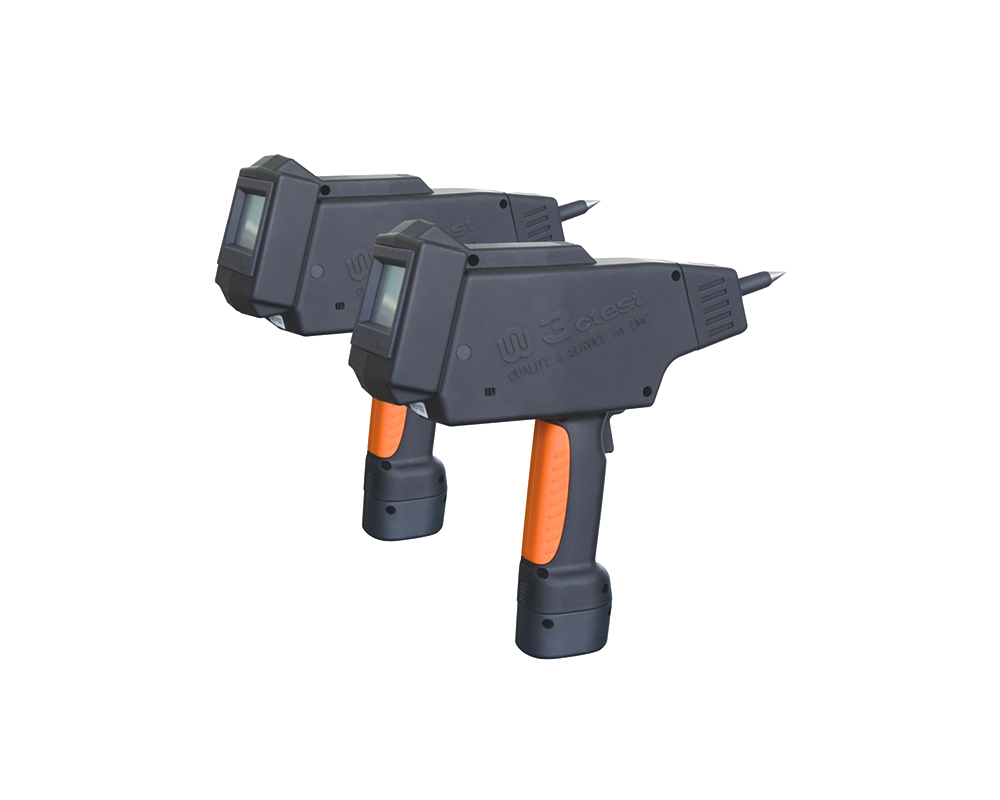
The EDS 20H is an intelligent electrostatic discharge (ESD) generator designed to meet the IEC 61000-4-2 testing standard, accurately simulating electrostatic discharge pulse up to 20 kV.
The EDS 16H is an intelligent electrostatic discharge (ESD) generator designed to meet the IEC 61000-4-2 testing standard, accurately simulating electrostatic discharge pulse up to 16.5 kV.
• Using the product inquiry function can help you quickly learn about the product's price and other related information.
• You can either inquire about a single product directly, or select multiple products to add to the inquiry bar and inquire about them together.
• How to make an inquiry





1. Using the product comparison function can help you find the target product you need for selection more quickly and easily.
2. You can add up to 5 products for comparison. Product models and parameters may vary across different series. It is recommended to compare products within the same series.
3. How to use the comparison bar.




 Phone: +86-512-68413700
 Email: info@3ctest.cn
 Address:No.99 E'meishan Rd, SND, Suzhou, Jiangsu, 215153, China,Suzhou, Jiangsu, 215153, China



© 2025 Suzhou 3CTEST


 Leave a Message


