

High frequency recommended vocabulary

IEC 60664-1 is the basic safety publication that establishes how insulation is dimensioned in equipment connected to low-voltage supply systems up to 1000 V a.c. or 1500 V d.c. It provides the framework used by a very large number of product standards, which refer to it rather than restating the rules. The central idea is that insulation must withstand the transient overvoltages that the installation can deliver, so the standard defines overvoltage categories that describe the position of the equipment in the supply network, from the service entrance to the protected secondary circuits. From the rated impulse voltage chosen for each circuit, and taking into account the pollution degree of the environment and the comparative tracking index of the insulating material, the standard derives the minimum clearances and creepage distances, the required thickness of solid insulation and the values used for dielectric and impulse testing. It also treats the special cases of insulation between circuits at different voltages, coated and potted assemblies and printed board design. Both the computational rules and the verifying tests are given.
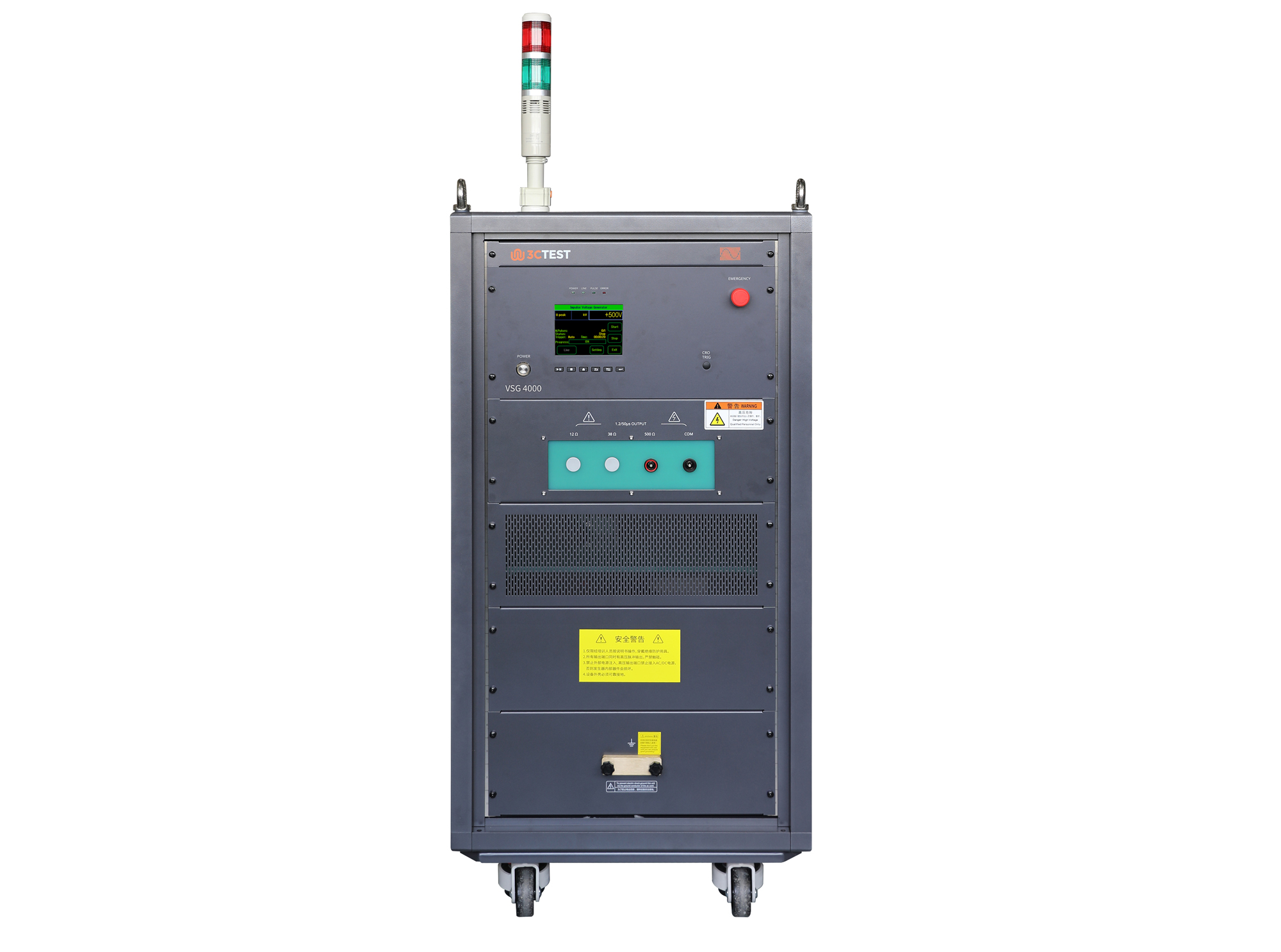
The VSG 4000(500Ω/0.2μF) Impulse Voltage Simulator complies with IEC 60060-1, IEC 60664-1, and IEC 61009-1 and is designed for insulation, voltage withstand, and surge testing of components and assemblies in impulse withstand testing applications.
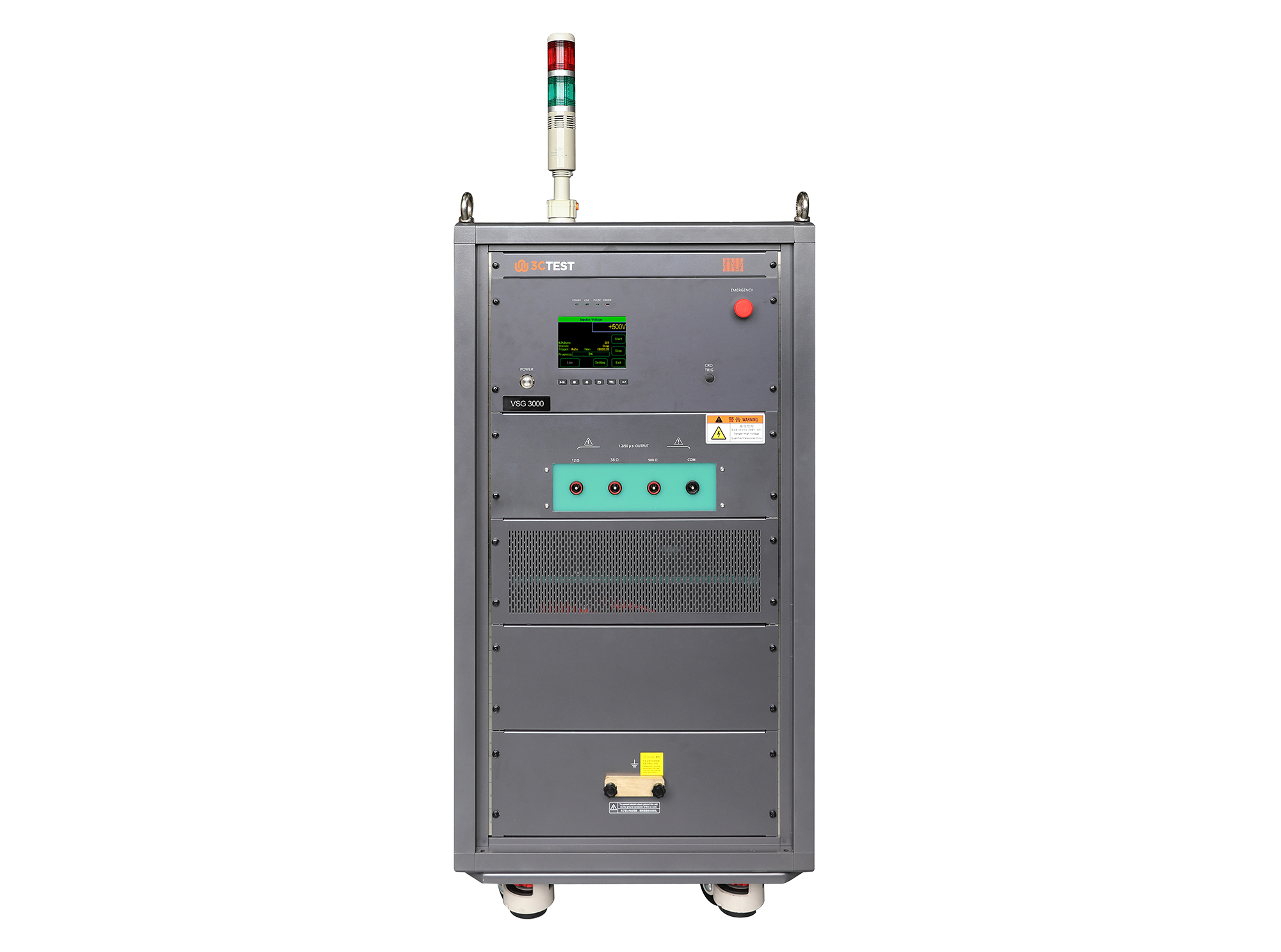
The VSG 3000 Impulse Voltage Simulator is designed in compliance with IEC 61180-1 and IEC 60335-1 to evaluate the dielectric withstand capability of electrical equipment. It’s capable of generating 1.2/50μs impulse voltage pulses from 1 kV to 30 kV, providing reliable and accurate testing performance.
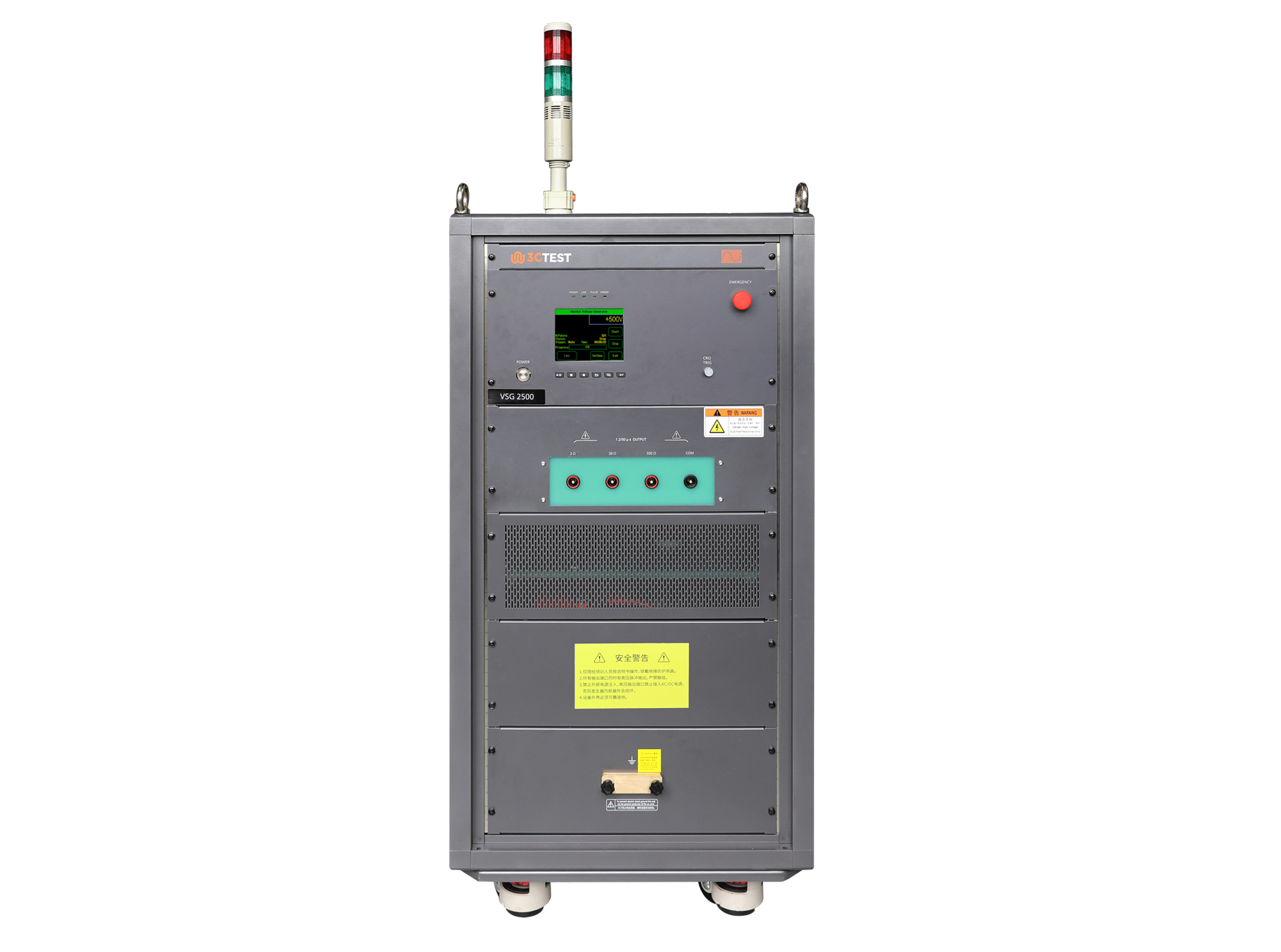
The VSG 2500 Impulse Voltage Simulator is designed in compliance with IEC 61180-1 and IEC 60335-1 to evaluate the dielectric withstand capability of electrical equipment. It’s capable of generating 1.2/50μs impulse voltage pulses from 0.5 kV to 25 kV, providing reliable and accurate testing performance.
• Using the product inquiry function can help you quickly learn about the product's price and other related information.
• You can either inquire about a single product directly, or select multiple products to add to the inquiry bar and inquire about them together.
• How to make an inquiry





1. Using the product comparison function can help you find the target product you need for selection more quickly and easily.
2. You can add up to 5 products for comparison. Product models and parameters may vary across different series. It is recommended to compare products within the same series.
3. How to use the comparison bar.




 Phone: +86-512-68413700
 Email: info@3ctest.cn
 Address:No.99 E'meishan Rd, SND, Suzhou, Jiangsu, 215153, China,Suzhou, Jiangsu, 215153, China



© 2025 Suzhou 3CTEST


 Leave a Message


