

High frequency recommended vocabulary

IEC 61000-4-20 describes the use of transverse electromagnetic waveguides for both emission measurement and immunity testing of electrical and electronic equipment. A TEM waveguide, whether the conventional open-ended cell or the gigahertz transverse electromagnetic cell with its tapered structure and absorbing termination, creates a well defined electromagnetic field in a small volume, and therefore offers a compact and comparatively inexpensive alternative to an anechoic chamber. The standard explains the field structure inside the cell, the usable test volume in which the field is sufficiently uniform, and the field uniformity criteria that must be verified before a test is performed. It defines the methods for generating the field, for measuring and monitoring its strength, and for calculating the equivalent field that corresponds to a given input power. Both emission testing, in which the disturbance produced by the equipment is measured with a receiver connected to the cell, and immunity testing, in which a defined field is applied, are treated, and separate procedures are given for the conventional and the tapered cell because their field distributions differ.
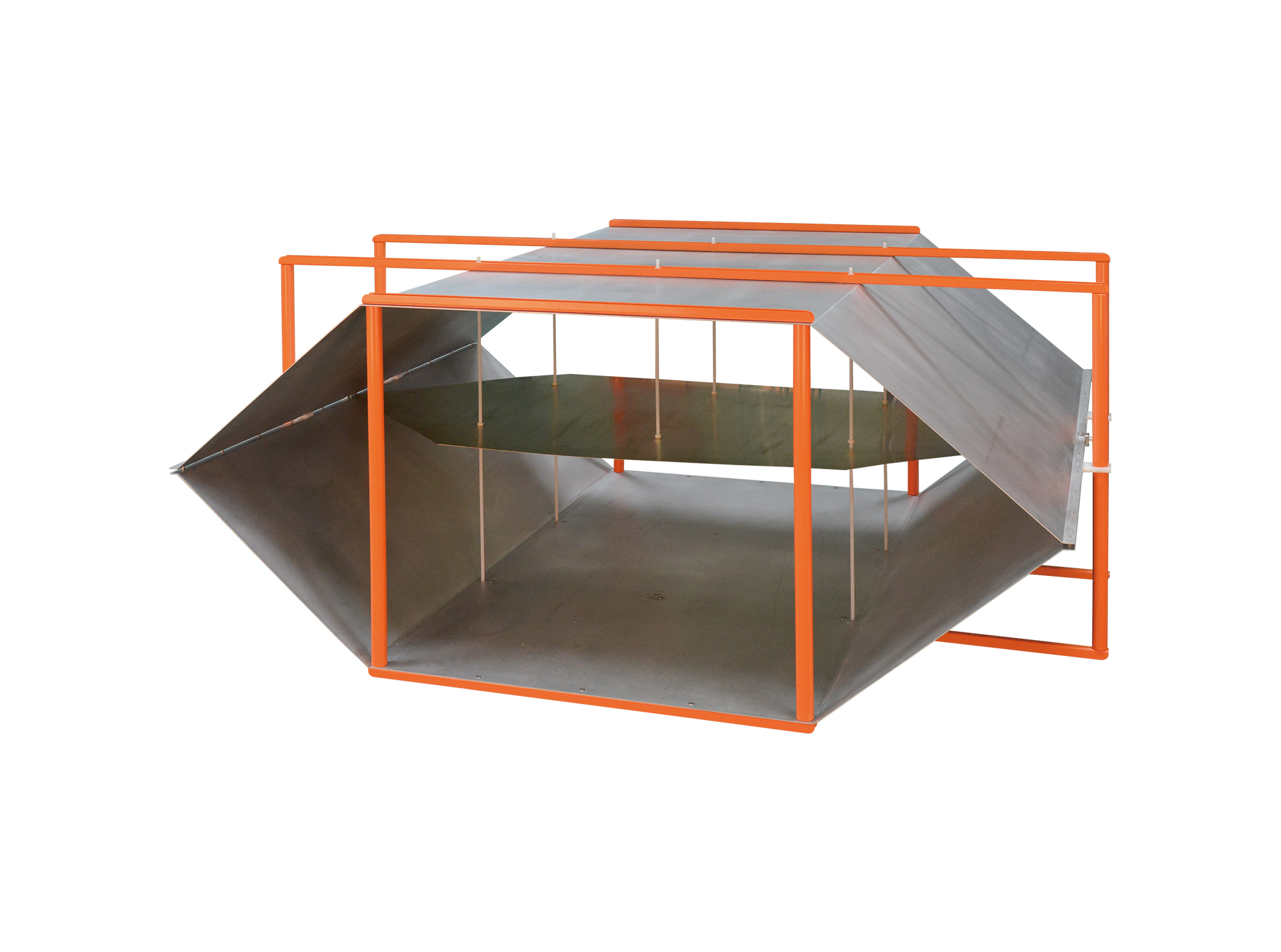
Then TEM Series Open Transverse Electromagnetic Cell is designed for automotive component immunity testing and complies with the requirements of ISO 11452-3 and IEC 61000-4-20.
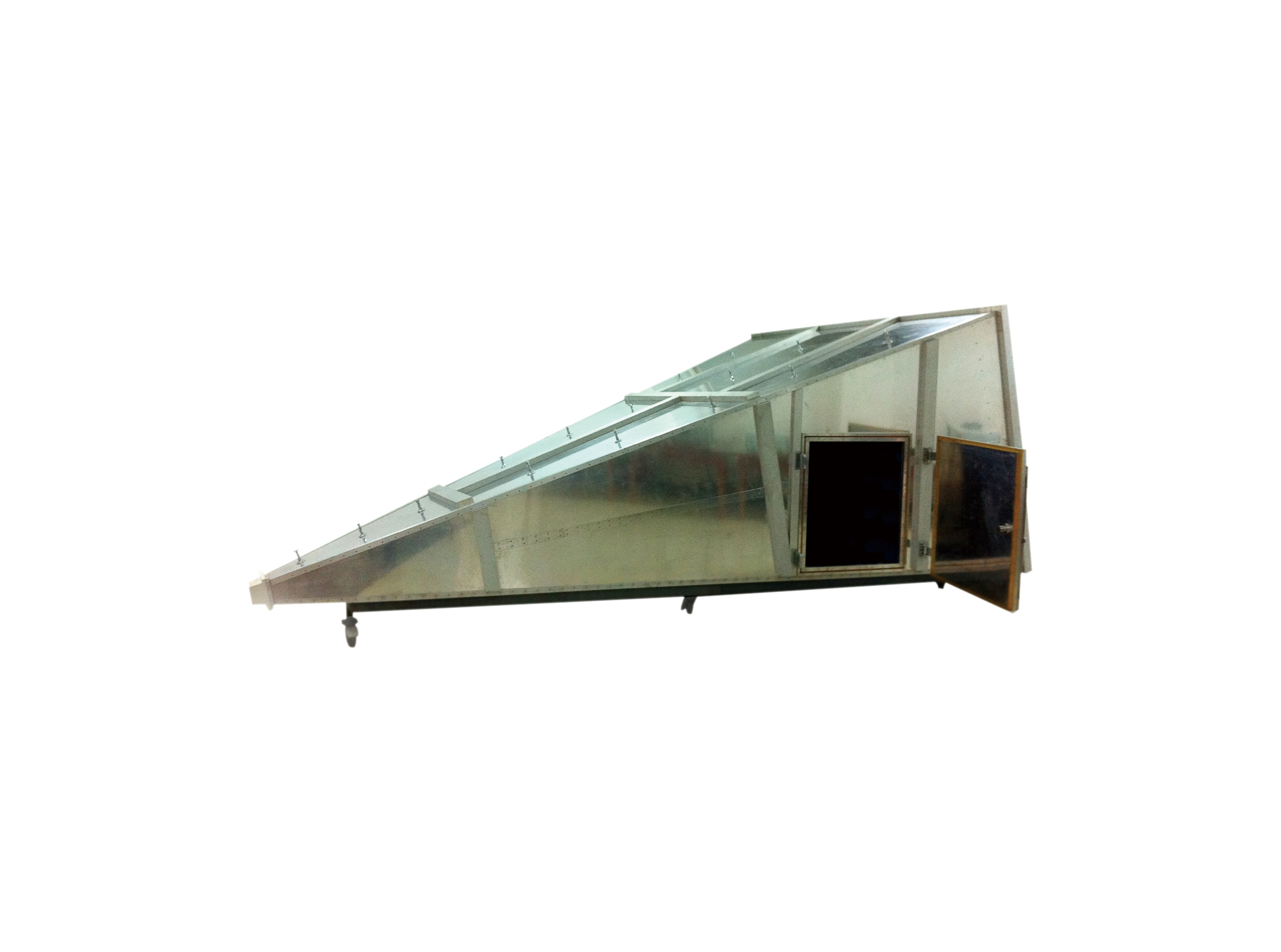
The GTEM Gigahertz Transverse Electromagnetic Cell complies with IEC 61000-4-3/-20. It provides an effective test solution for evaluating the susceptibility of small electronic products to radiated electromagnetic field interference.
• Using the product inquiry function can help you quickly learn about the product's price and other related information.
• You can either inquire about a single product directly, or select multiple products to add to the inquiry bar and inquire about them together.
• How to make an inquiry





1. Using the product comparison function can help you find the target product you need for selection more quickly and easily.
2. You can add up to 5 products for comparison. Product models and parameters may vary across different series. It is recommended to compare products within the same series.
3. How to use the comparison bar.




 Phone: +86-512-68413700
 Email: info@3ctest.cn
 Address:No.99 E'meishan Rd, SND, Suzhou, Jiangsu, 215153, China,Suzhou, Jiangsu, 215153, China



© 2025 Suzhou 3CTEST


 Leave a Message


