

High frequency recommended vocabulary

IEC 61643-11 is the current part of the surge protective device series that specifies requirements and test methods for devices connected to low-voltage power systems. It replaced the earlier Part 1 and Part 11 documents and restructured the classification of the devices so that the test programme is determined by the declared function rather than by a single category. The standard defines the performance characteristics of a surge protective device, including the maximum continuous operating voltage, the impulse current parameters, the voltage protection level, the response behaviour and the short-circuit current rating, together with the safety characteristics associated with a device that has reached the end of its life. The type tests verify the voltage protection level, the impulse current withstand, the thermal stability under superimposed power frequency voltage, the operation of the disconnector, the behaviour under temporary overvoltage and the enclosure protection, and they establish the marking information that the device must carry. Requirements for the selection and application of devices are treated in the companion document on selection and application principles.
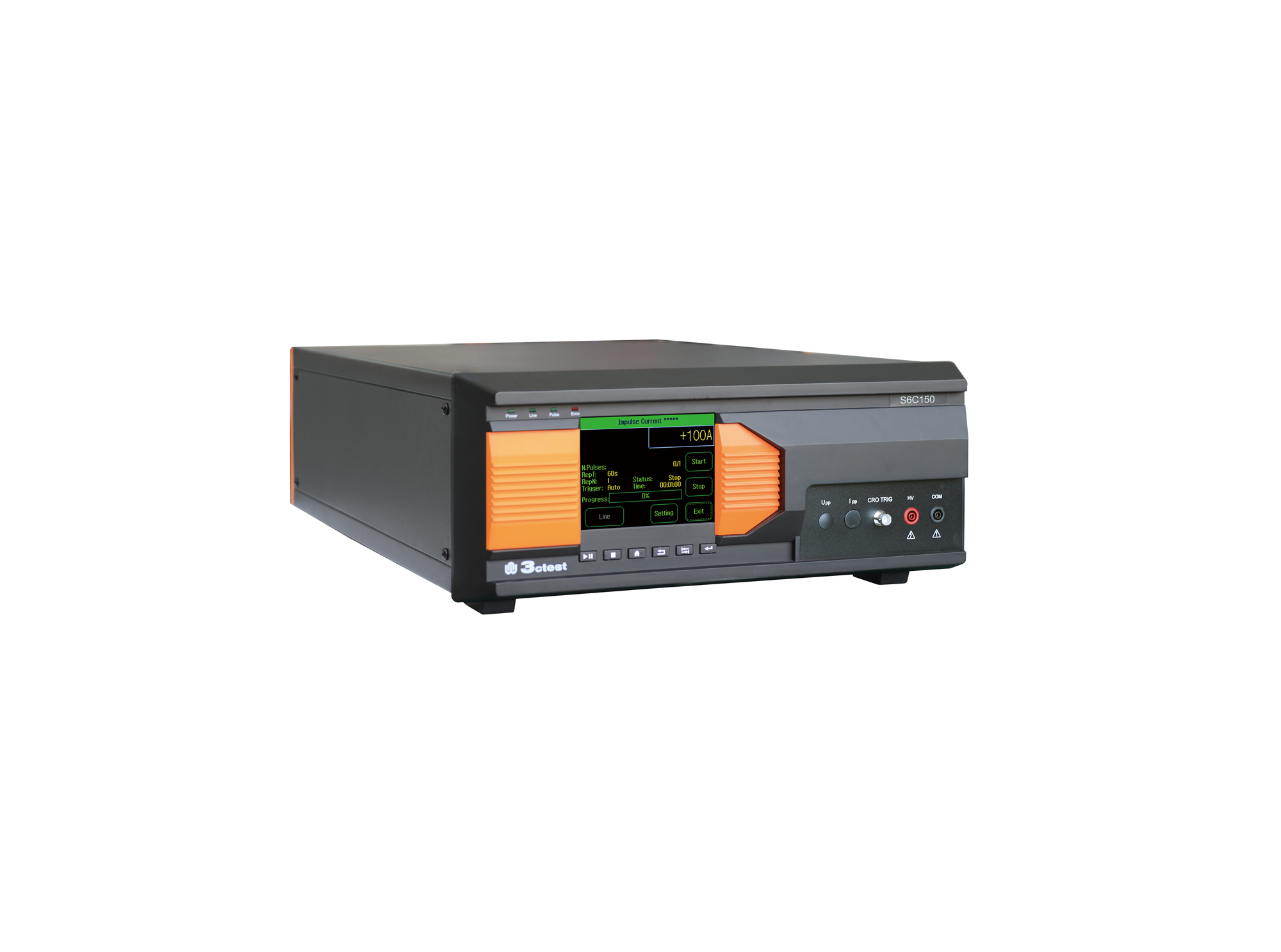
The S6C150 is a new type of impulse current simulator developed in compliance with IEC 61643-11 and GB/T 18802.11. Built-in 70 Ω, 15 Ω, and 1.5 Ω main circuits.
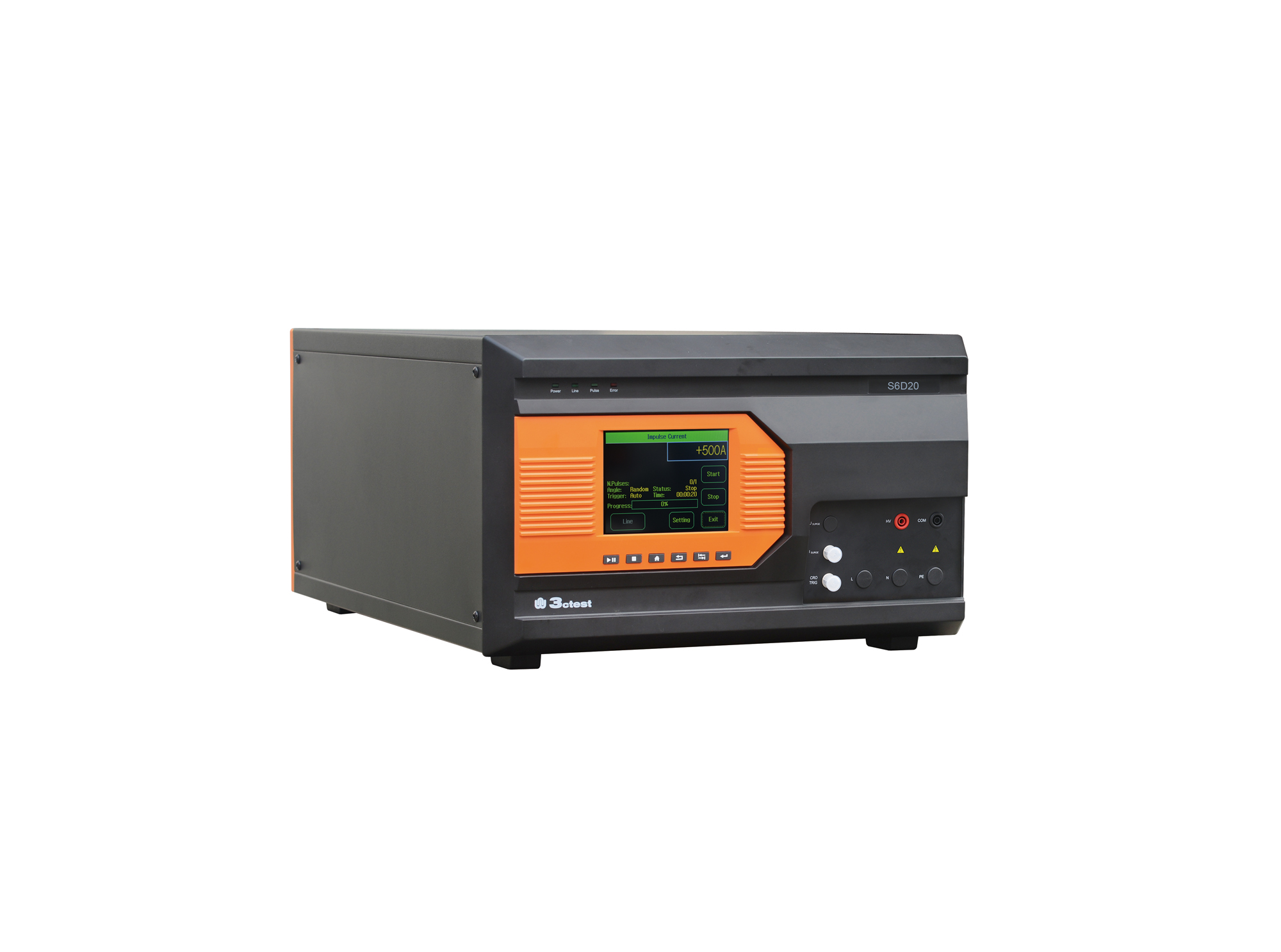
The S6D Series are a new type of impulse current simulators developed in compliance with IEC 61643-11, GB/T 18802.11 and IEC 61312-1.
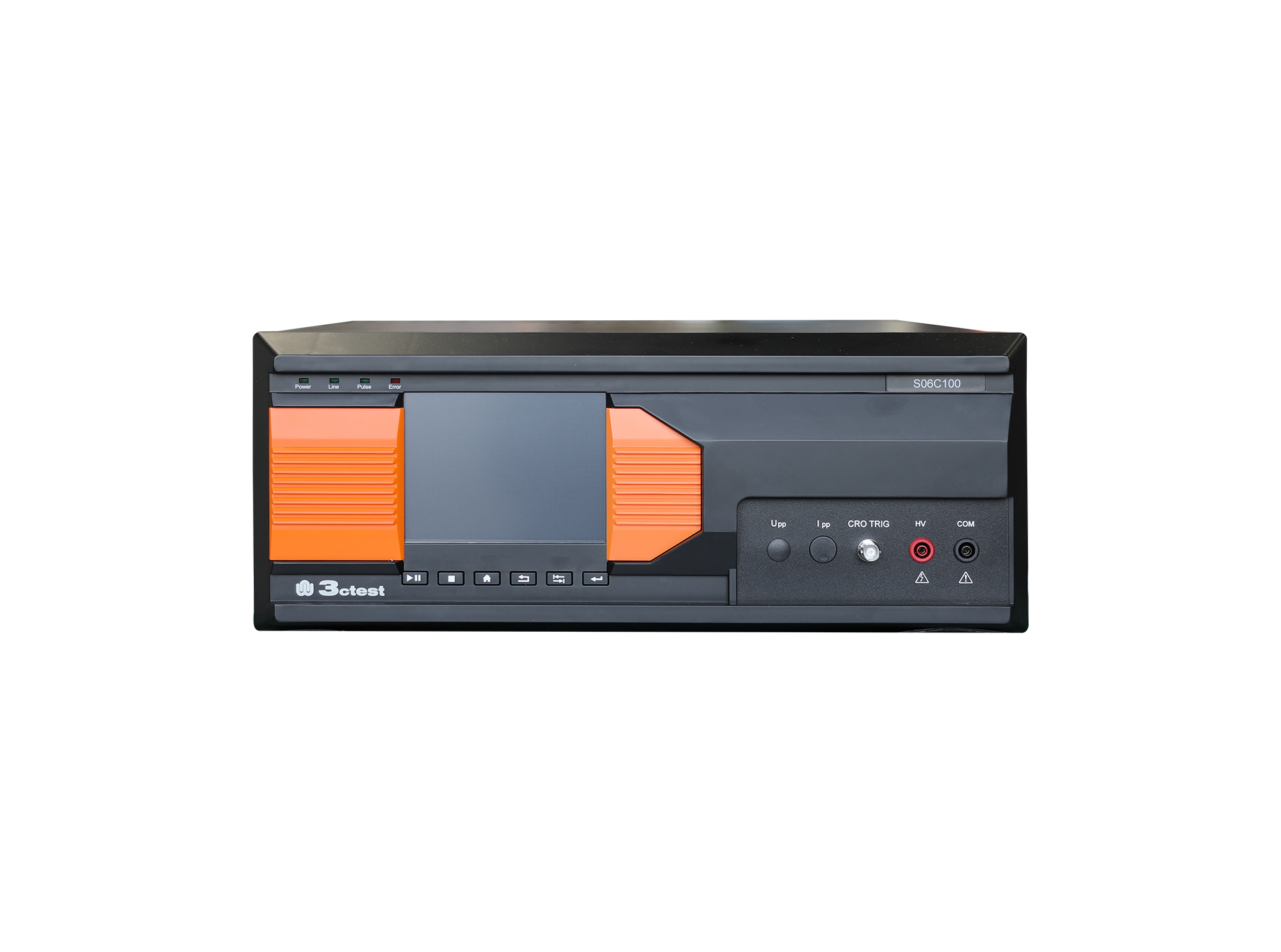
The S06C100 is a new type of impulse current simulator developed in compliance with IEC 61643-11 and GB/T 18802.11.
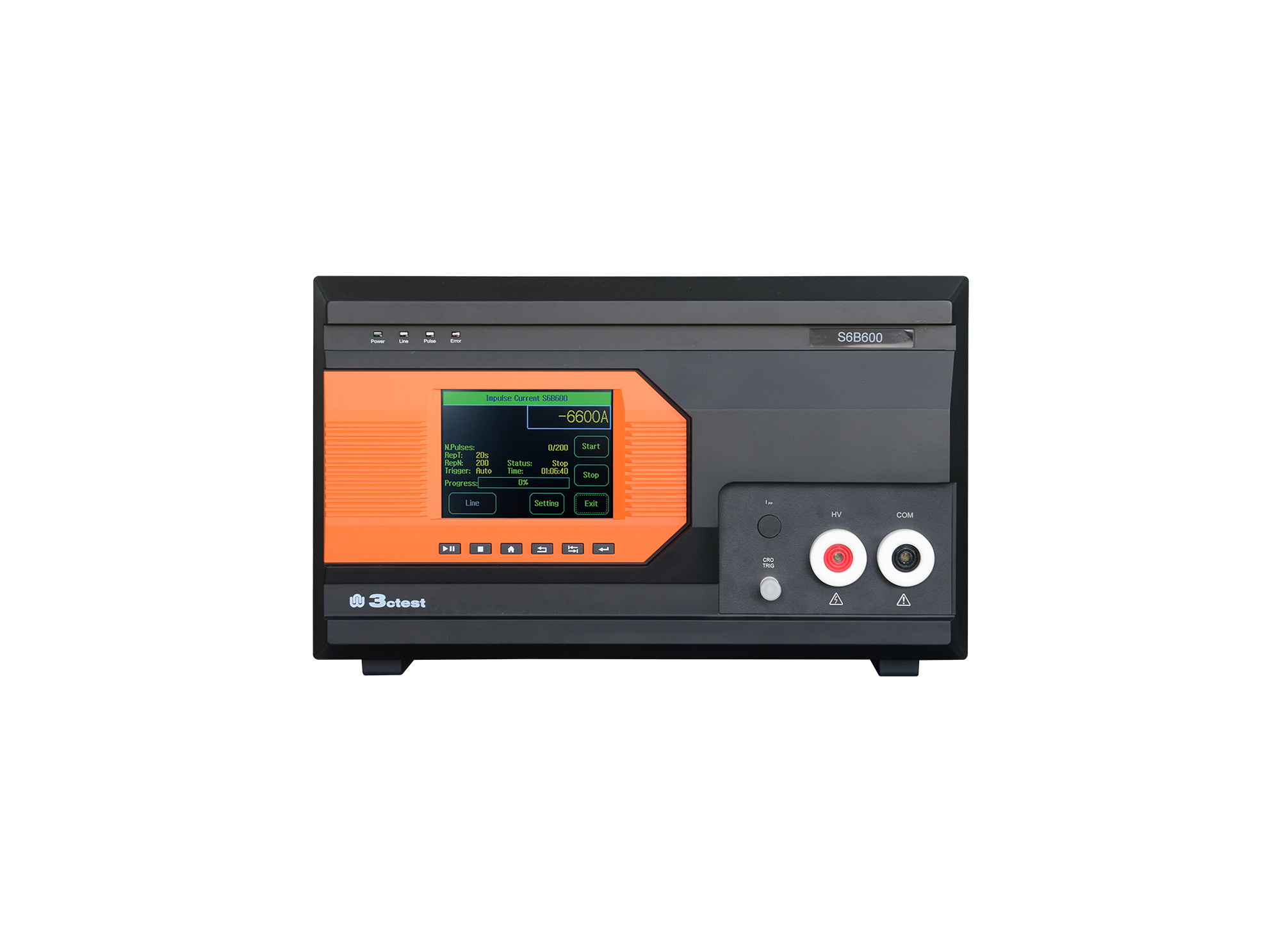
The S6B600 is a new type of impulse current simulator developed in compliance with IEC 61643-11 and GB/T 18802.11.
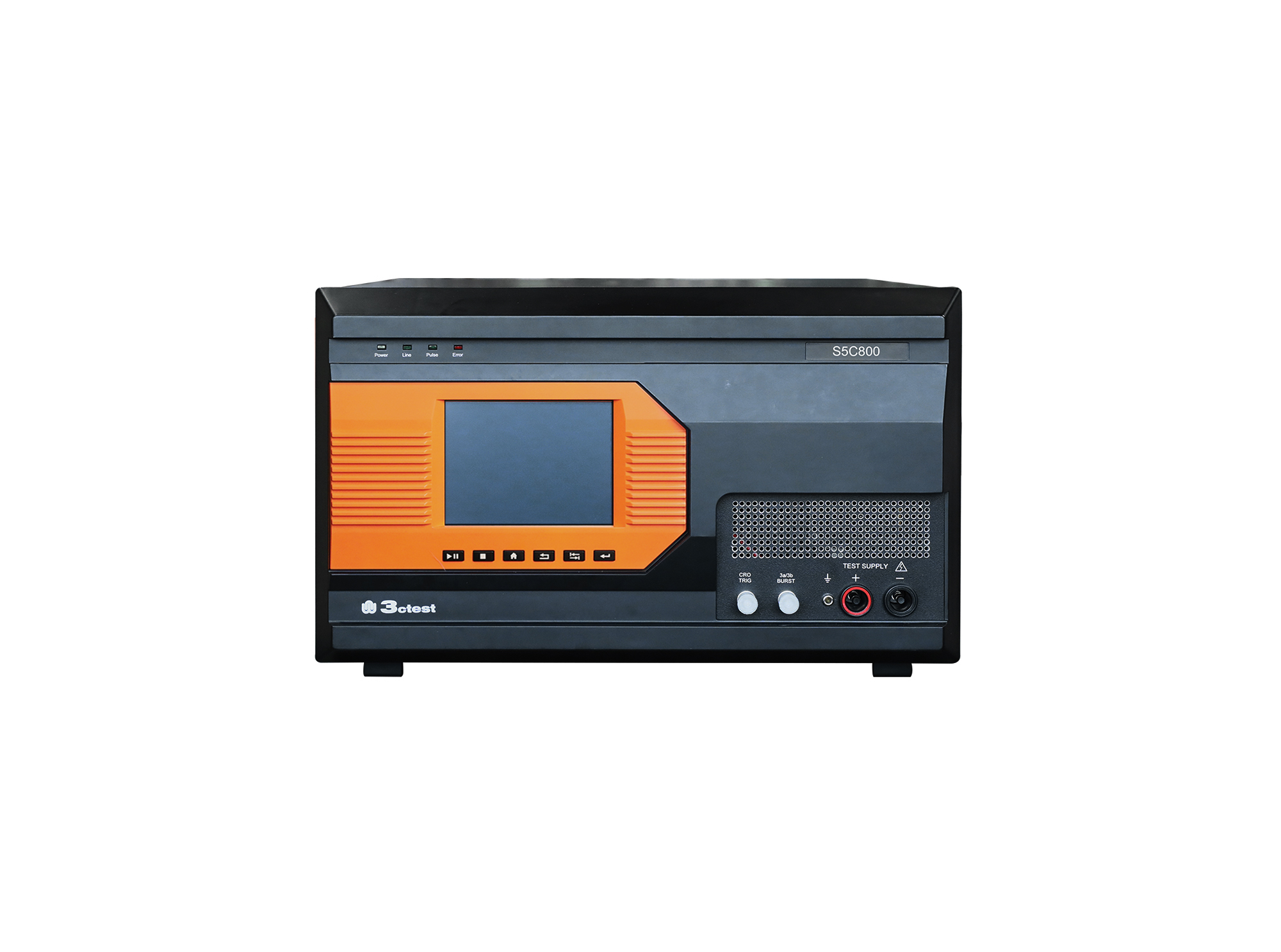
The S5C800 is a new type of impulse current simulator developed in compliance with IEC 61643-11 and GB/T 18802.11.
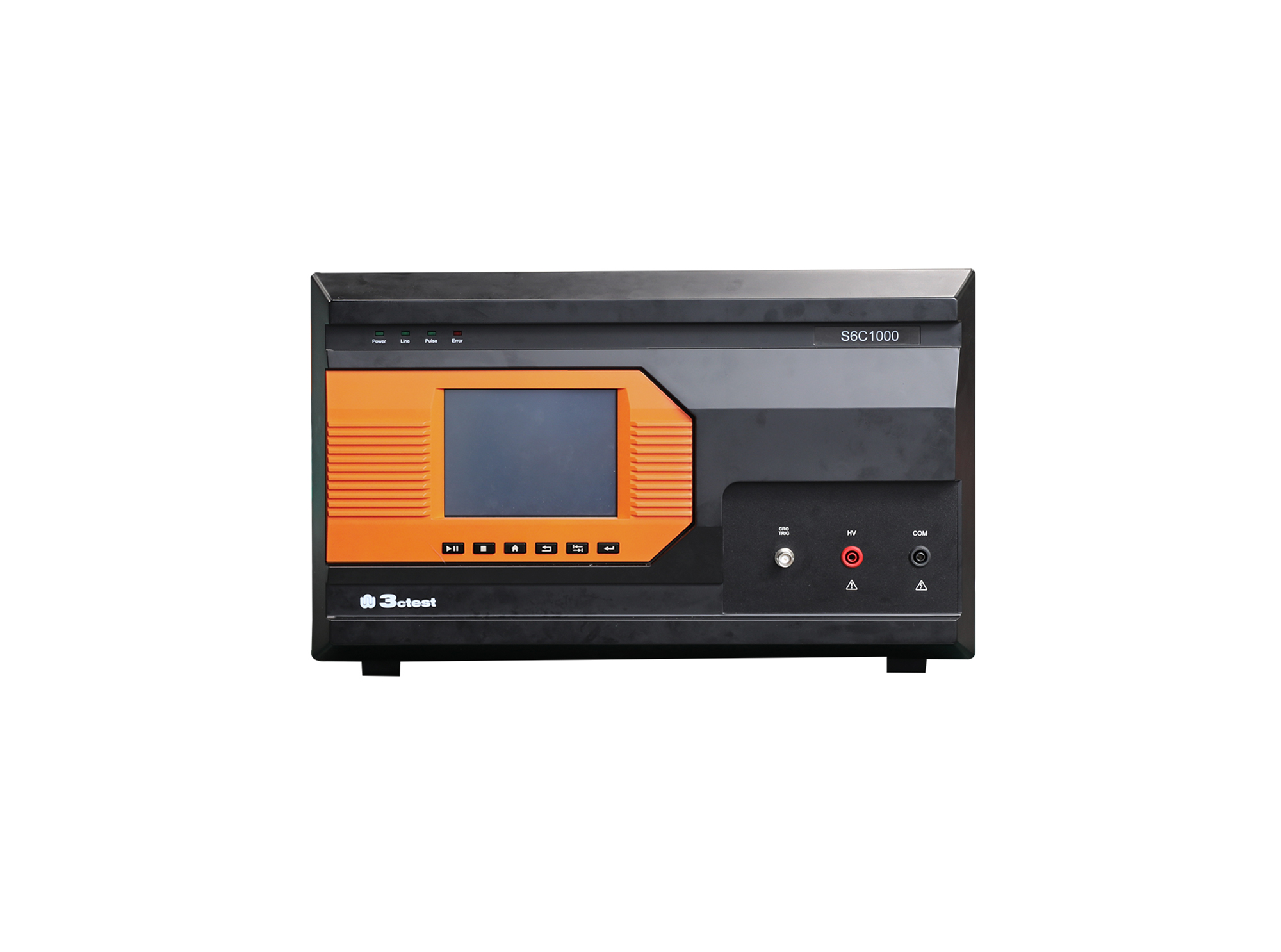
The S6C1000 is a new type of impulse current simulator developed in compliance with IEC 61643-11 and GB/T 18802.11.
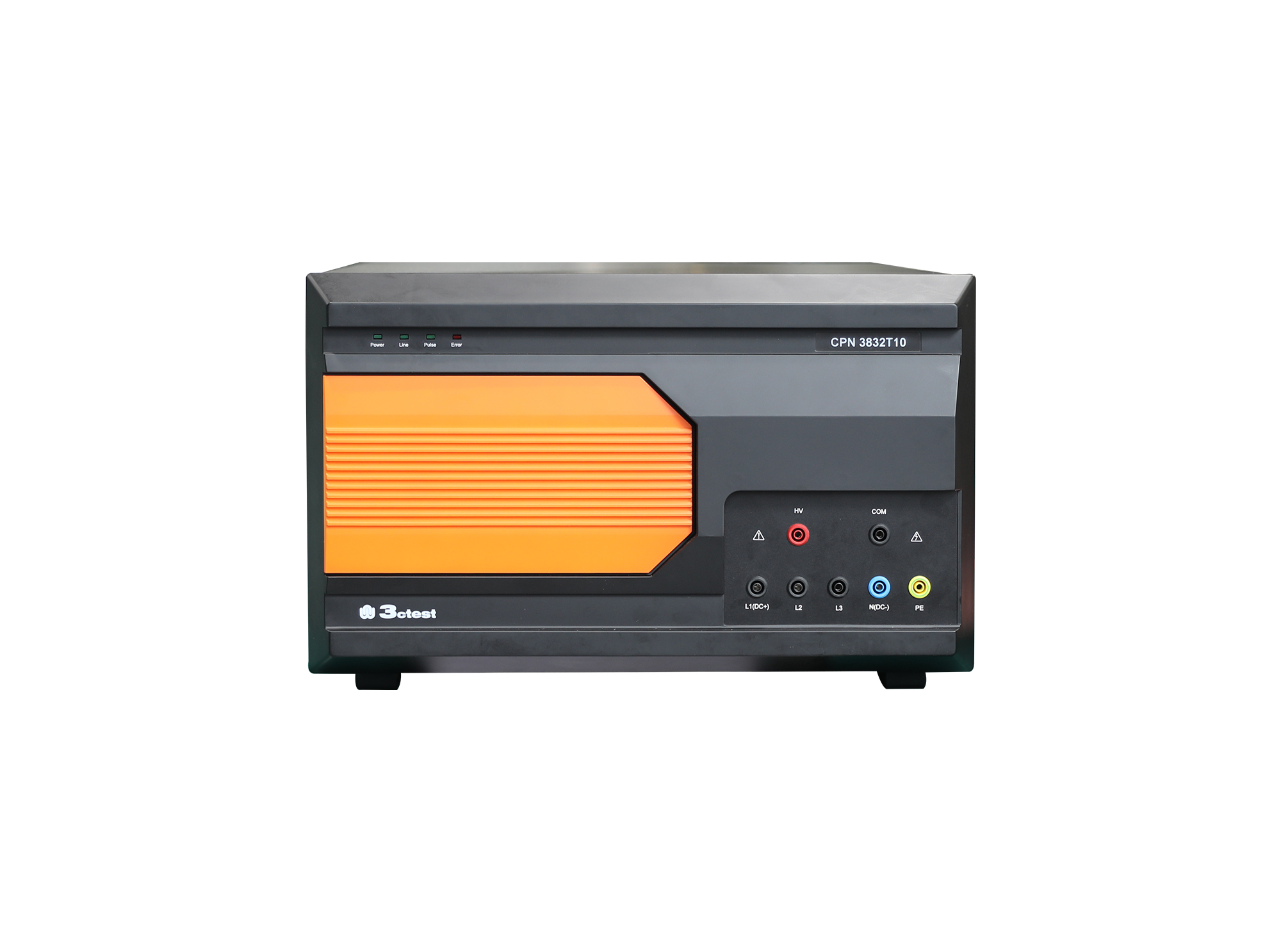
The CPN 3832T10 is a current wave coupling/decoupling network developed in compliance with IEC 61643-11 and GB/T 18802.11.
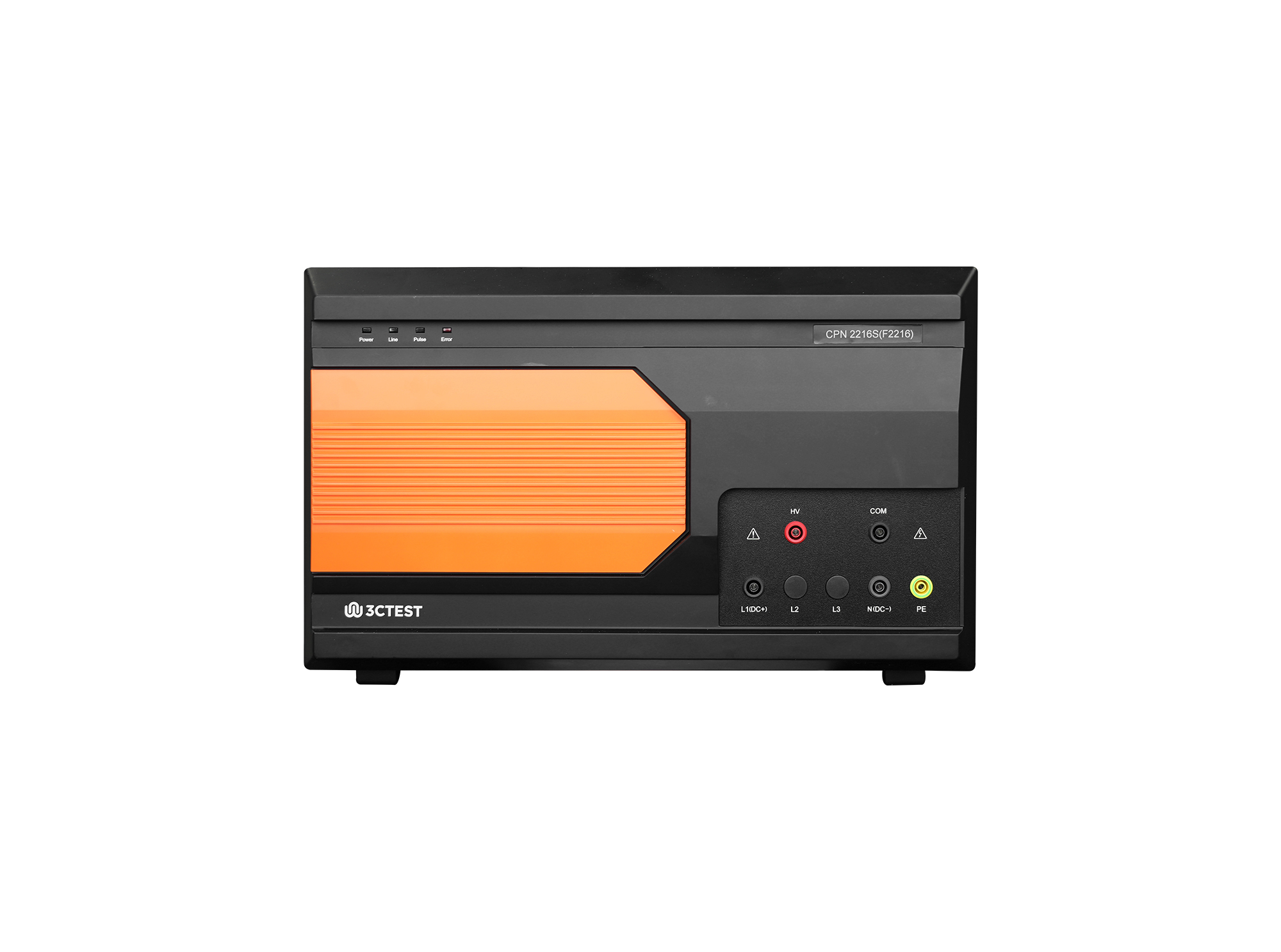
The CPN 2216S is a current wave coupling/decoupling network developed in compliance with IEC 61643-11 and GB/T 18802.11.
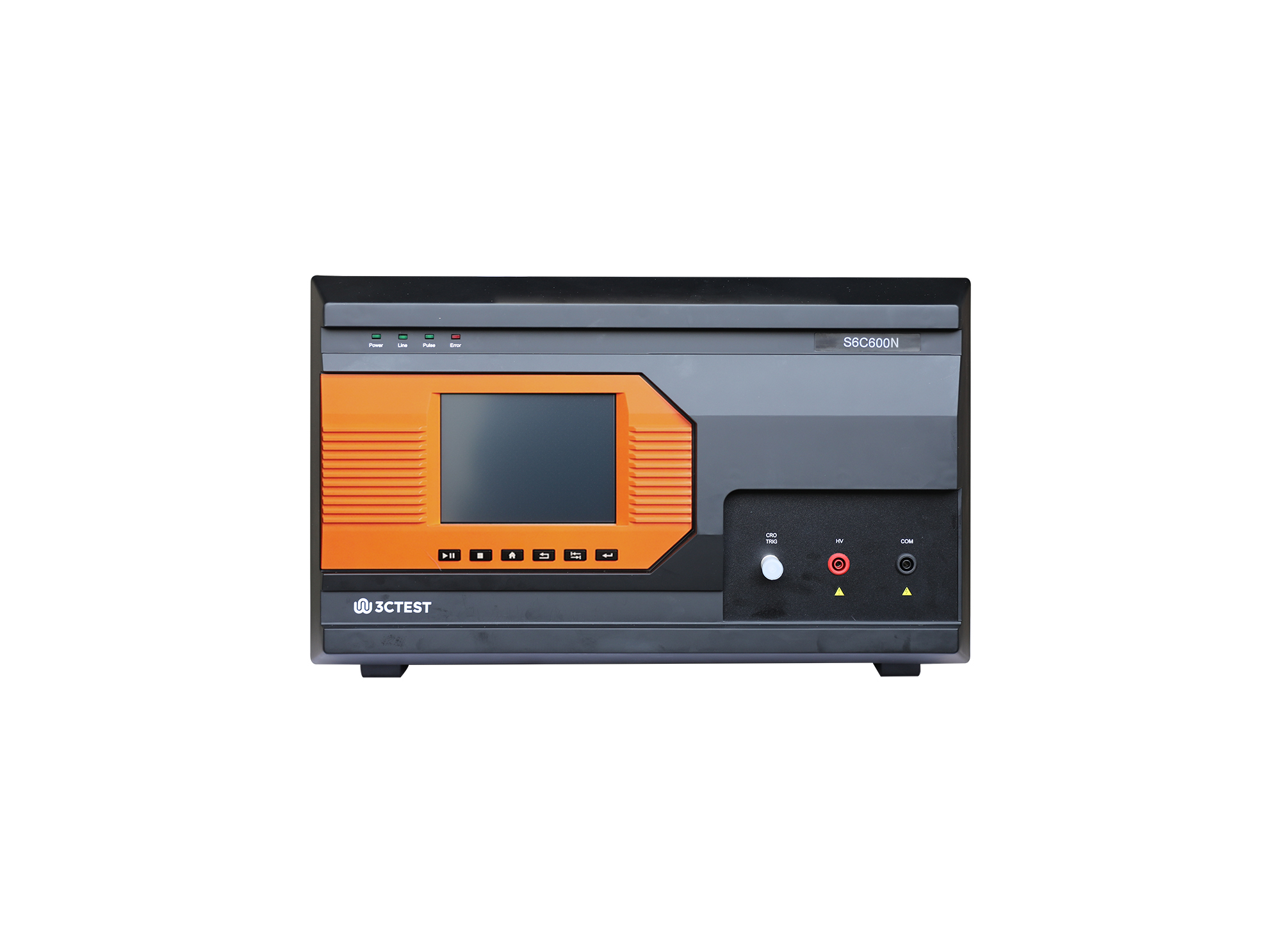
The S6C600N is a new type of impulse current simulator developed in compliance with IEC 61643-11 and GB/T 18802.11.
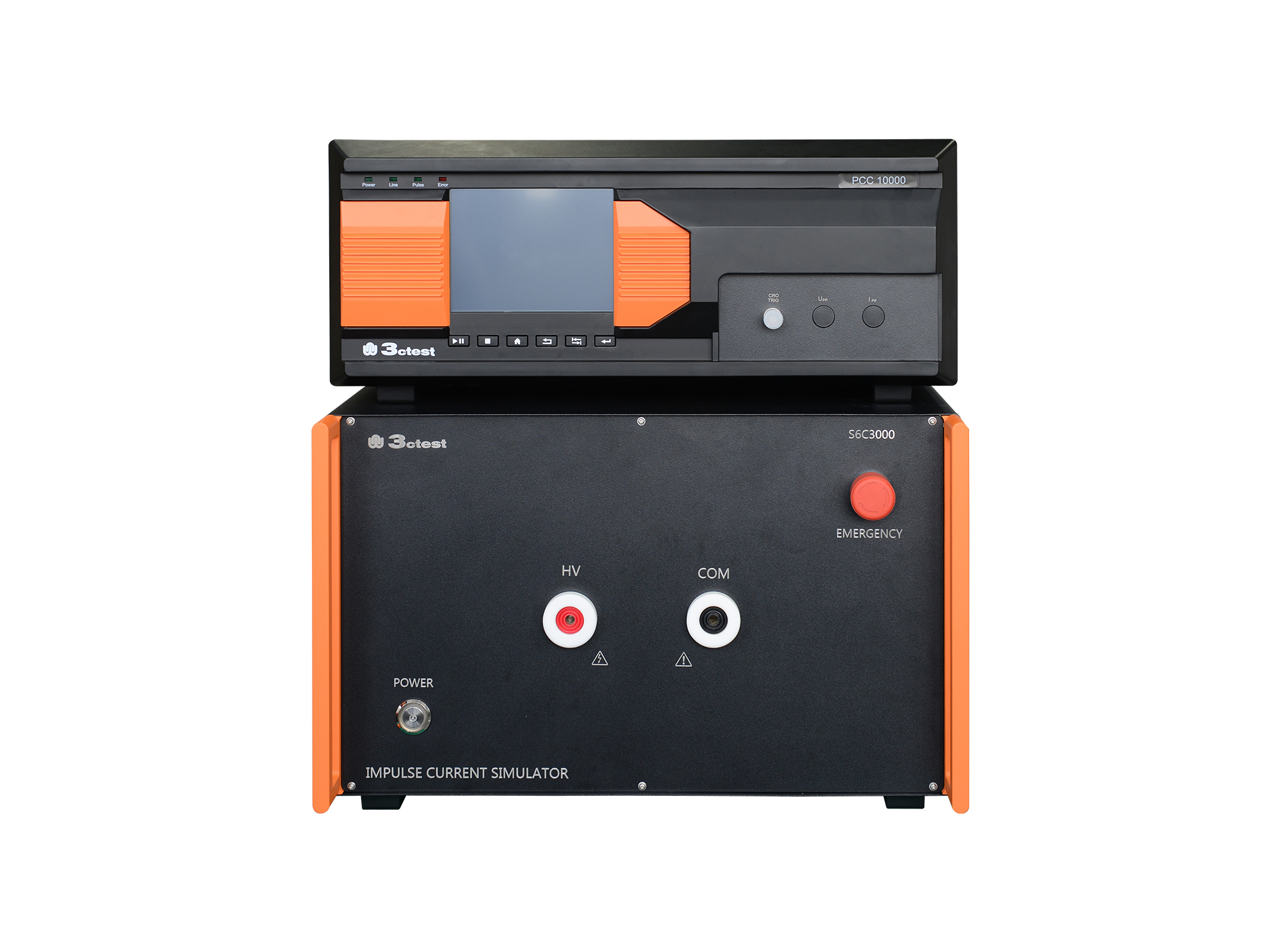
The PCC10000 & S10C3000 is a new type of impulse current simulator developed in accordance with IEC 61643-11 and GB/T 18802.11
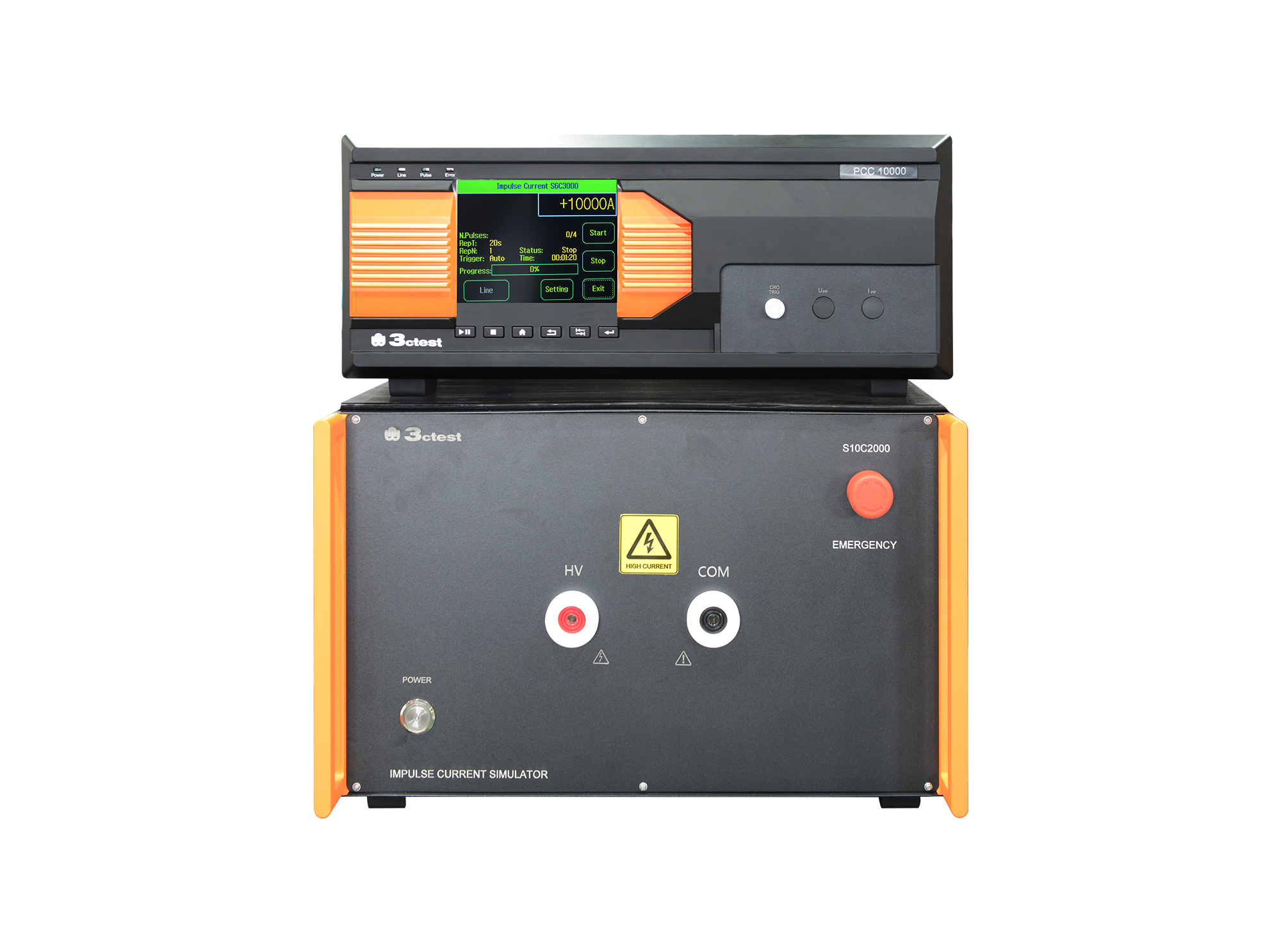
The PCC 10000 & S10C2000 is a new type of impulse current simulator developed in accordance with IEC 61643-11 and GB/T 18802.11.
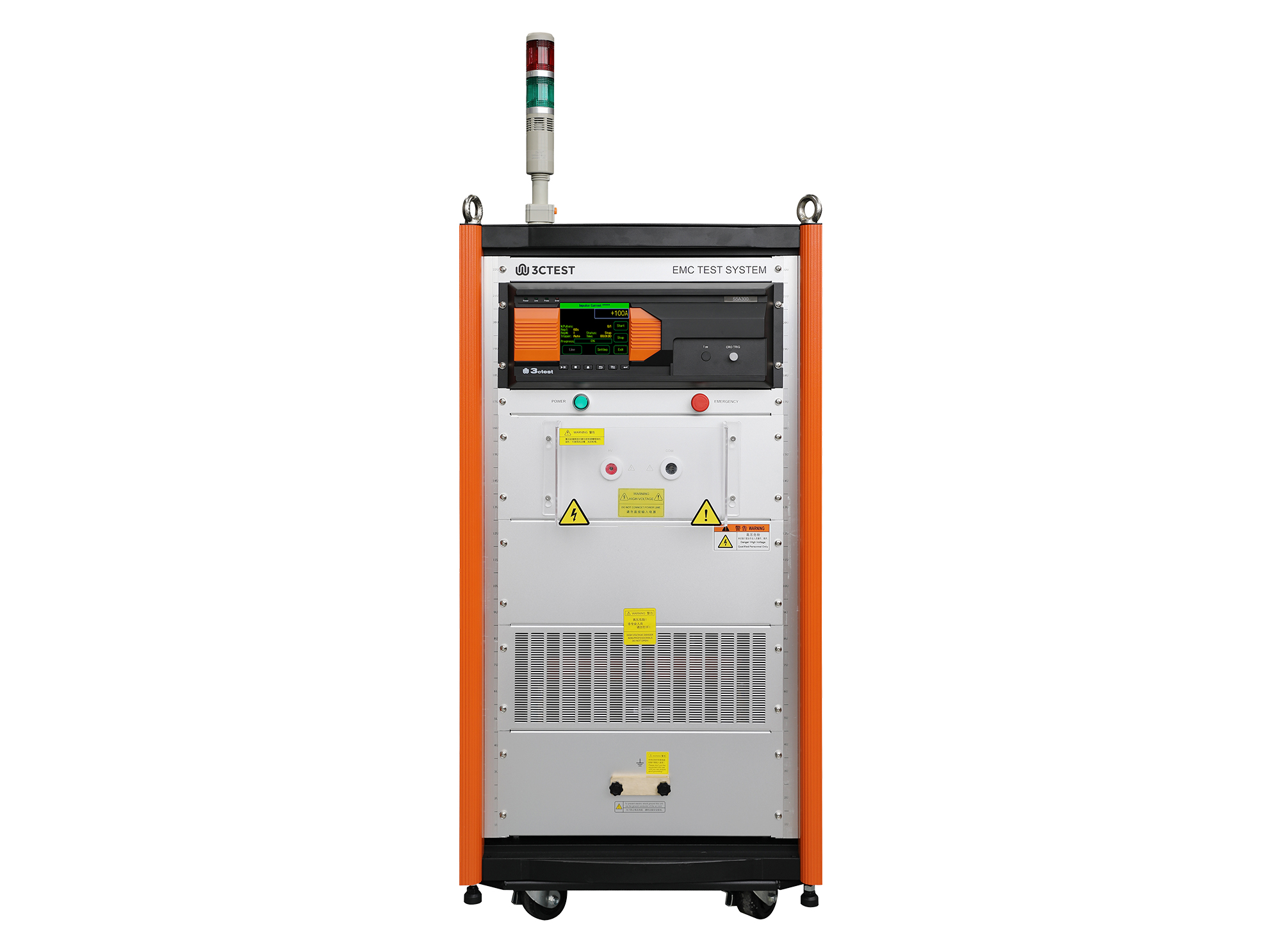
The S5A300 is a new type of impulse current simulator developed in compliance with IEC 61643-11.
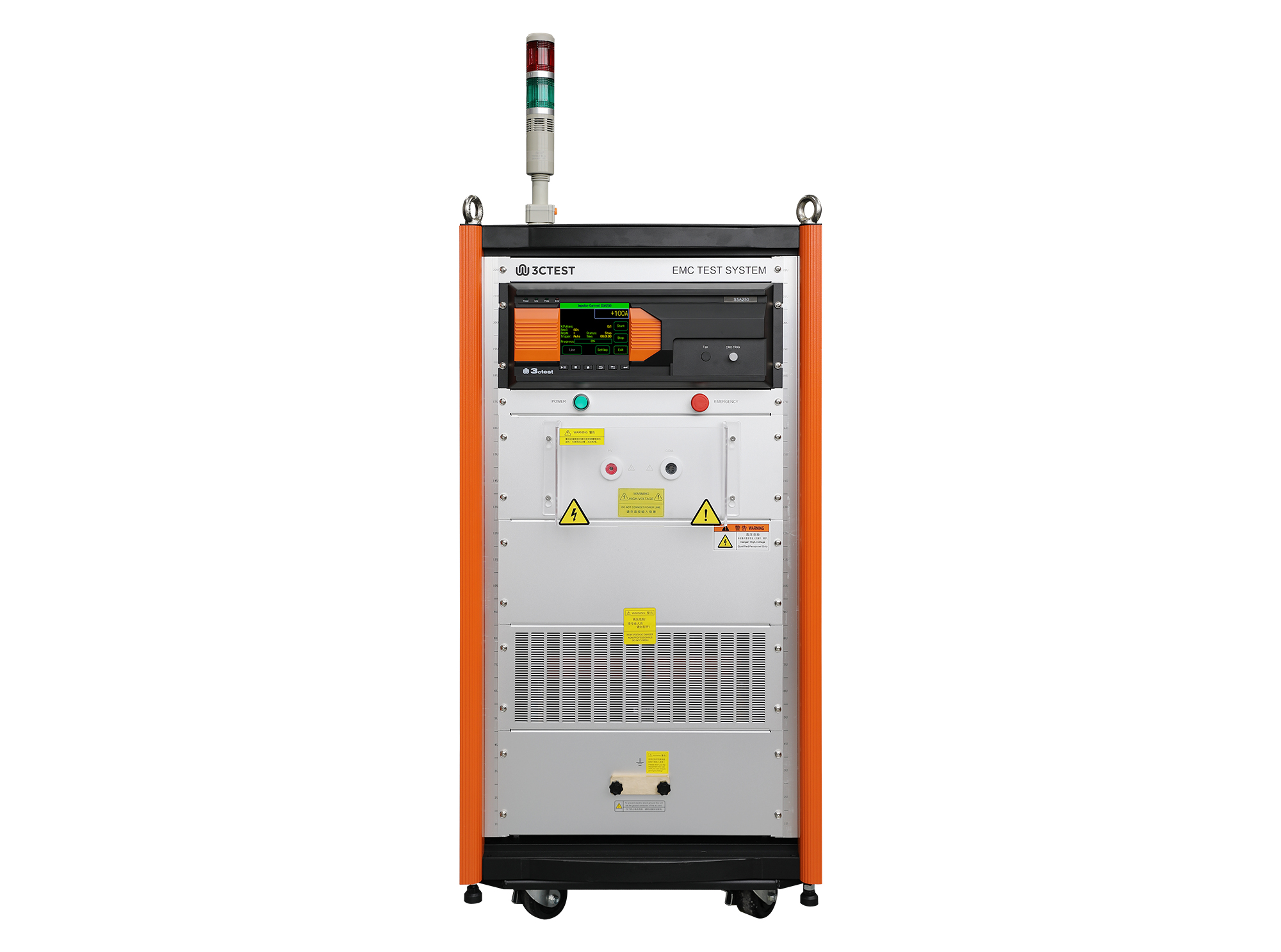
The S5A250 is a new type of impulse current simulator developed in compliance with IEC 61643-11.
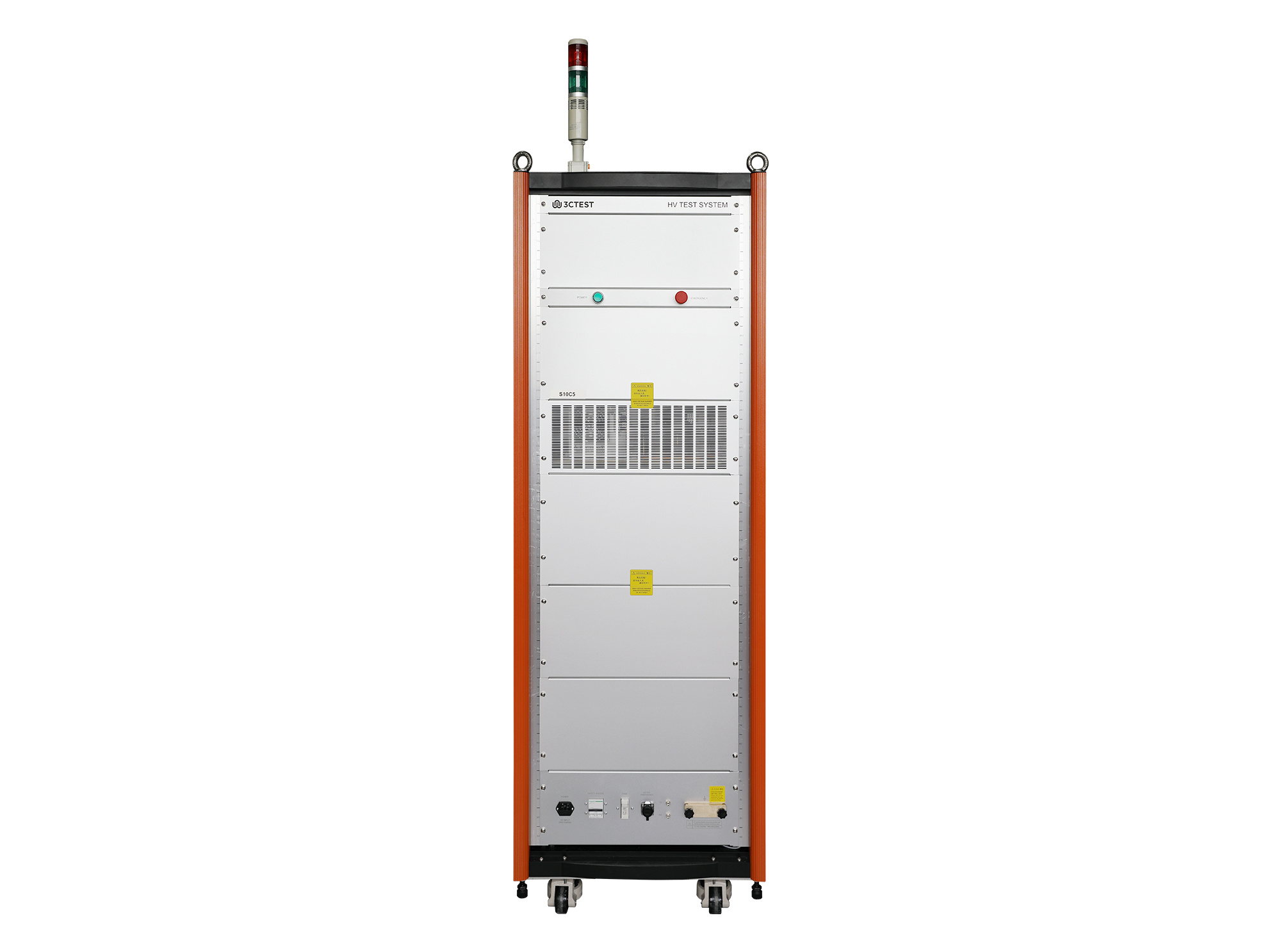
The Impulse Current Test System consists of the MCS2000-6U control unit and the S12A500 simulator.
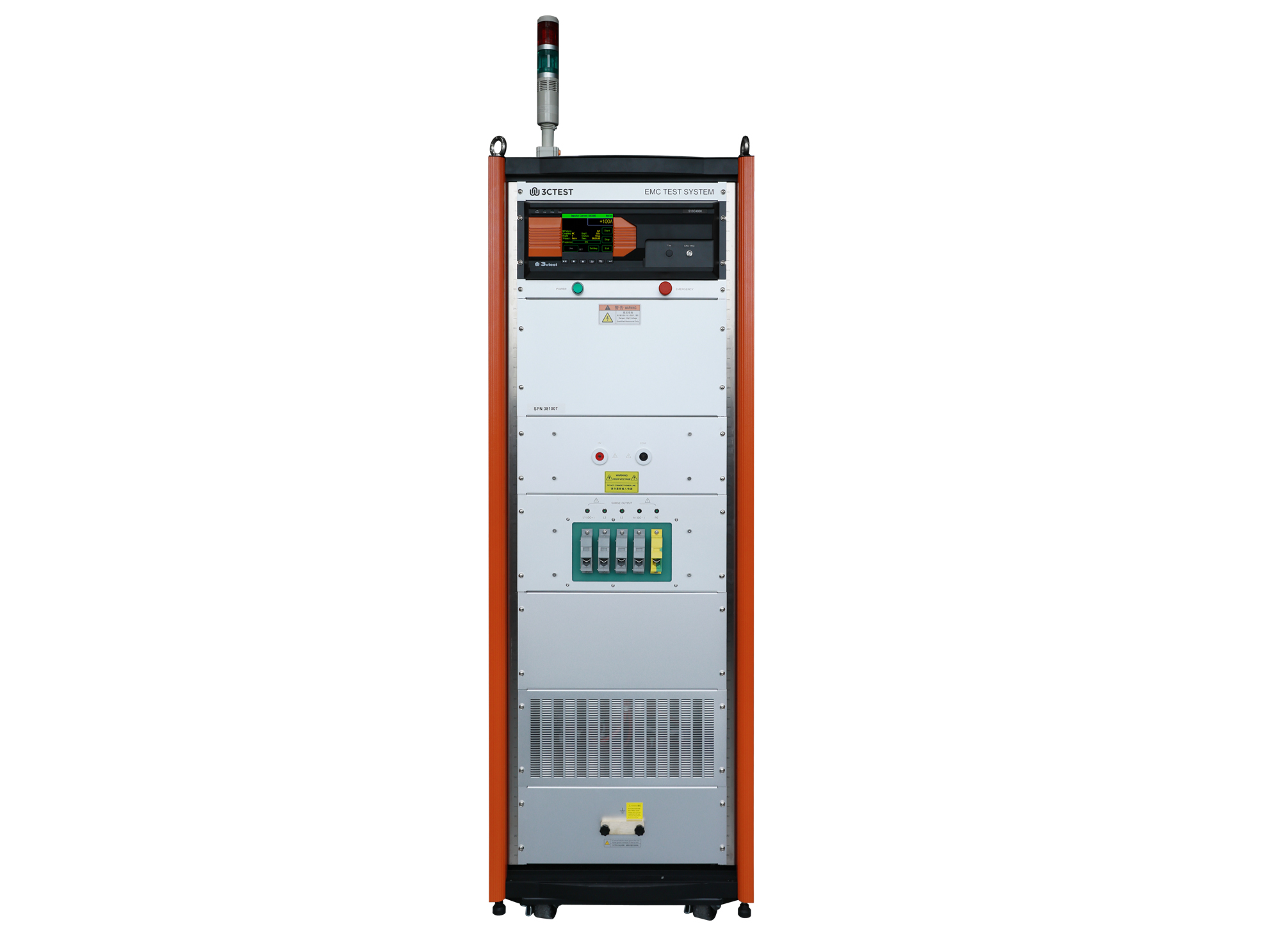
The S16C4000N is a new type of impulse current simulator developed in compliance with YD-T 944, GB/T 18802.11, IEC 61643-11.
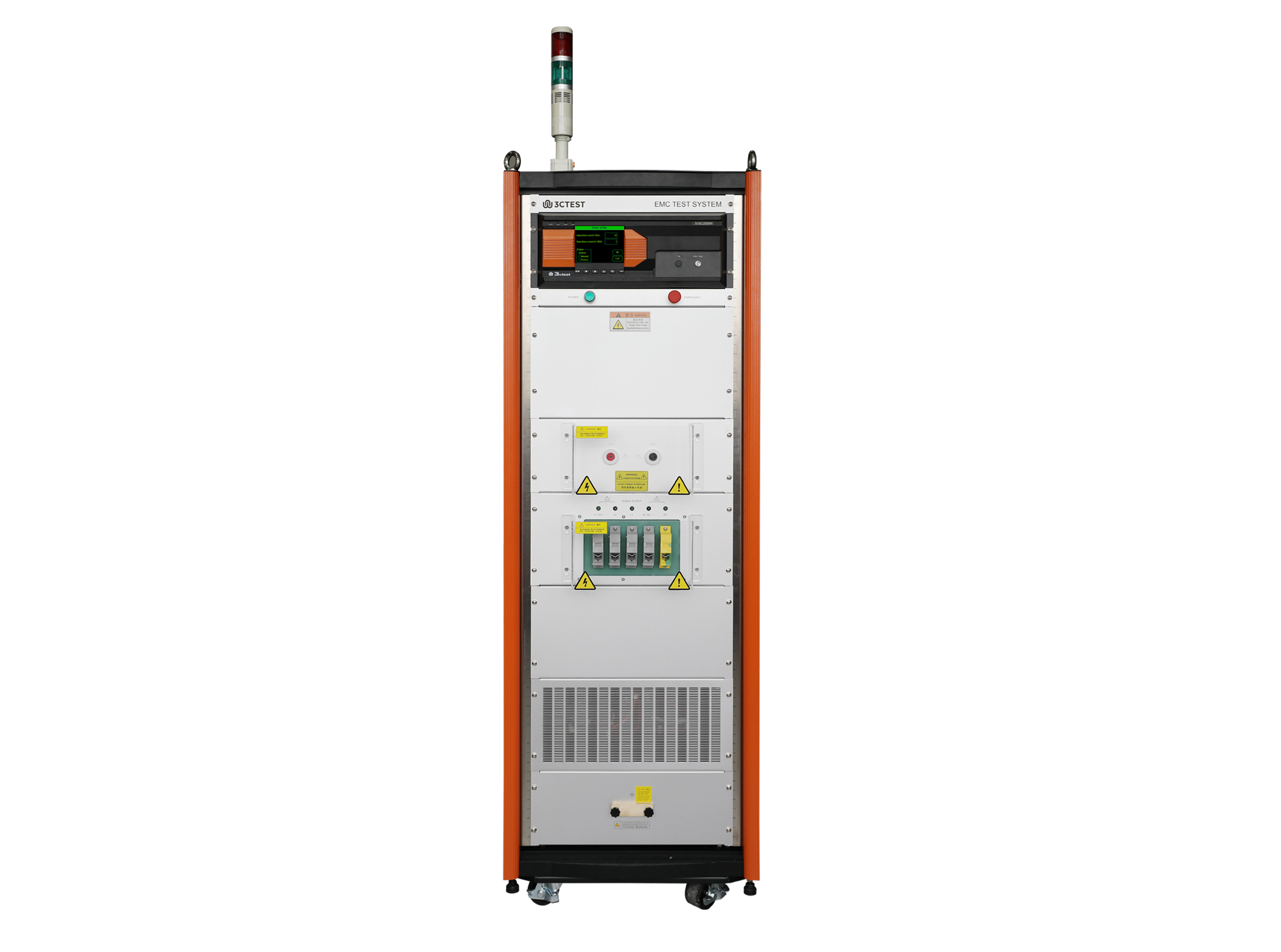
The S16C2000N Impulse Current Simulator is designed in compliance with YD-T 944-2007, GB/T 18802.11-2020 and IEC 61643-11:2011. It can simulate an 8/20 μs impulse current waveform with a Max. impulse current of 20 kA.
• Using the product inquiry function can help you quickly learn about the product's price and other related information.
• You can either inquire about a single product directly, or select multiple products to add to the inquiry bar and inquire about them together.
• How to make an inquiry





1. Using the product comparison function can help you find the target product you need for selection more quickly and easily.
2. You can add up to 5 products for comparison. Product models and parameters may vary across different series. It is recommended to compare products within the same series.
3. How to use the comparison bar.




 Phone: +86-512-68413700
 Email: info@3ctest.cn
 Address:No.99 E'meishan Rd, SND, Suzhou, Jiangsu, 215153, China,Suzhou, Jiangsu, 215153, China



© 2025 Suzhou 3CTEST


 Leave a Message


