

High frequency recommended vocabulary

IEC 61180 sets out the high-voltage test techniques that are used for low-voltage equipment, that is, for equipment connected to supply systems up to 1000 V a.c. It was written to fill the gap between the general high-voltage test technique series, which addresses the very large apparatus of transmission and distribution, and the safety requirements of low-voltage product standards, which frequently needed a reference for the dielectric and impulse tests they prescribe. The standard defines the terminology, the test voltages and waveforms, and the requirements applicable to direct voltage, alternating voltage and both lightning-type and switching-type impulse tests as they are applied to low-voltage products. It covers the design requirements for the test generators and the measuring systems, the procedure to be followed during a test, and the way in which results and uncertainties are recorded. Because many low-voltage product standards refer to it, the document is the practical reference for testing laboratories that perform routine production dielectric tests as well as type tests on components, switchgear, controlgear and electronic equipment. It has been adopted in China as the basis of the national high-voltage test technique standard.
The VSG 2000 is a voltage surge simulator complies with IEC 61180 and GB/T 17627.It is used for insulation withstand voltage and surge tests of components and units.
.jpg)
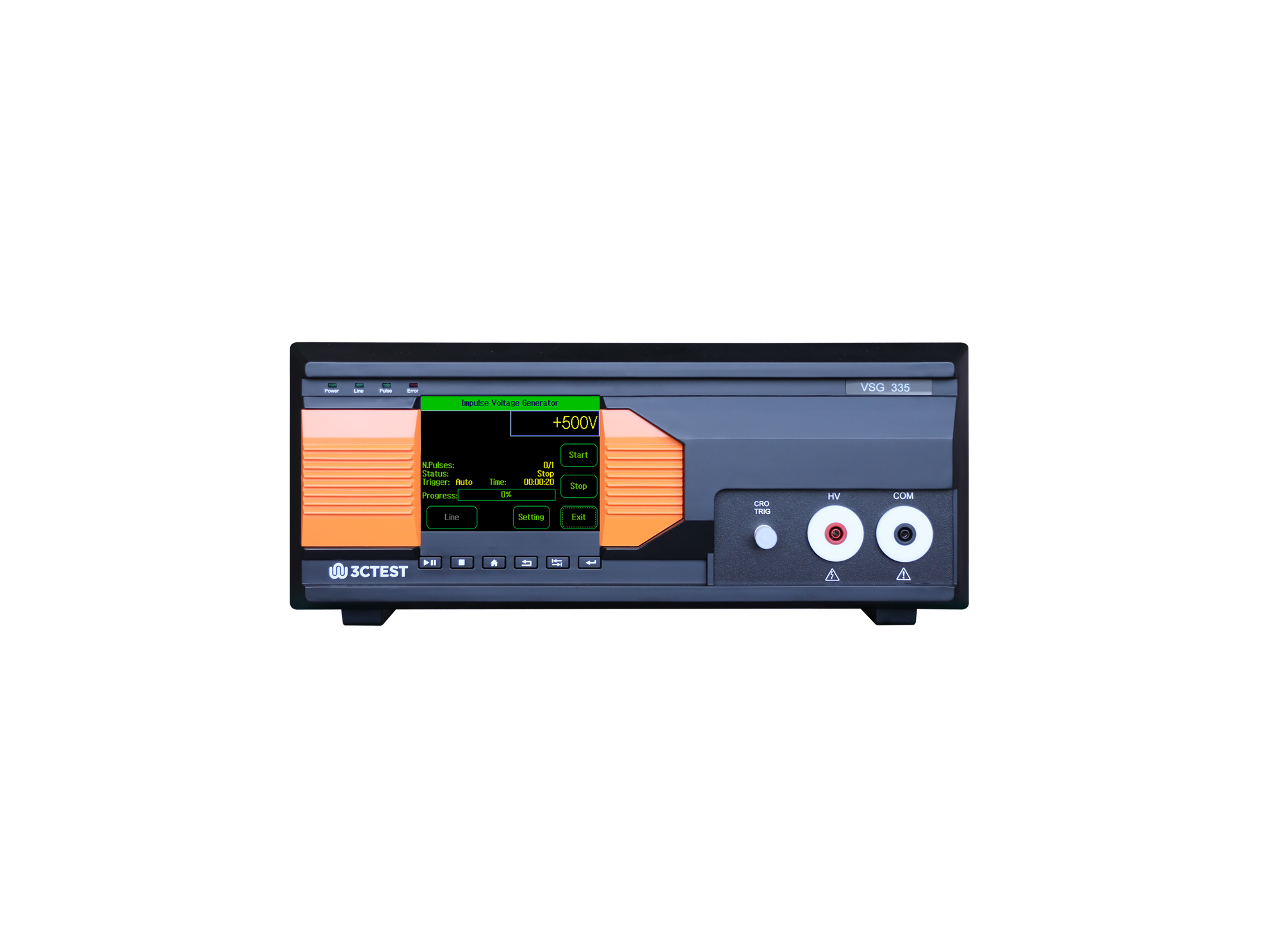
The VSG 335 (xxx) impulse voltage simulator meets the requirements of IEC 61180-1, IEC 61180-2, IEC 60335-1, GB 4706.1 and other standards. It is customized and developed as 1.2/50 μs according to customer testing needs voltage surge simulator.
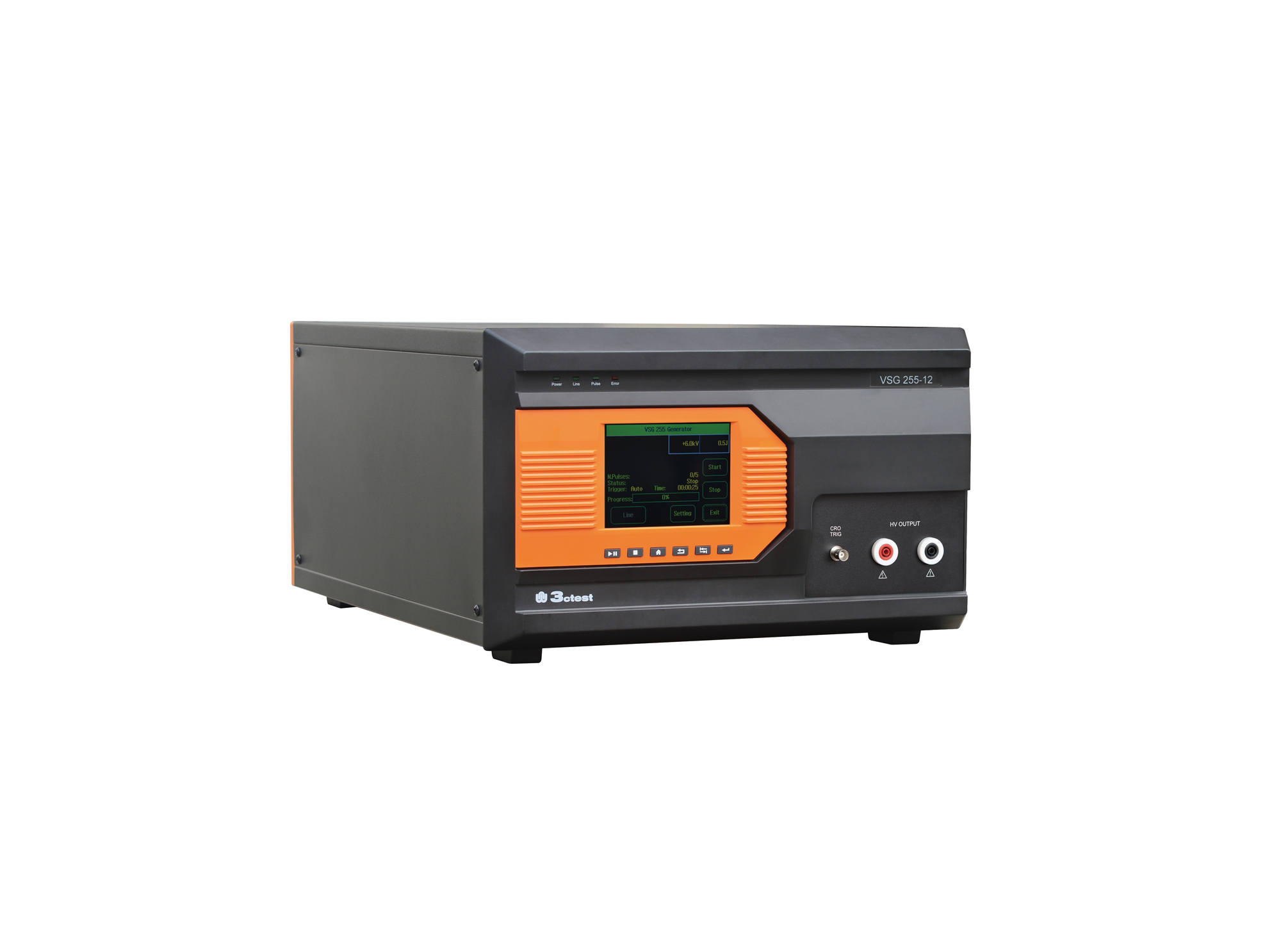
The VSG 255 series impulse voltage simulators comply with the requirements of standards such as IEC 60255 and IEC 61036.
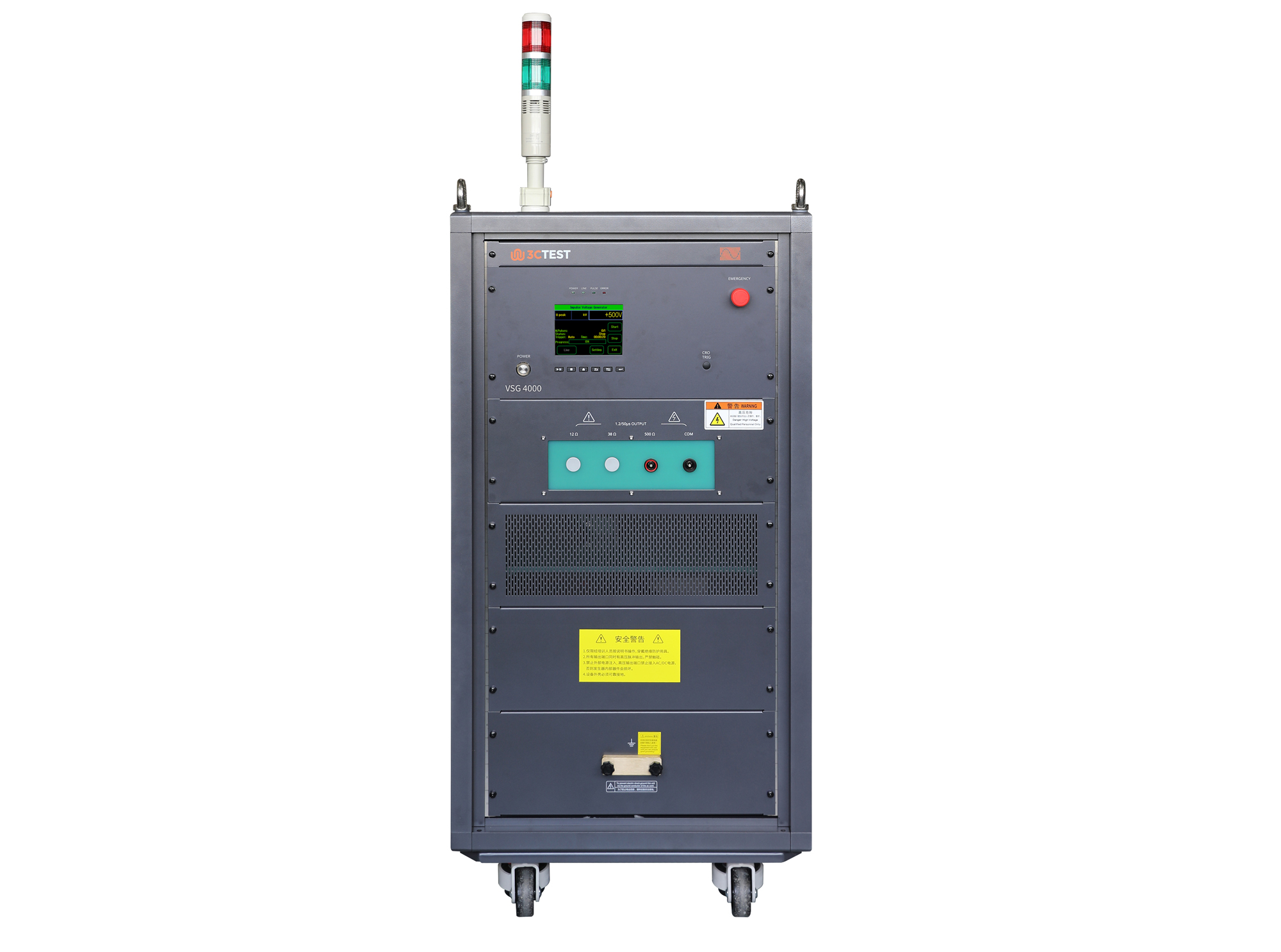
The VSG 4000(500Ω/0.2μF) Impulse Voltage Simulator complies with IEC 60060-1, IEC 60664-1, and IEC 61009-1 and is designed for insulation, voltage withstand, and surge testing of components and assemblies in impulse withstand testing applications.
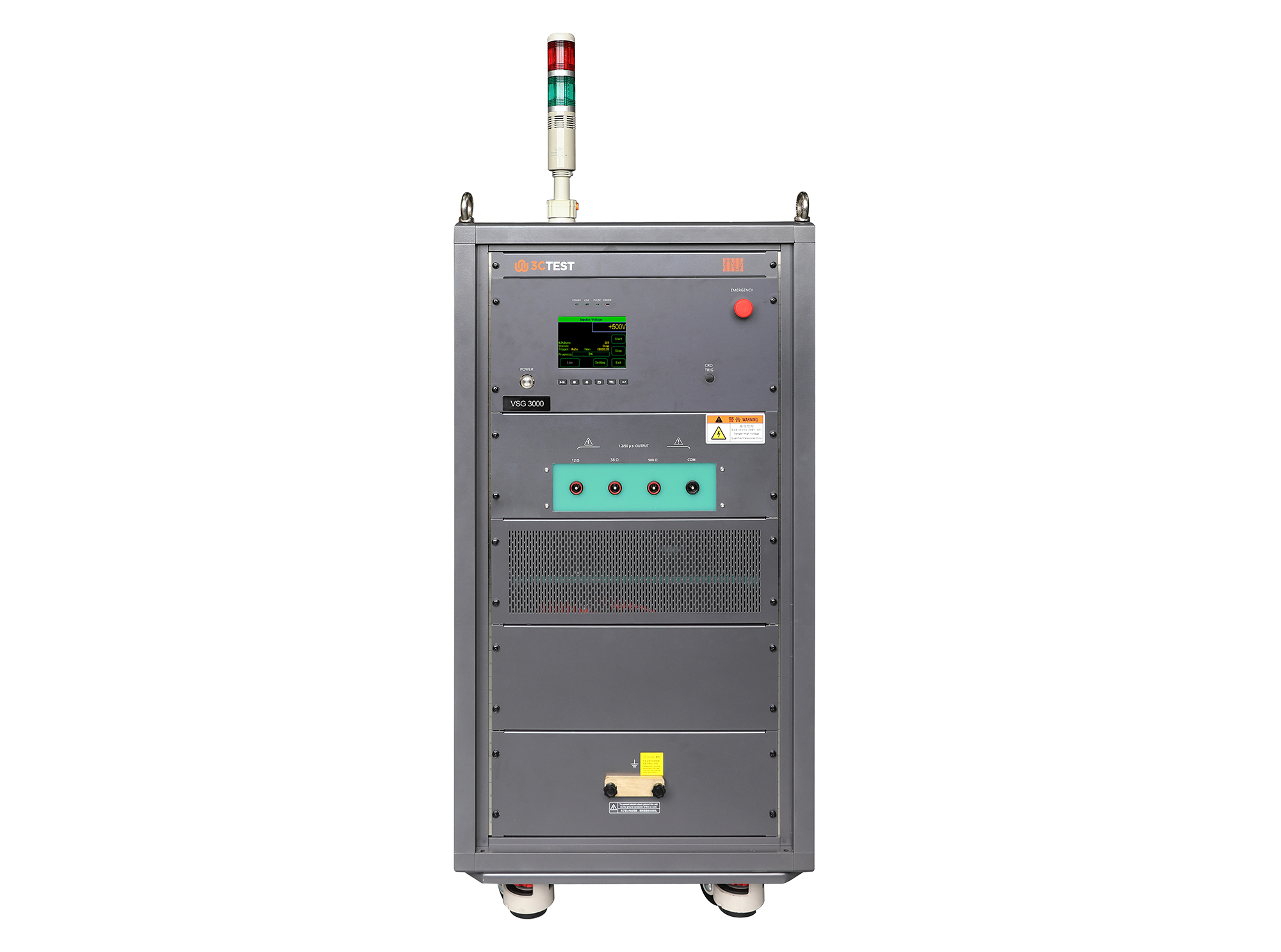
The VSG 3000 Impulse Voltage Simulator is designed in compliance with IEC 61180-1 and IEC 60335-1 to evaluate the dielectric withstand capability of electrical equipment. It’s capable of generating 1.2/50μs impulse voltage pulses from 1 kV to 30 kV, providing reliable and accurate testing performance.
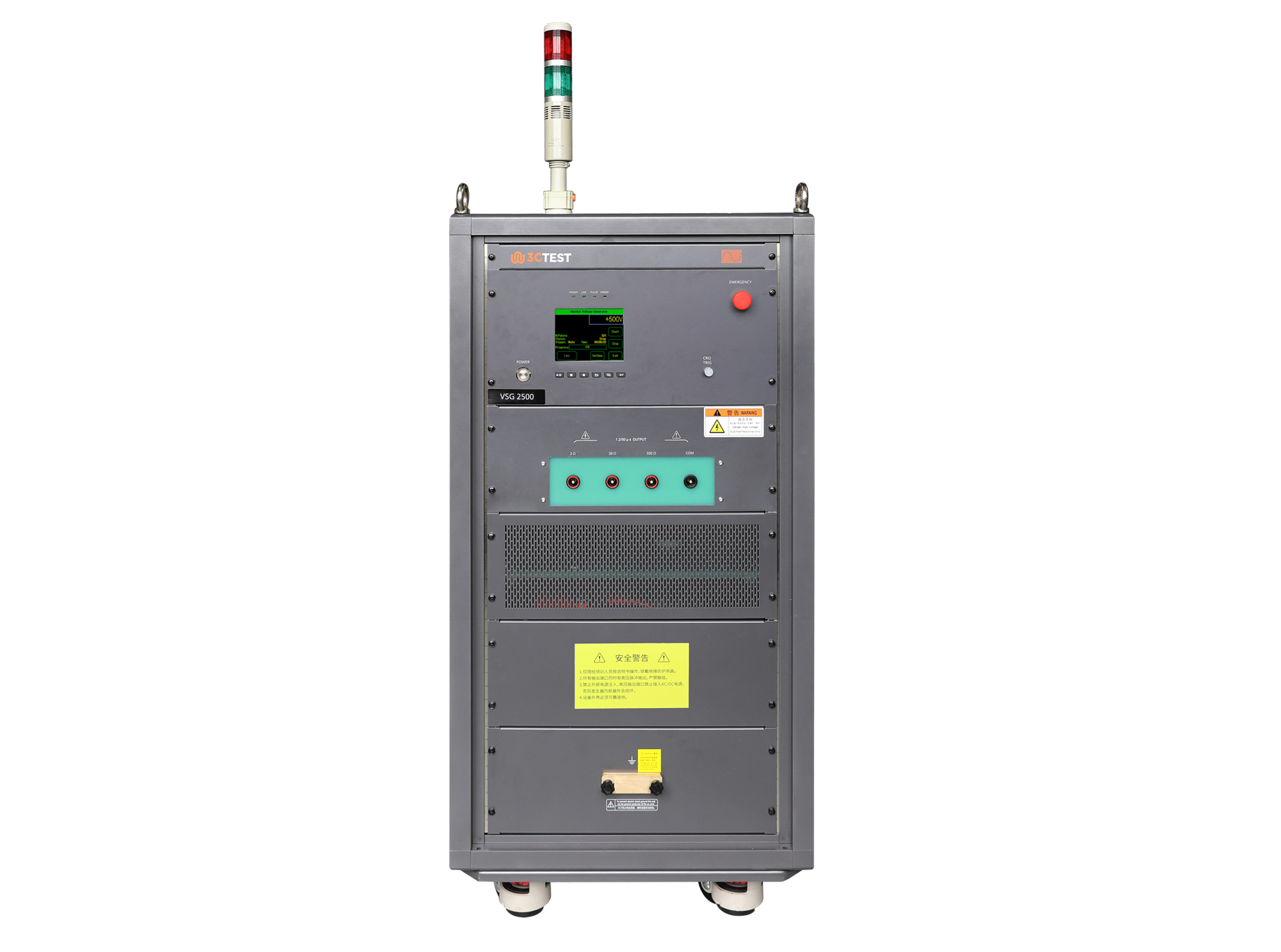
The VSG 2500 Impulse Voltage Simulator is designed in compliance with IEC 61180-1 and IEC 60335-1 to evaluate the dielectric withstand capability of electrical equipment. It’s capable of generating 1.2/50μs impulse voltage pulses from 0.5 kV to 25 kV, providing reliable and accurate testing performance.
• Using the product inquiry function can help you quickly learn about the product's price and other related information.
• You can either inquire about a single product directly, or select multiple products to add to the inquiry bar and inquire about them together.
• How to make an inquiry





1. Using the product comparison function can help you find the target product you need for selection more quickly and easily.
2. You can add up to 5 products for comparison. Product models and parameters may vary across different series. It is recommended to compare products within the same series.
3. How to use the comparison bar.




 Phone: +86-512-68413700
 Email: info@3ctest.cn
 Address:No.99 E'meishan Rd, SND, Suzhou, Jiangsu, 215153, China,Suzhou, Jiangsu, 215153, China



© 2025 Suzhou 3CTEST


 Leave a Message


