

High frequency recommended vocabulary

IEC 61000-4-10 defines the immunity test in which a damped oscillatory magnetic field is applied to equipment. Two frequencies are used: the 1 MHz component, which is associated with the transient magnetic fields produced in high-voltage substations during switching operations and fault clearing, and the 100 kHz component, which represents similar phenomena on medium-voltage installations and in industrial plants containing large thyristor-driven loads. The standard specifies the generation and the waveform of the field, the coil arrangements by which a uniform field over the equipment under test is obtained, and the field strength levels from which the applicable severity is chosen. It explains how the coil is positioned relative to the equipment, how the test is performed for the different orientation of the field with respect to the three axes of the enclosure, and how the field strength is measured and verified. Equipment performance is assessed against functional criteria, and the test is applied in combination with the power frequency and impulse magnetic field tests of the same series to cover the full range of magnetic disturbances encountered in service.
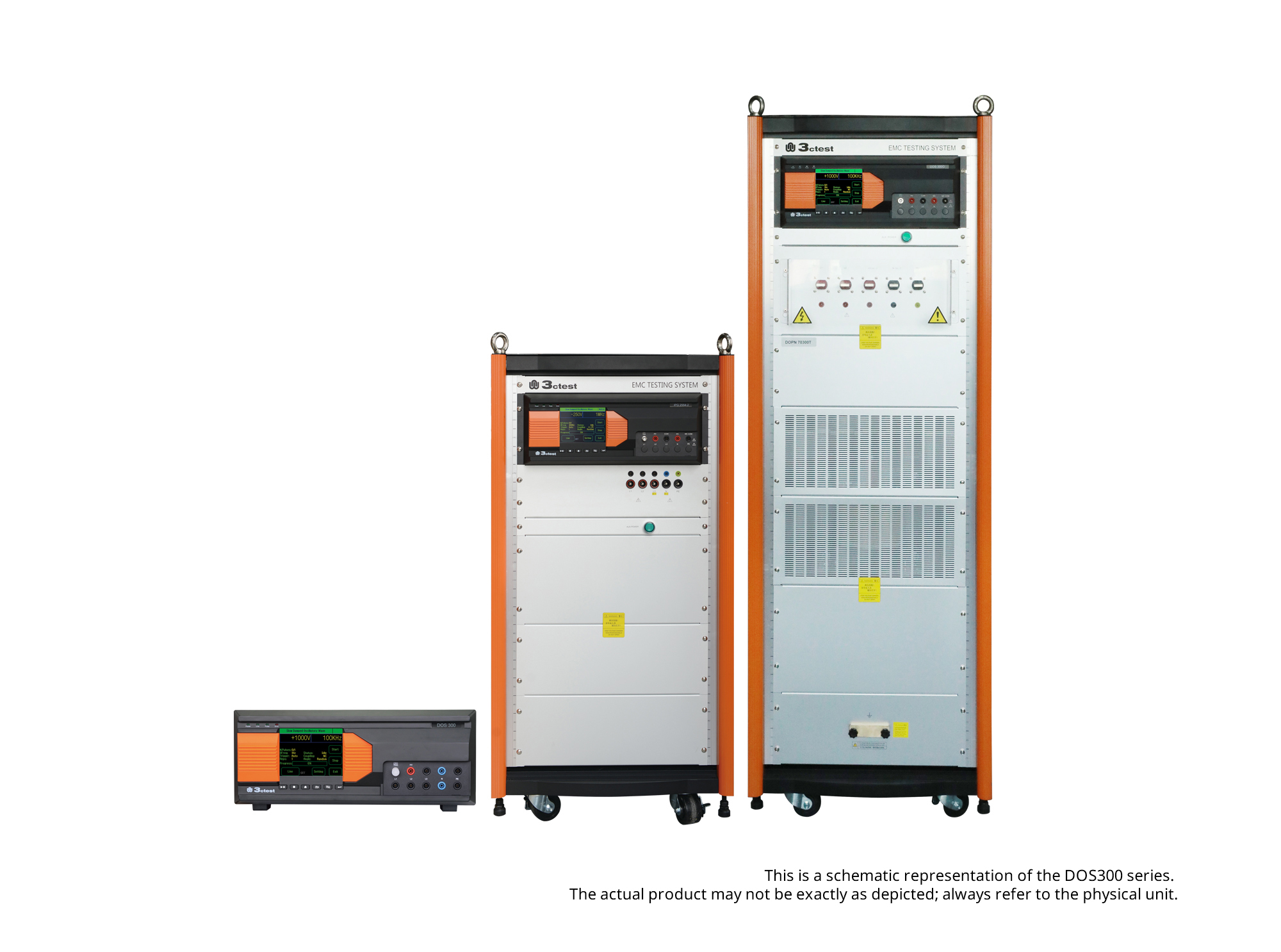
The DOS 300 Series Damped Oscillatory Wave Simulator can perform slow damped oscillatory wave tests according to IEC 61000-4-18 and damped oscillatory magnetic field tests according to IEC 61000-4-10 (optional).
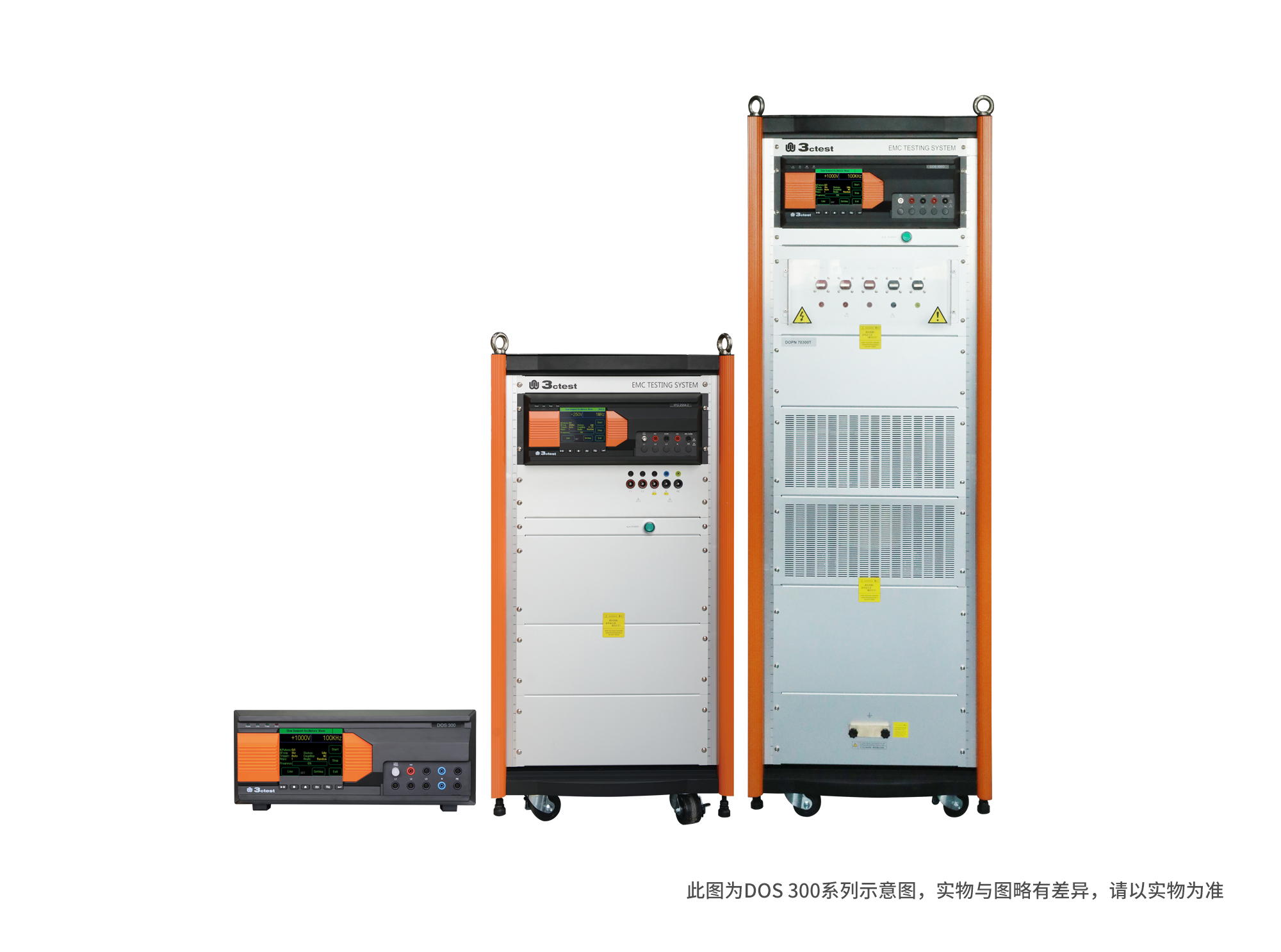
The DOS 300 Series Damped Oscillatory Wave Simulator can perform slow damped oscillatory wave tests according to IEC 61000-4-18 and damped oscillatory magnetic field tests according to IEC 61000-4-10 (optional).
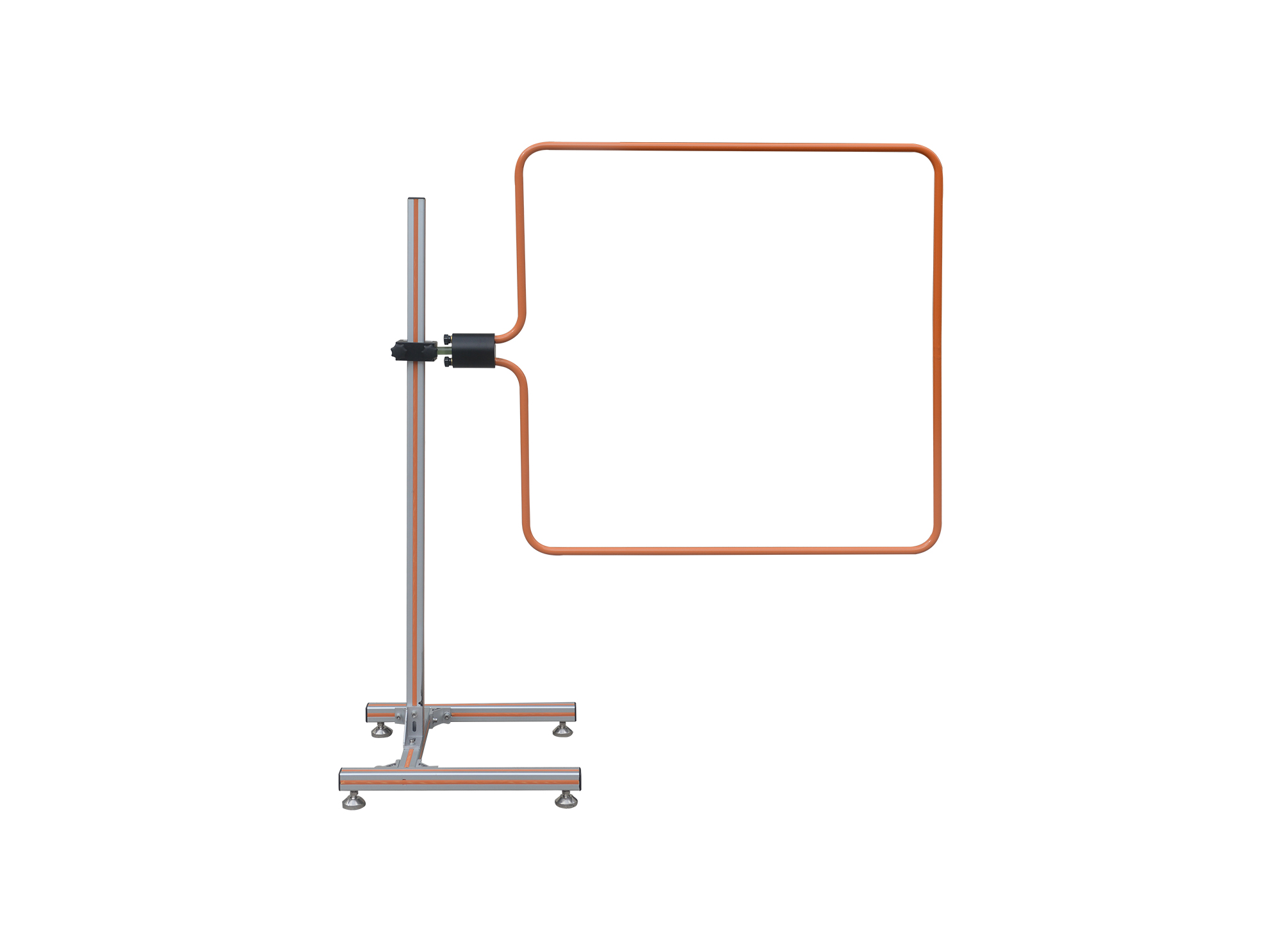
The magnetic field coil TCXS 111 complies with IEC 61000-4-8, -4-9, -4-10 and GB/T 17626.8, GB/T 17215 and GB/T 15283.
• Using the product inquiry function can help you quickly learn about the product's price and other related information.
• You can either inquire about a single product directly, or select multiple products to add to the inquiry bar and inquire about them together.
• How to make an inquiry





1. Using the product comparison function can help you find the target product you need for selection more quickly and easily.
2. You can add up to 5 products for comparison. Product models and parameters may vary across different series. It is recommended to compare products within the same series.
3. How to use the comparison bar.




 Phone: +86-512-68413700
 Email: info@3ctest.cn
 Address:No.99 E'meishan Rd, SND, Suzhou, Jiangsu, 215153, China,Suzhou, Jiangsu, 215153, China



© 2025 Suzhou 3CTEST


 Leave a Message


