

High frequency recommended vocabulary

IEC 60060-1 is the foundational document of the high-voltage test technique series. It establishes the vocabulary used throughout dielectric testing and lays down the requirements that any laboratory must meet when a voltage test is performed. The standard covers direct voltage, alternating voltage with power frequency, and impulse voltages of both lightning and switching type; for each it defines the waveshape parameters, the permitted tolerances on front time, time to half value and peak value, and the way these quantities are determined from a recorded waveform. It also specifies the atmospheric correction procedure that normalises test results to reference air density and humidity, so that results obtained at different altitudes and in different seasons remain comparable. Requirements for the test circuit, the reference measuring system and the calibration of dividers are given, and the treatment of disruptive discharge and flashover is defined. The document is used directly by manufacturers of transformers, switchgear, cables, arresters and insulators, and it is the reference for every subsequent part of the series.
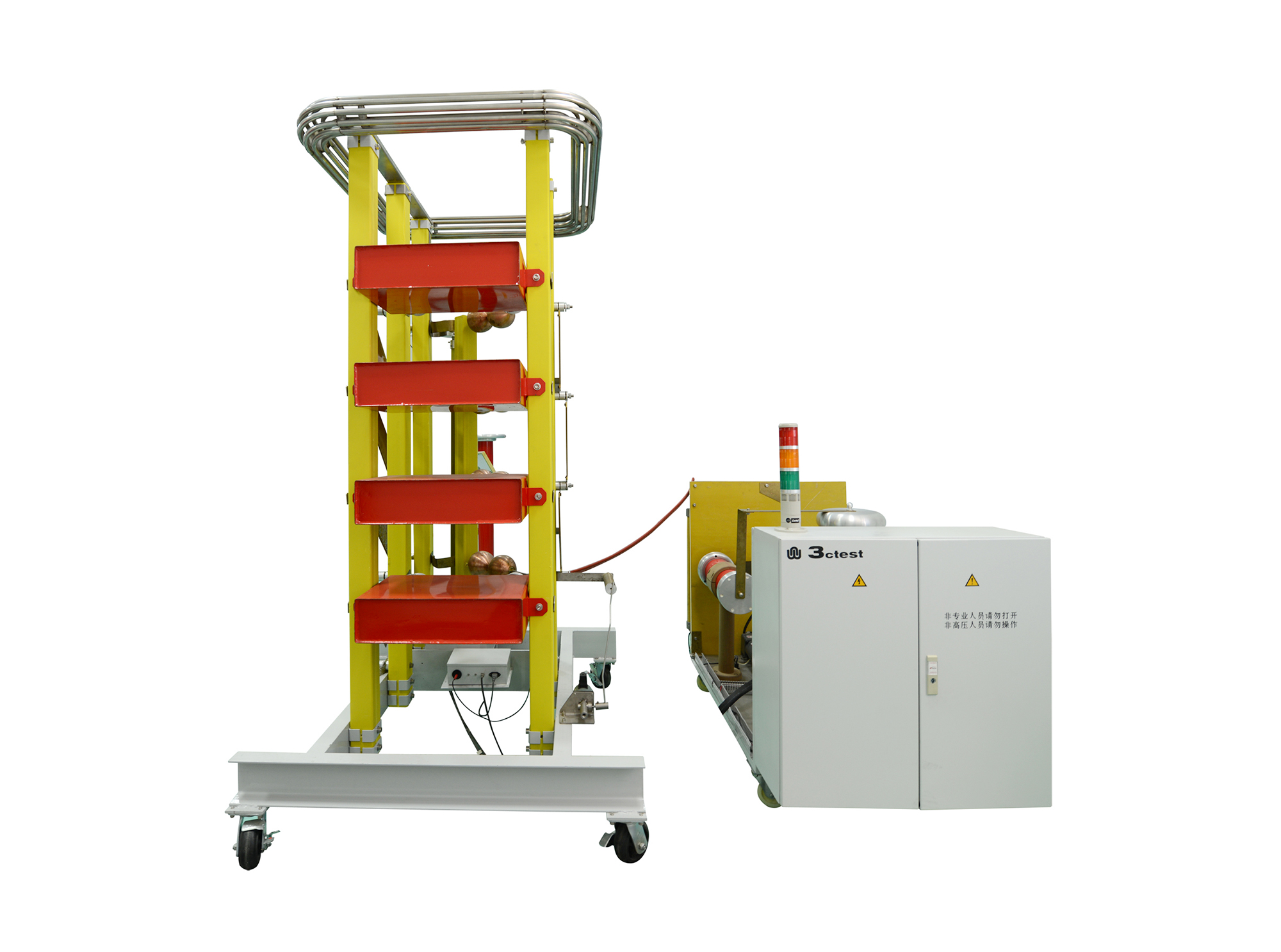
The LVG Series complies with relevant standards, including IEC 60060-1, IEC 60060-2, IEC 61010, GB 311, GB/T 16927.1-2011, GB/T 16927.2-2011, and GB/T 116896.1-2011.
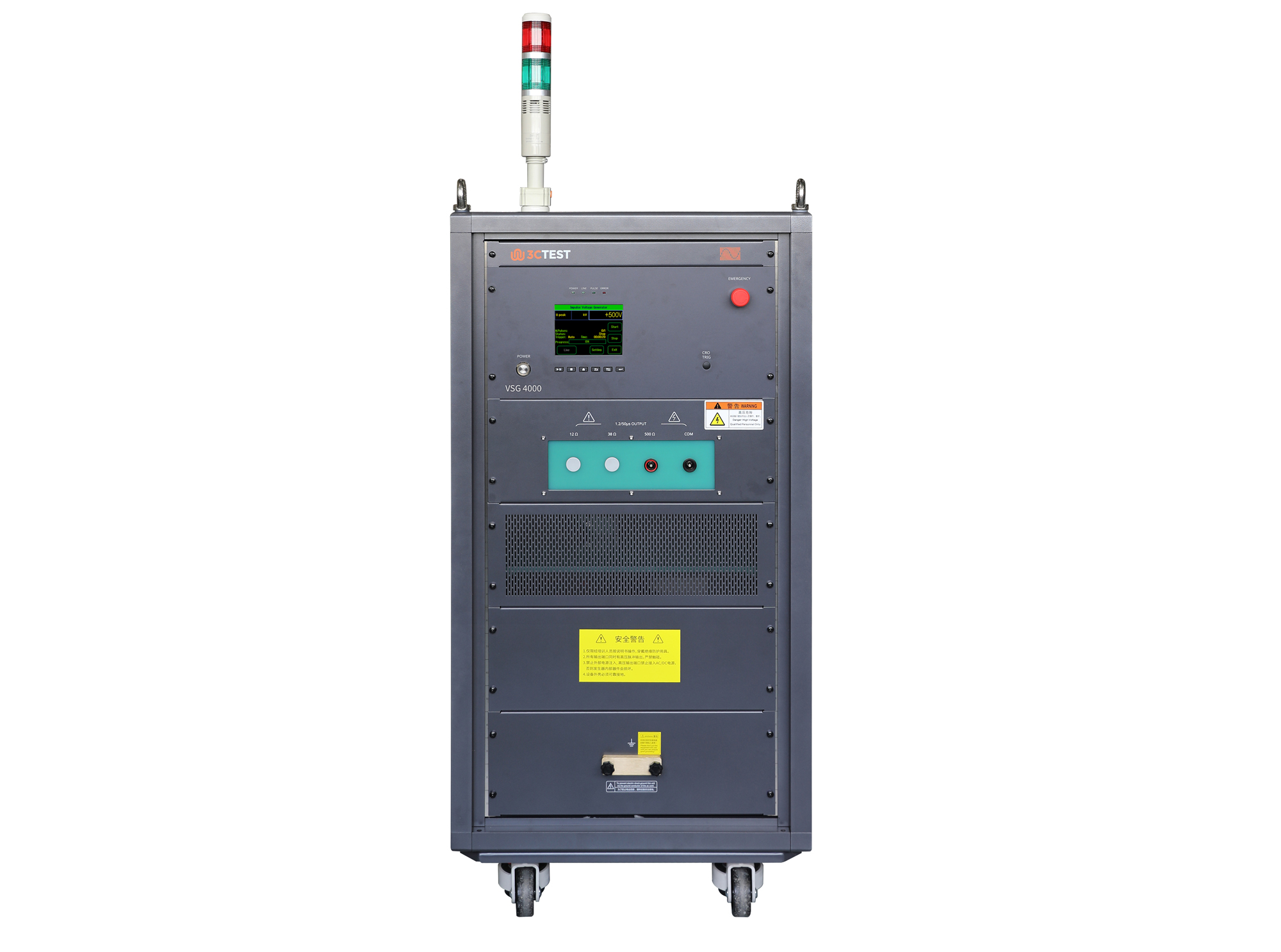
The VSG 4000(500Ω/0.2μF) Impulse Voltage Simulator complies with IEC 60060-1, IEC 60664-1, and IEC 61009-1 and is designed for insulation, voltage withstand, and surge testing of components and assemblies in impulse withstand testing applications.
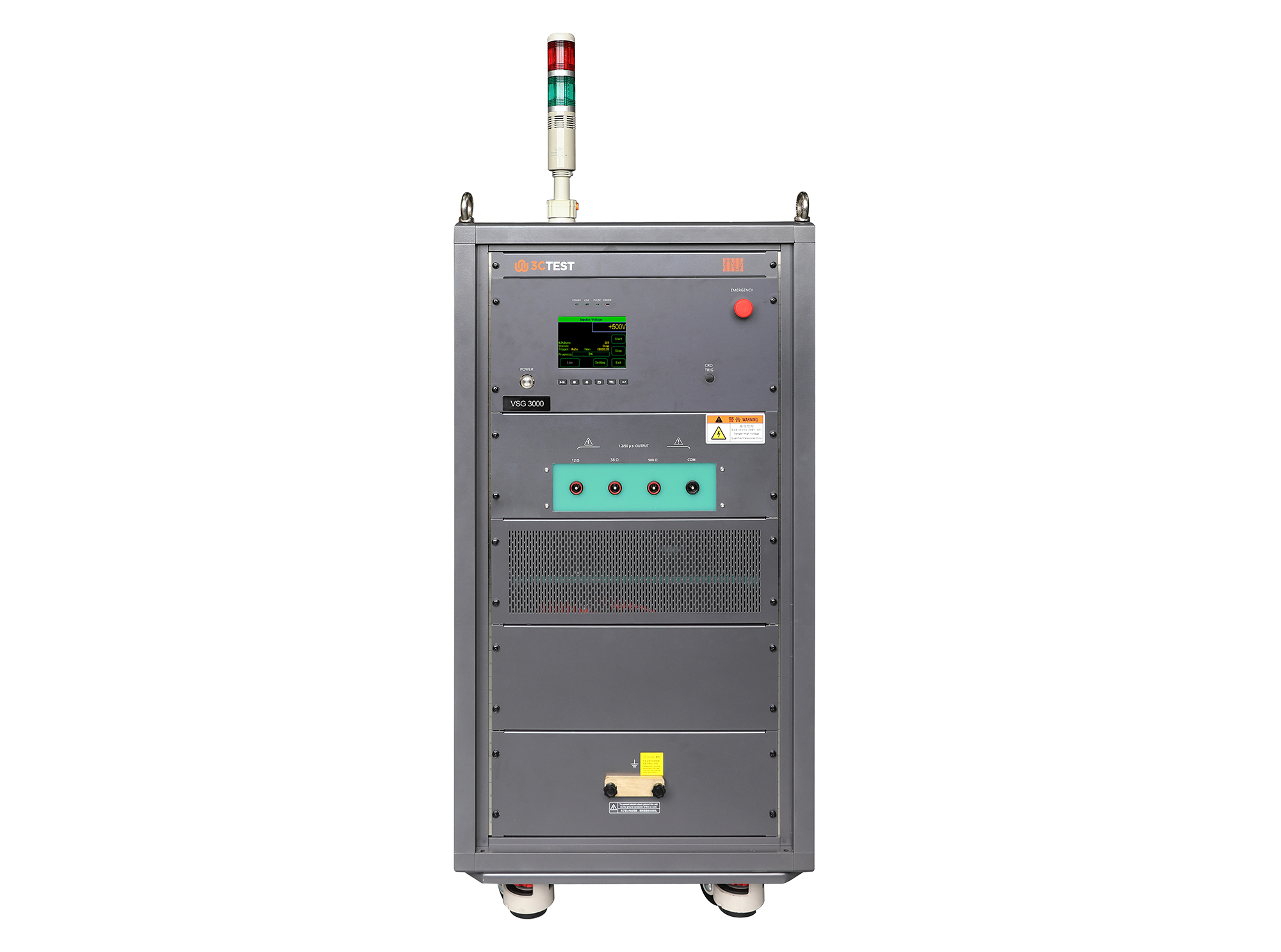
The VSG 3000 Impulse Voltage Simulator is designed in compliance with IEC 61180-1 and IEC 60335-1 to evaluate the dielectric withstand capability of electrical equipment. It’s capable of generating 1.2/50μs impulse voltage pulses from 1 kV to 30 kV, providing reliable and accurate testing performance.
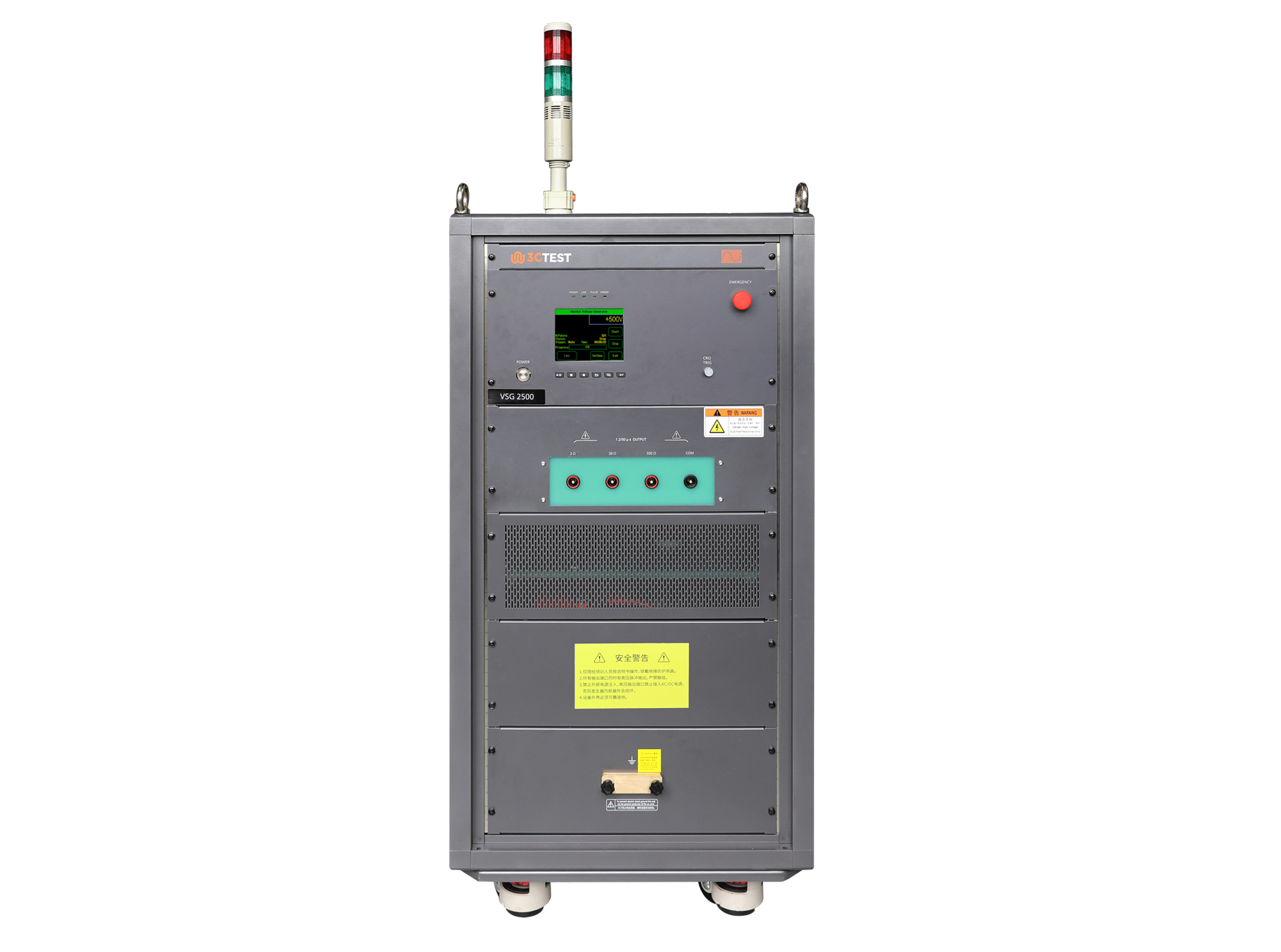
The VSG 2500 Impulse Voltage Simulator is designed in compliance with IEC 61180-1 and IEC 60335-1 to evaluate the dielectric withstand capability of electrical equipment. It’s capable of generating 1.2/50μs impulse voltage pulses from 0.5 kV to 25 kV, providing reliable and accurate testing performance.
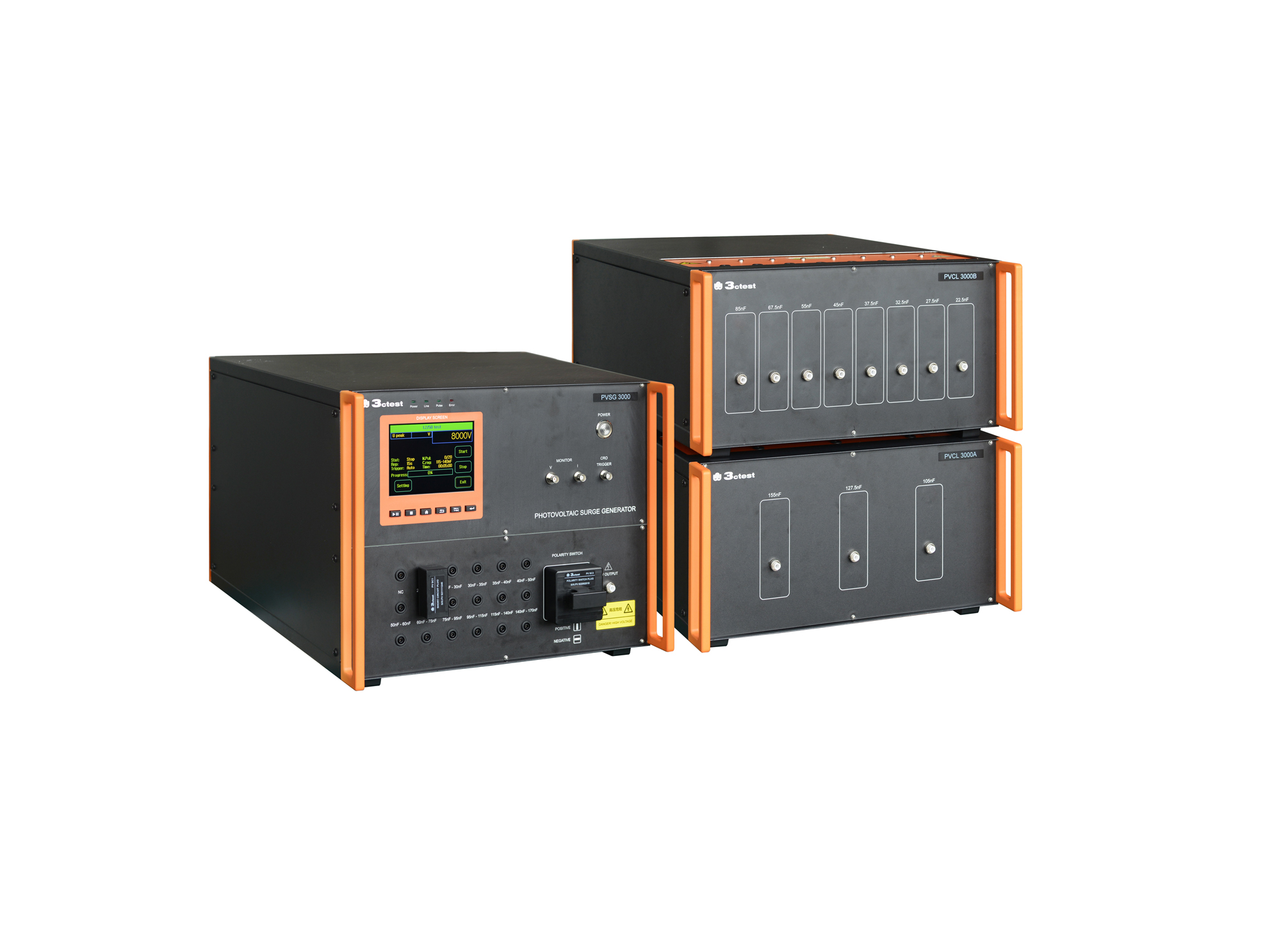
The PVSG 3000 photovoltaic impulse voltage generator is developed in compliance with IEC 61730-2 (MST14), IEC 61730-1 and IEC 60060-1. It delivers a standard 1.2/50 μs impulse waveform for photovoltaic panels testing with equivalent capacitance ranging from 20 nF to 170 nF.
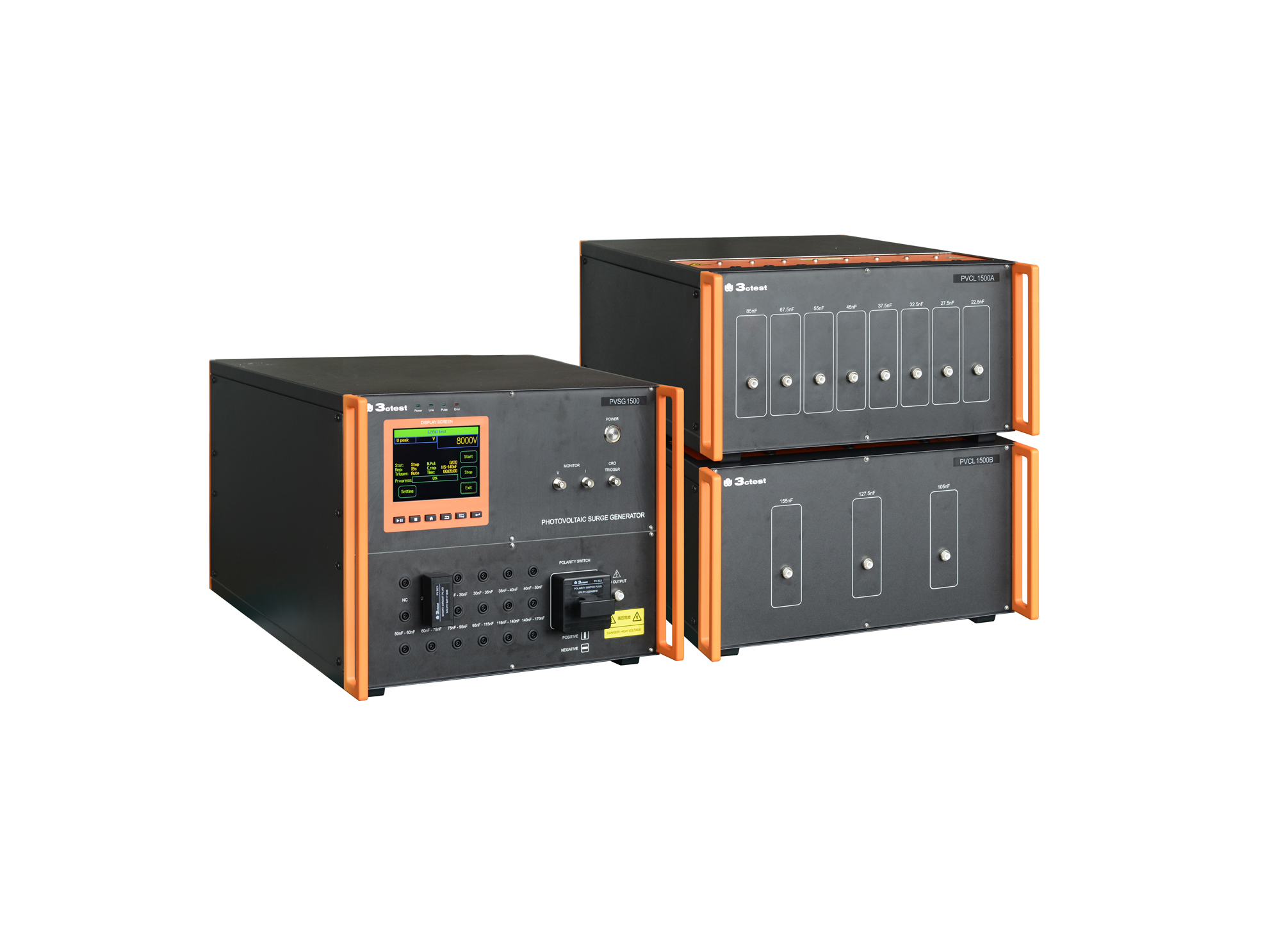
The PVSG 1500 photovoltaic impulse voltage generator is developed in compliance with IEC 61730-2 (MST14), IEC 61730-1 and IEC 60060-1. It delivers a standard 1.2/50 μs impulse waveform for photovoltaic panels testing with equivalent capacitance ranging from 20 nF to 170 nF.
• Using the product inquiry function can help you quickly learn about the product's price and other related information.
• You can either inquire about a single product directly, or select multiple products to add to the inquiry bar and inquire about them together.
• How to make an inquiry





1. Using the product comparison function can help you find the target product you need for selection more quickly and easily.
2. You can add up to 5 products for comparison. Product models and parameters may vary across different series. It is recommended to compare products within the same series.
3. How to use the comparison bar.




 Phone: +86-512-68413700
 Email: info@3ctest.cn
 Address:No.99 E'meishan Rd, SND, Suzhou, Jiangsu, 215153, China,Suzhou, Jiangsu, 215153, China



© 2025 Suzhou 3CTEST


 Leave a Message


